The 12 best screen recorders for Mac in 2026
We tried 12 of the best screen recorders for Mac, and here is our ranking: what each one is actually for, what it costs, and the one we reach for ourselves. Every price checked against the vendor's own page.

TL;DR
| # | Tool | Price | Best for |
|---|---|---|---|
| 1 | Prequel | $29 once, or $9/mo | A finished, directed video with no editing |
| 2 | Screen Studio | $29/mo, or $9/mo billed yearly | The same idea, longer on the market |
| 3 | Loom | Free tier, then $18–$24/user/mo | Sending a link in ten seconds |
| 4 | OBS Studio | Free, open source | Unlimited recording and streaming |
| 5 | Cap | Free, then $29/yr or $12/user/mo | Open source with a hosted option |
| 6 | Descript | Free tier, then $16–$50/mo | Editing video by editing the transcript |
| 7 | CleanShot X | $35 once, or $10/user/mo | Screenshots first, video second |
| 8 | Tella | $13–$19/user/mo, no free plan | Recording in the browser |
| 9 | Camtasia | Subscription, billed annually | Long-form training and courses |
| 10 | ScreenFlow | $199.99 once | A deep manual editor you own outright |
| 11 | FocuSee | $49.99–$79.99/yr, or $199.99 once | Automatic zoom on Windows too |
| 12 | QuickTime Player | Free with macOS | A recording with nothing added |
Prices checked on 2 September 2026, except the six with a full comparison page, which were checked on 21 August 2026 and are dated there.
Most "best screen recorder" lists are a features table with a winner picked by whoever paid. This one is written by the people who make the first entry, so read it with that in mind, then check the numbers. Every price and limit below is what the vendor's own page said when we looked, with the date against it.
In one line: if you want a recording that arrives already edited, Prequel and Screen Studio are the two doing that on macOS. If you want a link to send a colleague in ten seconds, Loom is still faster than either. If you want free and unlimited, OBS has been free and unlimited for a decade. Most of the twelve below are good at one of those three things and mediocre at the others.
How do you choose a screen recorder for Mac?
Start from what the recording is for, not from a feature list. A bug report for one colleague and a launch video for a landing page have almost nothing in common, and the tool that is right for one is usually wrong for the other.
Four questions separate everything below. Does it capture your Mac's own audio, which the built-in recorders cannot. Can it put your camera on screen, which macOS cannot do at all. Does it zoom in on what you are doing, or is that an afternoon in a timeline. And do you end up with a file you own or a link to a page somebody else hosts.
1. Prequel
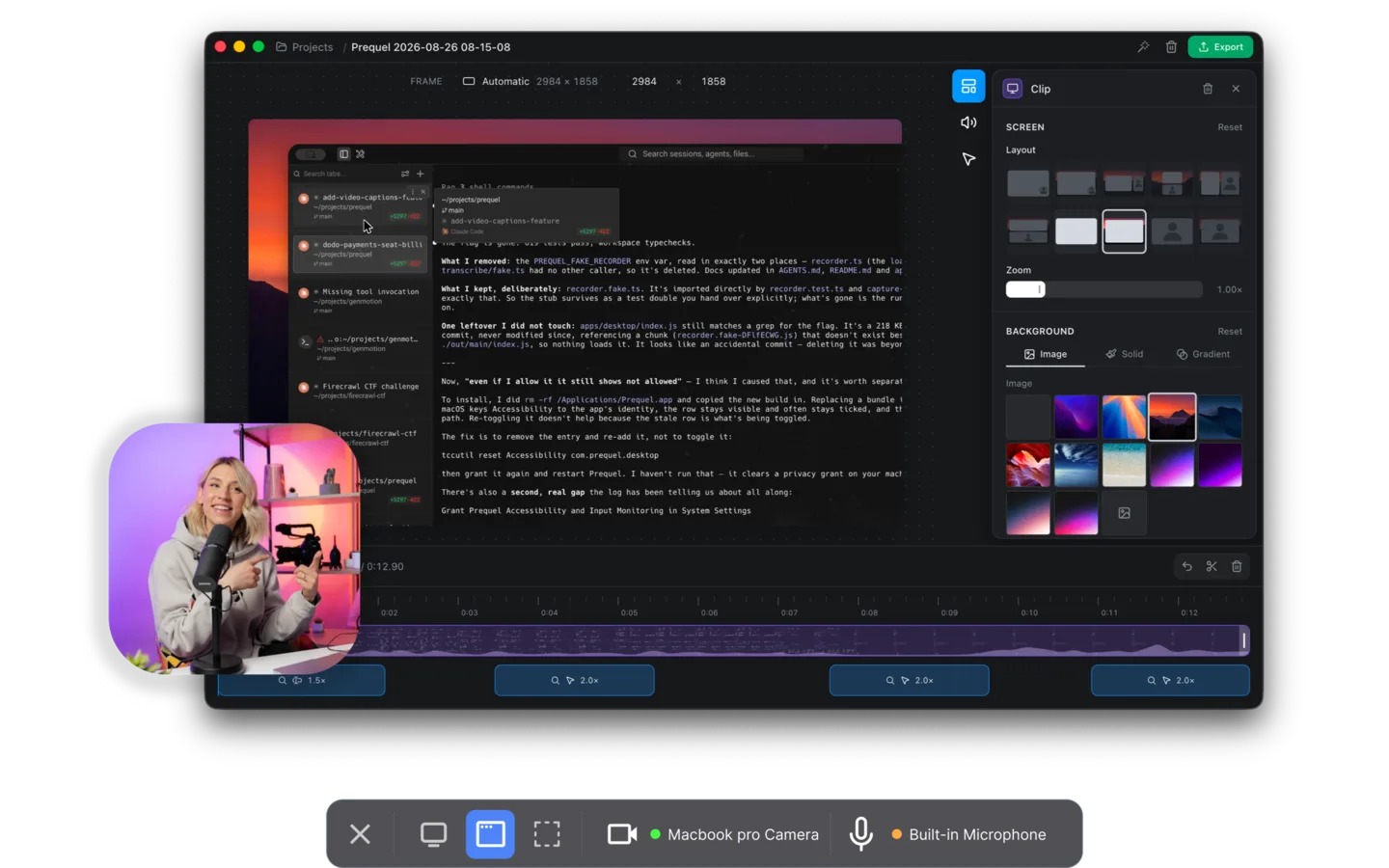
Every other recorder hands you the raw take and leaves the edit to you. Prequel hands you the finished video. It watches where you click and type while it captures, and opens the editor with the whole cinematic pass already made: zooms that push in on the work, a perspective tilt so the frame has direction, focus falling away from whatever the zoom is aimed at, and a camera you shape, size and place long after the take is over.
That last one is possible because of how it records. Four files and a manifest rather than the webcam burned into the screen, so the camera stays full resolution and re-framable instead of being baked into a decision you made before you pressed record.
All of it renders on your own Mac, on Apple's own media engine. No upload, no render queue, no waiting for someone else's server, and nothing about your recording leaving the machine unless you ask for a share link. Export runs to 4K at up to 120 fps, with no watermark and no cap on the length of a take, during the trial and after it.
The practical version: press record, do the thing, press stop, and the video is ready to send. The part you would otherwise spend an afternoon on in a timeline is the part that is already done.
Price. $29 once, or $9 a month. Seven days free with the whole app in it. Requires. An Apple Silicon Mac on macOS 14 or later.
2. Screen Studio
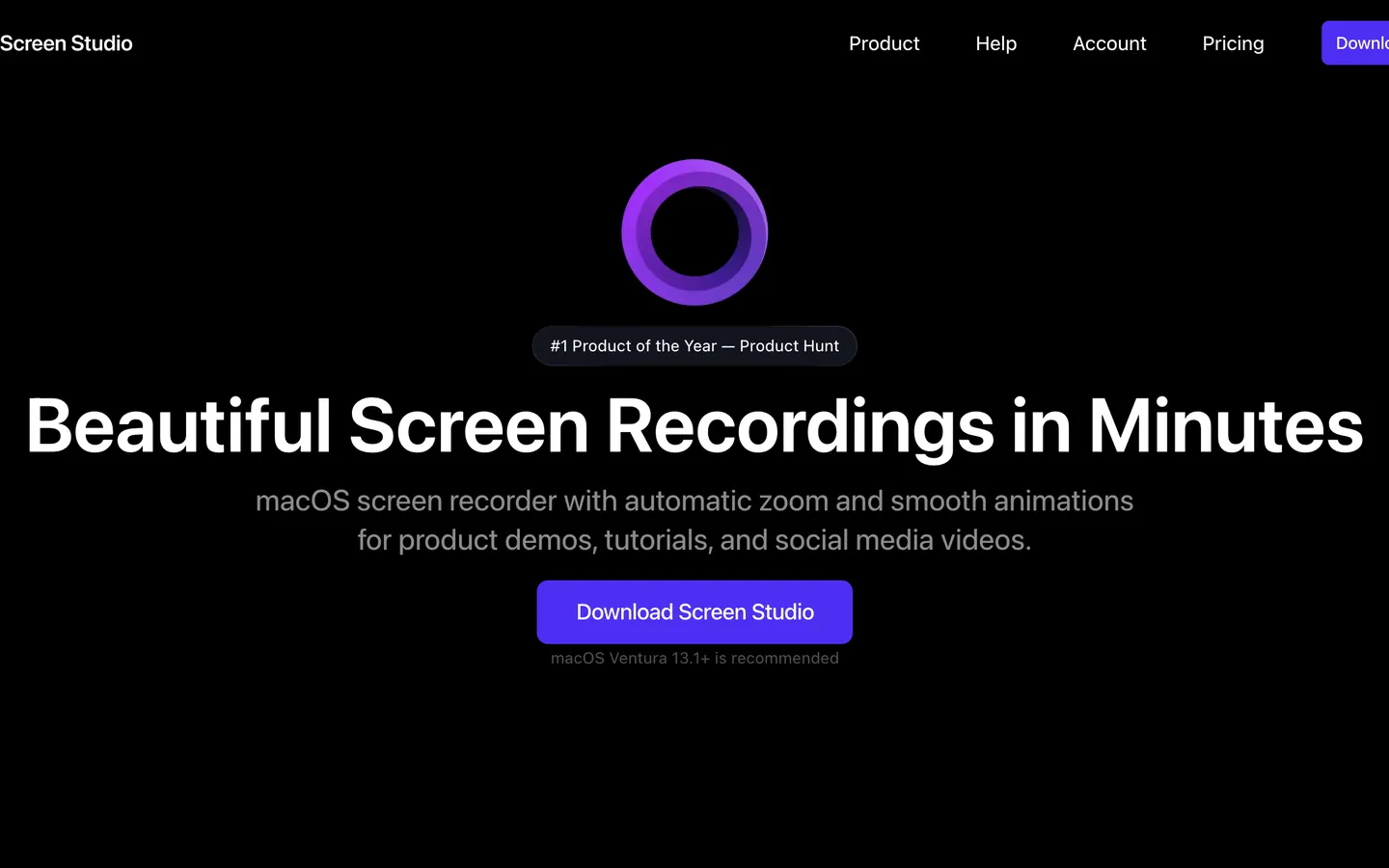
Screen Studio invented this category on macOS and is the reason the rest of us are arguing about automatic zooms at all. It records, it zooms on your clicks, it smooths the cursor, and the result looks like a product video rather than a screencast.
It exports at 4K 60 where Prequel reaches 4K 120, and it does not do the perspective tilt or the depth-of-field pass. Against that, it is years more mature and has had far more videos made with it.
Worth being straight about the price, because it is the comparison most people get wrong: $29 is the monthly rate, and the yearly one works out at $9 a month, the same as Prequel's monthly rate. Committed to a year, they are level. They withdrew their one-time licence for new customers in October 2025.
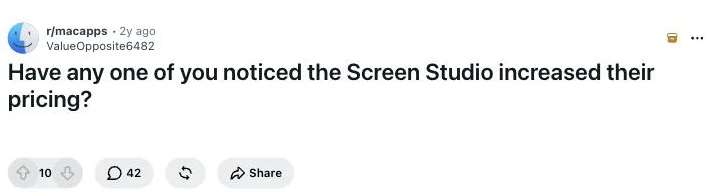
What users report. The pricing change is the recurring theme. That thread notes they removed a one-Mac plan and added a subscription. Read it on r/macapps
3. Loom
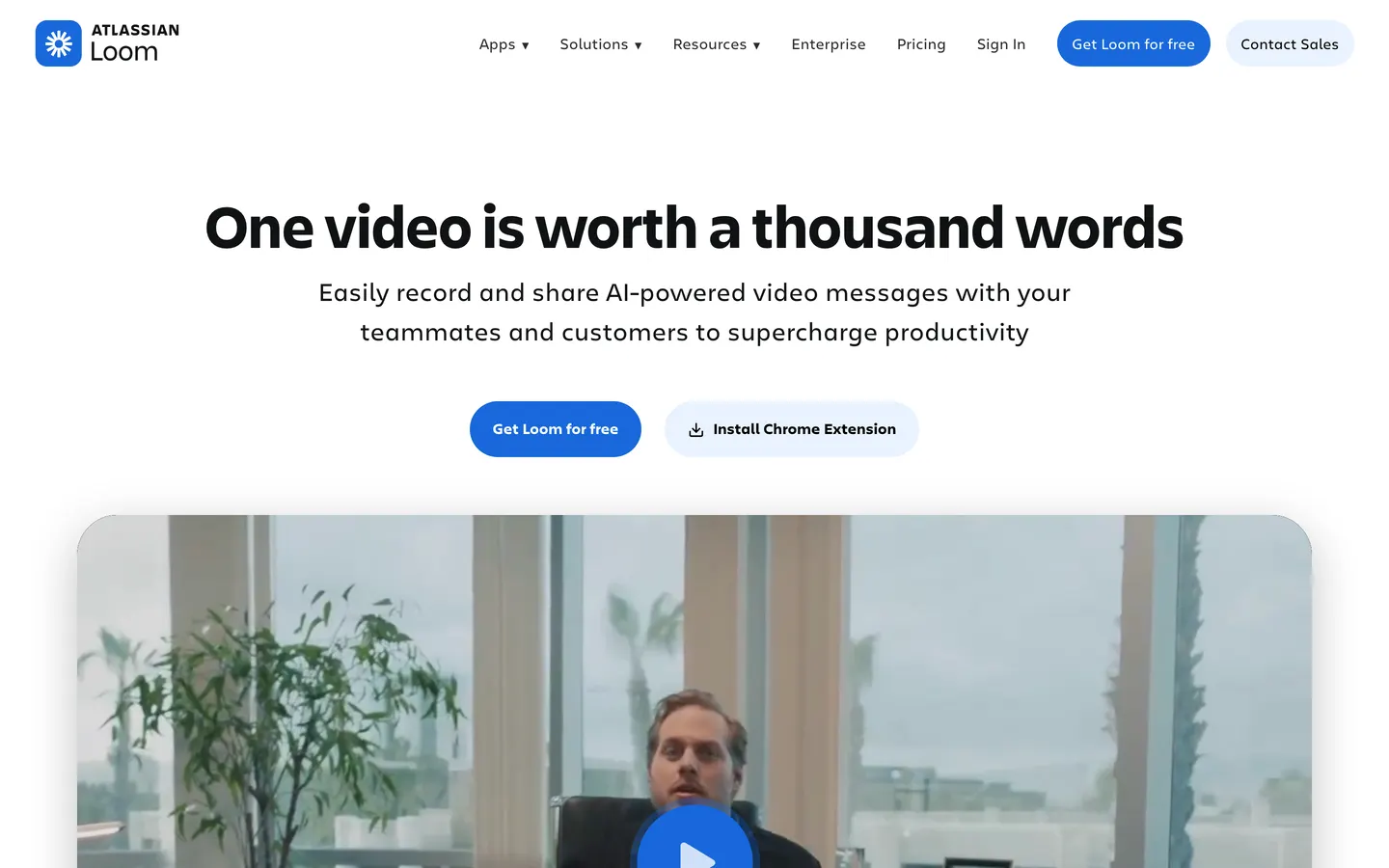
Loom is not really competing on the video. It is competing on the seconds between finishing a recording and having a link in someone's inbox, and it still wins that. Record, stop, paste. The recording is the one you performed: un-zoomed, uncut, whatever your screen looked like.
What you get on top is everything around the video: viewer analytics, comments on the timeline, Slack and Jira integrations, a browser client and a Windows one. If your recordings are asynchronous standups rather than launch videos, that is the whole product and it is worth the money.
The free plan stops at five minutes a video, and Business is $18 per user per month, twice what Prequel costs monthly. Prequel has no cap on the length of a take on any plan, and the file is yours rather than a page on someone's server.
Price. A free Starter plan capped at five minutes a video, then Business at $18 per user per month and Business with AI at $24.
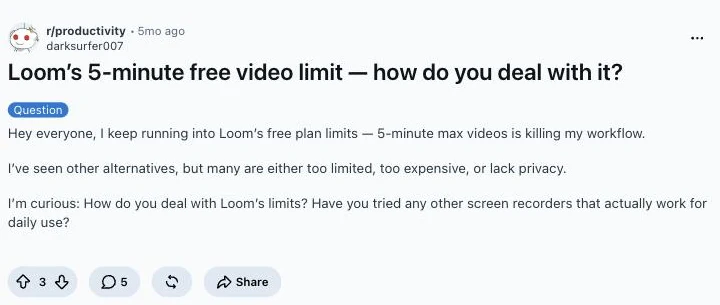
What users report. The five-minute cap is the complaint people actually post about. Read it on r/productivity
4. OBS Studio
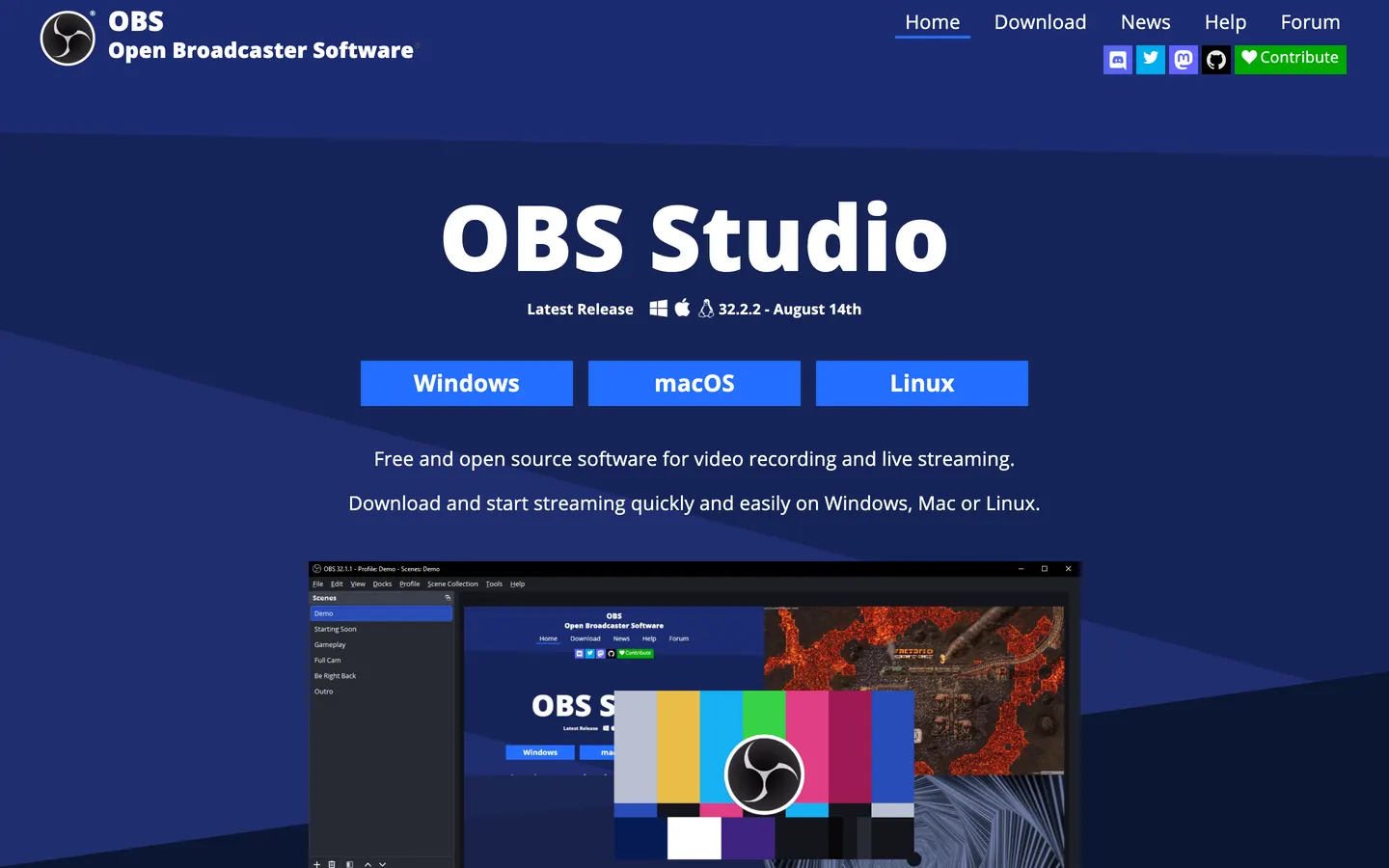
Free, open source, unlimited, and more capable than anything else here at the thing it is for. Multiple sources, scene composition, filters, bitrate control, plugins, and live streaming to anywhere that speaks RTMP.
It is also the least pleasant way to record a two-minute product demo. There is no editor, so the zooms, the cuts and the framing are jobs you take somewhere else afterwards. The interface assumes you are setting up a broadcast, because you probably are.
If free is a hard requirement, this is the answer and none of the paid entries above should pretend otherwise. What it does not do is direct anything: the zooms, the framing and the cuts that Prequel makes before you open the editor are all still ahead of you in another app.
Price. Free.
5. Cap
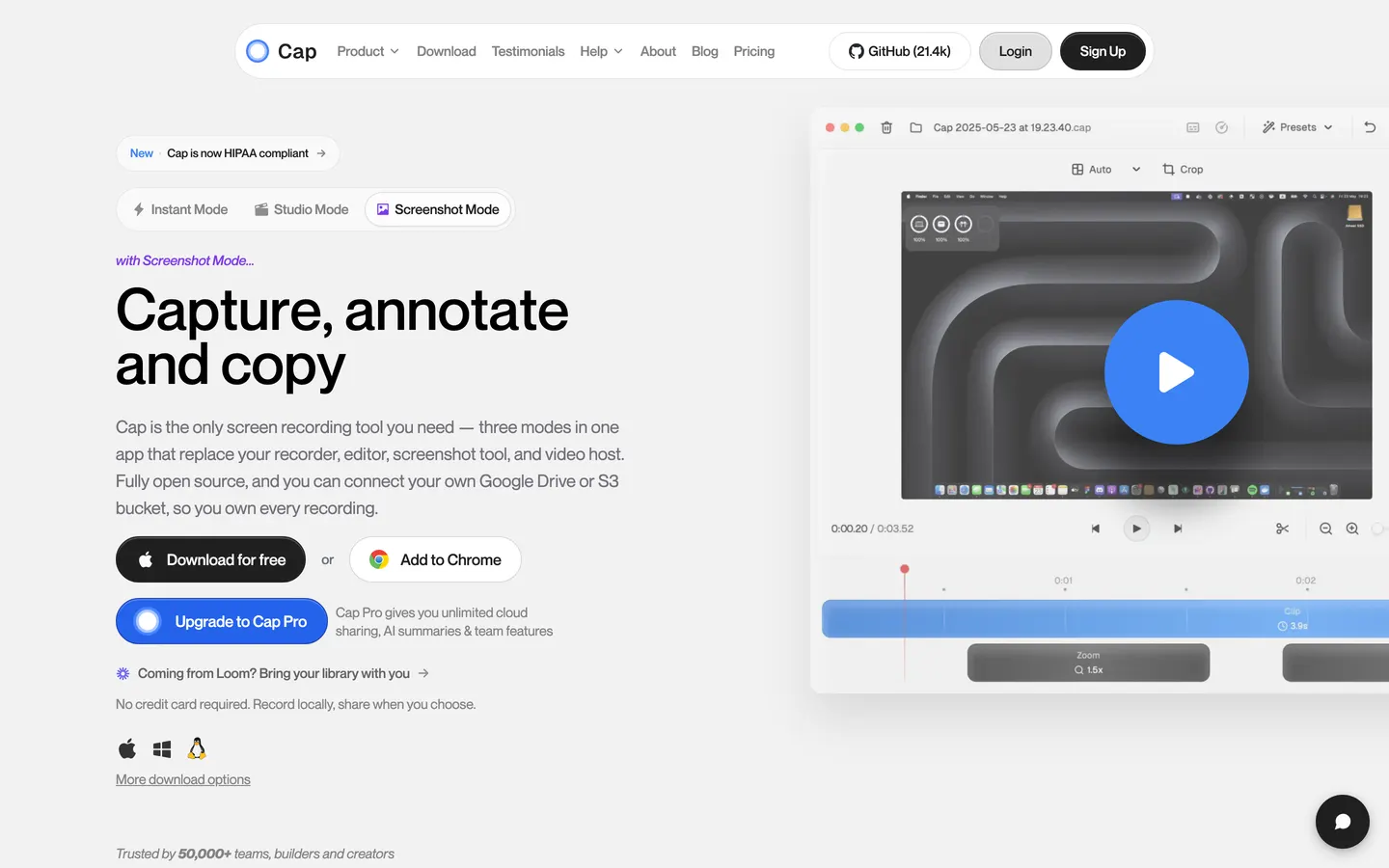
Cap is the open-source answer to Loom, and it has moved quickly. Instant mode for a fast link, Studio mode for a local recording with an editor attached, and you can point it at your own S3 bucket or Google Drive so the files stay yours. macOS and Windows, Apple Silicon and Intel.
Price. Free for personal use with a five-minute cap. A desktop licence is $29 billed yearly for commercial use, and Cap Pro is $12 per user per month for unlimited cloud sharing, AI titles and summaries, and team workspaces.
Note that $29 is per year, not once. The number looks like Prequel's lifetime licence and is a different thing: the same figure buys Cap for twelve months and buys Prequel outright. The free tier also stops at five minutes, where Prequel's trial is the whole app with no cap on a take.
6. Descript
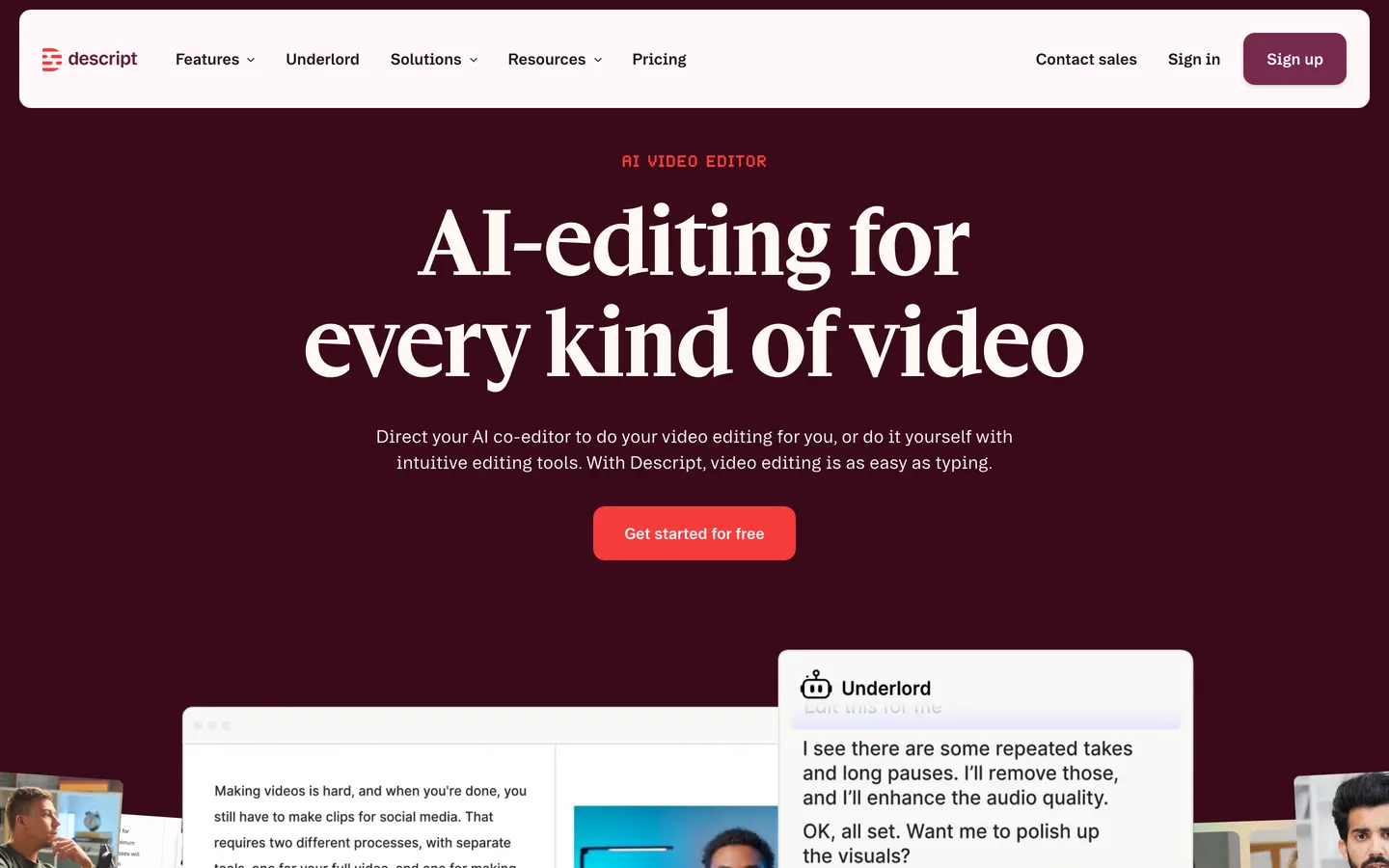
Descript's idea is that video editing should be text editing. It transcribes what you recorded and you cut the video by deleting words. For talking-head content and podcasts that is genuinely a better way to work, and nothing else on this list does it as well.
The trade is that your media lives on their servers as a condition of the thing working at all, and the free tier caps exports at 720p with a watermark.
The cheapest paid tier is above Prequel's monthly rate and well above its one-off, and the free tier's 720p watermarked exports are the opposite of Prequel's, which are 4K at up to 120 fps and never watermarked, trial included.
Price. A free tier, then roughly $16 to $50 a month billed annually depending on tier.
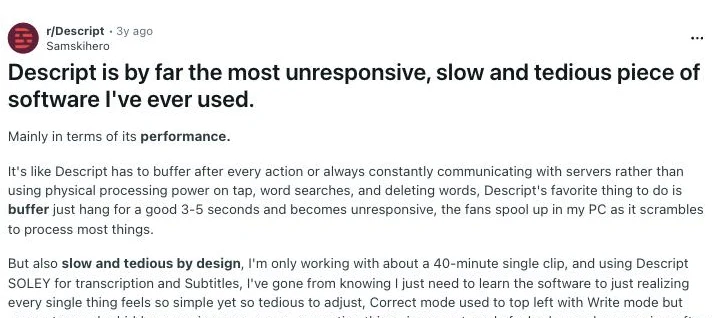
What users report. Performance comes up repeatedly on its own subreddit. Read it on r/Descript
7. CleanShot X
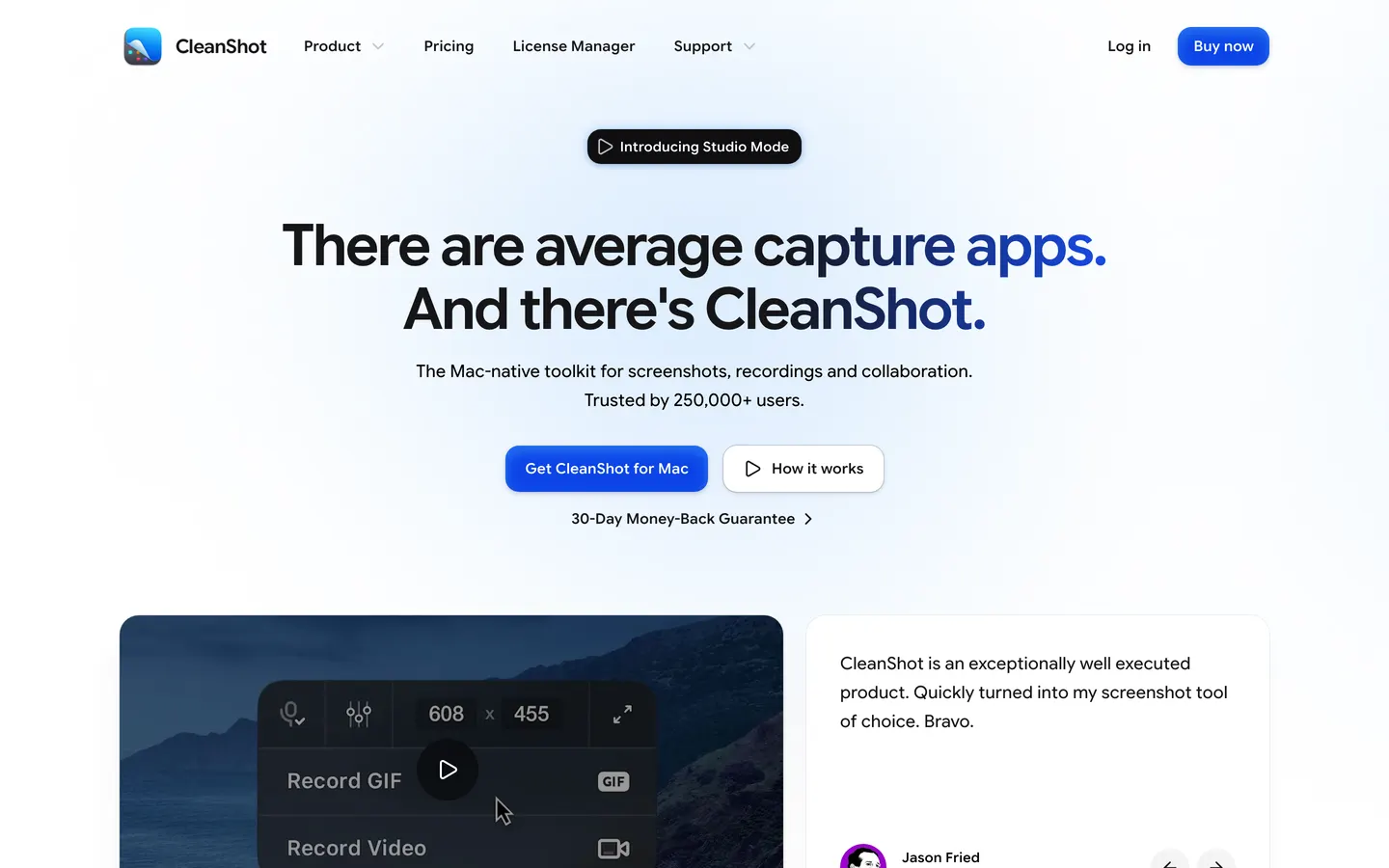
CleanShot X is the best screenshot tool on the Mac that also records video, in that order. Scrolling capture, annotation, a cloud for sharing, and a genuinely excellent set of keyboard shortcuts. The video side records up to 4K and trims, but there is no editor to speak of and no automatic camera work.
If most of what you send people is images with the occasional clip, this is probably the one to own, and it is on Setapp, which is how a lot of people already have it.
Worth noting the one-off comparison, since both sell one: $35 for Basic buys a year of updates, where Prequel's $29 buys the app. And CleanShot leaves the video un-directed, which is the part Prequel does for you.
Price. $35 once for Basic, which includes a year of updates, or $10 per user per month for Pro billed annually. No free tier; a 30-day money-back guarantee.
8. Tella
Tella records in the browser and hosts the result on a page you can brand. It is aimed at demos and course videos, with backgrounds, layouts and a light editor, and it does not need an install.
The thing to check before committing is the export tier: 60 fps is Premium only, and the whole product assumes the video lives on their page rather than in your Downloads folder.
The frame rate is the sharp edge here. Tella reserves 60 fps for its $19 Premium tier, while Prequel exports at up to 120 fps on every plan, including the $29 one-off. Both trials run seven days.
Price. Pro at $13 per user per month and Premium at $19, with no forever-free plan and a seven-day trial.
9. Camtasia
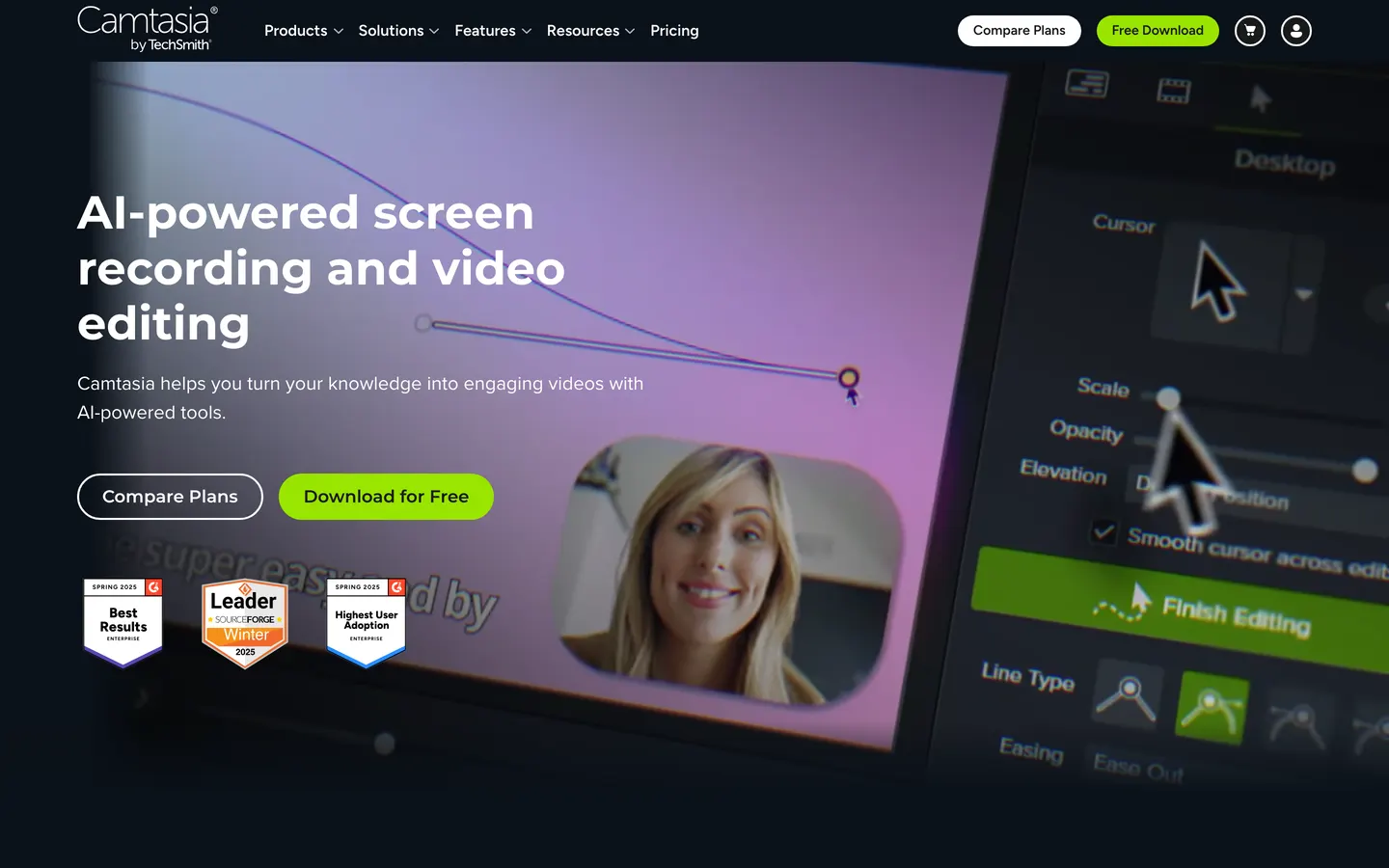
Camtasia has been the default for corporate training and course production for about twenty years, and that is still what it is best at. Quizzes, captions, callouts, a real timeline, and a library of assets. If you are producing a forty-module onboarding course, the boring features matter more than the cinematic ones.
It is a manual editor: every zoom is a keyframe you place. And the cheapest tier watermarks your exports until you move up, which is worth knowing before you record anything you intend to publish.
Two things follow from that for anyone weighing it against Prequel: the watermark, which Prequel never applies on any plan or during the trial, and the end of perpetual licences, where Prequel still sells one at $29.
Price. Subscription only, billed annually. TechSmith stopped selling perpetual licences in early 2025.
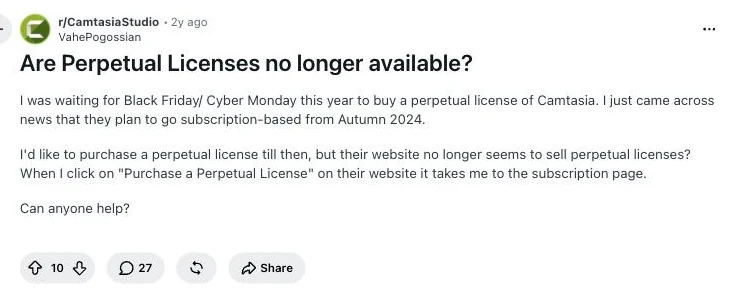
What users report. Camtasia's own subreddit has recurring threads asking where the perpetual licence went. Read it on r/CamtasiaStudio
10. ScreenFlow
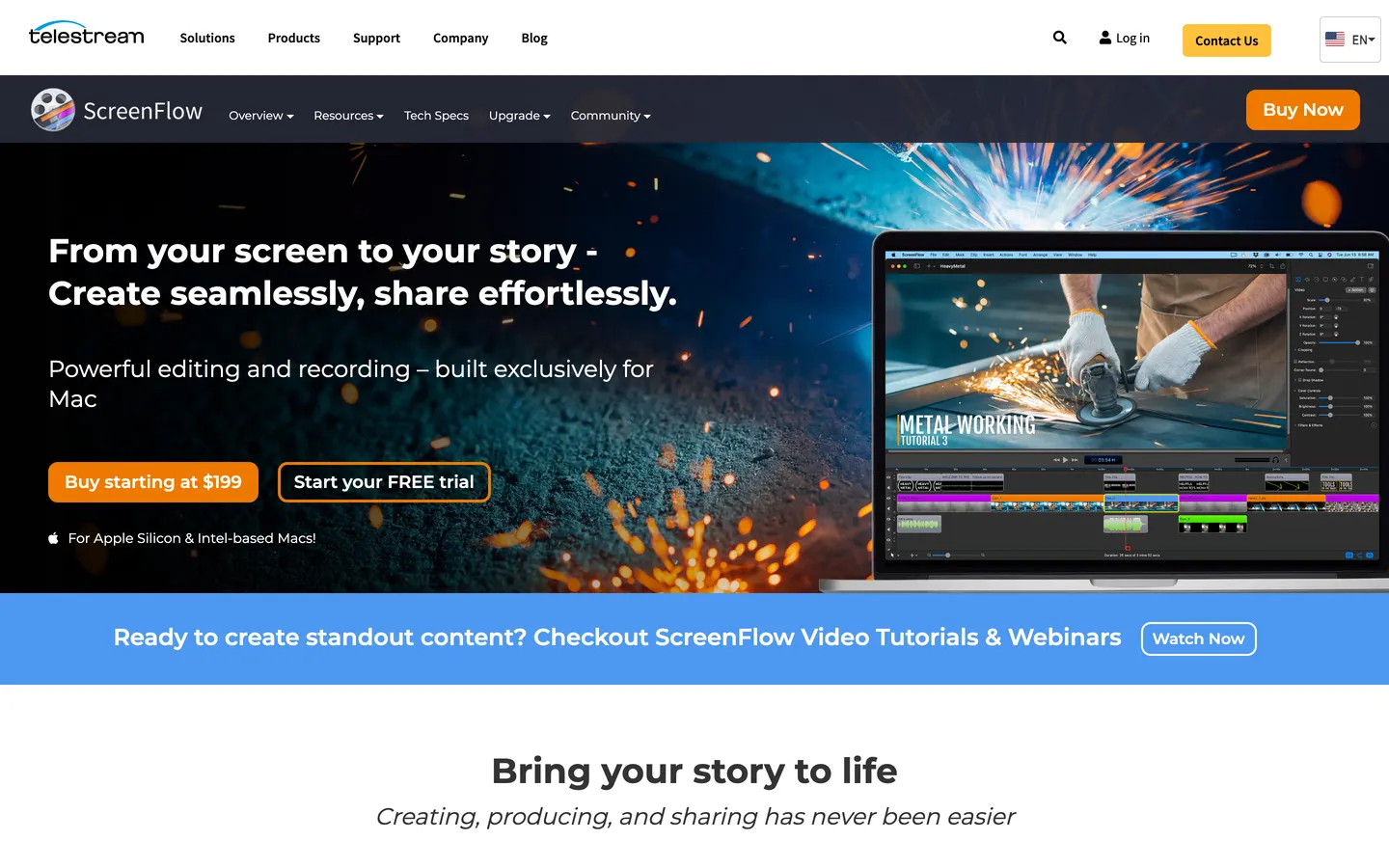
ScreenFlow is a deep, fast, genuinely good manual editor that you buy once and own, which is increasingly rare. It records iOS devices over USB, which nothing else here does.
The problem is momentum: its last major version was ScreenFlow 10 in June 2021, and the licence is tied to a single machine, so moving between a laptop and a desktop means deactivating one to use the other.
Price. $199.99 once. Worth doing the arithmetic honestly. Against Prequel's $9 a month, a ScreenFlow licence is the cheaper of the two only after about twenty-two months, and against Prequel's $29 one-off it is not cheaper at all.
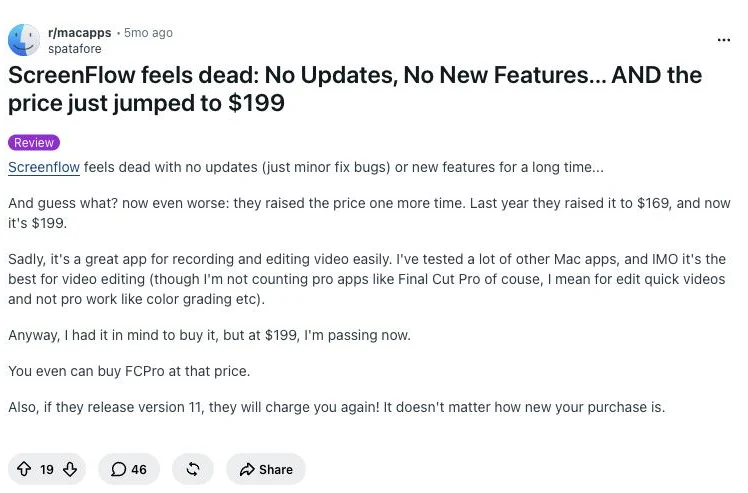
What users report. The stall is noticed by the people still using it. Read it on r/macapps
11. FocuSee
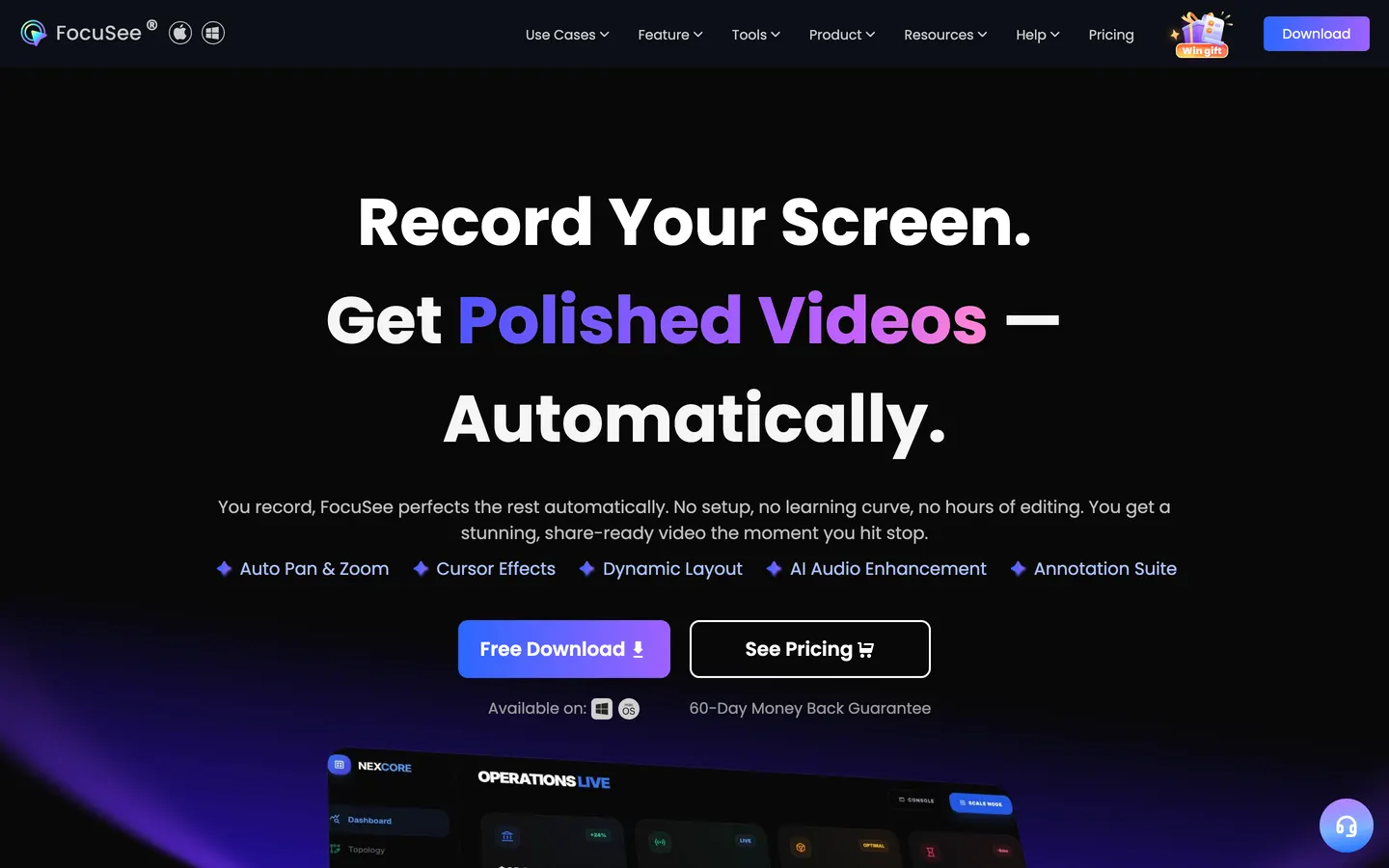
FocuSee does automatic zoom-and-follow like Screen Studio and Prequel, and its distinguishing feature is that it runs on Windows as well as macOS. If you need the auto-zoom look on a PC, this is the shortest path to it.
The pricing is the most complicated on this list, and the free trial watermarks what it exports.
The comparison that matters is the lifetime one: FocuSee's is $199.99, Prequel's is $29, and both buy the same category of thing. FocuSee's trial also watermarks what it exports, where Prequel's seven days are the full app with clean files.
Price. Standard at $49.99 a year or $24.99 a month for one machine, Advanced at $79.99 a year for three, and an Advanced lifetime licence at $199.99 for five.
12. QuickTime Player
Already on your Mac, opens instantly, records the screen, and produces a file. No zoom, no camera overlay, no editor beyond a trim, no system audio without a virtual driver.
That is not a criticism. Half the recordings anybody makes should be this: press record, do the thing, send the file. The moment the video is going to be watched by people who did not ask for it, you want the zooms and the framing, and that is the point at which Prequel is doing the work QuickTime leaves to you.
Price. Free with macOS.
So which one
If it is going to one colleague who needs to see the bug, use Loom or QuickTime and stop there. If you are streaming, OBS. If you edit by transcript, Descript.
For everything else, which is most of what people actually make, we would pick Prequel, and not only because we built it.
Social clips. Every frame preset is in both plans, including the vertical and square sizes, so a landscape recording reframes for TikTok, Reels or Shorts without cropping the interesting half out of it.
Tutorials and how-tos. The zooms land on what you clicked and typed, which is exactly where a viewer needs to be looking, and they arrive already placed rather than as an afternoon of keyframing.
Product tours and demos. The perspective tilt, the depth of field and a camera you frame after the take are what make a recording read as a product video. There is no cap on the length of a take, so a full walkthrough is one recording.
YouTube. 4K at up to 120 fps, no watermark on any plan or during the trial, rendered on your own Mac rather than queued on someone's server.
And it is a fraction of what the rest of this list charges for the same job. $29 once, against $199.99 for a ScreenFlow licence or a FocuSee lifetime, Camtasia's annual subscription, or Descript at $16 to $50 a month. Even the monthly plan at $9 sits under Tella's cheapest tier and half of Loom's Business seat, with 120 fps export that neither of them offers at any price.
Seven days free, with the whole app in it. That claim is easy to check, which is the point.
Frequently asked questions
- What is the best screen recorder for Mac in 2026?
- Prequel, if the video is going in front of anyone. It records your screen and hands back a video that is already directed: zooms that follow your clicks and typing, a perspective tilt, focus falling away from the subject and a camera you frame after the take. It is $29 once or $9 a month, exports 4K at up to 120 fps with no watermark, and renders on your own Mac. Screen Studio is the closest alternative, Loom is faster for a quick link to a colleague, and OBS is the answer if free is a hard requirement.
- What is the best free screen recorder for Mac?
- OBS Studio, or QuickTime Player if you only need to press record and send a file. OBS is free, open source and has no limit on recording length, though it has no editor, so the zooms, cuts and framing are all jobs you take somewhere else afterwards. QuickTime is already installed and records the screen with nothing added, but it cannot capture system audio without a virtual driver.
- Which Mac screen recorder has automatic zoom?
- Prequel, Screen Studio and FocuSee all zoom automatically on what you click and type. Prequel additionally adds a perspective tilt and depth of field, and exports at up to 120 fps where Screen Studio stops at 60. FocuSee is the one of the three that also runs on Windows.
- How much does a Mac screen recorder cost?
- Anywhere from nothing to $199.99. OBS and QuickTime are free. Prequel is $29 once or $9 a month. Tella is $13 to $19 a month, Loom is $18 to $24 per user per month, Descript is $16 to $50 a month, and ScreenFlow and FocuSee both sell one-off licences at $199.99. Prices were checked against each vendor's own page on 2 September 2026.
- Do I need a separate video editor?
- It depends which recorder you pick. OBS, QuickTime and CleanShot X hand you the raw take, so the zooms, cuts and framing happen in another app. Prequel, Screen Studio and FocuSee make that pass while they record, so the recording arrives edited and the timeline is there for changes rather than for building it from nothing.
- Can I record a screen recording without a watermark?
- Yes, but not on every tool. Prequel never watermarks anything on either plan or during the seven-day trial. Camtasia's cheapest tier watermarks exports until you move up, Descript's free tier watermarks and caps at 720p, and FocuSee's trial watermarks what it exports. OBS and QuickTime are free and never watermark.