App Store
App previews, sized for the store
Record the app, let the zooms land on the moments worth seeing, and export at the shape the listing wants.


 +1kLiked by 1000s of creators
No credit card required
An app preview is thirty seconds long, autoplays without sound, and sits next to preview videos from teams with a motion designer. It is the least forgiving video format there is.
It also cannot be a plain screen recording. At the size it plays back, a faithful capture of a whole interface is unreadable, and the store's frame requirements mean a landscape recording usually arrives cropped.
Push in, because nothing else will
Prequel records where you click and type while it captures, and turns those moments into zooms before the editor opens. On a preview that is the entire game: thirty seconds is enough for three or four moments, each one filling the frame while it happens.
Region zooms are worth knowing about here. They hold still on an area you draw, which is what you want when the point is a screen the viewer has to read rather than a pointer moving. Level and speed are per zoom, so a preview can move quickly without feeling frantic.
The frame the store asks for
Frame presets cover 16:9, 4K, vertical 9:16, square 1:1 and portrait 4:5. Because framing is stored as proportions of the shorter edge rather than in pixels, moving a take between them re-frames it instead of cropping it — the padding stays proportional and anything you positioned stays where you put it.
Details that read as production
The cursor leaves frame after a few seconds of stillness, which is the difference between a preview that looks authored and one that looks like somebody's desktop. It also has four styles and a size that survives a zoom.
Behind the recording sits a background — your own wallpaper, one of seven bundled presets, a gradient or a solid — with padding, corner radius, border and shadow on top.
Export is hardware H.264 or HEVC at up to 4K, made on your own machine.
- Record your screen and cameraPick a display, a window or an area you drag out, with your camera, microphone and system audio each on their own track.
- Zooms and layout are applied automaticallyPrequel reads where you clicked and typed, then places the zooms, frames your camera and sets a background behind it.
- Edit, export and shareMove a zoom, trim a clip or fix a caption, then export one MP4 at up to 4K or send a link that plays anywhere.
Zoom and pan
Zooms that follow the action
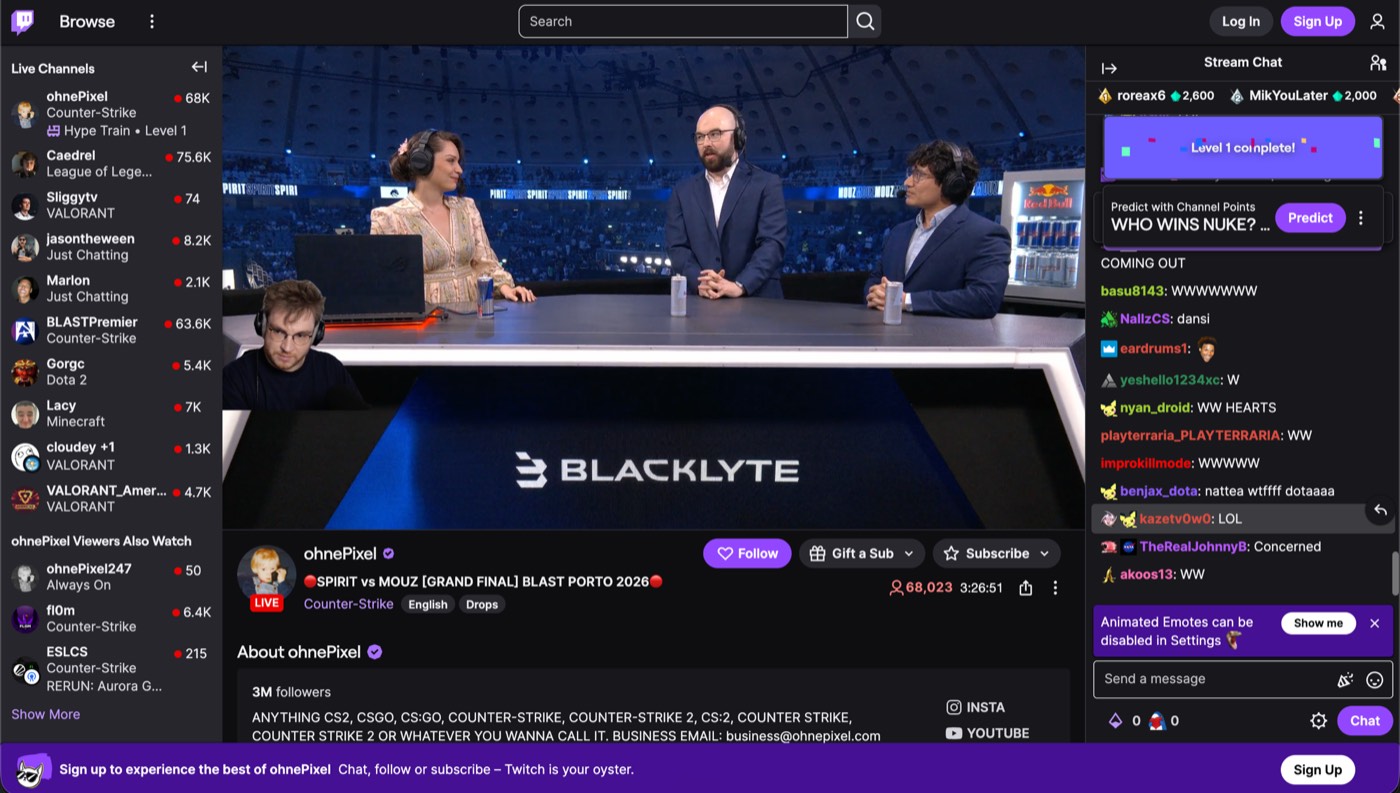
Prequel automatically zooms in when you click or type, then softens the rest of the window so viewers know where to look. Every zoom is added to the timeline, so you can move, retime or delete it at any time.
Layouts
Switch layouts clip by clip
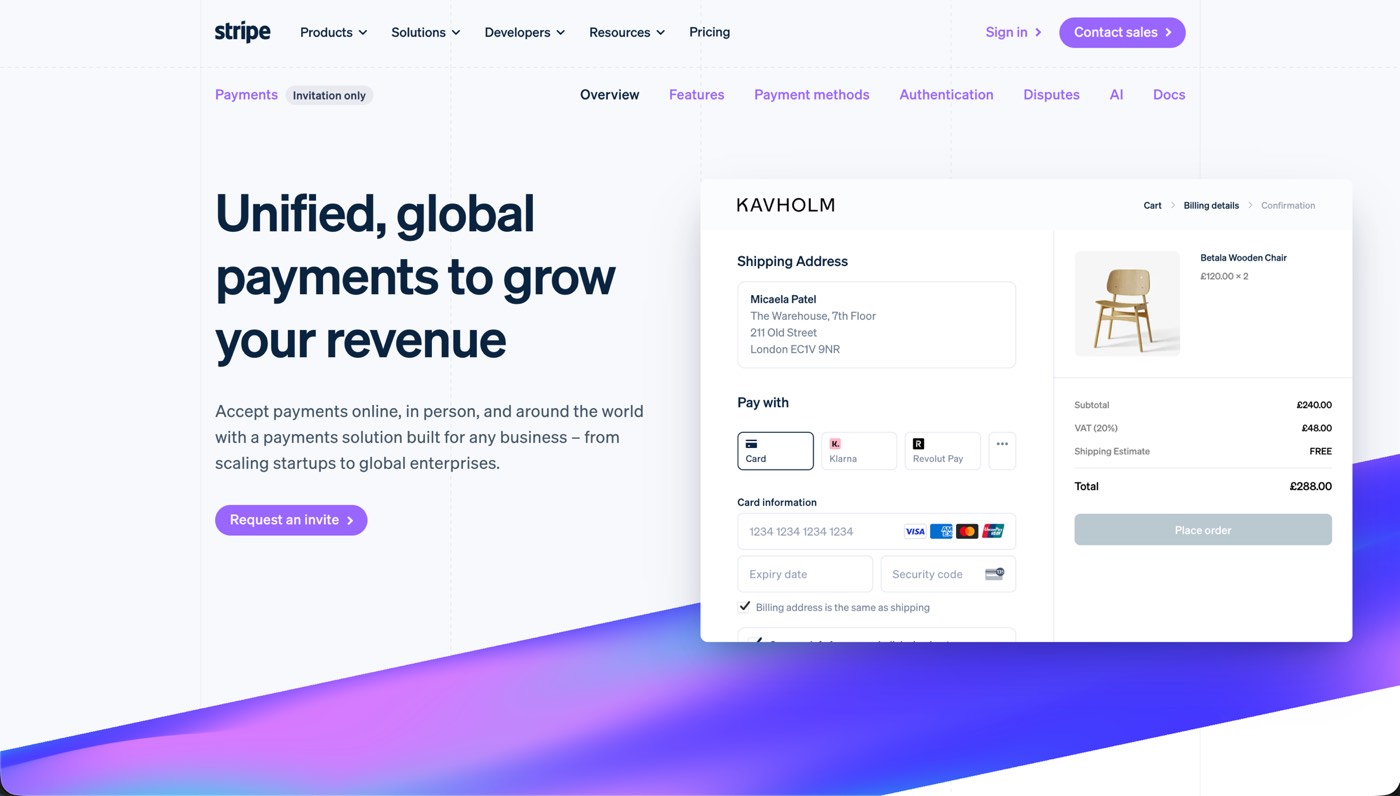
Choose from fourteen layouts for the same take: camera in the corner, beside the screen, split with it or hidden entirely. Use one layout for the whole video, or change it clip by clip.
Subtitles
Subtitles you can edit like text
Prequel transcribes every word on your Mac when the editor opens. Fix captions by typing in the transcript, choose a subtitle style or delete a sentence to remove it from the video.
Thisisthecheckoutweshippedlastweek
Thisisthecheckoutweshippedlastweek
Thisisthecheckoutweshippedlastweek
Thisisthecheckoutweshippedlastweek
Thisisthecheckoutweshippedlastweek
Thisisthecheckoutweshippedlastweek
Thanks so much for jumping on this call
Iwanttoshowyousomethingcool
[pause here]
we’ve been building for the past few months
Teleprompter
A teleprompter that follows your voice
Prequel hangs your script from the notch, just under the camera, and follows your voice — the word you're saying lights up as you say it. Wander off script and it waits for you; skip ahead or fall behind and it catches up within a couple of words.
Instant edit
Start with the edit already done
Prequel records where you click and type, then opens the editor with zooms already placed, a framed camera and a polished background. Spend less time building the first cut and more time fine-tuning.
- Zooms placedOn every click and every burst of typing
- Camera framedShaped, sized and set in a corner
- Background appliedPadding, radius, border and shadow
- Audio balancedMicrophone and system on separate gains
- Cursor cleaned upSmoothed, resized, hidden when it idles
The editor
Everything you would have done by hand
It opens by itself when you stop recording, on the take you just made. Nothing to import, nothing to line up.
Guide attention automatically
Prequel zooms into the part of the screen that matters: the cursor, a region you draw, or whatever you are typing into. Set the level, the speed and how much the rest of the frame blurs.
Look present without taking over the video
Your camera stays framed and out of the way: circle, squircle, rounded, wide or portrait, in any corner and any size. It is never burned into the recording, so none of it is decided while you record.
Make recordings look designed
Add a background, padding and a shadow without editing any of it by hand. Your own wallpaper by default, seven bundled presets, gradients and solids.
Cut the parts nobody needs to see
Trim the pauses yourself, slice by slice, with a waveform under every clip. Layout, background and audio can all change mid-take.
Keep the pointer out of the way
Fifteen pointer styles, resized so the cursor survives a zoom. Smoothed while it travels, and hidden after a few seconds of stillness.
Export the frame you approved
The preview and the exporter draw the same plan, so the file matches what you signed off in the editor.
Quality
Videos stay sharp at 4K
Capture and export run on your Mac's own media engine. 1080p at 60 fps records without dropping frames, and 4K is a setting you pick.
- Resolution
- Up to 4K
- Frame rate
- Up to 120 fps
- Codecs
- H.264 · HEVC
- Encoding
- Hardware, VideoToolbox
- Compositing
- Metal
- Output
- Constant frame rate MP4
Formats
Export in any frame
Turn one recording into different formats without manually reframing every element. Switch from landscape to vertical and the layout stays intact.
- Landscape 16:9
- 4K
- Vertical 9:16
- Square 1:1
- Portrait 4:5
- YouTube
- Shorts
- TikTok
- Reels
- X
Record demos worth sharing
Free for 7 days. No watermark on anything you export.
No credit card required
Curious about the internals? Read the blog
FAQ
Zooms, exports and the rest
How long should an App Store preview be?
Apple takes previews between 15 and 30 seconds, which is less time than it sounds. Record the app properly and cut down to it — the timeline has a waveform under every clip, so finding the thirty seconds that carry the app is a scrub rather than a guess.
Can I export at the exact frame the store asks for?
Frame presets cover 16:9, 4K, vertical 9:16, square, 4:5 and the usual social sizes, and switching between them keeps the framing intact rather than cropping it.
Can I record without the cursor in shot?
The cursor leaves the frame after a few seconds of stillness on its own, and its style and size are yours to set. A preview that is meant to look like a product film rather than a screen capture is what that setting is for.
How do I fit several features into thirty seconds?
Let the zooms carry the transitions. Each push in and pull back reads as a beat, so three features become three moments rather than one continuous pan, and the seconds in between are the first thing to trim.
Will a preview recorded on a Retina display be sharp enough?
Capture runs at your display's native resolution and export runs at up to 4K on your Mac's own media engine, so there is genuine detail behind a push rather than an upscale.
Can I record an iOS app for a preview?
Not from the device directly — Prequel captures your Mac. Mirroring the device to your Mac and recording that window works, and everything after the capture is the same.
What do I need to record an app preview on macOS?
Apple Silicon, macOS 14 at the oldest, and Screen Recording switched on under Privacy & Security. Nothing about the preview itself is set up in advance — the frame size, the background and the thirty-second cut are all chosen after the take exists.