 vs
vs
Looking for a Loom alternative?
Loom uploads first and barely edits at all. Prequel directs first — zooms that follow the work, a perspective tilt, focus falling away from the subject, the camera framed over a background — then gives you a link if you want one, and a file you own either way. $9 a month against Loom's $18, or $29 once and never again.
No credit card required
Loom
Async video messaging for work, now part of Atlassian.
- Price
- Free tier, then $18–$24 per user/mo
- Free
- Free Starter, with a five-minute cap per video and a limited library
- Platforms
- macOS, Windows, web, Chrome
Prequel
Cinematic screen recorder for Mac
- Price
- $9 a month, or $29 once
- Free
- 7-day trial, then paid
- Platforms
- macOS 14+, Apple Silicon
Checked on 21 August 2026 against Loom pricing, Loom's recent product investments, Loom capture modes, Loom virtual backgrounds, Loom 0.374.2 installer, Suppress background noise, Upload or import videos, Edit your Loom video.
What is Loom, and what is it good at?
Loom is async video messaging. You hit record, talk through something, stop, and a link is in your clipboard — already uploaded, already transcribed, ready to paste into a thread. Someone opens it without installing anything.
That loop is the product, and it is excellent. Loom genuinely replaced a category of meeting, and the surrounding pieces — the team library, viewer analytics, comments, permissions, the Atlassian integrations — are a whole product that a local recorder does not have and does not try to have.
If what you need is "watch this when you can", Loom is still the best answer and this page will not pretend otherwise.
Why do people look for a Loom alternative?
Two reasons, and it is worth separating them because a lot of comparison pages run them together.
The recording is raw. Loom captures what was on your screen at one distance for the whole take. There is trimming and transcript-based editing, but no automatic zoom on the thing you clicked, no cursor smoothing, no compositing onto a background. For an internal update that is completely fine. For anything customer-facing it is the difference between a screen recording and a video.
The account, not the recorder. Since Loom moved onto Atlassian accounts, their own community forum has filled with people locked out or unable to find their library — the board goes from roughly two access threads in twenty-five in late 2025 to around thirteen in twenty-five by early 2026, and Atlassian has published a dedicated article about logging in after migration. Business pricing also rose, to $18 per user per month and $24 with AI, with long-standing customers reporting jumps of sixty per cent or more off legacy rates.
One claim to ignore, because it is everywhere and it is false: the five-minute cap on the free plan is not something Atlassian did. Loom announced it in October 2020, three years before the acquisition.
Is Prequel a good Loom alternative?
It depends entirely on which half of Loom you use.
Prequel is the recorder and the editor, not the distribution. It records screen, webcam, microphone and system audio as separate tracks, places zooms from your clicks and typing — tilted, and with focus falling away from whatever the push-in is aimed at — frames the camera afterwards, cleans up the cursor, and exports one MP4 at up to 4K 120, all on your Mac with no upload step and no cloud render.
So if you are sending cinematic video to customers, a prospect or a launch post, Prequel produces something Loom cannot, and at $9 a month against Loom's $18 for Business — or $29 once, with nothing to renew at all. If you are sending "here's where I got stuck" to a colleague at four in the afternoon, Loom's link is faster and always will be.
What do you give up by switching?
The link. Everything that follows from it, too: the hosted player, viewer analytics, comments, the shared library, permissions and expiry controls. Prequel gives you a file. Where that file goes is your problem to solve, with whatever your team already uses.
There is also no importer. Loom videos live in Loom, and nothing here will pull them out. Download anything you care about before you cancel — that is worth doing whatever you switch to.
What you get instead is that the video is edited rather than raw, that it exists on your disk rather than on someone's servers, and that you are not paying per seat for people whose only job is to watch.
How do the features compare?
| Feature | Prequel | Loom |
|---|---|---|
| Automatic zoom on clicks | Included | Not included |
| Zoom on what you type | Included | Not included |
| Cursor smoothing and resizing | Included | Not included |
| Camera overlay, shaped and placed after | Included | Included |
| Backgrounds, padding and shadow | Included | Blur and simple backgrounds |
| Layouts for the screen and camera | Fourteen, per clip | Screen and camera, screen only, camera only |
| Camera cut out of its background | Included | Virtual background inside the bubble |
| Perspective tilt and focus falloff on zooms | Included | Not included |
| Captions transcribed on your Mac | Included | After upload to Loom |
| Timeline editing | Included | Trim and transcript-based edits |
| Separate audio tracks | Included | Not included |
| System audio without a virtual driver | Included | Included |
| Reframe to vertical without cropping | Included | Not included |
| Magnifying-glass loupe over the work | Included | Not included |
| Colour looks and filters | Included | Not included |
| Microphone noise reduction | Included | After recording, in the web player only |
| Import a video you already have | Included | Yes, on paid plans |
| Records and exports without uploading | Included | No — recordings upload to Loom |
| Shareable links | Included | Included |
| Team workspace | Included | Included |
| Records an iPhone or iPad | Not included | Not included |
| Maximum export | 4K, 120 fps | 4K on paid plans |
| Download size | 104 MB | 228 MB |
| Platforms | macOS 14+, Apple Silicon | macOS, Windows, web, Chrome |
| Licence | $9/month or $29 once, 7-day trial | Per-seat subscription |
What Loom is good at
It replaced the meeting. Nothing is faster at turning a thought into a link somebody can watch, and the viewer analytics, the comments on the timeline and the integrations into every tool a company already runs are a distribution product in their own right.
What does each one cost?
Loom
- Starter$0 free, capped
- Business$18 per user, per month
- Business + AI$24 per user, per month
Prequel
- Lifetime$29 once
- Pro$9 a month
Checked on 21 August 2026 against Loom pricing, Loom's recent product investments, Loom capture modes, Loom virtual backgrounds, Loom 0.374.2 installer, Suppress background noise, Upload or import videos, Edit your Loom video.
- Record your screen and cameraPick a display, a window or an area you drag out, with your camera, microphone and system audio each on their own track.
- Zooms and layout are applied automaticallyPrequel reads where you clicked and typed, then places the zooms, frames your camera and sets a background behind it.
- Edit, export and shareMove a zoom, trim a clip or fix a caption, then export one MP4 at up to 4K or send a link that plays anywhere.
Zoom and pan
Zooms that follow the action
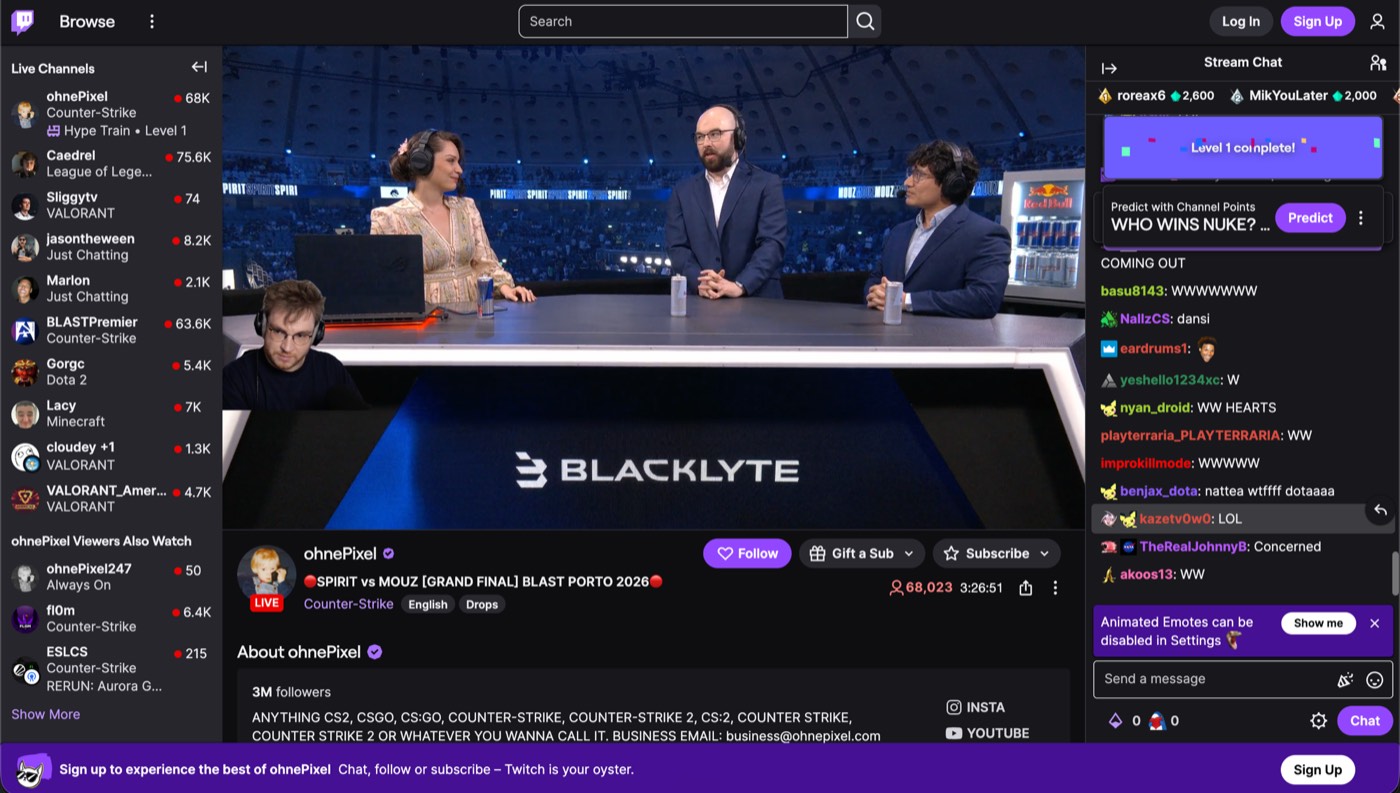
Prequel automatically zooms in when you click or type, then softens the rest of the window so viewers know where to look. Every zoom is added to the timeline, so you can move, retime or delete it at any time.
Layouts
Switch layouts clip by clip
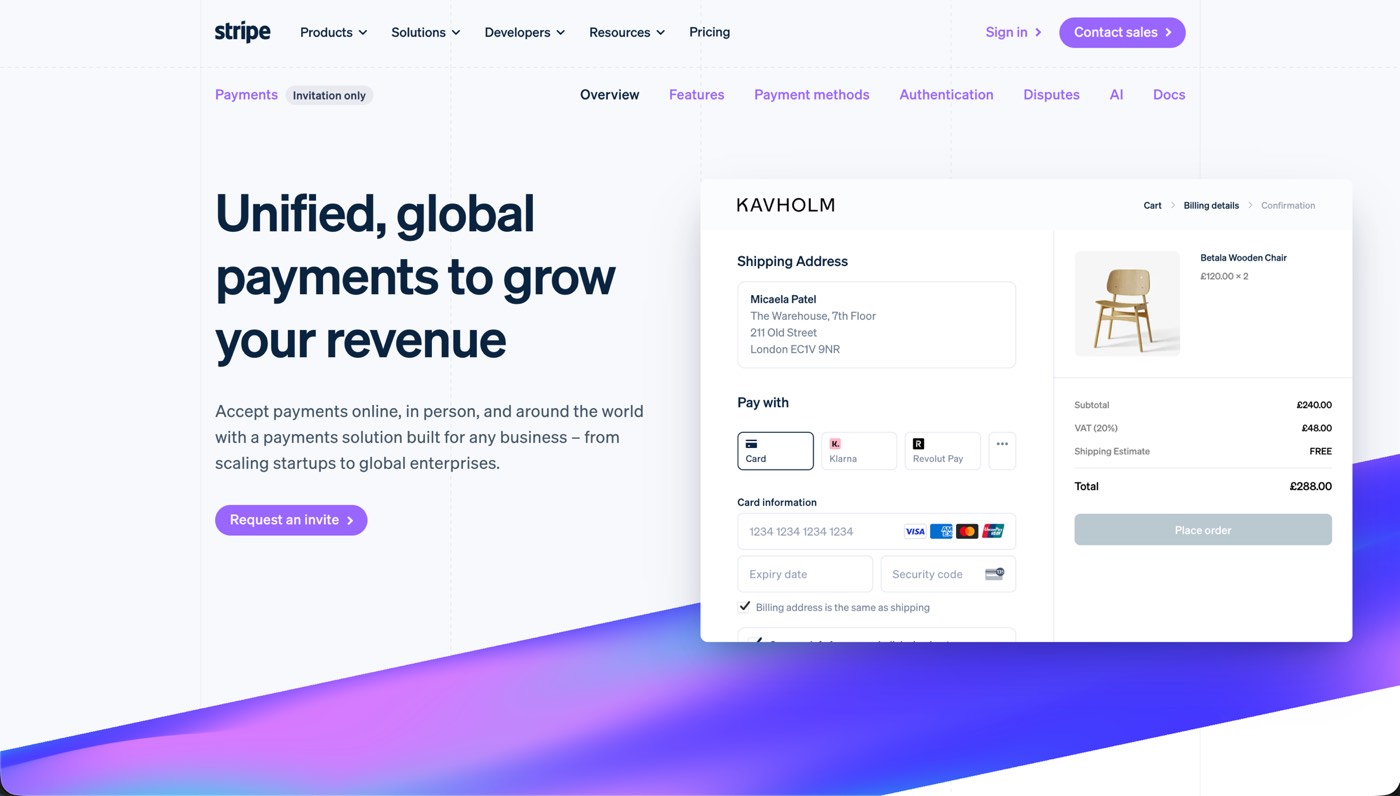
Choose from fourteen layouts for the same take: camera in the corner, beside the screen, split with it or hidden entirely. Use one layout for the whole video, or change it clip by clip.
Subtitles
Subtitles you can edit like text
Prequel transcribes every word on your Mac when the editor opens. Fix captions by typing in the transcript, choose a subtitle style or delete a sentence to remove it from the video.
Thisisthecheckoutweshippedlastweek
Thisisthecheckoutweshippedlastweek
Thisisthecheckoutweshippedlastweek
Thisisthecheckoutweshippedlastweek
Thisisthecheckoutweshippedlastweek
Thisisthecheckoutweshippedlastweek
Thanks so much for jumping on this call
Iwanttoshowyousomethingcool
[pause here]
we’ve been building for the past few months
Teleprompter
A teleprompter that follows your voice
Prequel hangs your script from the notch, just under the camera, and follows your voice — the word you're saying lights up as you say it. Wander off script and it waits for you; skip ahead or fall behind and it catches up within a couple of words.
Instant edit
Start with the edit already done
Prequel records where you click and type, then opens the editor with zooms already placed, a framed camera and a polished background. Spend less time building the first cut and more time fine-tuning.
- Zooms placedOn every click and every burst of typing
- Camera framedShaped, sized and set in a corner
- Background appliedPadding, radius, border and shadow
- Audio balancedMicrophone and system on separate gains
- Cursor cleaned upSmoothed, resized, hidden when it idles
The editor
Everything you would have done by hand
It opens by itself when you stop recording, on the take you just made. Nothing to import, nothing to line up.
Guide attention automatically
Prequel zooms into the part of the screen that matters: the cursor, a region you draw, or whatever you are typing into. Set the level, the speed and how much the rest of the frame blurs.
Look present without taking over the video
Your camera stays framed and out of the way: circle, squircle, rounded, wide or portrait, in any corner and any size. It is never burned into the recording, so none of it is decided while you record.
Make recordings look designed
Add a background, padding and a shadow without editing any of it by hand. Your own wallpaper by default, seven bundled presets, gradients and solids.
Cut the parts nobody needs to see
Trim the pauses yourself, slice by slice, with a waveform under every clip. Layout, background and audio can all change mid-take.
Keep the pointer out of the way
Fifteen pointer styles, resized so the cursor survives a zoom. Smoothed while it travels, and hidden after a few seconds of stillness.
Export the frame you approved
The preview and the exporter draw the same plan, so the file matches what you signed off in the editor.
Quality
Videos stay sharp at 4K
Capture and export run on your Mac's own media engine. 1080p at 60 fps records without dropping frames, and 4K is a setting you pick.
- Resolution
- Up to 4K
- Frame rate
- Up to 120 fps
- Codecs
- H.264 · HEVC
- Encoding
- Hardware, VideoToolbox
- Compositing
- Metal
- Output
- Constant frame rate MP4
Formats
Export in any frame
Turn one recording into different formats without manually reframing every element. Switch from landscape to vertical and the layout stays intact.
- Landscape 16:9
- 4K
- Vertical 9:16
- Square 1:1
- Portrait 4:5
- YouTube
- Shorts
- TikTok
- Reels
- X
Record demos worth sharing
Free for 7 days. No watermark on anything you export.
No credit card required
Curious about the internals? Read the blog
FAQ
Zooms, exports and the rest
What is the best Loom alternative?
Prequel, if the video itself matters. Loom is a recorder with sharing attached; the recording it makes is the one you performed, un-zoomed and uncut. Prequel does the edit — automatic zooms on every click, a perspective tilt, focus falling away from the subject, a framed camera over a background — and still gives you a shareable link, at $9 a month against Loom's $18 — or $29 once, with nothing to renew. What Loom keeps is the analytics and the integrations.
How much does Loom cost?
There is a free Starter plan capped at five minutes a video. Business is $18 per user per month and Business with AI is $24. Checked on 21 August 2026.
Does Loom have a five-minute limit?
On the free Starter plan, yes. Worth knowing that this cap is not new and was not introduced by Atlassian — Loom announced it in October 2020, three years before the acquisition.
Is there a screen recorder that does not upload my recordings?
Prequel records, edits and exports entirely on your Mac, on its own media engine. Nothing is uploaded to make the video and nothing is rendered on someone else's server, so a recording exists as files on your disk unless you choose to share one. Sending a link is a thing you ask for, not the price of pressing record.
What do I lose by moving off Loom?
Viewer analytics, comments left on the timeline, the integrations into Slack, Jira and the rest, and the browser and Windows clients. Those are real and Prequel does not replace them. The link and the team workspace you keep — there is one plan and they are in it. What you gain is that the video is directed rather than raw, that it exists as a file you own, and that recording it never required an upload.
Can I move my existing Loom videos into Prequel?
No. Loom videos live in Loom's library and Prequel has no importer for them. Download anything you want to keep before you cancel — that is worth doing regardless of where you go next.