5 best open source screen recorders for Mac
We went through the open-source screen recorders that actually run on a Mac and still get commits, and here are the five worth your time, with the licence and the last release date for each.

TL;DR
| # | Tool | Licence | Best for |
|---|---|---|---|
| ★ | Prequel $29 once | Proprietary | A finished, directed video with no editing |
| 1 | OBS Studio | GPL-2.0 | Recording and streaming with total control |
| 2 | Cap | Open source | A Loom-style link, self-hosted if you like |
| 3 | Screenity | GPL-3.0 | Recording a browser tab with annotation |
| 4 | QuickRecorder | AGPL-3.0 | A light native recorder on ScreenCaptureKit |
| 5 | Kap | MIT | Short clips and GIFs for issues and docs |
Star counts and last-commit dates checked on GitHub on 2 September 2026.
Prequel is at the top because it is the one we would actually reach for, and it is worth being straightforward about why it sits above the line: Prequel is not open source. It is $29 once, or $9 a month. If an auditable licence is a hard requirement, skip to number one and the rest of the list is genuinely for you. If what you actually want is a recording that does not need editing afterwards, read the first entry.
The five below are real, maintained where noted, and free.
What is an open source screen recorder?
An open source screen recorder is one whose source code is published under a licence that lets you read, modify and redistribute it. In practice that means three things people actually care about: it is free, nobody can add a watermark or a paywall in a future update without you being able to fork it, and you can verify for yourself that your recordings are not being uploaded anywhere.
Licences differ, and the difference matters if you are shipping something built on one. GPL and AGPL require you to publish changes you distribute; MIT does not.
★ Prequel
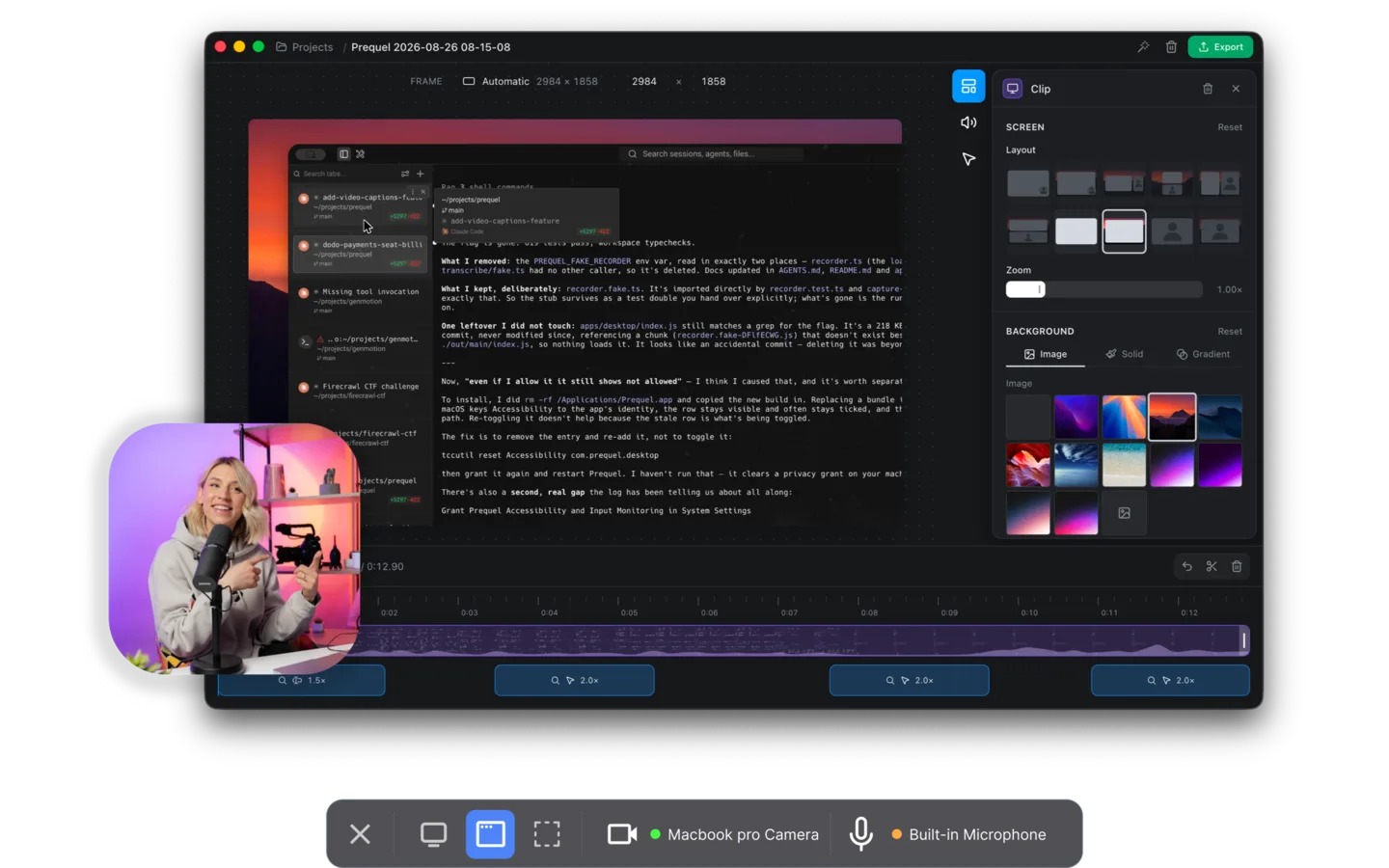
Every recorder on this list hands you the raw take. Prequel hands you the finished video.
It watches where you click and type while it captures, then opens the editor with the whole cinematic pass already made: zooms that push in on the work, a perspective tilt so the frame has direction, focus falling away from whatever the zoom is aimed at, and a camera you shape, size and place long after the take is over. That last one works because it records the screen, camera, microphone and system audio as separate files, so the camera stays full resolution and re-framable rather than burned into a corner.
Everything renders on your own Mac, on Apple's own media engine. Nothing is uploaded, nothing is queued, and nothing leaves the machine unless you ask for a share link. Export runs to 4K at up to 120 fps with no watermark and no cap on the length of a take.
Licence. Proprietary, and priced accordingly: $29 once, or $9 a month, with seven days free. Requires. An Apple Silicon Mac on macOS 14 or later.
1. OBS Studio
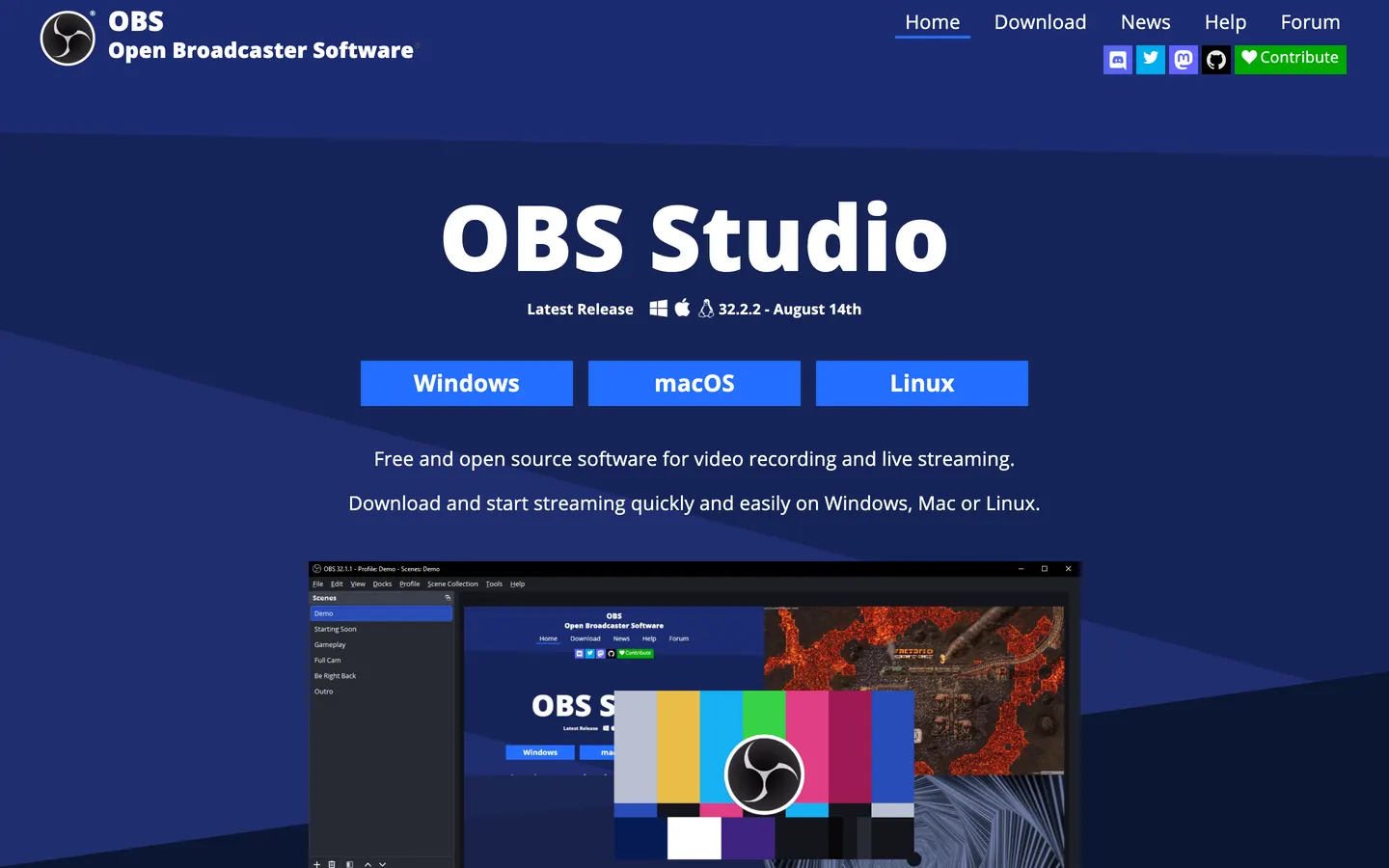
75,000 stars, GPL-2.0, and commits landing this week. OBS is the most capable free recording tool on any platform and the only one here that is genuinely industrial: multiple sources, scene composition, filters, bitrate control, plugins, and live streaming to anything that speaks RTMP. On macOS Ventura and later it captures system audio natively, with no virtual driver.
It is also the least pleasant way to make a two-minute product demo. There is no editor, so the zooms, cuts and framing are all still ahead of you in another app, which is the work Prequel finishes before you open it.
If an open licence is the requirement, this is the answer and nothing else on this list is close on capability.
Licence. GPL-2.0. Free, no limits, no watermark.
2. Cap
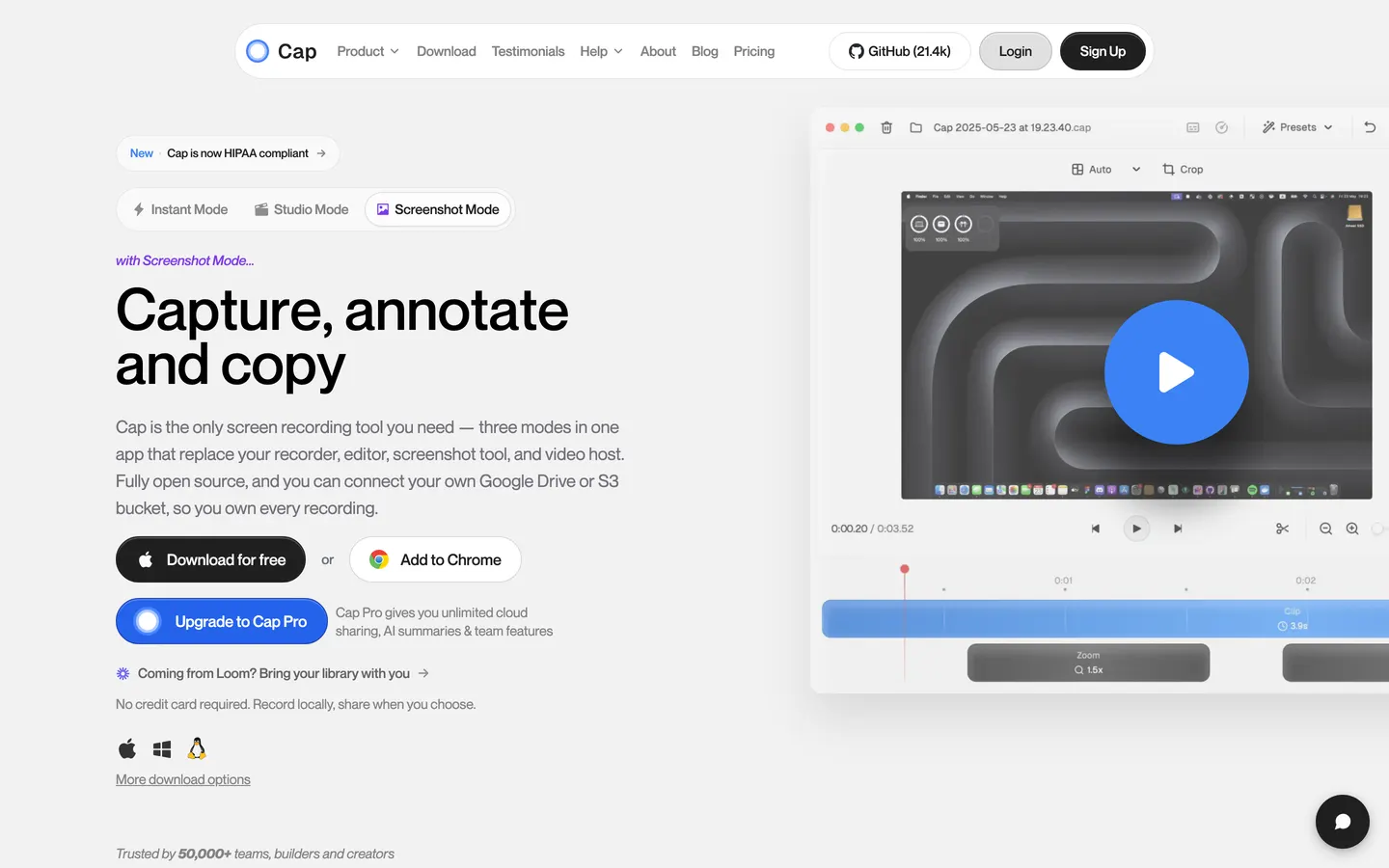
The open-source answer to Loom, and it has moved fast: 21,000 stars and commits daily. Instant mode gives you a hosted link in seconds, Studio mode records locally and opens a real editor with automatic zoom, backgrounds and camera layouts. You can point it at your own S3 bucket or Google Drive so the files stay yours, and it runs on Windows as well as macOS.
Two things to know. Its licence is a custom one rather than a standard OSI licence, so read it if you are picking on licence terms specifically. And the free tier stops at five minutes a recording, where a commercial desktop licence is $29 billed yearly and Cap Pro is $12 per user per month. That first number looks like Prequel's, so it is worth saying plainly: Cap's $29 buys a year and Prequel's $29 buys the app.
Licence. Open source, custom terms. Free for personal use with a five-minute cap; $29/year for a commercial desktop licence.
3. Screenity
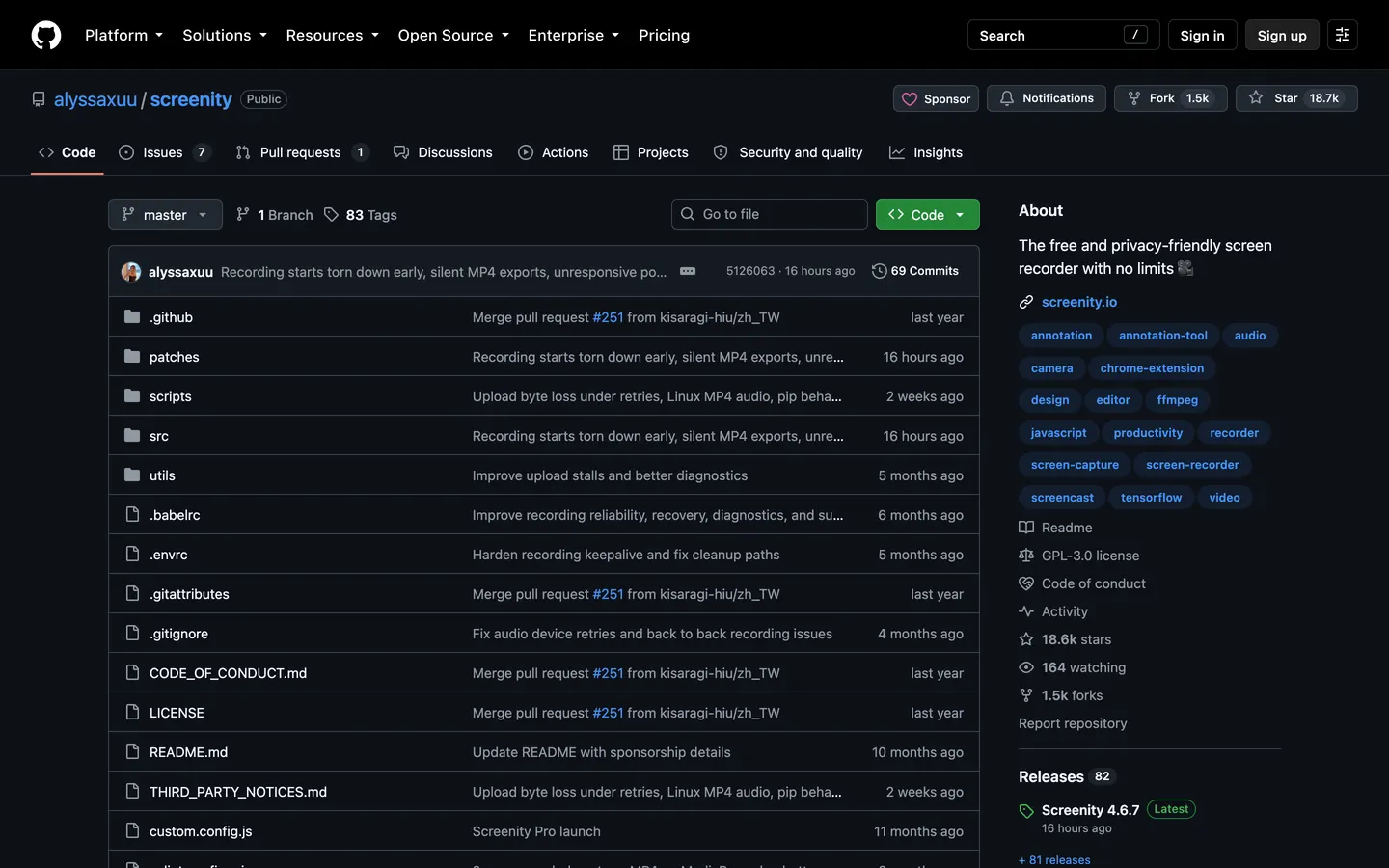
18,000 stars, GPL-3.0, and actively developed. Screenity is a Chrome extension rather than a Mac app, which is either exactly what you want or immediately disqualifying. If your recordings are browser tabs, it is excellent: annotate while you record, draw on the page, spotlight the cursor, blur sensitive areas, and export without a time limit or a watermark.
Being an extension is the whole trade. It cannot record outside the browser, so a native app demo is out, and everything happens at tab resolution rather than at the 4K 120 fps Prequel exports.
Licence. GPL-3.0. Free, unlimited, no watermark.
4. QuickRecorder
8,600 stars, AGPL-3.0, and the most Mac-native thing on this list after Prequel. It is built directly on ScreenCaptureKit, records a window rather than a region so a window stays clean when something floats over it, captures system audio, and stays out of the way in the menu bar.
It is deliberately small. There is no editor at all, so the zooms and the cuts are a separate job. Commits slowed through 2025, though the app works and is widely used.
Licence. AGPL-3.0. Free.
5. Kap
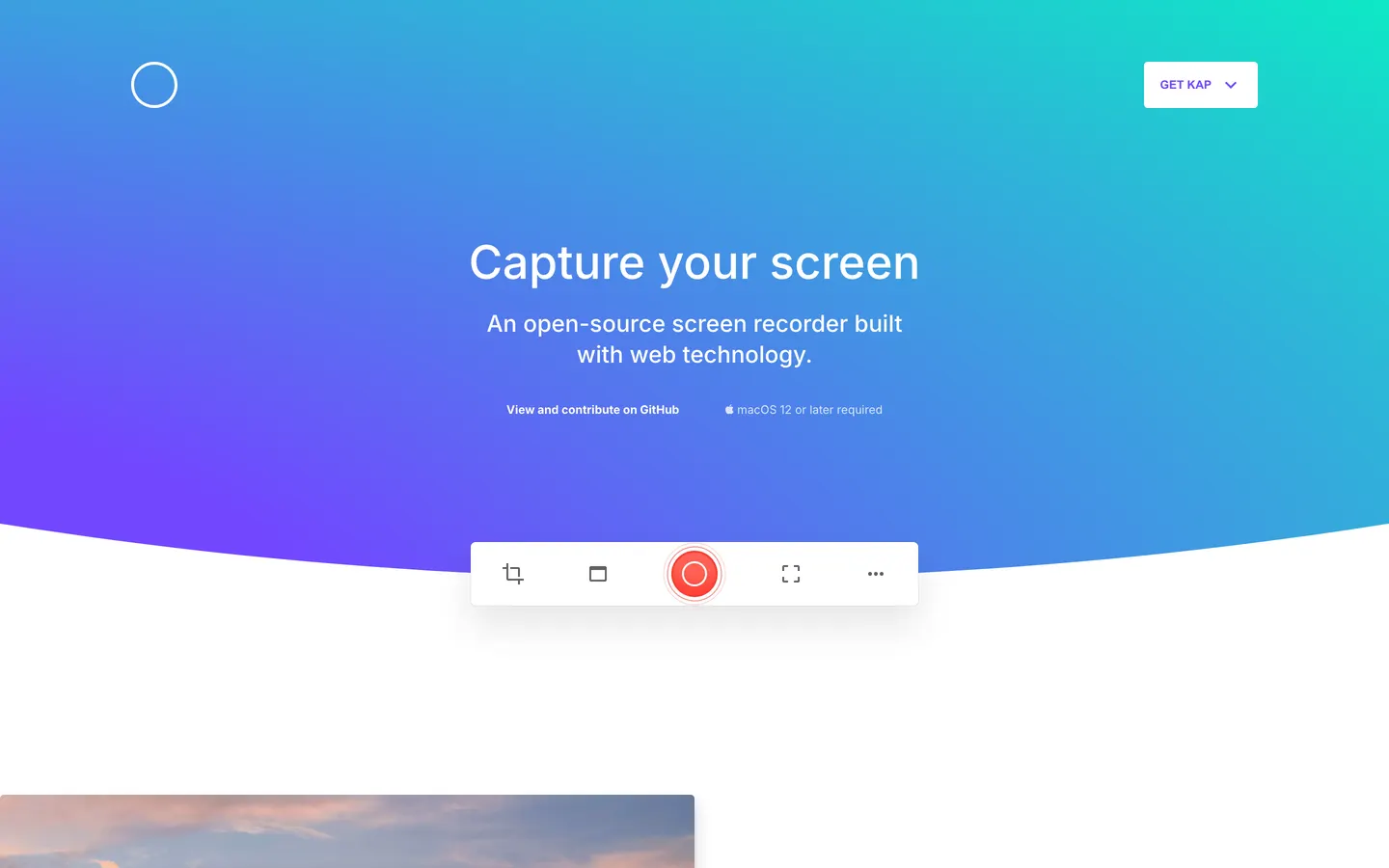
19,000 stars, MIT, and the nicest small tool here. Kap does one thing: short captures exported to GIF, MP4, WebM or APNG, with click highlighting and trimming. For a clip in a GitHub issue or a Slack thread it is still the fastest route from screen to shareable file.
Worth checking before you commit to it: the last commit was November 2024. It runs, and MIT means you can fork it, but nobody is shipping fixes. It also tops out well below the 4K 120 fps Prequel exports, which matters the moment a clip is going anywhere other than an issue tracker.
Licence. MIT. Free.
So which one
If you need an open licence, take OBS Studio and accept that the editing happens somewhere else. If your recordings live in a browser tab, Screenity. If you want a hosted link and might self-host it later, Cap. If you want something small and native, QuickRecorder. If you want GIFs for issues, Kap, with the caveat that it is dormant.
If the licence was never really the point, and what you actually wanted was a recording worth sending without an afternoon of editing, that is Prequel:
Social clips. Every frame preset is included, so a landscape recording reframes for TikTok, Reels or Shorts without cropping the interesting half out.
Tutorials and how-tos. The zooms land on what you clicked and typed, already placed rather than keyframed by hand.
Product tours and demos. Perspective tilt, depth of field and a camera you frame after the take, with no cap on the length of a recording.
YouTube. 4K at up to 120 fps, never watermarked, rendered on your own Mac.
$29 once, which is less than a month of most of the paid tools in this category, and seven days free before you decide.
In the changelog
Frequently asked questions
- What is the best open source screen recorder for Mac?
- OBS Studio. It is GPL-2.0, free, has no watermark or time limit, records screen and webcam together, captures system audio natively on macOS Ventura and later, and is still actively developed with over 75,000 stars on GitHub. The trade is that it has no editor, so zooms, cuts and framing happen in another app afterwards.
- Is there an open source alternative to Screen Studio?
- Cap is the closest. It is open source, records locally in Studio mode, and its editor includes automatic zoom, backgrounds and camera layouts. Its free tier caps recordings at five minutes and a commercial desktop licence is $29 a year. Note that Cap uses a custom licence rather than a standard OSI one, so read the terms if licensing is your reason for choosing it.
- Is Kap still maintained?
- Not actively. Kap is MIT licensed with around 19,000 GitHub stars, but its last commit was November 2024. The app still runs and the licence lets you fork it, but nobody is shipping fixes. It remains a good choice for short clips and GIFs if that limitation is acceptable.
- Is Prequel open source?
- No. Prequel is proprietary, priced at $29 once or $9 a month with a seven-day free trial. It is included in this comparison because it produces a finished, directed video rather than raw footage, which none of the open-source options do, but if an auditable licence is a hard requirement then OBS Studio, Cap, Screenity, QuickRecorder and Kap are the genuine options.
- Can open source screen recorders export in 4K?
- Yes. OBS Studio exports at whatever resolution and frame rate your Mac can encode, and Cap exports up to 4K at 60 fps. Screenity records at browser tab resolution, and QuickRecorder and Kap are aimed at lighter clips. For 4K at up to 120 fps you need Prequel, which is proprietary.