Screen recorders with automatic mouse zoom for Mac
We tested the Mac screen recorders that zoom on your cursor automatically, and here is how their zooms actually differ: what triggers them, how the movement feels, and what else moves with them.

Part of How to record a product demo video that people finish
TL;DR
| # | Tool | Price | Zoom quality |
|---|---|---|---|
| 1 | Prequel $29 once, or $9/mo | $29 once, or $9/mo | Clicks and typing, plus tilt and depth of field |
| 2 | Screen Studio | $29/mo, or $9/mo billed yearly | Clicks, with smooth cursor movement |
| 3 | FocuSee | $49.99/yr, or $199.99 once | Clicks, and it runs on Windows too |
| 4 | Cap | Free, then $29/yr | Automatic zoom in Studio mode, open source |
| 5 | Tella | $13–$19/user/mo | Zoom presets, in the browser |
Prices checked on 2 September 2026.
A mouse zoom is the difference between a recording somebody watches and one they squint at. Your screen is 3456 pixels wide and the button you are pointing at is forty of them, so a full-screen recording asks the viewer to hunt for what matters while you talk over it.
Automatic zoom fixes that by watching where you click and pushing in on it. Five tools do this properly on a Mac. They differ in what triggers the zoom, how the movement feels, and whether anything else in the frame moves with it.
What is automatic mouse zoom?
Automatic mouse zoom is a recorder watching where you click and type while it captures, then pushing the frame in on those moments when it opens the editor. You get a video that moves with your attention instead of sitting at one distance for its whole length, without placing a single keyframe.
The alternative is doing it by hand: finding each moment on the timeline, setting a scale keyframe, easing it, and repeating that forty times. That is the single biggest time cost in editing a screen recording, which is why this feature defines the category.
1. Prequel
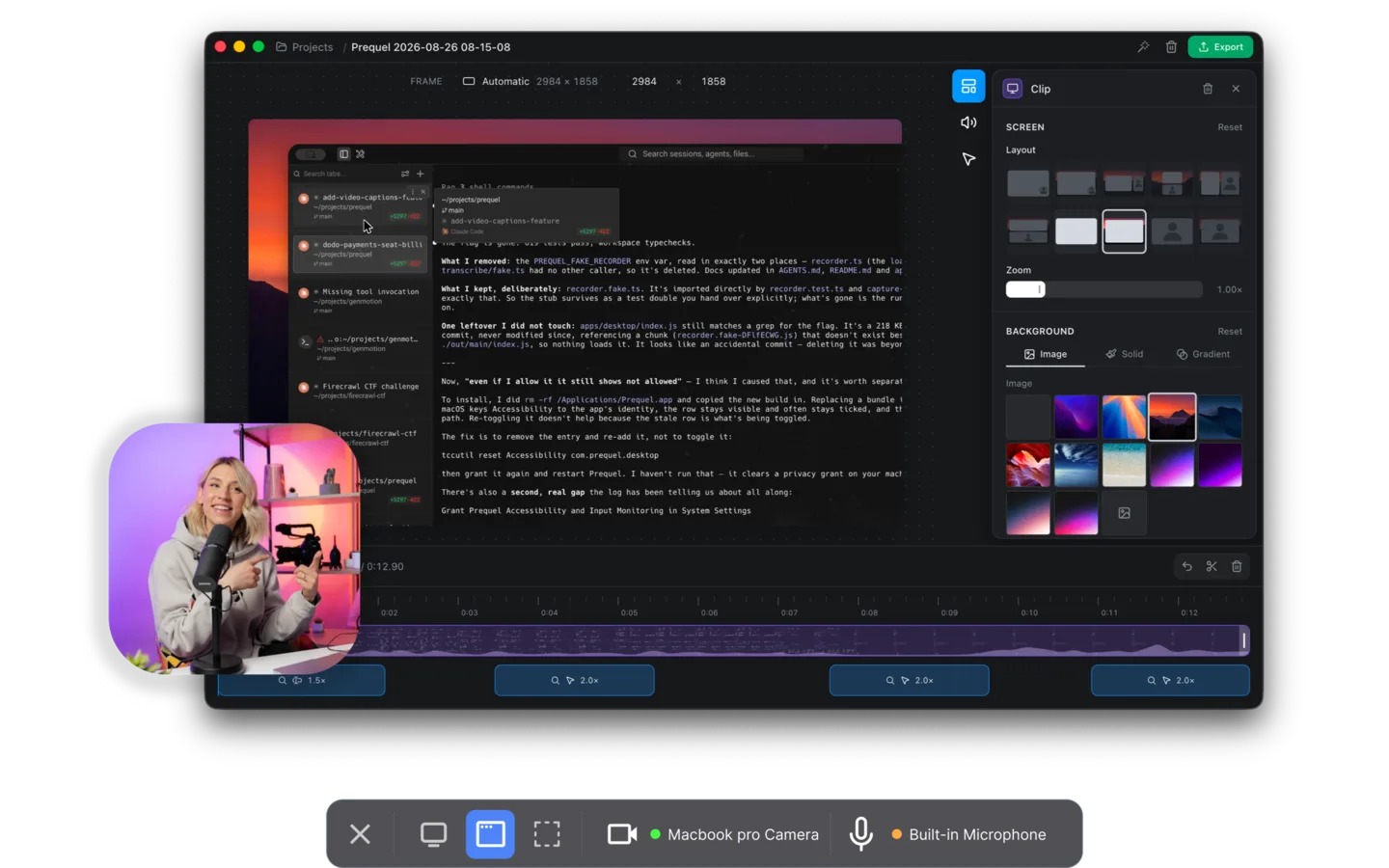
Prequel watches where you click and what you type while it records, then opens the editor with the zooms already placed. Nothing to set up before you record, and nothing to keyframe after.
The typing part matters more than it sounds. A click is one point in time, but filling in a form or writing a line of code is a stretch of attention in one place, and a recorder that only tracks clicks either sits wide through all of it or snaps in and out on every field. Prequel treats a burst of typing as a moment worth holding on.
What separates it from a plain zoom is what moves with it. The frame takes on a perspective tilt so the push-in has direction rather than just scale, focus falls away from whatever the zoom is aimed at, and the camera you framed after the take stays put while the screen moves behind it. Every zoom is an ordinary slice on the timeline, so you can retime it, point it somewhere else or delete it.
Export runs to 4K at up to 120 fps, which is the frame rate that keeps a fast push-in from strobing, and it renders on your own Mac with no upload.
Price. $29 once, or $9 a month. Seven days free. Requires. An Apple Silicon Mac on macOS 14 or later.
2. Screen Studio
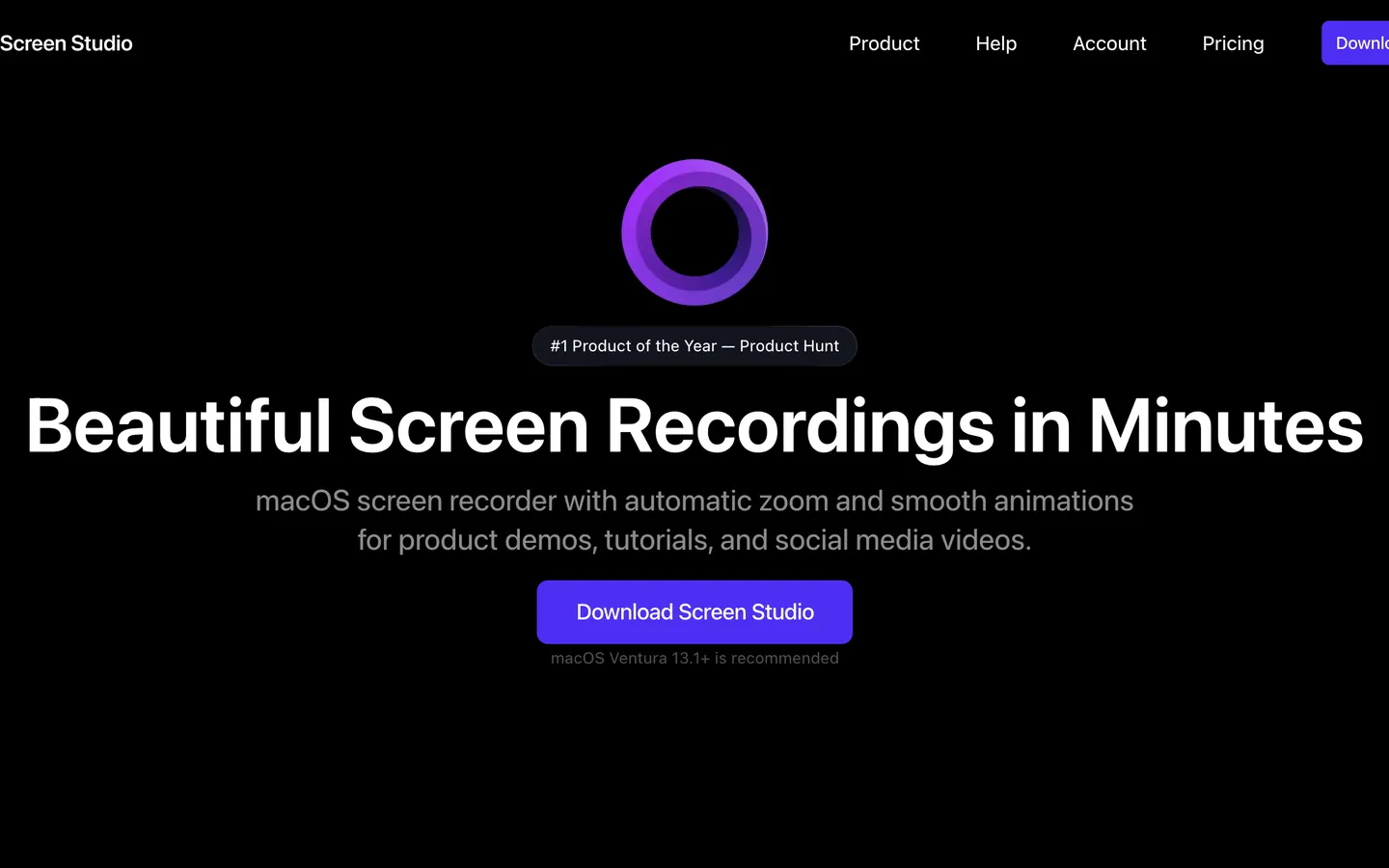
Screen Studio invented automatic zoom on macOS and its cursor smoothing is still the best-known version of the effect: the pointer glides rather than jitters, and the zoom follows it.
It zooms on clicks rather than on typing, and it stops at scale. There is no perspective tilt and no depth of field, so a push-in gets closer without the frame gaining direction. It exports at 4K 60 where Prequel runs to 4K 120, which shows up exactly during the fast zooms this whole category is built around.
On price, be careful which number you compare: $29 is the monthly rate and the yearly one works out at $9 a month, the same as Prequel's monthly.
3. FocuSee
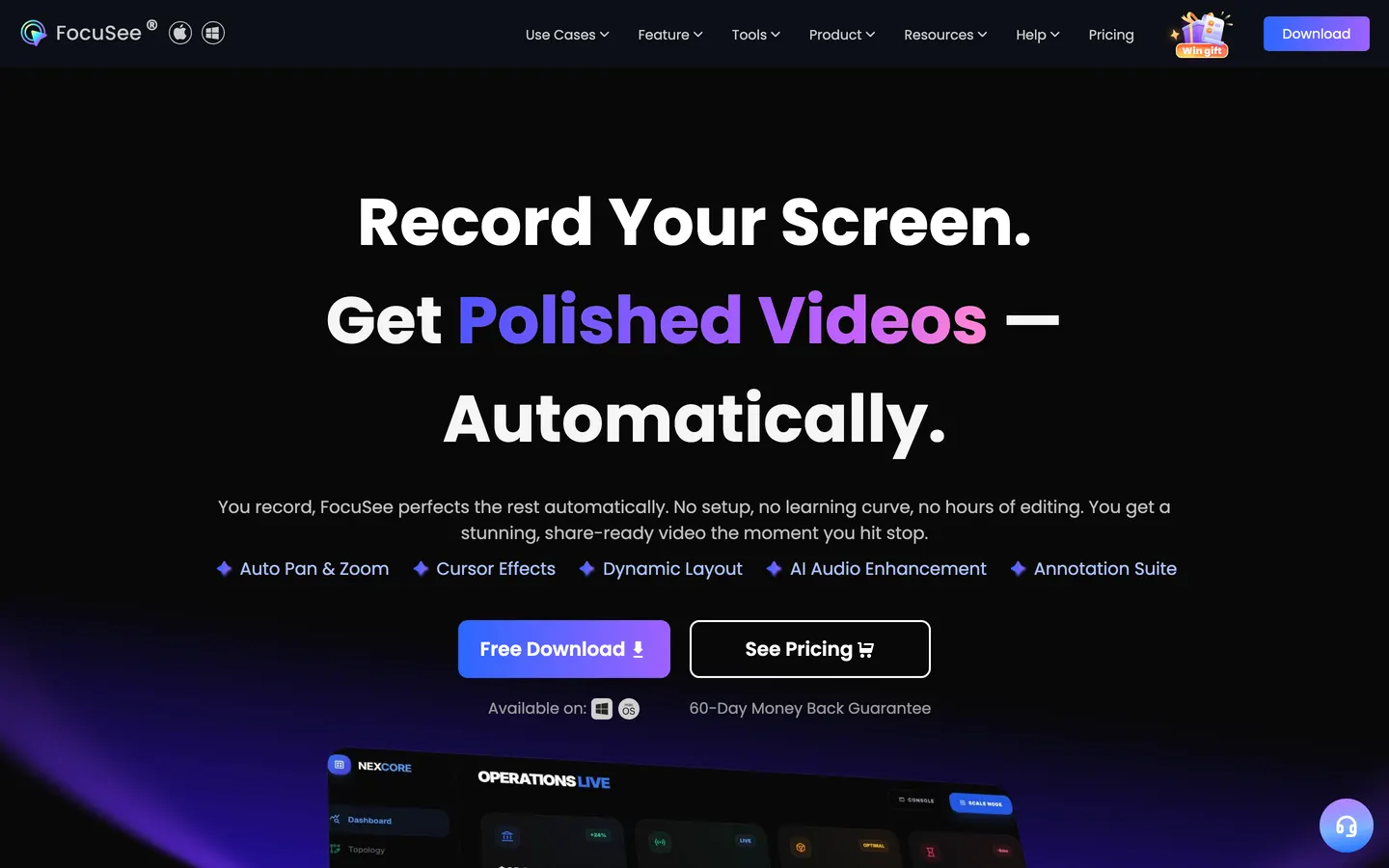
FocuSee does zoom-and-follow well and is the only tool here that also runs on Windows, which makes it the answer if your team is split across both.
The pricing is the most complicated in this comparison, and the free trial watermarks what it exports. The lifetime comparison is the sharp one: FocuSee's one-off licence is $199.99 and Prequel's is $29, for the same category of purchase, and Prequel's seven-day trial produces clean files rather than watermarked ones.
Price. Standard at $49.99 a year or $24.99 a month for one machine, Advanced at $79.99 a year for three, and an Advanced lifetime licence at $199.99 for five.
4. Cap
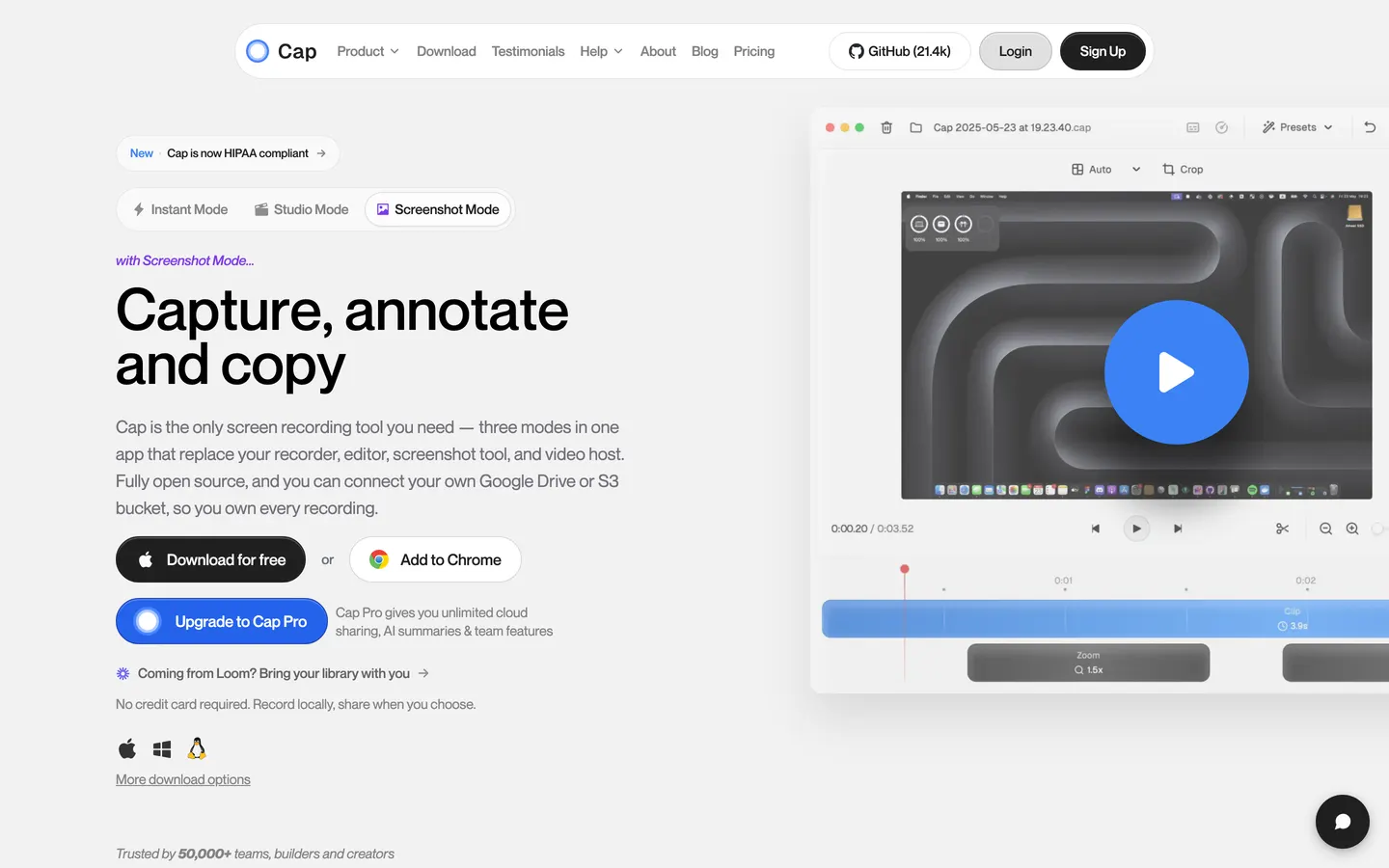
Cap's Studio mode has automatic zoom alongside backgrounds, cursor controls and camera layouts, and it is open source with a hosted option, which nothing else here offers.
Its zoom is the plainest of the five: it scales, and that is it. Export tops out at 4K 60, and the free tier caps recordings at five minutes, which rules out most tutorials. Note that its $29 is a yearly commercial licence rather than a one-off, so the same figure buys Cap for twelve months and buys Prequel outright.
Price. Free for personal use with a five-minute cap, $29/year for a desktop licence, or $12 per user per month for Cap Pro.
5. Tella
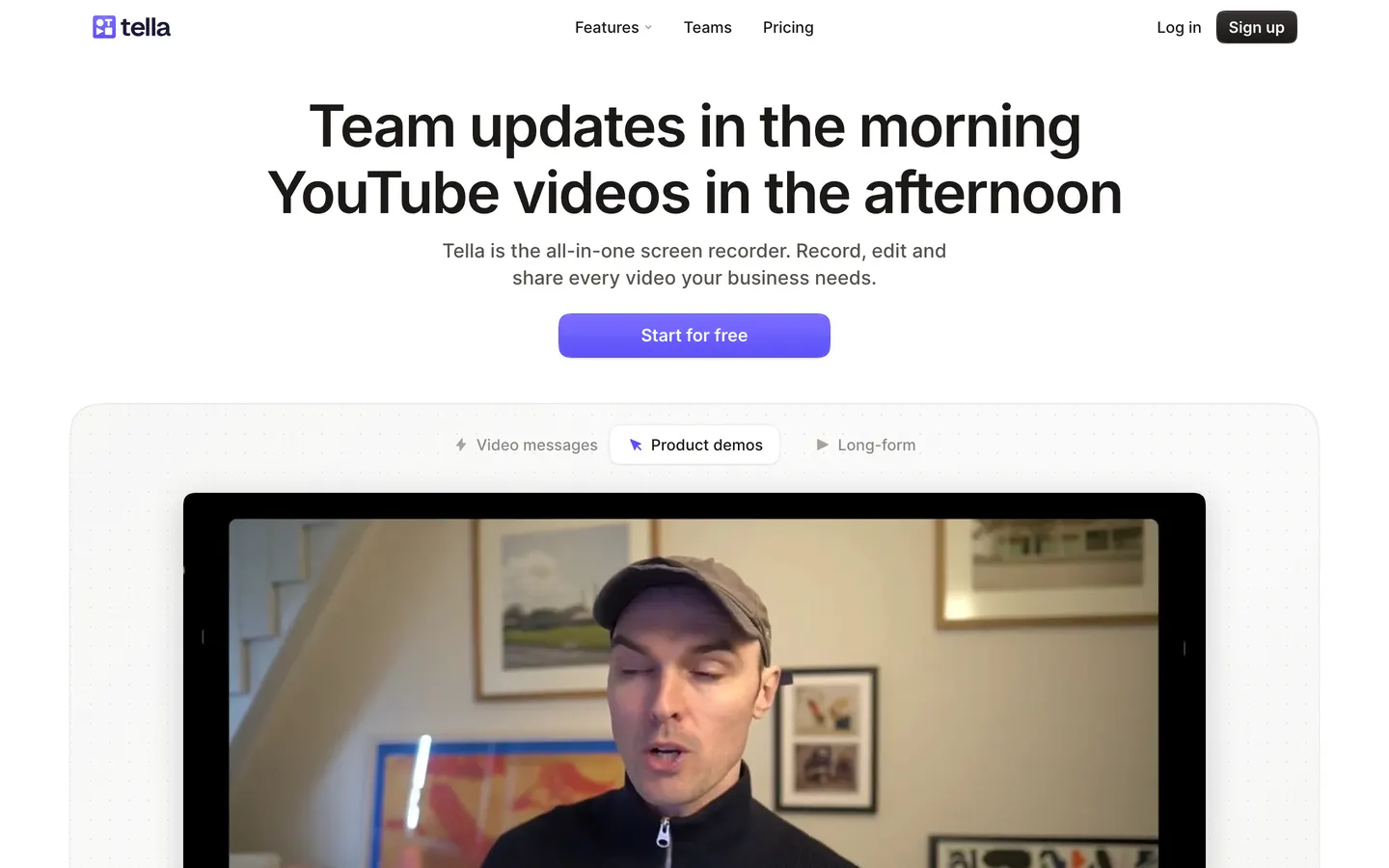
Tella records in the browser and hosts the result on a page you can brand. Its zoom is preset-driven rather than automatic: you pick the framing, which is more control and more work.
The frame rate is where it bites. Tella reserves 60 fps for its $19 Premium tier, and a zoom at 30 fps judders in a way no amount of easing hides. Prequel exports at up to 120 fps on every plan, including the $29 one-off.
Price. Pro at $13 per user per month and Premium at $19, with no free plan and a seven-day trial.
So which one
If you are on Windows or split across platforms, FocuSee. If you want an open licence and a hosted link, Cap. If you record in a browser and want the video hosted for you, Tella.
For a Mac, where the recording is going in front of people, Prequel:
Tutorials and how-tos. Zooms on typing as well as clicks, so a form or a code edit is held rather than snapped through.
Product tours and demos. The tilt and the depth of field are what make a push-in read as a product video rather than a magnifier, and there is no cap on the length of a take.
Social clips. Every frame preset is in both plans, so a zoomed landscape recording reframes vertical without losing the subject.
YouTube. 4K at up to 120 fps, which is the only frame rate here that keeps a fast zoom clean, with no watermark on any plan.
$29 once against $199.99 for FocuSee's lifetime, or $9 a month against Screen Studio's $29 monthly. Seven days free either way.
In the changelog
Frequently asked questions
- Which Mac screen recorder has automatic mouse zoom?
- Prequel, Screen Studio, FocuSee, Cap and Tella all zoom automatically or semi-automatically on a Mac. Prequel is the only one that zooms on typing as well as clicks, and the only one that adds a perspective tilt and depth of field to the push-in. It is $29 once or $9 a month with seven days free.
- How does automatic zoom in a screen recording work?
- The recorder tracks your cursor and your input while it captures, then clusters those moments into zooms when the recording opens in the editor. It pushes in on what you were doing and pulls back out when you move on. There is nothing to set up before you record and no keyframes to place afterwards.
- Can I edit or remove the automatic zooms?
- In Prequel, yes. Every generated zoom is an ordinary slice on the timeline, identical to one you add by hand, so you can retime it, point it somewhere else or delete it. Nothing about the automatic pass is baked into the recording.
- Does zooming into a screen recording make it blurry?
- It depends on the resolution you capture and export at. Recording a Retina display and exporting at 4K leaves enough detail that a two-times zoom is still sharp. Frame rate matters as much: a fast push-in at 30 fps judders, which is why Prequel exports at up to 120 fps on every plan where most of this category stops at 60.
- Is there a free screen recorder with auto zoom?
- Cap is the only genuinely free one, and its free tier caps recordings at five minutes. FocuSee has a trial that watermarks exports. Prequel gives you seven days with the whole app and no watermark, then costs $29 once.