The best Loom alternatives for Mac
People leave Loom for three reasons: the price, the five-minute free cap, or videos that live on someone else's servers. Here is where to go for each, and which one we would actually pick.

Part of How to record a product demo video that people finish
TL;DR
| # | Tool | Price | Why you would switch |
|---|---|---|---|
| 1 | Prequel $29 once, or $9/mo | $29 once, or $9/mo | The video arrives edited, and the file is yours |
| 2 | Cap | Free, then $29/yr | Open source, self-hostable storage |
| 3 | Tella | $13–$19/user/mo | Browser-based, branded landing pages |
| 4 | Screen Studio | $29/mo, or $9/mo yearly | Polished automatic zoom on macOS |
| 5 | Descript | Free tier, then $16–$50/mo | Editing video by editing the transcript |
| 6 | OBS Studio | Free, open source | No limits, no account, no cost |
Prices checked on 16 September 2026.
Loom is the app that made "send a Loom" a verb. It holds a 4.7 on G2 from 2,414 reviews, and in October 2023 Atlassian bought it for $975 million, a deal that drew 390 comments on Hacker News the day it was announced.
It is still the fastest way to get a two-minute walkthrough into a colleague's inbox. Record, it uploads, you paste a link, and nothing on this list beats that for that.
What changed is the bill. In August 2026 Loom removed the free Creator Lite seat, so every person who records now pays $18 a month, and the free plan still stops at five minutes a video. If you are sending video to customers rather than colleagues, the short answer is Prequel: it records locally, hands back a video that is already edited, and costs $29 once. The evidence and the rest of the list follow.
What is Loom?
Loom is a screen recorder built around the speed of sharing. You record your screen with a camera bubble in the corner, the video uploads while you record, and you get a link to paste. Viewers watch on a Loom page with comments, reactions and a transcript.
It is owned by Atlassian and priced per seat: a free Starter plan capped at five minutes and 25 videos, then Business at $18 per user per month and Business + AI at $24.
Why do people look for a Loom alternative?
The free creator seats are gone, and bills went up
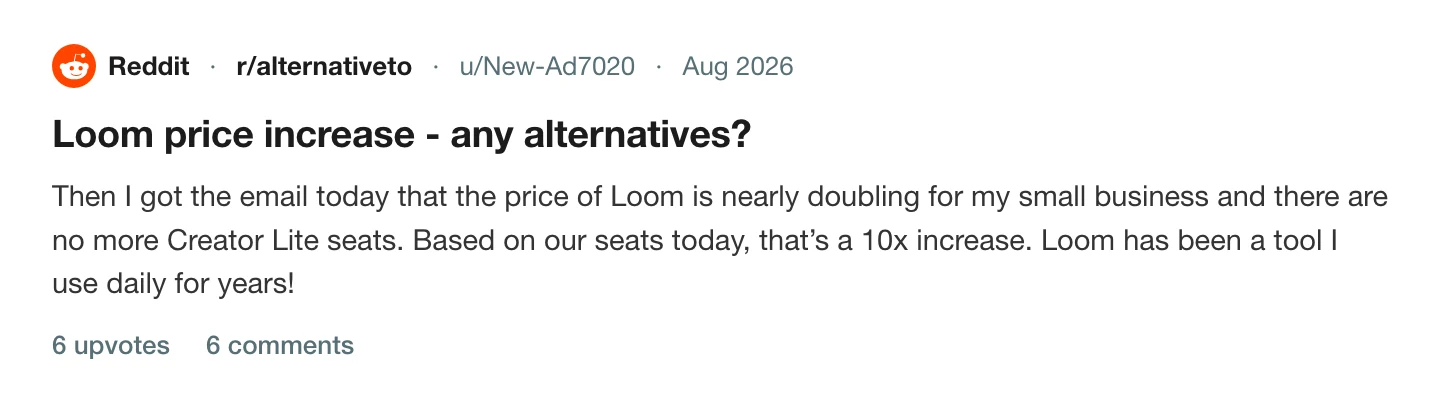
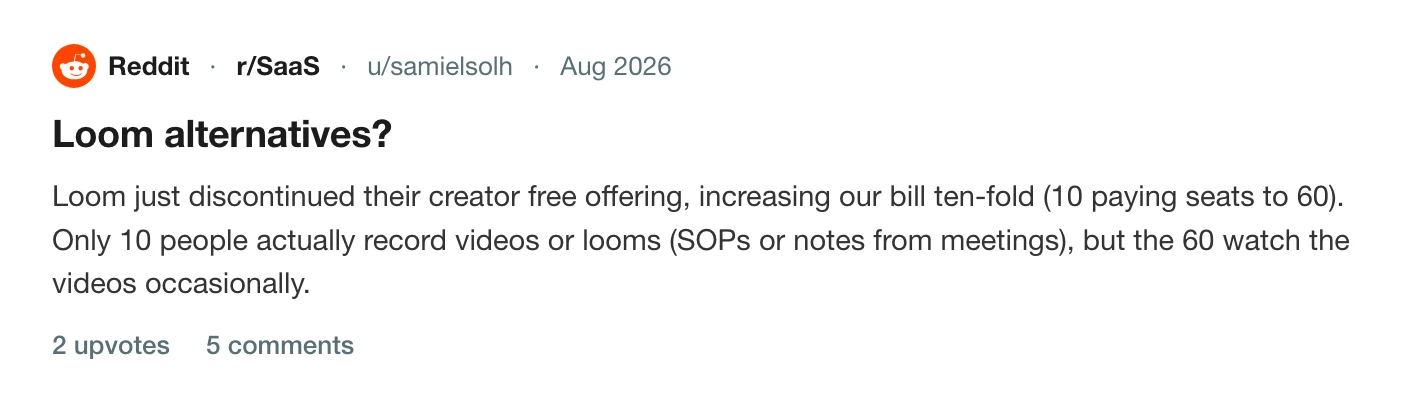
Until August 2026, a team on Business could add Creator Lite users at no cost. Loom removed that role and converted everyone to a paid seat. For a team where ten people record and fifty watch, that is the difference between paying for ten and paying for sixty.
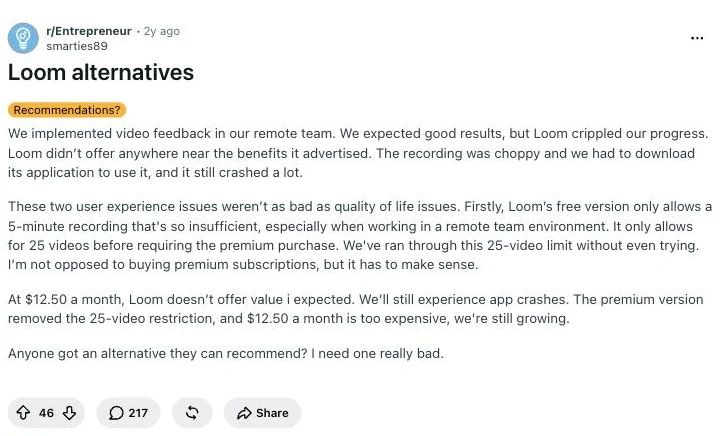
The free plan stops at five minutes and 25 videos
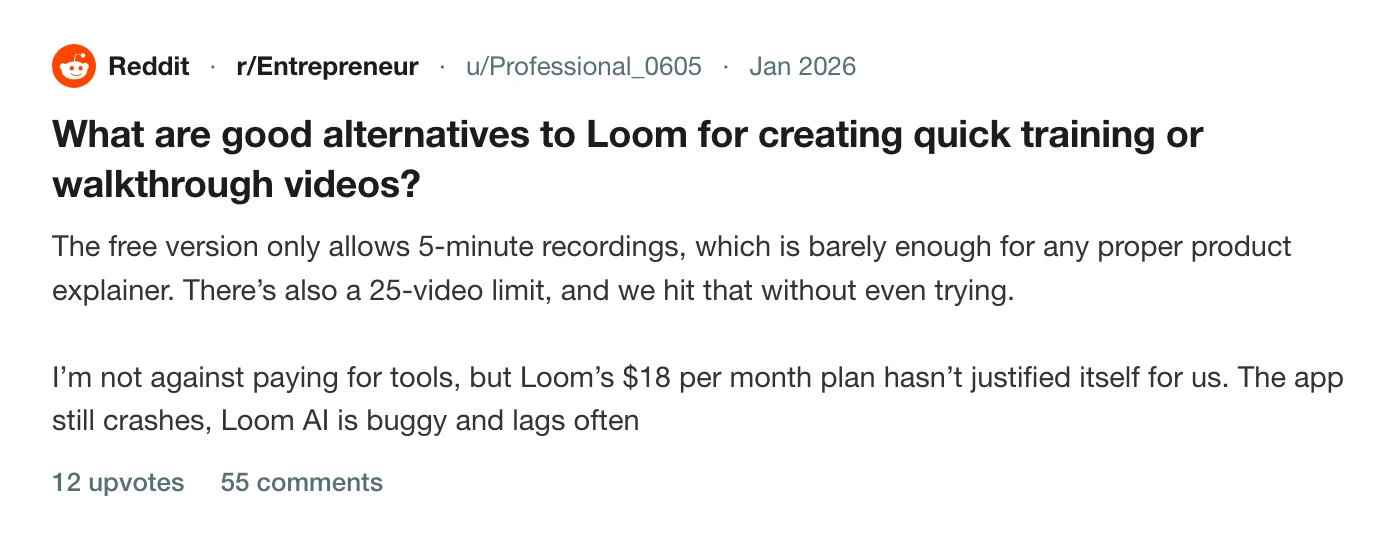
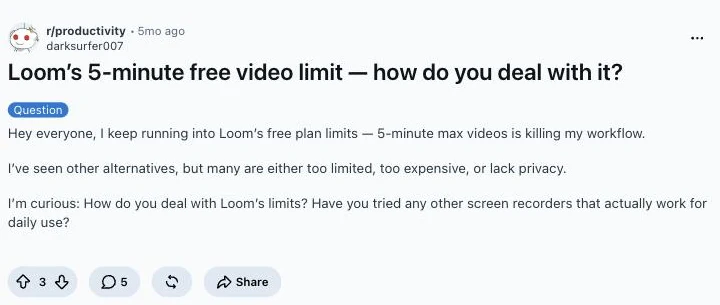
A product explainer is rarely under five minutes, and 25 videos is a month of normal use. Both limits are on the Starter plan, and both show up in almost every thread asking what else to use.
It is an Atlassian product now
Billing and user management moved into Atlassian's admin system with the 2026 changes. Some people are fine with that. The people in the threads above were not, and the concern shows up on G2 even in the reviews that otherwise like the product.
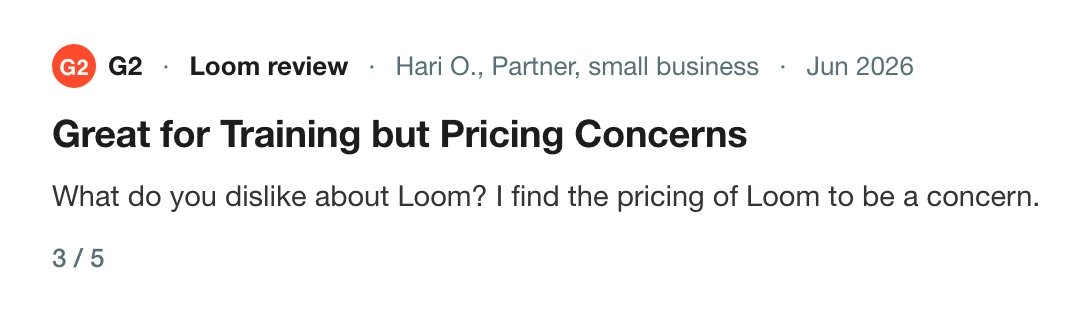
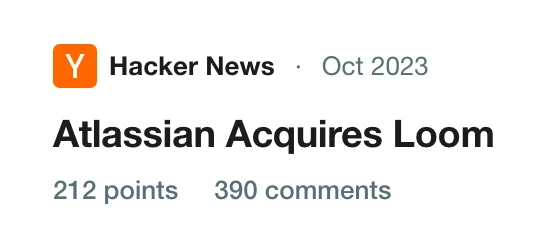
Read the thread on Hacker News
The recording is raw, and it lives on their servers
Loom captures what you performed: un-zoomed, uncut, the camera wherever it started. And you get a link, not a file. For a colleague that is fine. For a customer, a launch page or a YouTube upload, it is the reason people come back from a Loom link and ask what else there is.
The best Loom alternatives for Mac
How we picked
- We recorded the same two-minute walkthrough in each, with clicks, typing, a camera and system audio, and exported it or shared it the way the tool wants you to.
- Prices are from each vendor's own pricing page, on the date under the table. For the four with a full comparison page, the figures are dated there too.
- We left out tools that watermark paid exports and anything without a release in the last year.
- We ranked on the four reasons above: what it costs per person, what the free tier allows, where the video lives, and what the video looks like when it arrives.
1. Prequel
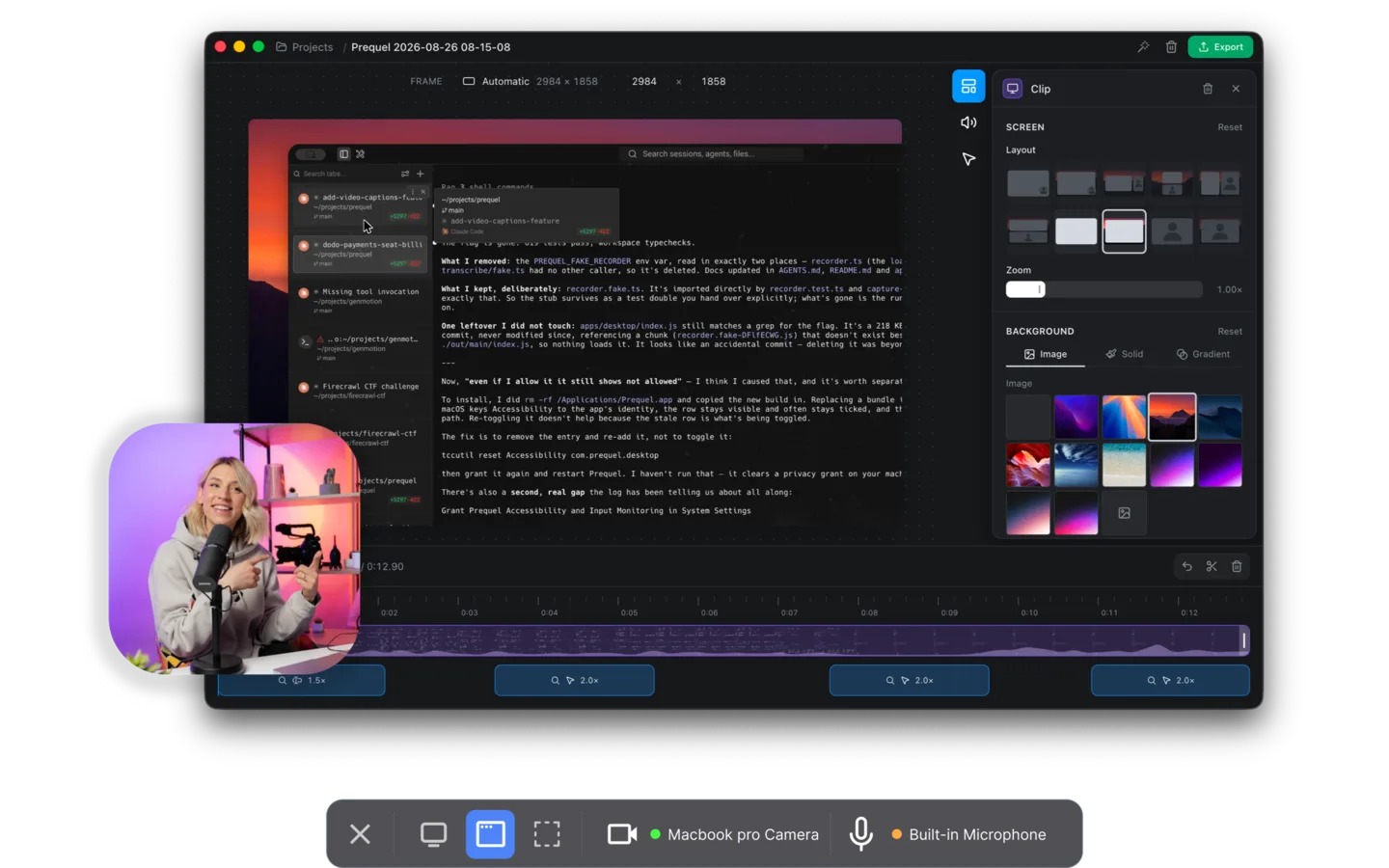
The closest thing to "Loom, but the video is actually good." Prequel records locally and hands back a video that is already directed: zooms that push in on what you clicked and typed, a perspective tilt so the frame has direction, focus falling away from whatever the zoom is aimed at, and a camera you shape, size and place after the take.
That last one works because it writes the screen, camera, microphone and system audio as separate files, so the camera is never burned into a corner. Captions are transcribed on your Mac. Nothing is uploaded unless you ask for a share link.
Pros
- The editing is done when the editor opens
- No cap on the length of a take, on any plan
- $29 once, or $9 a month, against Loom's $18 per seat
- The export is a file you own, at up to 4K and 120 fps
- The code is on GitHub, under the Functional Source License
Requires
- An Apple Silicon Mac on macOS 14 or later
- The Screen Recording permission, granted once
Our take. If you left because the videos were not good enough to send outside the company, this is the switch. If you left over the bill, it is also the switch: one licence, not one per seat, and nobody pays to watch.
Price. $29 once, or $9 a month, with seven days free.
2. Cap
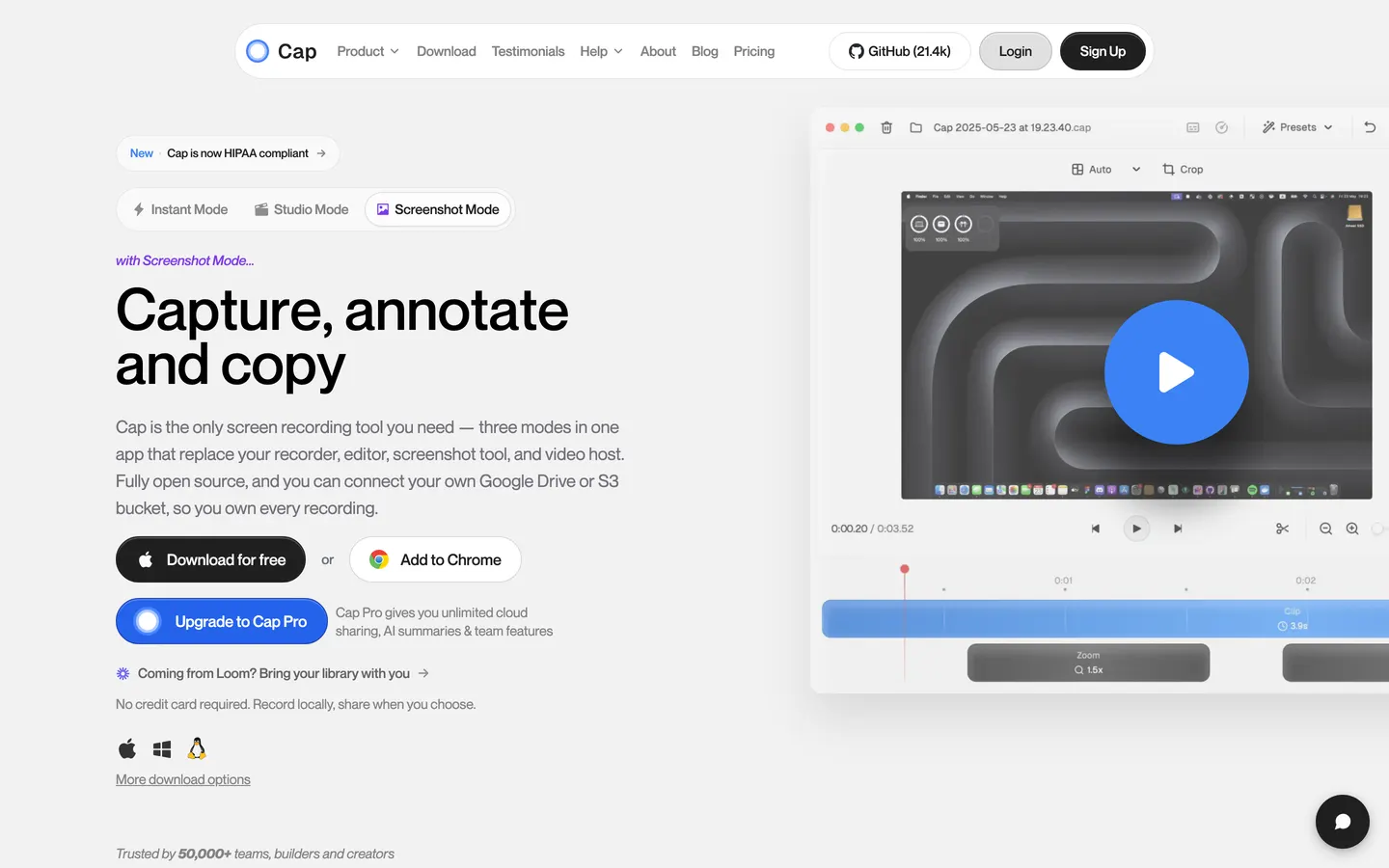
The open-source Loom. Instant mode gives you a hosted link in seconds, which is Loom's record-then-paste almost exactly, and Studio mode records locally with an editor that has automatic zoom and backgrounds. You can point it at your own S3 bucket or Google Drive.
Pros
- Open source, with the code on GitHub
- Your own storage, so the video is on your servers, not theirs
- macOS and Windows
Cons
- The free tier caps recordings at five minutes, the limit you were escaping
- $29 is per year for the desktop licence
- Export tops out at 4K 60
Our take. If "our video is on their servers" was the reason you left, Cap answers it. Check the free tier against your use before assuming it is free: the five-minute cap is Loom's. Prequel has no cap on any plan and its $29 buys the app, where Cap's buys twelve months.
Price. Free up to five minutes, then $29 a year for a desktop licence or $12 per user per month for Cap Pro.
3. Tella
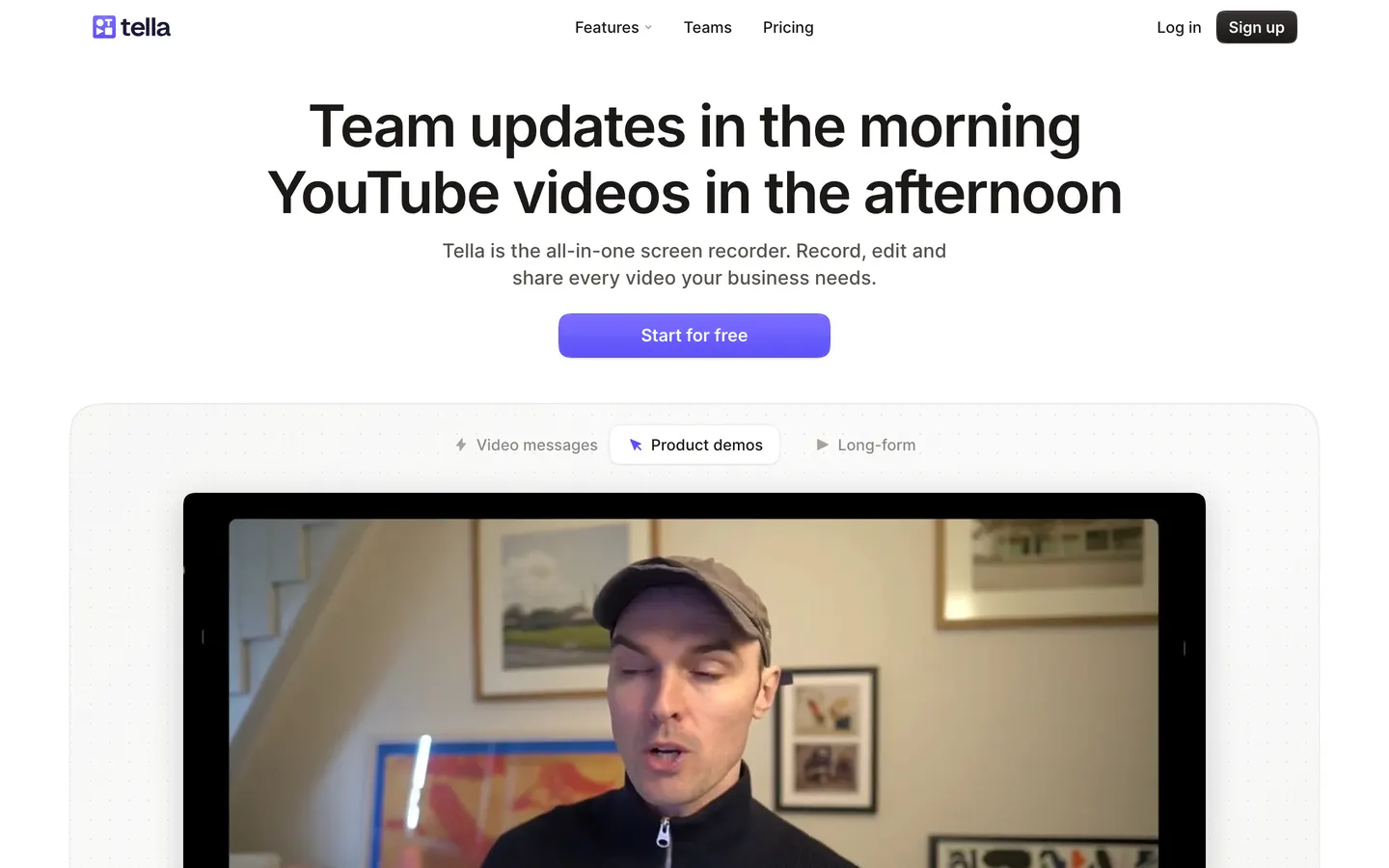
Tella is the closest to Loom in shape: record in the browser, get a branded landing page, no install. For customer-facing demos where the page matters as much as the video, it is a genuine step up from a Loom link.
Pros
- Nothing to install
- Branded pages with a clean player
- Backgrounds, layouts and a light editor
Cons
- 60 fps export is the $19 Premium tier
- No free plan
- The video still lives on a hosted page
Our take. Use Tella when the page is the product. If leaving Loom was about owning the file, this does not solve it, and Prequel exports at up to 120 fps on the $29 licence where Tella charges $19 a month for 60.
Price. Pro at $13 and Premium at $19 per user per month. Seven-day trial.
4. Screen Studio
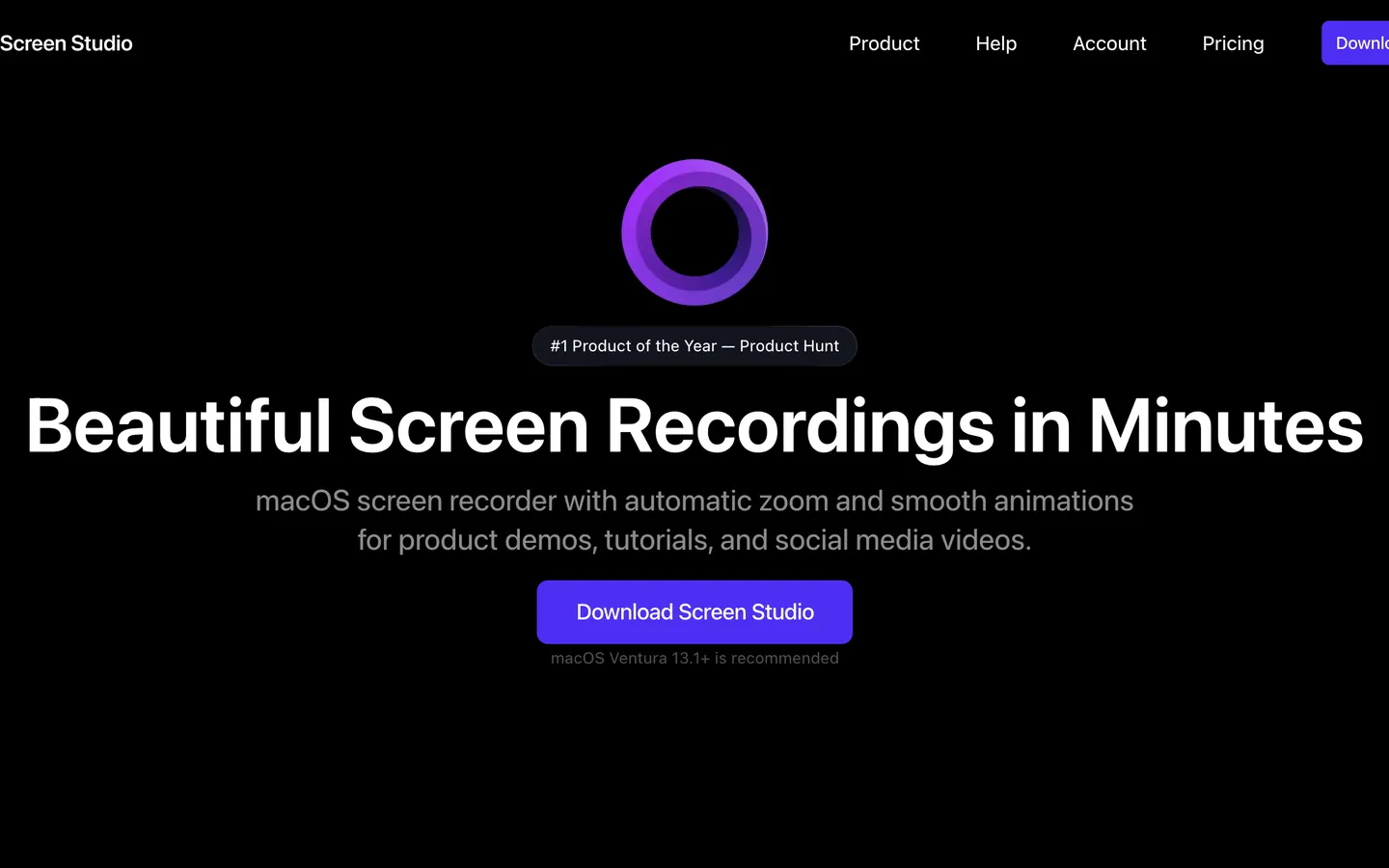
If you left Loom because the recordings looked raw, Screen Studio is the obvious destination: automatic zoom on clicks and the smoothest cursor movement in the category.
Pros
- Mature automatic zoom and cursor smoothing
- Camera as a separate layer, backgrounds
- 4K 60 export
Cons
- Subscription only since October 2025: $29 a month, or $108 a year
- Mac only, and no sharing layer to replace Loom's links
- No perspective tilt or focus falloff
Our take. The right destination if the video was the only problem and a subscription is fine. Note which number you are comparing: its $29 is the monthly rate, and the yearly one works out at $9 a month, which is what Prequel charges monthly, with a $29 lifetime licence beside it that Screen Studio no longer sells.
Price. $29 a month, or $9 a month billed yearly.
5. Descript
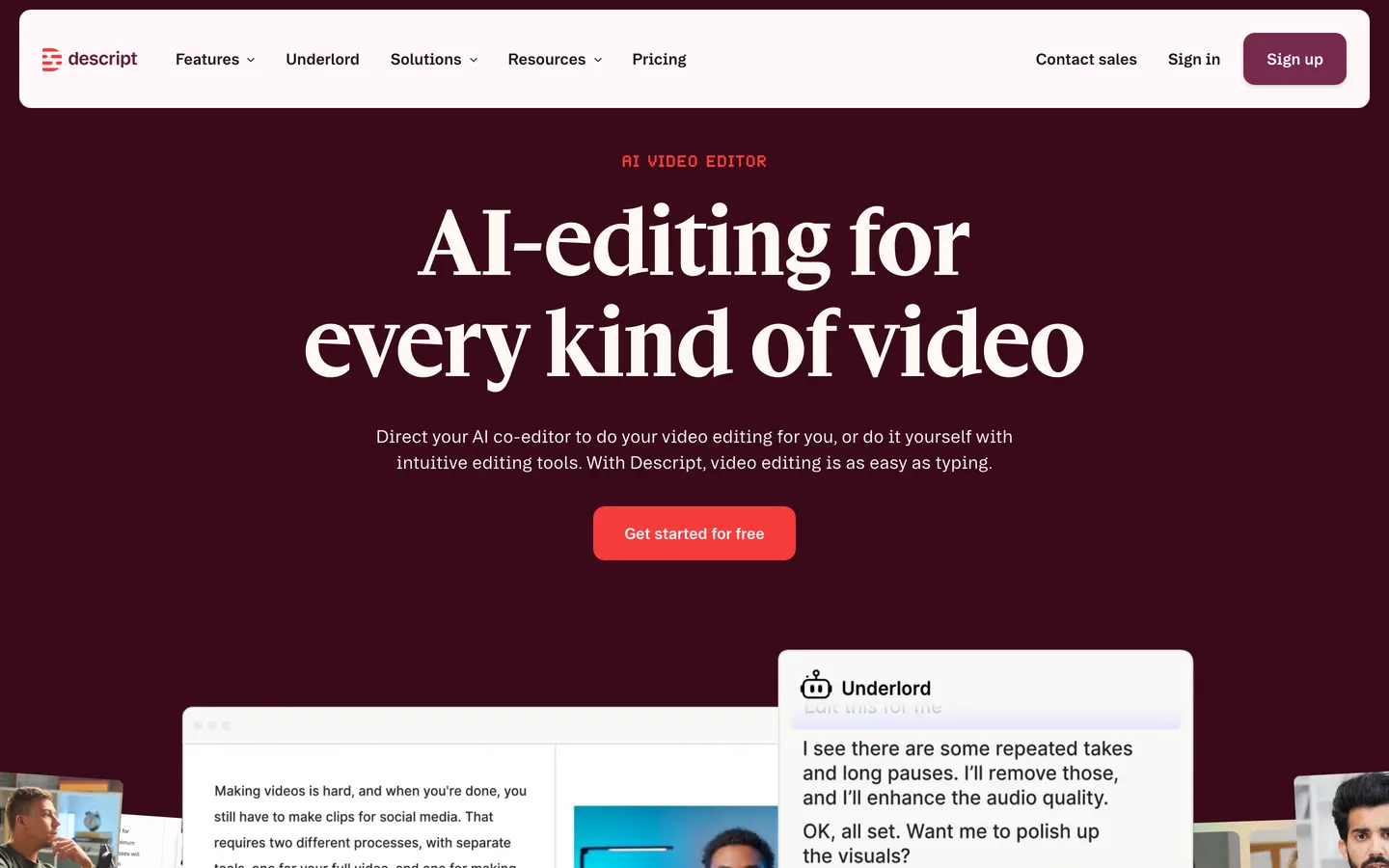
A different tool for a different problem. Descript transcribes your recording and lets you cut the video by deleting words, which for talking-head content is a better way to work than a timeline.
Pros
- Editing by transcript, which is fast for talking heads
- Filler-word removal, studio sound, multitrack
- Windows and Mac
Cons
- Your media lives on their servers as a condition of the product working
- The free tier watermarks exports and caps them at 720p
- Paid plans start around $16 a month
Our take. Pick it if you mostly cut yourself talking. It does not solve the ownership complaint, and for a screen demo the zooms and the camera framing are still your job, where Prequel has placed them before the editor opens.
Price. A free tier, then roughly $16 to $50 a month.
6. OBS Studio
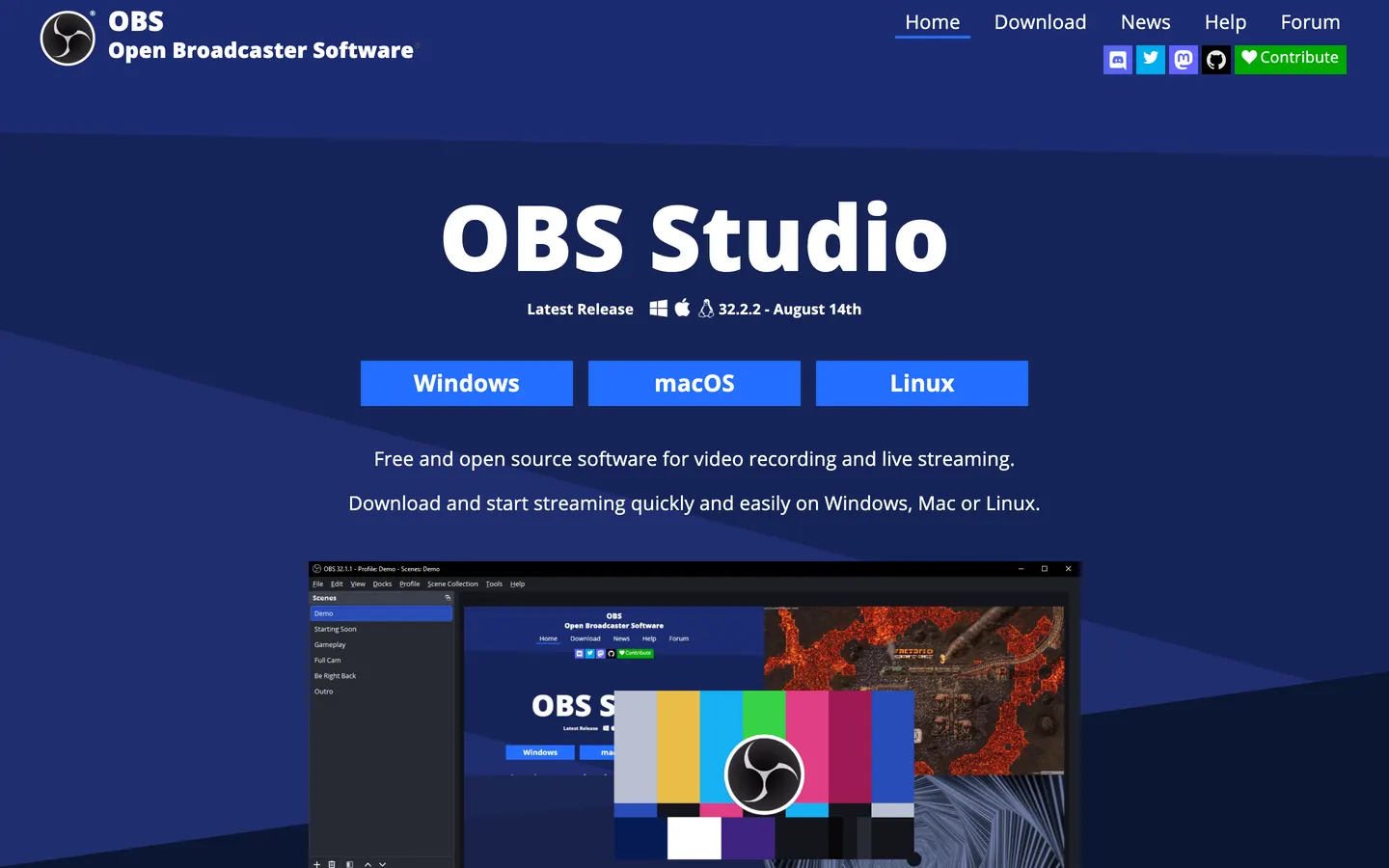
If the price was the whole problem, OBS is free forever, open source, never watermarks and has no time limit. It records the screen and the camera together and captures system audio natively on Ventura and later.
Pros
- Free, no account, no limits
- Records anything, at any resolution
- Open source
Cons
- No sharing layer
- No editor; the recording is the export
- No automatic zoom or camera framing
Our take. Stream with it, or use it if free is the only requirement and you have an editor already. The edit is the part Prequel has finished by the time the file opens.
Price. Free.
Which one should you switch to?
If the bill was the reason, Prequel. One licence, no per-seat pricing, and nobody pays to watch.
If you want to record and paste a link the way Loom does, with your own storage underneath, Cap.
If you need branded pages for customers, Tella. If you mostly cut talking heads, Descript. If free is the whole requirement, OBS.
If you left because the videos were not good enough to send to customers, that is what Prequel is for. You record, and it captures the screen, the camera, the microphone and system audio as separate sources. You stop, and the editor opens with the first pass made: zooms placed on every click and stretch of typing, the camera framed and shaped, a background applied, the audio balanced and the cursor cleaned up.
Product tours and demos. Zooms already placed, a perspective tilt, and no cap on the length of a take, against Loom's five minutes on free.
Tutorials and how-tos. The camera resized per section after the take, not a fixed bubble in one corner for the whole video.
Social clips. Every frame preset is included, so a landscape recording reframes to vertical without cropping the subject out.
YouTube. 4K at up to 120 fps, no watermark on any plan, rendered on your own Mac with no queue on somebody's server.
The timeline is where you cut, with the waveform there so you can see where. Captions are transcribed on your Mac when you stop. The source is on GitHub, under the Functional Source License, which turns into Apache 2.0 two years after each release.
It is $29 once, or $9 a month, with seven days free, on an Apple Silicon Mac running macOS 14 or later.
More of the field:
The 12 best screen recorders for Mac → · Free screen recorders for Mac with camera → · Screen recorders for Mac with a webcam overlay → · How to record a product demo video → · The complete guide to screen recording on Mac →
Frequently asked questions
- What is the best Loom alternative for Mac?
- Prequel, if you are sending video to customers rather than colleagues. It records locally and hands back a video that is already edited, with zooms on your clicks and typing, a perspective tilt and a camera you frame after the take. There is no cap on recording length on any plan, against Loom's five minutes on free, and it is $9 a month against Loom's $18, or $29 once.
- Is there a free alternative to Loom?
- Cap and OBS Studio. Cap is open source and gives you the same instant-link workflow, though its free tier caps recordings at five minutes, the same limit as Loom's. OBS Studio is free with no limits at all, but has no sharing layer and no editor, so both the link and the edit happen elsewhere.
- Is there an open source alternative to Loom?
- Two, depending on what you mean. Cap offers instant hosted links and a local Studio mode, and you can point it at your own S3 bucket or Google Drive; its code is on GitHub under a custom licence rather than an OSI one. Prequel's code is also on GitHub, under the Functional Source License, which becomes Apache 2.0 two years after each release. OBS Studio is the fully OSI-licensed option, under GPL-2.0, with no editor.
- How much does Loom cost?
- There is a free Starter plan capped at five minutes a video and 25 videos, then Business at $18 per user per month and Business + AI at $24. Since August 2026 there are no free Creator Lite seats, so every person who records is a paid seat. Checked on 16 September 2026.
- What happened to Loom's pricing in 2026?
- Loom removed the free Creator Lite role in August 2026 as part of moving billing into Atlassian's admin system. Teams that had paid only for the people who record now pay for every seat that records, which is why threads about a tenfold bill increase appeared that month. Business is still $18 per user per month. Prequel is one $29 licence, or $9 a month, with no per-seat pricing.
- What happens to my Loom videos if I leave?
- Loom lets you download each video as an MP4 from its page, so export anything you want to keep before the workspace closes. Comments and transcripts do not come with the file. Every recording you make in Prequel is already a local file, so there is nothing to export later.
- Is Loom still the right choice for some teams?
- Yes, if the video is for colleagues and the link is the point. Nothing gets a two-minute walkthrough into somebody's inbox faster, and the comments and view counts on a Loom page are useful inside a company. The people who leave are sending video outside the company, where the recording needs to look finished and the file needs to be theirs.
- Can I download my videos instead of sharing a link?
- That depends on the tool. Loom, Tella and Descript are built around a hosted page, so the link is the product. Prequel, OBS Studio and Cap's Studio mode all record locally, so you get a file you own and uploading is something you ask for rather than a condition of the recording working.