Loom crashed and lost your recording: what you can get back
Loom's own help pages say what can be recovered. Desktop recordings sometimes, Chrome extension and mobile recordings never. The page to try first, the folder to check on a Mac, and how to lower the risk.

You recorded ten minutes, pressed stop, and Loom either crashed or never produced a video. What you can get back depends on which Loom you used, and Loom's help pages are blunt about it.
Everything below is from those pages, last updated between April and September 2026.
What Loom says about how often this happens
"In the event that Loom crashes during recording or your video is stuck in processing, we are very sorry! This currently happens to less than 0.1% of all videos." That is Loom's own figure.
Users describe the same thing from the other side. One person on r/techsupport wrote up the problems they kept hitting with the desktop app on a MacBook Air, and said Loom support had classed them as ongoing bugs with no fix.

What can be recovered
- Desktop app, Mac or Windows: possibly. The app stores video parts on your computer while it records.
- Chrome extension: Loom says "we do not have a recovery method for these videos at the moment."
- Mobile apps: the same.
Recover a desktop recording, in order
Loom's steps, in the order it gives them:
- Wait. Give it at least 30 minutes and do not close the tab. A failed preview is filtered out of your dashboard after 24 hours.
- Restart the app. Fully quit Loom from the menu bar, relaunch it and wait a few minutes. Its auto-recovery tries to upload any parts it still has.
- Try the recovery page. Go to
loom.com/recover-videosand paste the video ID, which is the end of the link:loom.com/share/<video_id>. It only works for videos you own that were recorded with the desktop app. - Look on disk. In Finder, choose Go, then Go to Folder, and paste
~/Movies/Loom/Temporary/. Open the folder whose name matches the video ID. - Send it to Loom. Zip the whole folder, upload the zip to cloud storage that anyone with the link can view, and send the video ID and the zip link to Support at
loom.com/contact.
If that folder is empty, Loom says Support cannot rebuild the recording from files on your computer. Do not delete the video from your library while Support looks at it.
Lowering the risk
Loom recommends at least 5 Mbps of upload speed and an up-to-date app, and suggests restarting the device if a recording fails. It also says a dropout in your connection during recording or processing can stop a video from uploading.
The deeper fix is a recorder that does not depend on the connection at all. Two related pages cover the other half of this problem: Loom stuck in processing and why a Loom recording is not the quality you set.
The same failure exists elsewhere. Cap crashed mid-recording is the open-source version of it, and Tella's browser storage limits is the cloud-first one. If the reason you cannot get into Loom to try any of this is the account, Loom login since the Atlassian move has the fix.
Record to your disk first
Prequel keeps each take as a folder under ~/Movies/Prequel on your Mac, and the folder holds ordinary files: screen.mp4, camera.mp4, mic.m4a and system.m4a, with a session.json that says when each started. Where files live lists every one.
Nothing in recording or export needs the internet. A link is something you ask for afterwards, from the finished export.
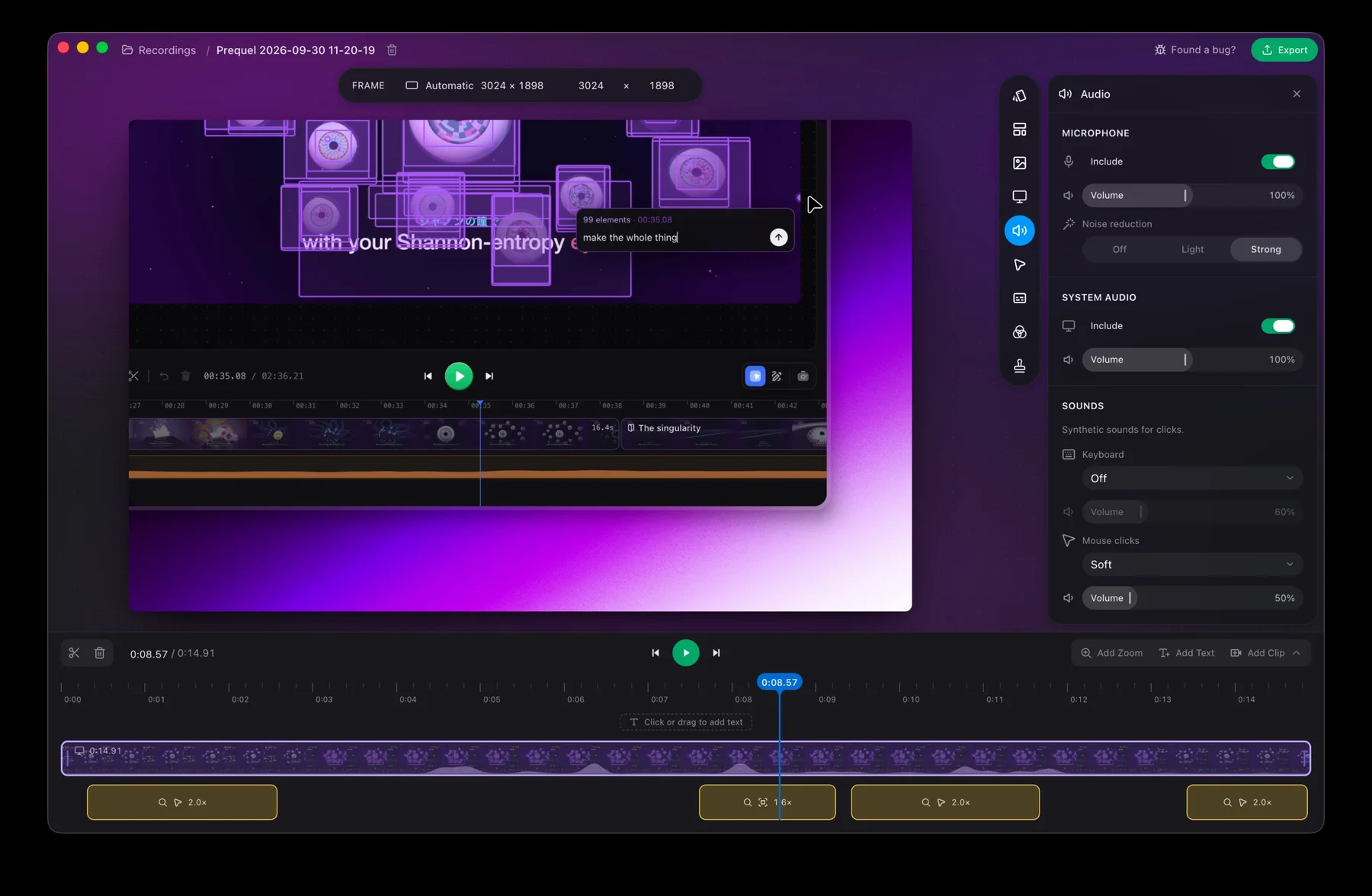
Record your next long take in Prequel and keep the files.
Prequel needs an Apple Silicon Mac on macOS 14 or later. Download Prequel for Mac and try it free for 7 days, with no watermark on anything you export. After that it is $9 a month or $29 once. See what it costs.
Frequently asked questions
- Can I recover a Loom recording that crashed?
- Sometimes. Loom says recordings made with its desktop app may be recoverable from files stored on your computer. Recordings made with the Chrome extension or the mobile apps have no recovery method, according to Loom's help pages.
- Where does Loom store unfinished recordings on a Mac?
- In ~/Movies/Loom/Temporary/, in a folder named after the video ID. In Finder, choose Go, then Go to Folder, and paste that path. On Windows the folder is %userprofile%\Videos\Loom\Temporary\.
- How long should I wait before treating a Loom video as lost?
- Loom says to wait at least 30 minutes and not close the tab until the video plays. It also says a recording that has not processed after 24 hours is filtered out of your dashboard view.
- How often does Loom lose a recording?
- Loom says a crash during recording or a video stuck in processing happens to less than 0.1% of all videos. That is a small share of a very large number of recordings, and a certain loss for the person it happens to.
- Which Mac screen recorder keeps recordings on disk while it records?
- Prequel keeps each take as a folder under ~/Movies/Prequel on your Mac, with the screen, camera, microphone and system audio as separate files, and does not need the internet to record or export. It needs an Apple Silicon Mac on macOS 14 or later.
Keep reading
- Loom stuck in processing: how to recover your videoHow long Loom takes to process a video, when to stop waiting, and Loom's own steps for the desktop app, the Chrome extension and mobile. What the failed upload message means and where the files are.
- Why your Loom recording isn't the quality you setUsers report Loom recordings that go fuzzy after pausing, a 1080p setting that does not hold, and a webcam that lags only on an external camera. What they saw, and how to record at the full size of your screen instead.
- Cap crashed mid-recording: what you can recoverCap's WriterFailed crash was reported for months and the maintainer says it was fixed in August 2026. What caused it for different users, what to keep and where the logs are, and how to avoid losing a take.
- Can't log in to Loom since the Atlassian moveLogin loops, a support form that asks for a workspace URL you cannot see, and an account that is now an Atlassian one. The fix a user reported that worked, and how to tell which login you need.