Can you recover a deleted Loom video?
No. Loom documents that a deleted video is immediately and permanently purged, that Support cannot recover one, and that there is no trash to restore from. The archive feature is the only safety net and you have to choose it first.

The short answer is no. Loom deletes a video immediately and permanently, documents no trash and no retention window, and says its own Support cannot bring one back.
That is a different case from a recording lost to a crash before it ever uploaded, where there may still be a file on your Mac. If that is what happened to you, Loom crashed and lost your recording is the page you want.
What Loom documents
"Permanent video deletion is the irreversible removal of video data from Loom's servers to comply with privacy and data protection standards. Once a video is deleted, all associated data is purged from the system, meaning the video can no longer be accessed, even with the original link."
On the delete action: "When the video owner chooses to delete a video, it is immediately and permanently deleted." There is no interval in that sentence.
On asking for help: "Because Loom Support can't recover deleted videos, it is recommended to use the archive feature for content you may need later."
There is no bin to look in
Loom documents no trash, no recently-deleted list and no restore. Pages promising a 30-day Loom trash are describing something Loom does not have, and following them costs you the time you could spend on the one route that works.
The only reversible action is the one you choose in advance. "Archiving hides videos from your main library without purging the data, allowing you to restore them at any time." Archived videos still count towards the free plan's 25, which Loom's free plan limits covers.
Two other ways a video goes for good
Loom documents the same permanence on two admin paths. An admin removing a user "have the option to permanently delete all of their content during the off-boarding process", and if you close your own account "all content owned by them across all of the workspaces they're a member of is permanently deleted".
Tidying up and leaving are the dangerous moments, and both are when people reach for delete. Take copies first: how to download a Loom video as an MP4 covers one video, and getting your Loom library out covers the rest.
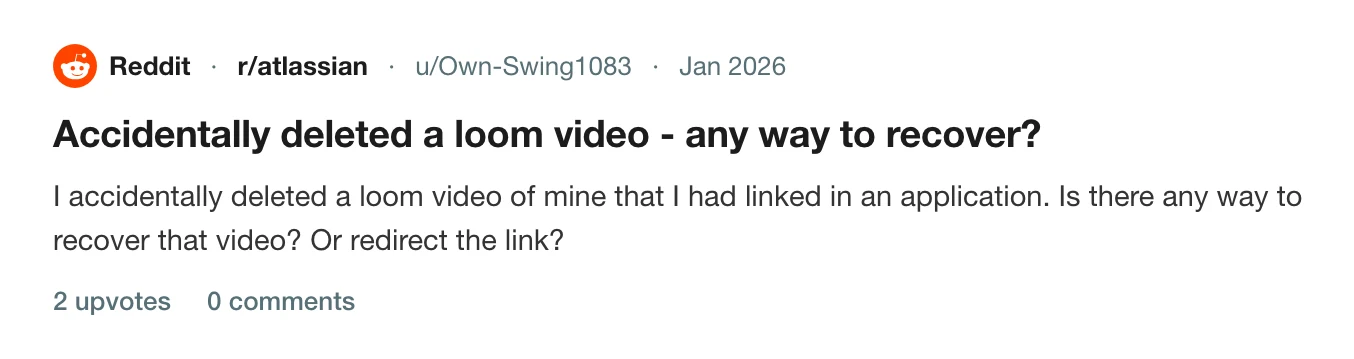
The share link dies with the video, which is the part that catches people out. Somebody on r/atlassian had linked theirs in a job application.
Nothing to recover
A Prequel recording is a folder on your Mac from the moment you press stop, and an export is a file you chose the place for. Deleting a share link does not touch either: the link stops working and the video sits where it always was. Where files live lists what a session holds, and share links covers the part that is optional.
Recovery is a question you only have to ask about a copy you never held.
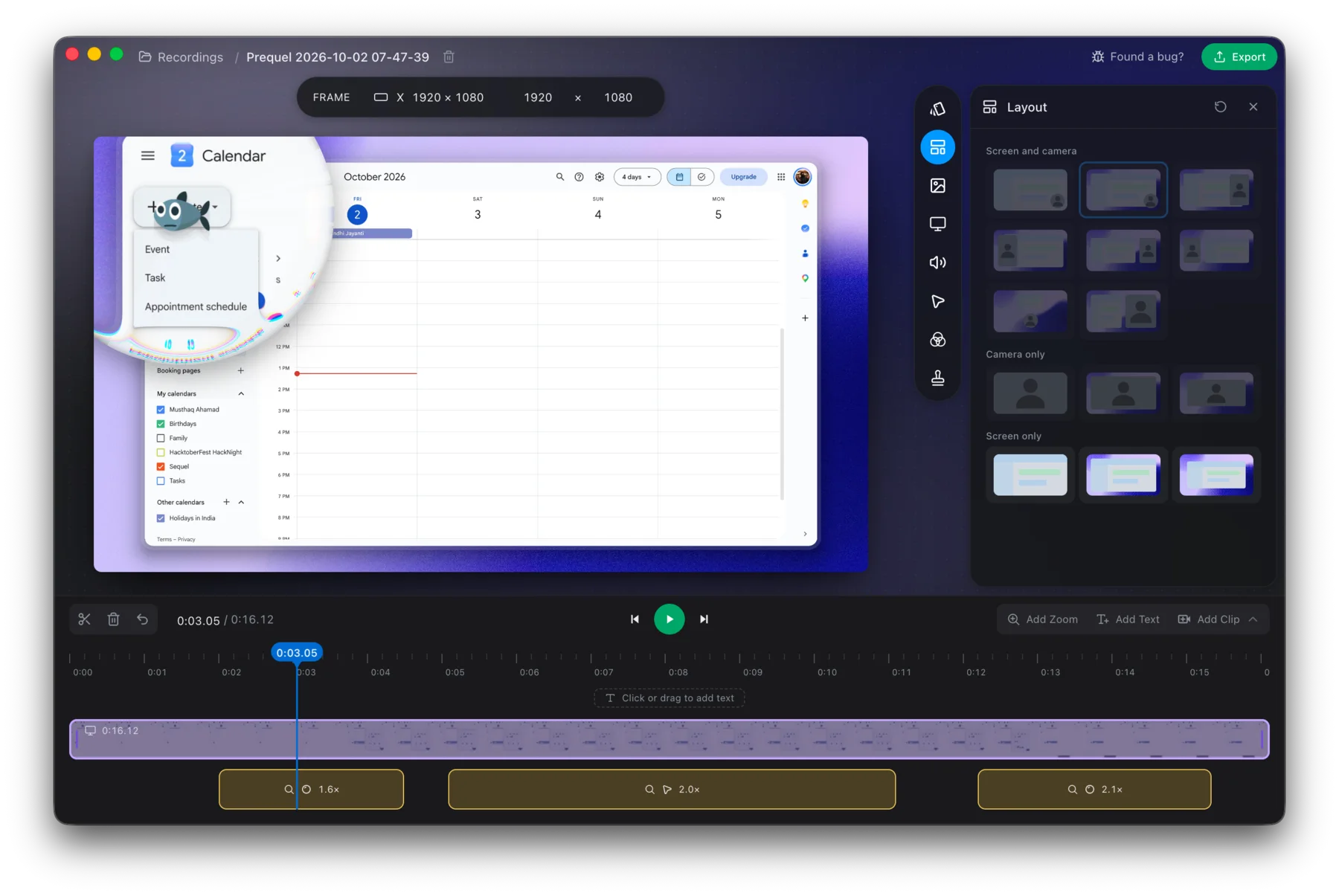
Keep the next one.
Prequel needs an Apple Silicon Mac on macOS 14 or later. Download Prequel for Mac and try it free for 7 days, with no watermark on anything you export. After that it is $9 a month or $39 once. See what it costs.
Frequently asked questions
- Can I get back a Loom video I deleted?
- No. Loom documents that when the video owner deletes a video it is immediately and permanently deleted, that all associated data is purged from its servers, and that the video cannot be accessed even with the original link. Loom also states that its Support cannot recover deleted videos.
- Does Loom have a trash or recently deleted folder?
- Loom documents no trash, no bin and no recently deleted list. Pages describing a 30-day Loom trash are describing something Loom does not document. The only reversible option is Archive, which hides a video without purging it and can be undone at any time.
- Can a Loom workspace admin restore a deleted video?
- Loom documents no admin restore on any plan. Admins appear in its deletion page only as a route that causes permanent deletion, through deleting a user's account during off-boarding.
- Does the Loom share link still work after the video is deleted?
- No. Loom says a deleted video can no longer be accessed even with the original link, and it documents no way to redirect an old link to a new video.
Keep reading
- Loom crashed and lost your recording: what you can get backLoom's own help pages say what can be recovered. Desktop recordings sometimes, Chrome extension and mobile recordings never. The page to try first, the folder to check on a Mac, and how to lower the risk.
- How to get your videos out of LoomThere is no bulk download: Loom's bulk actions are move, archive, delete and change access. Downloads are one at a time, paid-only and role-gated, captions do not come with the file, and Loom documents no window to collect them after you cancel.
- Loom's free plan limits: five minutes and 25 videosWhat Loom's free Starter plan allows, what counts toward the 25 videos, what happens when you hit the limit, and the ways around it. Plus what changes if you downgrade from a paid plan.