Loom's free plan limits: five minutes and 25 videos
What Loom's free Starter plan allows, what counts toward the 25 videos, what happens when you hit the limit, and the ways around it. Plus what changes if you downgrade from a paid plan.

The limits are the first thing people hit on Loom's free plan. They are short enough to matter and specific enough to plan around.
What the Starter plan allows
Loom's Starter plan allows up to 25 videos and screenshots, and each recording is capped at five minutes. Loom says the 25 includes archived videos, so archiving a video to tidy up does not give you the space back.
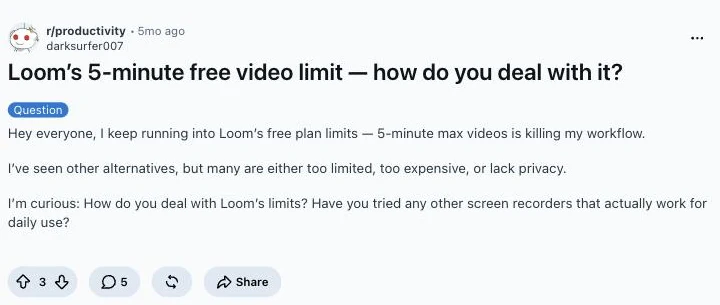
That is the whole free offer, and the same wall shows up in other tools' pricing. If the long recording is a training video, how to record training videos for software that changes every release covers the format. A thread on r/productivity put it plainly.
What happens when you hit them
At five minutes the recording stops. At 25 videos you can still watch and share what you have, but Loom will not let you record another until you delete down or upgrade.
If you arrive at Starter by downgrading from a paid plan, the rule is the same. Loom says that when your count is above 25 you keep access to all of your videos, but you cannot record new ones until you are under the limit.
Ways around the limits
- Split the take. Record in five-minute parts and join them later. It works and it is slow.
- Delete and re-record. Videos you can live without free the count, archived ones included.
- Upgrade. Loom's paid plans lift the caps. They are billed per user and, since the move to Atlassian, the number of paid users can change without you doing anything: see why your Loom bill went up.
- Leave. If you do, take your files first. Downloads are limited to Loom's top paid tiers, which how to download a Loom video as an MP4 explains, and how to cancel Loom covers the exit.
Other tools have their own version of the wall. Tella has no free plan at all, and Screen Studio charges to export.
For a comparison of what each alternative caps, see the best Loom alternatives for Mac and the Loom page.
Recording with no cap
Prequel has no length cap on a recording. A 40-minute walkthrough is one take, in one file, and exporting it does not need the internet. It has no free plan to hit a ceiling on: a 7-day trial with the whole app, then a price stated on the pricing page.
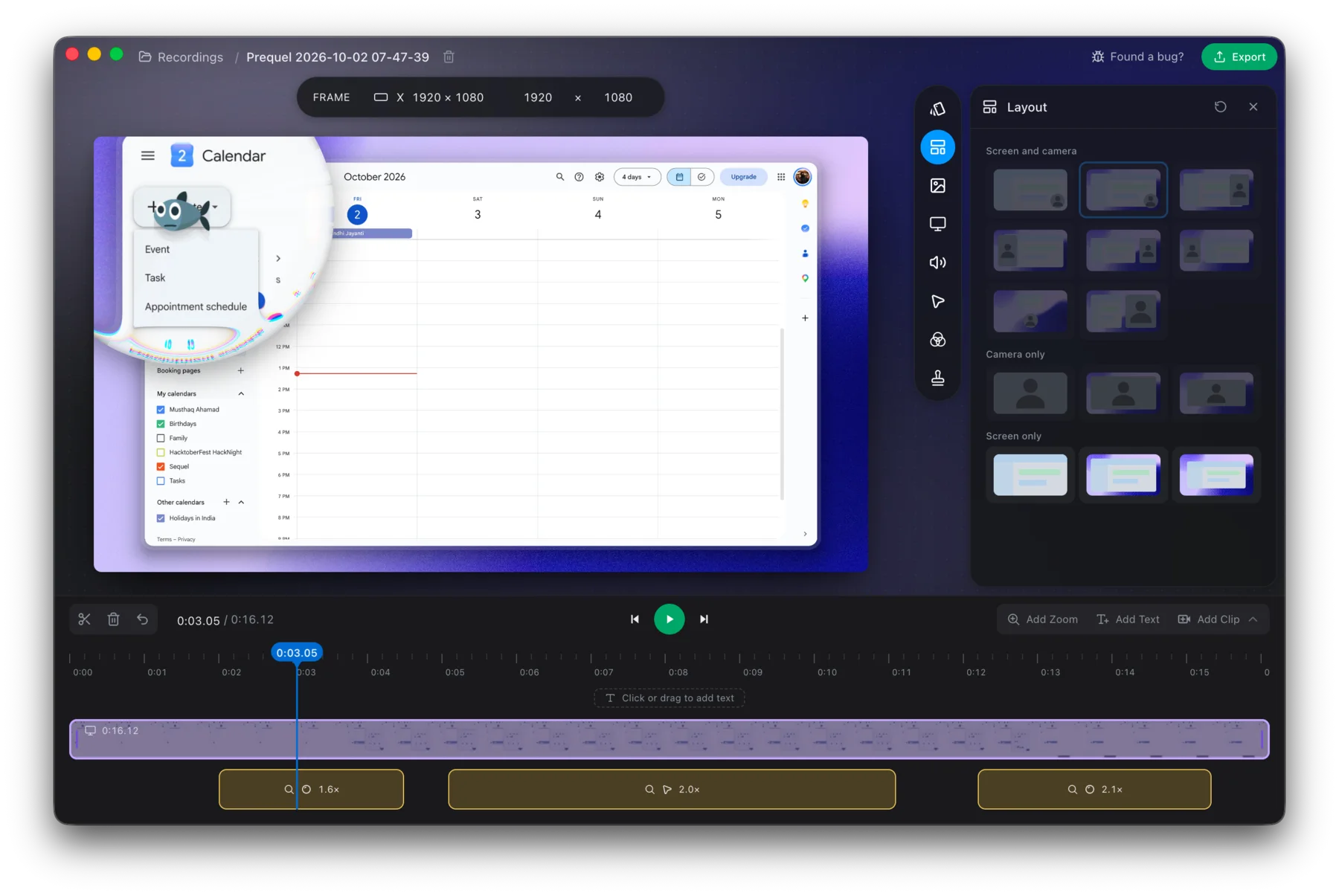
Record the long version in one take.
Prequel needs an Apple Silicon Mac on macOS 14 or later. Download Prequel for Mac and try it free for 7 days, with no watermark on anything you export. After that it is $9 a month or $29 once. See what it costs.
Frequently asked questions
- How long can I record on Loom's free plan?
- Five minutes per video. Loom's Starter plan caps each recording at five minutes.
- How many videos can I have on Loom's free plan?
- Up to 25 videos and screenshots. Loom says the video count includes archived videos, so archiving does not free space.
- What happens when I reach 25 videos on Loom?
- You can still watch and share your videos but you cannot record new ones until you delete some or upgrade. Loom says that if your count is over 25 after a downgrade you keep access to every video.
- Is there a screen recorder with no time limit on a Mac?
- Yes. Prequel has no length cap on a recording and no watermark on exports, with a 7-day free trial and then $9 a month or $29 once. It needs an Apple Silicon Mac on macOS 14 or later.
Keep reading
- Why your Loom bill went up, and how to leaveLoom's billing moved to Atlassian and free Creator Lite seats became paid ones. What changed, what people report paying, the step that stops the charge before the next invoice, and what to use if you are leaving.
- How to cancel Loom, including after the Atlassian moveLoom now has two cancellation routes: Atlassian Administration and Loom's own settings. How to tell which you are on, the clicks for each, what you lose, and why downgrading does not stop the charge. Checked 5 October 2026.
- How to download a Loom video as an MP4Loom only offers downloads on its two top paid plans, and asks for a wait before the file is ready. Who can download, why the button is missing, and the cleanest route if you are on the free plan.
- Tella has no free plan: what to use insteadTella is $13 or $19 per user a month billed annually, after a 7-day trial that exports at HD and 30 fps. What its help centre and pricing page say, why older reviews still mention a free tier, and what else costs nothing to try.