How to cancel Loom, including after the Atlassian move
Loom now has two cancellation routes: Atlassian Administration and Loom's own settings. How to tell which you are on, the clicks for each, what you lose, and why downgrading does not stop the charge. Checked 5 October 2026.

Loom now has two ways to cancel, and picking the wrong one is why so many people end up looking at a button that is not there. This page was checked against Loom's and Atlassian's documentation on 5 October 2026. Loom changed the flow in May 2026, so if a label has moved, trust the screen over this page.
Which kind of account you have
Open your Loom workspace settings. If the page says "Loom is now a part of Atlassian. Manage settings and users in Atlassian Administration", your subscription is managed in Atlassian and you follow the first set of steps below.
Loom says you are in Atlassian if you signed up after February 2026, or if your older account has been moved over. A second tell is on the account settings page, which says "Your Profile is linked to Atlassian".
If neither message is there, you are on a legacy Loom account and the second set of steps applies.
If Atlassian bills you
Loom's documentation says only Atlassian billing admins and Atlassian organisation admins can cancel an Atlassian-managed Loom subscription. That is the "you do not have permission" error people post about. If you are not an admin, someone who is has to do the steps.
- Go to Atlassian Administration and open Billing, then Subscriptions.
- Find Loom and choose Manage. If you have more than one, note your Transaction Account ID so you pick the right one.
- Choose Manage on the right entitlement and select the Loom subscription.
- Open the actions menu and choose Deactivate, then give a reason and continue.
- Choose Downgrade to move to the free Starter plan, or Continue to cancel, then Cancel subscription.
You are then shown the exact end date.
If the subscription is not there. Atlassian has two versions of its billing screens, original and improved. If Overview is first in the left-hand menu you are on the original one, and the route is different: go to my.atlassian.com, expand the subscription and choose Cancel Subscription. This is the most likely reason people say Atlassian does not show their Loom plan.
Atlassian's own terms add three things. A cancelled subscription is deactivated 15 days after the end of the current period. No credit is offered for cancelling before the end of a billing cycle. Undoing a deactivation means contacting support. Enterprise plans cancel only by email to Atlassian.
If you are on a legacy Loom account
- In Loom, go to workspace settings and open Plan and Billing.
- Choose Manage Subscription, then Downgrade to Starter.
- Give a reason and choose Complete cancellation.
Loom says you keep the premium features until the end of the billing cycle and are not charged again at renewal. On a Business + AI trial there is no Manage Subscription button, because there is nothing to cancel.
Remove paid seats first
If your bill went up because free Creator Lite seats were converted, cancelling the plan is not the only fix and not always the right one. A downgrade takes effect at the next renewal date. Deactivating a user is immediate. The details are in why your Loom bill went up.
What you lose, and what you keep
- Access: premium features run to the end of the billing cycle. There is no prorated refund.
- Videos: kept. Over 25, you can watch and share them but not record new ones until you delete down or upgrade.
- Limits: recordings drop to five minutes.
- Branding: custom branding goes, and every share page returns to the default.
- Single sign-on: it is switched off. If you had no password before SSO was enabled, you have to reset it, which is how a team can lock itself out.
- Embeds: Loom's documentation does not say what happens to a video embedded elsewhere, so test one before you cancel.
Download before you downgrade
Loom only allows downloads on its two top paid tiers. Once you have dropped to Starter, getting a file out is harder, so do it first. How to download a Loom video as an MP4 has the detail.
Refunds
Loom's billing policy states the no-refund position three times: for cancelling, for downgrading a member, and for deactivating one, where "all unused time for that user is forfeited". On annual plans, "no refund or credit is processed".
Cancelling before the renewal date is therefore the protection Loom gives you. Other tools differ: Screen Studio refunds nothing, and Tella refunds a first purchase within 14 days. The cancel button in every screen recorder puts them side by side.
Before you pick the next one
Videos you made in Loom stay in Loom unless you download them. If you are moving, the free-plan caps in Loom's free plan limits are what you will hit first, and login problems since the Atlassian move is the page for when you cannot get to the settings at all.
The best Loom alternatives for Mac compares the options, and the Loom page puts Prequel next to it.
Recording in Prequel after Loom
Prequel records and edits on your Mac and exports an MP4 that is yours the moment it finishes. Exports to your own Mac are never counted against anything, never expire and have no limit. A shareable link is something you ask for with Share video, not a condition of recording.
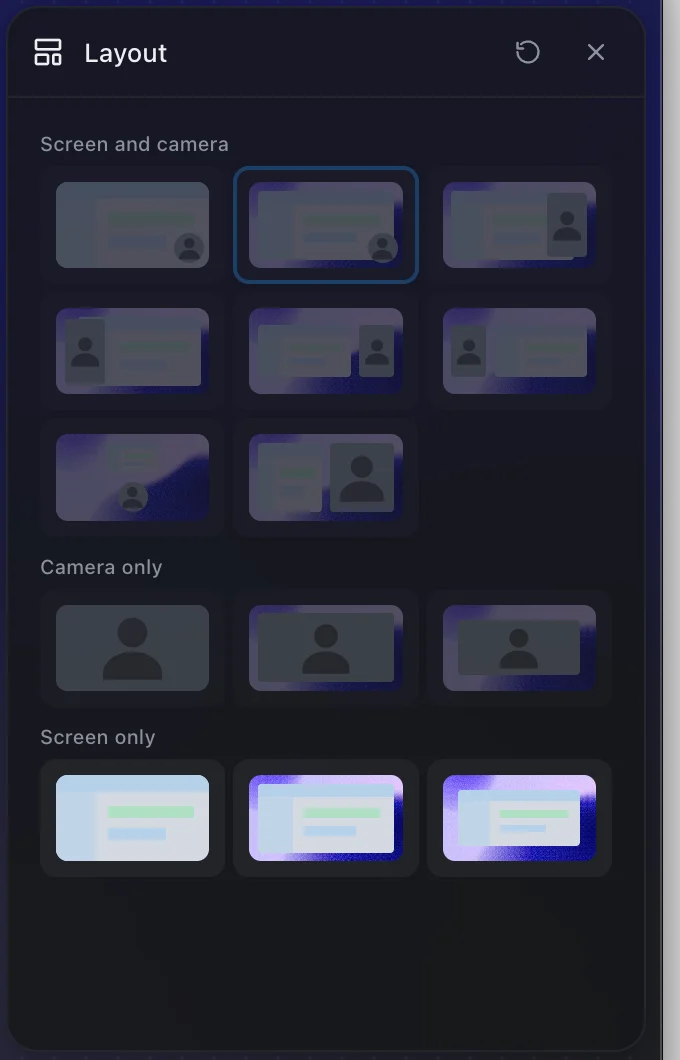
If you are leaving Loom, record the next one in Prequel.
Prequel needs an Apple Silicon Mac on macOS 14 or later. Download Prequel for Mac and try it free for 7 days, with no watermark on anything you export. After that it is $9 a month or $29 once. See what it costs.
Frequently asked questions
- How do I cancel my Loom subscription?
- It depends on your account. If Loom's workspace settings say "Loom is now a part of Atlassian", cancel in Atlassian Administration under Billing, then Subscriptions. If not, cancel in Loom under Plan and Billing, then Manage Subscription, then Downgrade to Starter.
- Why does Loom say I do not have permission to cancel?
- Loom says only Atlassian billing admins and Atlassian organisation admins can cancel an Atlassian-managed Loom subscription. If you are not one of them, the person who set up billing has to do it, or has to make you one.
- Will Loom refund me if I cancel?
- No. Loom's billing policy says a prorated refund for unused time is not issued, and that you keep premium features until the end of your billing cycle. On annual plans it says no refund or credit is processed.
- What happens to my Loom videos when I cancel?
- They are kept. Loom says that if you have more than 25 videos you still have access to all of them, but you cannot record new ones until you delete down to 25 or upgrade. Deleting the account is separate and permanently deletes every video.
- Does deleting my Loom account cancel the subscription?
- Yes, Loom says deleting the account cancels any paid subscription, but it also deletes all of your videos and view counts and they cannot be recovered. Download anything you need first.
Keep reading
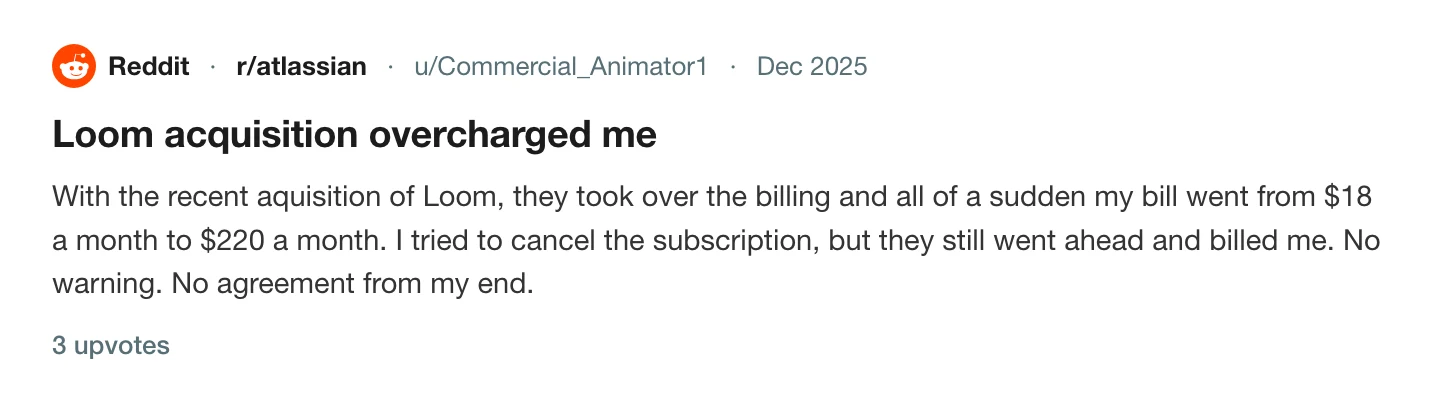
- Why your Loom bill went up, and how to leaveLoom's billing moved to Atlassian and free Creator Lite seats became paid ones. What changed, what people report paying, the step that stops the charge before the next invoice, and what to use if you are leaving.
- Loom's free plan limits: five minutes and 25 videosWhat Loom's free Starter plan allows, what counts toward the 25 videos, what happens when you hit the limit, and the ways around it. Plus what changes if you downgrade from a paid plan.
- How to download a Loom video as an MP4Loom only offers downloads on its two top paid plans, and asks for a wait before the file is ready. Who can download, why the button is missing, and the cleanest route if you are on the free plan.
- Can't log in to Loom since the Atlassian moveLogin loops, a support form that asks for a workspace URL you cannot see, and an account that is now an Atlassian one. The fix a user reported that worked, and how to tell which login you need.
- Where the cancel button is in every screen recorderLoom cancels in Atlassian, Tella in Stripe, Screen Studio in Lemon Squeezy, and Cap does not say. Where each cancel control lives, when access ends, who refunds, and the one rule that applies to all of them: export first. Checked 5 October 2026.