How to get your videos out of Loom
There is no bulk download: Loom's bulk actions are move, archive, delete and change access. Downloads are one at a time, paid-only and role-gated, captions do not come with the file, and Loom documents no window to collect them after you cancel.

There is no bulk download. Loom's own page on bulk actions lists all four it offers, and they are Move, Archive, Delete and Change access. Taking your videos with you means saving them one at a time, on a paid plan, before you stop paying.
Loom's own pages, read in November 2026.
One video at a time, as MP4
Loom's only download page is per-video: open the video in your library and pick Download. "When you download a Loom, it is downloaded in the .MP4 format."
Some of the video does not come with it. "While all video trims will be retained in the mp4-downloaded format, it's important to note that other Loom features, including CTAs, Filler Word + Silence removal, Chapters, and Closed Captions, will not be included in the downloaded file." Trims survive. Captions do not. How to download a Loom video as an MP4 walks through the single-video route.
Downloading is a paid feature
"The download feature is only available on Business, Business+ AI, or Enterprise plans. Users on the Starter Free plan can't download videos." And by role: "Creator Lite and Viewer roles don't have download permissions on any plan."
Three more refusals Loom documents: a video using Variables cannot be downloaded at all, a meeting recording can only be downloaded by the organiser, and "you won't be able to download Loom videos over 20GB". An admin on the top plans can also switch downloads off for the whole workspace, covering "videos and transcripts".
There is no account-level export. The only thing Loom calls an export is an engagement analytics CSV, which is numbers about your videos and not the videos.
The order matters more than people expect
Loom documents what downgrading does: a five-minute recording limit, a 25-video limit, and "if your video count exceeds 25 you will still have access to all your videos" without being able to record new ones. Premium features last "until the end of your billing cycle".
Put that beside the gating above. Downloading needs a paid plan. Downgrading leaves you on Starter, where downloads are not available. Loom documents both halves on separate pages and never joins them up, and Loom documents no window at all in which somebody who has left may collect their files.
So save first, cancel second. How to cancel Loom covers the exit, and do not reach for delete on the way: a deleted Loom video is gone immediately, with no trash to fish it out of.
Moving between workspaces is not an escape route either. Loom's transfer tool works only out of a legacy Loom workspace, moves your personal library and not the workspace, does not recreate your Spaces, and does not redirect the links you already sent. On transferring between accounts Loom is flat: "We don't currently have a way to transfer content from one account to another."
Plenty of people meet all of this at renewal, which is when a price rise sends them looking.
Files you already have
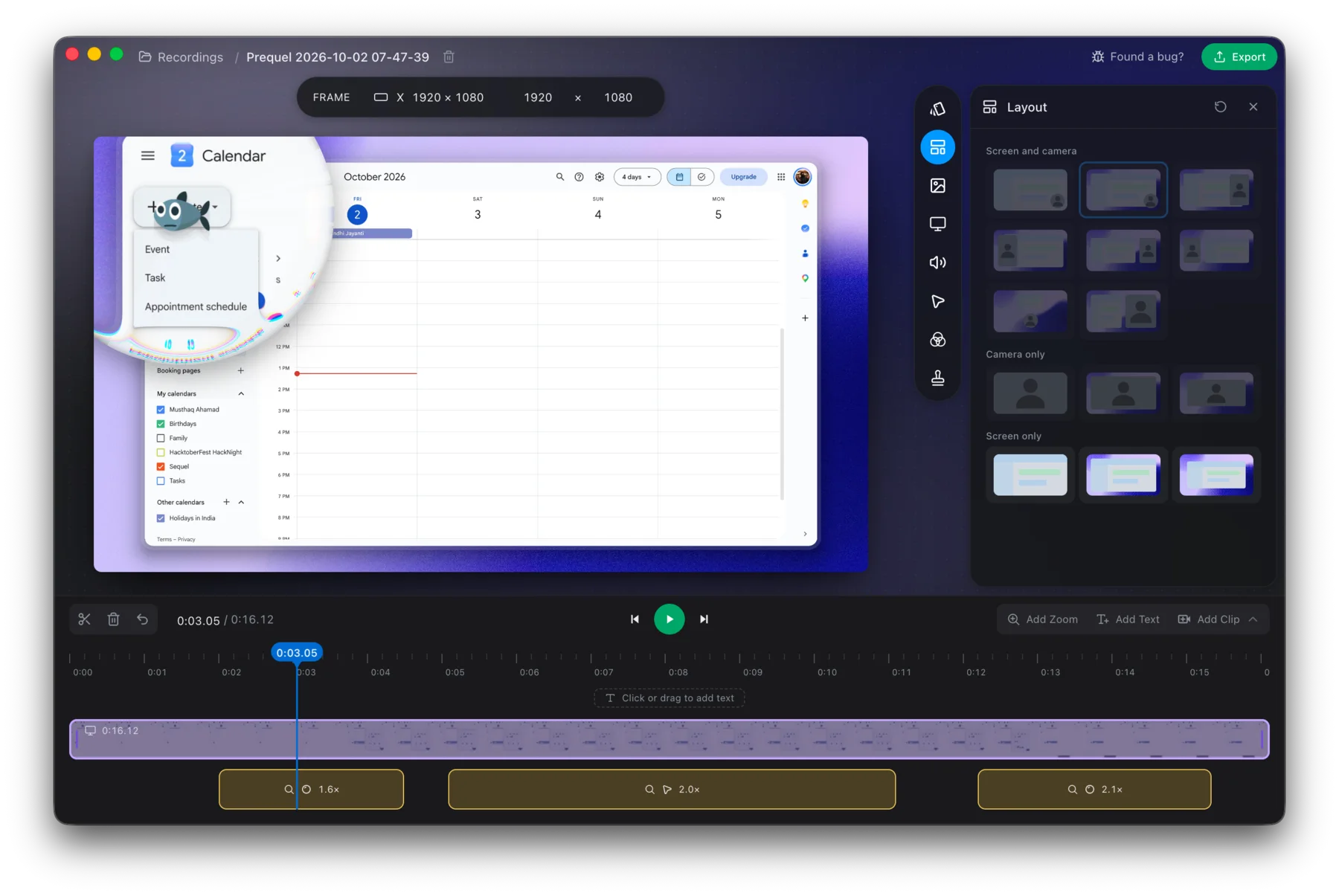
Every Prequel recording is a folder under ~/Movies/Prequel on your Mac, and every export is a file in the place you picked. There is nothing to retrieve, no plan that gates saving your own video, and no size at which saving stops working. Where files live lists what a session holds and export covers the formats.
Captions are drawn into the export, so they are in the picture and travel with the file.
Record the next one somewhere you can still reach it next year.
Prequel needs an Apple Silicon Mac on macOS 14 or later. Download Prequel for Mac and try it free for 7 days, with no watermark on anything you export. After that it is $9 a month or $39 once. See what it costs.
Frequently asked questions
- Can I download all my Loom videos at once?
- No. Loom's bulk actions are move, archive, delete and change access, and download is not among them. Its only download page is per-video, and Loom documents no account-level data export: the only thing it calls an export is an engagement analytics CSV.
- Can I download Loom videos on the free plan?
- No. Loom says the download feature is only available on Business, Business + AI and Enterprise plans, and that users on the Starter free plan cannot download videos. Creator Lite and Viewer roles have no download permission on any plan.
- What is missing from a downloaded Loom video?
- Loom says trims are kept in the MP4, and that CTAs, filler word and silence removal, chapters and closed captions are not included in the downloaded file. Videos using Variables cannot be downloaded at all, and nor can videos over 20 GB.
- Should I download my Loom videos before cancelling?
- Yes. Downloading needs a paid plan and downgrading puts you on Starter, where downloads are not available. Loom documents both halves separately and documents no window in which somebody who has left may collect their files, so save first and cancel second.
- Can I move Loom videos to another account?
- Loom says it does not currently have a way to transfer content from one account to another. Its workspace transfer tool only works out of a legacy Loom workspace, covers your personal library, does not recreate Spaces and does not redirect links you have already sent.
Keep reading
- How to download a Loom video as an MP4Loom only offers downloads on its two top paid plans, and asks for a wait before the file is ready. Who can download, why the button is missing, and the cleanest route if you are on the free plan.
- How to cancel Loom, including after the Atlassian moveLoom now has two cancellation routes: Atlassian Administration and Loom's own settings. How to tell which you are on, the clicks for each, what you lose, and why downgrading does not stop the charge. Checked 5 October 2026.
- Can you recover a deleted Loom video?No. Loom documents that a deleted video is immediately and permanently purged, that Support cannot recover one, and that there is no trash to restore from. The archive feature is the only safety net and you have to choose it first.
- Who can watch a Loom video, and what each plan allowsLoom's three privacy levels are on every plan, and the allow-list needs your recipients to hold a Loom account. Password protection, link expiry and disabling downloads are paid, and two of them need an Atlassian-managed workspace.