How to download a Loom video as an MP4
Loom only offers downloads on its two top paid plans, and asks for a wait before the file is ready. Who can download, why the button is missing, and the cleanest route if you are on the free plan.

The Download button is missing from your Loom video because of your plan, not because of anything you did. This is who can download, what to do if you cannot, and how to get a file you own from now on.
Who can download
Loom's help page is specific: "Downloads are only available to admins, creators part of a Business or Business + AI workspace, and admins, members part of an Enterprise workspace."
That leaves the free Starter plan and anything below Business without a download button. If you are one of those, the control is not greyed out by mistake.
If you are allowed to download
Loom prepares the file after processing, and its page for this error says it can take around 30 minutes. If you see "Your video is not available for download yet", wait and try again. If the video itself is stuck, that is a different problem and Loom stuck in processing is the page for it.
If you are not
You have three honest routes.
- Upgrade for one billing period, download everything, then cancel. Loom says you keep premium features to the end of the billing cycle, so the cost is one period. Follow how to cancel Loom and cancel before the renewal date, because Loom does not refund unused time.
- Ask whoever administers the workspace. An admin on a paid plan can download.
- Re-record. For a short video this is quicker than the other two.
Do the download before you downgrade. After the plan changes, the option goes with it. The free-plan limits that apply afterwards are in Loom's free plan limits, and the reason many people are in this position at all is in why your Loom bill went up.
Own the file from the start
Having a file you cannot export is a property of how a recorder is built. If the video lives on the provider's server, the provider decides when you can have it.
Prequel records to your Mac and exports an MP4 to wherever you point the save dialog. The finished video plays in the export dialog, and you can drag it into Slack, Mail or a folder, reveal it in Finder, or copy it to the clipboard. Exports to your own Mac are never counted against anything, never expire and have no limit. See export and where files live.
The best Loom alternatives for Mac lists what else keeps files on your disk.
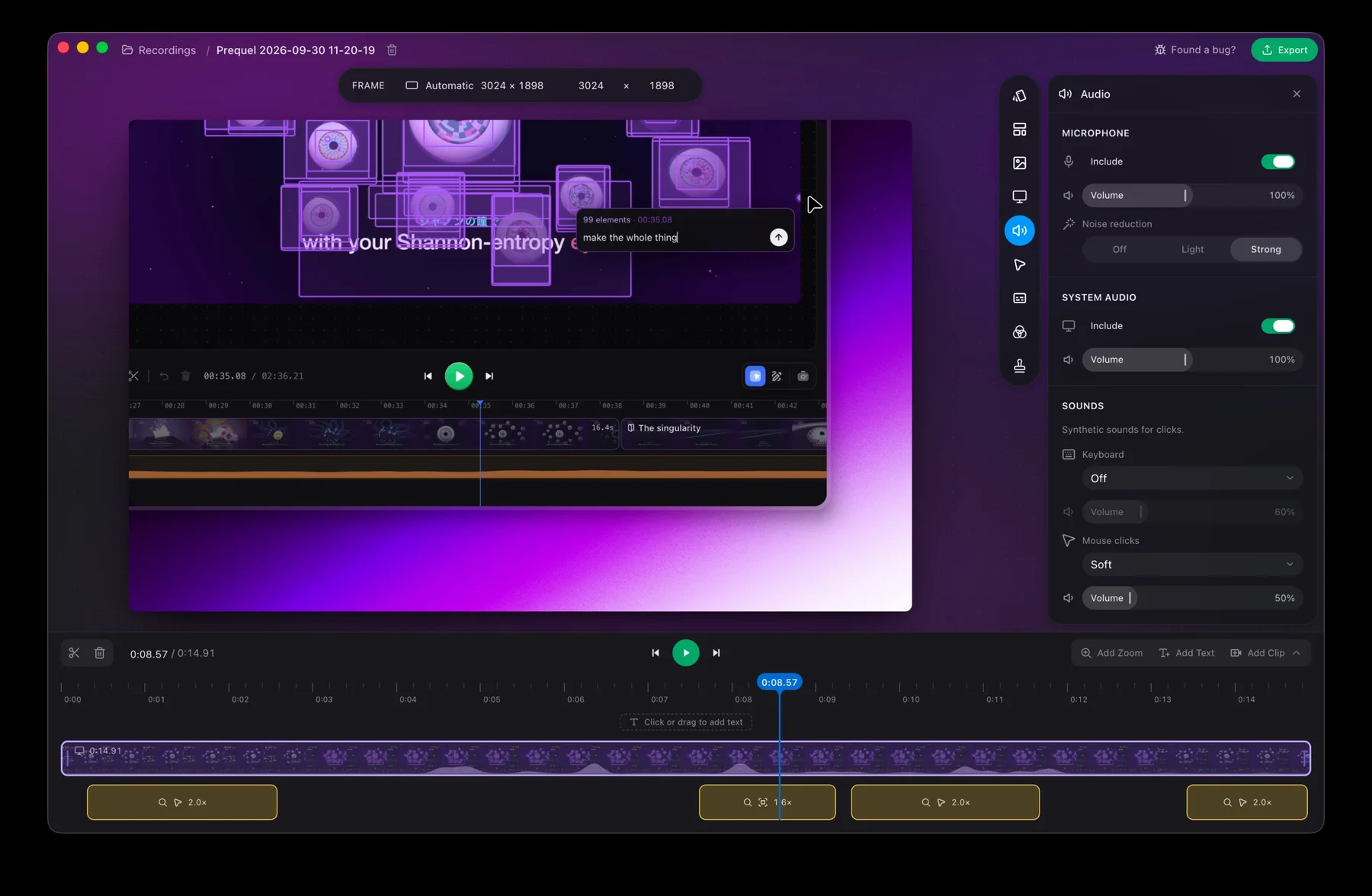
Start the next recording somewhere you can always take it with you.
Prequel needs an Apple Silicon Mac on macOS 14 or later. Download Prequel for Mac and try it free for 7 days, with no watermark on anything you export. After that it is $9 a month or $29 once. See what it costs.
Frequently asked questions
- Why can't I download my Loom video?
- Loom's help page says downloads are only available to admins and creators in a Business or Business + AI workspace, and to admins and members in an Enterprise workspace. On the free Starter plan the option is not offered.
- Why does Loom say my video is not available for download yet?
- Loom prepares the file after the video finishes processing and says it can take around 30 minutes before the download is ready. Wait and try again.
- Can I download my Loom videos before I cancel?
- Yes, and you should. Once you downgrade to the free Starter plan the download option goes with the paid tier, so download everything you need while you still have access.
- How do I get a video file out of a recorder without an upload step?
- Use a recorder that saves the file on your Mac. Prequel exports an MP4 to a place you choose, and exports to your own Mac are never counted, never expire and have no limit. It needs an Apple Silicon Mac on macOS 14 or later.
Keep reading
- Why your Loom bill went up, and how to leaveLoom's billing moved to Atlassian and free Creator Lite seats became paid ones. What changed, what people report paying, the step that stops the charge before the next invoice, and what to use if you are leaving.
- How to cancel Loom, including after the Atlassian moveLoom now has two cancellation routes: Atlassian Administration and Loom's own settings. How to tell which you are on, the clicks for each, what you lose, and why downgrading does not stop the charge. Checked 5 October 2026.
- Loom stuck in processing: how to recover your videoHow long Loom takes to process a video, when to stop waiting, and Loom's own steps for the desktop app, the Chrome extension and mobile. What the failed upload message means and where the files are.
- Loom's free plan limits: five minutes and 25 videosWhat Loom's free Starter plan allows, what counts toward the 25 videos, what happens when you hit the limit, and the ways around it. Plus what changes if you downgrade from a paid plan.