Why your Loom bill went up, and how to leave
Loom's billing moved to Atlassian and free Creator Lite seats became paid ones. What changed, what people report paying, the step that stops the charge before the next invoice, and what to use if you are leaving.

If your Loom invoice jumped this year, you are not misreading it. Since Atlassian took over Loom's billing, free Creator Lite seats have been converted to paid ones, and the bills people post run from $40 to $72 a month up to $18 to $220.
This page covers what changed, what people report paying, the one step that stops the charge, and what to use if you are leaving.
What changed
Loom's migration page says the free Creator Lite role is being discontinued. On the date your workspace moves into Atlassian, every Creator Lite user is upgraded to a full, paid Creator. You get a grace period that runs until your next billing date. Any user you have not deactivated by then goes onto the next invoice as a paid member.
Loom also answers the obvious question on the same page: you cannot stay on your current pricing.
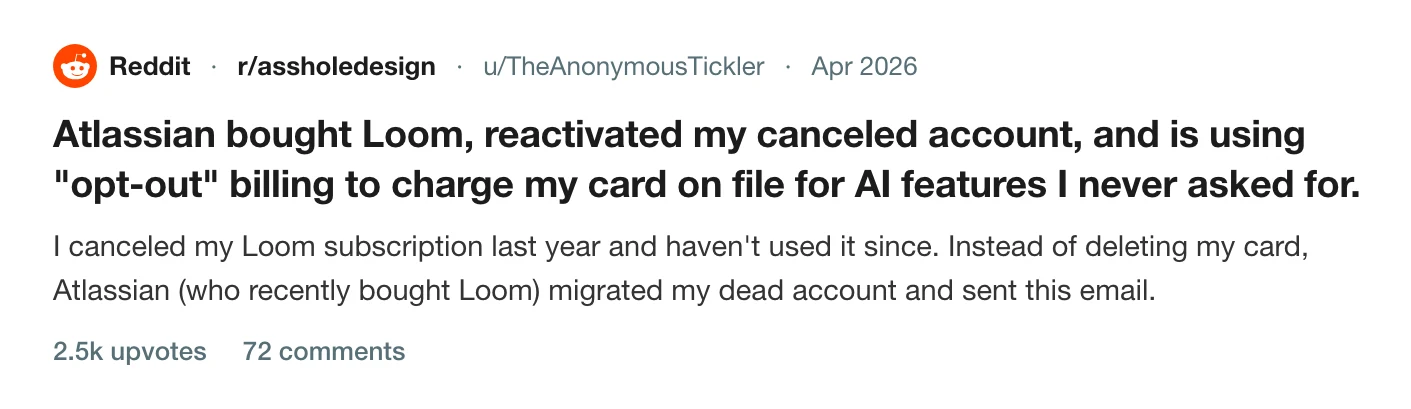
The poster of the biggest thread about this quotes the email Atlassian sent: "Your Creator Lite users will be upgraded... and will be added to your next bill. Deactivate users to avoid charges." They had cancelled the year before, and the email said the dormant account would be added to their next bill.
What people report paying
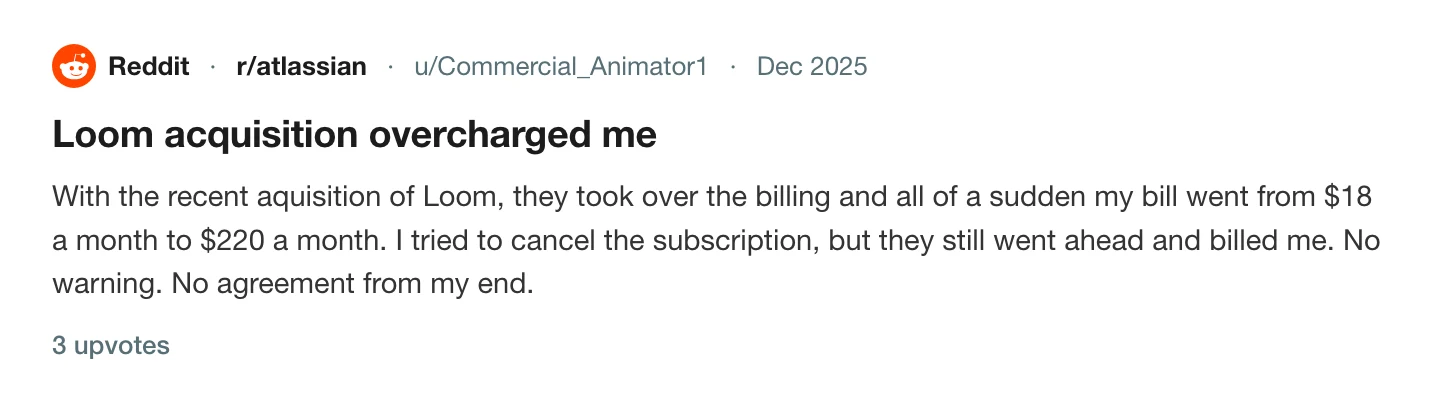
Four threads give the range. One user's bill went from $18 a month to $220, and the cancellation did not stop it.
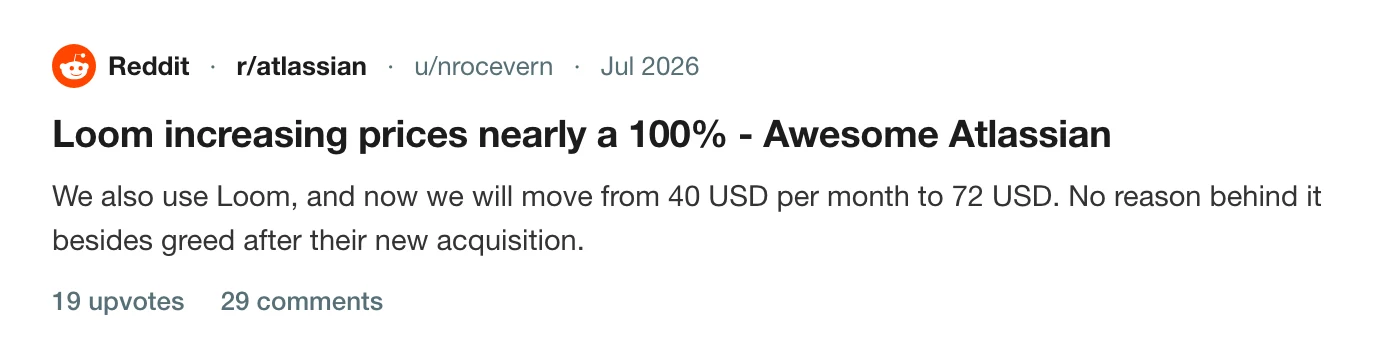
A team went from $40 a month to $72.
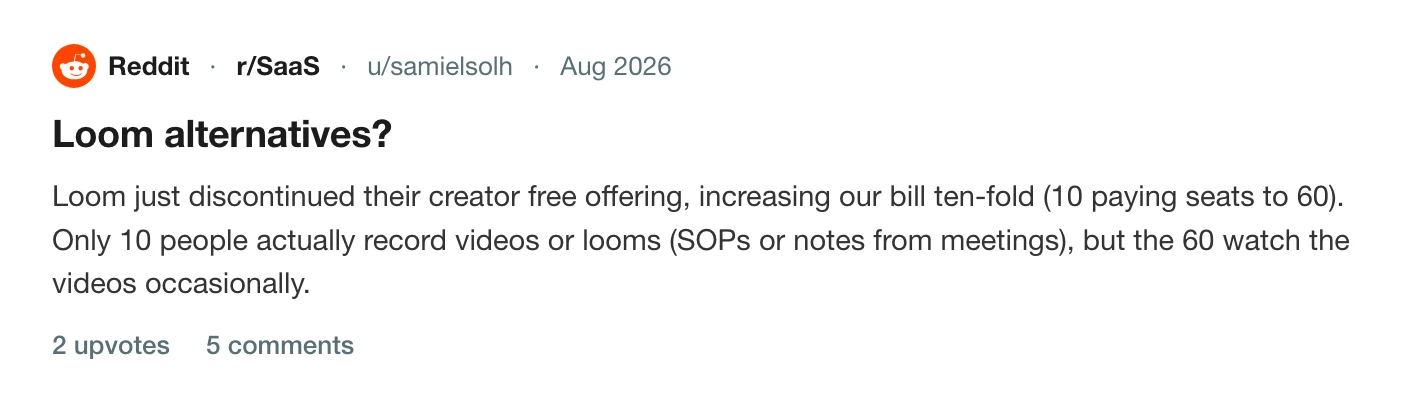
The seat conversion is what multiplies the total. A small business on r/alternativeto got an email that the price was nearly doubling with no more Creator Lite seats, which at their seat count was a 10x increase. A team on r/SaaS went from 10 paying seats to 60, when only 10 of the 60 ever record anything.
Stop the charge before the next invoice
Deactivate the seats. Do not downgrade. Loom's documentation is explicit that a downgrade takes effect at your next renewal date, which is the moment you are billed, while deactivating a user takes effect immediately.
Where you do it depends on whether your workspace has moved into Atlassian yet.
- Before the move: in Loom, go to Admin tools, then Users, select the users and follow the prompts to take them off paid status.
- After the move: in Atlassian Administration, choose your organisation, then Directory, then Users, and use Actions, then Remove user. Atlassian says "remove" where Loom says "deactivate".
Only Atlassian billing admins and organisation admins can do this. If you are neither, the error you will see is the permission one that how to cancel Loom walks through.
If you are leaving
Take your videos first. Loom only offers downloads on Business, Business + AI and Enterprise, so read how to download a Loom video as an MP4 before you cancel. On the free Starter plan you stay limited to five-minute recordings and 25 videos, which is what Loom's free plan limits covers.
If you cannot log in to do any of this, Loom login problems since the Atlassian move has the fix people report. For the other tools in the same position, where the cancel button is in every screen recorder lists them.
Choosing what comes next is a separate job, and the best Loom alternatives for Mac and the Loom comparison cover it.
Record in Prequel
Prequel has no free tier that can quietly turn into a paid one. There is a 7-day trial with the whole app in it, and after that a price that is stated on the pricing page.
Recording, editing and export all happen on your Mac, so a recording is a folder of files on your disk, not a video on a server you pay to keep. Where files live lists what is in each one. When you want a link, Share video uploads the exported file and gives you one: see share links.
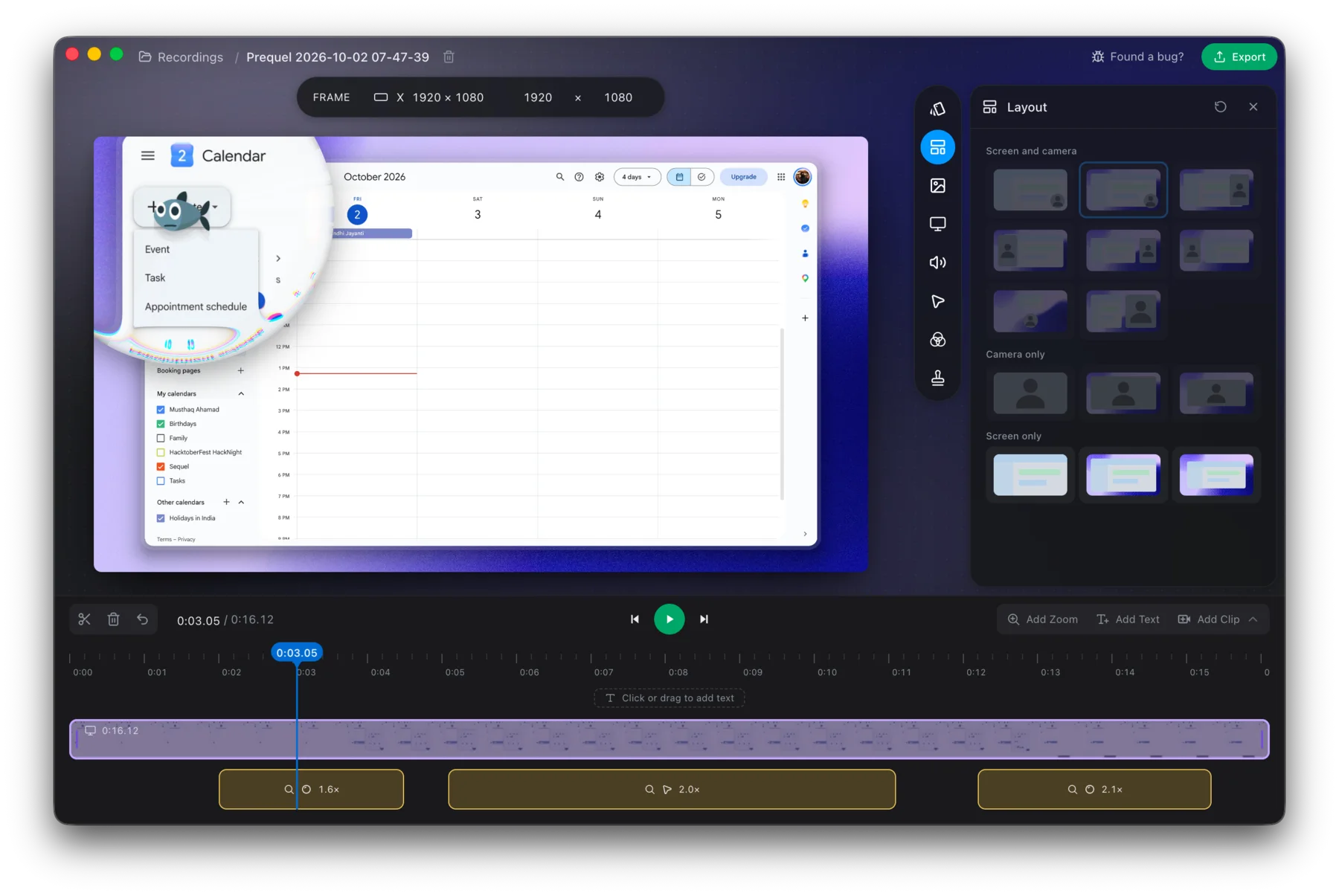
Try it on the next video you would have sent through Loom.
Prequel needs an Apple Silicon Mac on macOS 14 or later. Download Prequel for Mac and try it free for 7 days, with no watermark on anything you export. After that it is $9 a month or $29 once. See what it costs.
Frequently asked questions
- Why did my Loom bill go up in 2026?
- Atlassian took over Loom's billing and discontinued the free Creator Lite role. Loom's migration page says every Creator Lite user is upgraded to a full, paid Creator on the date the workspace moves, and any user not deactivated by the next billing date goes onto that invoice.
- How do I stop Loom charging me for Creator Lite seats?
- Deactivate the users you do not want to pay for before your next billing date. Downgrading does not help in time, because Loom says a downgrade takes effect at the next renewal date, which is when you are billed. Deactivating a user takes effect immediately.
- Can I keep my old Loom price?
- Loom's migration page answers this directly: no, you cannot stay on your current pricing once the workspace has moved to Atlassian billing.
- Will I lose my videos if I leave Loom?
- Not on cancelling. Loom says that if your video count is over 25 you keep access to all of your videos after dropping to the free Starter plan, but you cannot record new ones until you delete down to the limit or upgrade. Deleting your account is different: it deletes every video and cannot be undone.
- What can I use instead of Loom on a Mac?
- Prequel records your screen and camera, edits the take and exports an MP4 on your Mac, with a 7-day free trial and no watermark. After the trial it is $9 a month or $29 once. It needs an Apple Silicon Mac on macOS 14 or later.
Keep reading
- How to cancel Loom, including after the Atlassian moveLoom now has two cancellation routes: Atlassian Administration and Loom's own settings. How to tell which you are on, the clicks for each, what you lose, and why downgrading does not stop the charge. Checked 5 October 2026.
- Loom's free plan limits: five minutes and 25 videosWhat Loom's free Starter plan allows, what counts toward the 25 videos, what happens when you hit the limit, and the ways around it. Plus what changes if you downgrade from a paid plan.
- Can't log in to Loom since the Atlassian moveLogin loops, a support form that asks for a workspace URL you cannot see, and an account that is now an Atlassian one. The fix a user reported that worked, and how to tell which login you need.
- Where the cancel button is in every screen recorderLoom cancels in Atlassian, Tella in Stripe, Screen Studio in Lemon Squeezy, and Cap does not say. Where each cancel control lives, when access ends, who refunds, and the one rule that applies to all of them: export first. Checked 5 October 2026.
- How to download a Loom video as an MP4Loom only offers downloads on its two top paid plans, and asks for a wait before the file is ready. Who can download, why the button is missing, and the cleanest route if you are on the free plan.