Screen recorders without per-seat pricing
A hundred people on Loom Business is $21,600 a year, and since 2026 that counts everyone with access. We checked the Mac recorders you pay for once, or per app, and ranked the seven worth moving to.

TL;DR
| # | Tool | Price | Why you would switch |
|---|---|---|---|
| 1 | Prequel | $39 once, or $9/mo | The video arrives edited, the file is yours, and viewers never need an account |
| 2 | Screen Charm | $99 once, up to three Macs | One payment covers three of your own Macs |
| 3 | CleanShot X | $35 once, then $19/yr for updates | The best screenshot tool on the Mac, with recording beside it |
| 4 | ScreenFlow | $199.99 once, single machine | The most pleasant timeline to edit a long recording in |
| 5 | Cap | Free for personal use, $58 once | Open source, and a team can host it on its own S3 bucket |
| 6 | OBS Studio | Free, GPLv2 | No licence to count at all, on any number of machines |
| 7 | QuickTime Player | Free with macOS | Already installed, and nobody has to approve a purchase |
Prices come from each vendor's own page on the dates in the entries below.
A hundred people on Loom Business is $21,600 a year. Not a hundred people recording: a hundred people with access, which since 2026 is the same thing, because the free Creator Lite seat that covered everybody who only watches has been discontinued and those users are now billed as creators.
Per-seat pricing is not dishonest and it is not unusual. It is how most software for companies is sold, and for a tool everybody genuinely uses every day it is a fair way to charge. It stops being fair at the moment the seat count stops tracking the work: when ten people record, fifty watch, and the invoice counts sixty.
So this is the list of Mac screen recorders you do not pay for per head. Some charge once, some charge for the app and not the person, two are free. For each one: what it costs, what it does, and who should pick it.
What is per-seat pricing?
Per-seat pricing charges a fixed amount for every person with access to a tool, usually per month, so the bill is the seat price times your headcount. A team of twenty on an $18 seat pays $360 a month whether all twenty use the tool daily or two of them do.
The alternative models in screen recording are a one-off licence tied to you or your machine, a subscription for the app that does not multiply by your colleagues, and free software with no licence to count. In all three, the people who watch what you make cost nothing, because what you hand them is a file or a link and not a login.
Why teams are leaving per-seat recorders
Everyone who watches becomes a seat
This is the 2026 version of the complaint and it is specific. Loom removed the free Creator Lite role as part of moving billing into Atlassian, and every account holding one was upgraded to a paid creator seat.
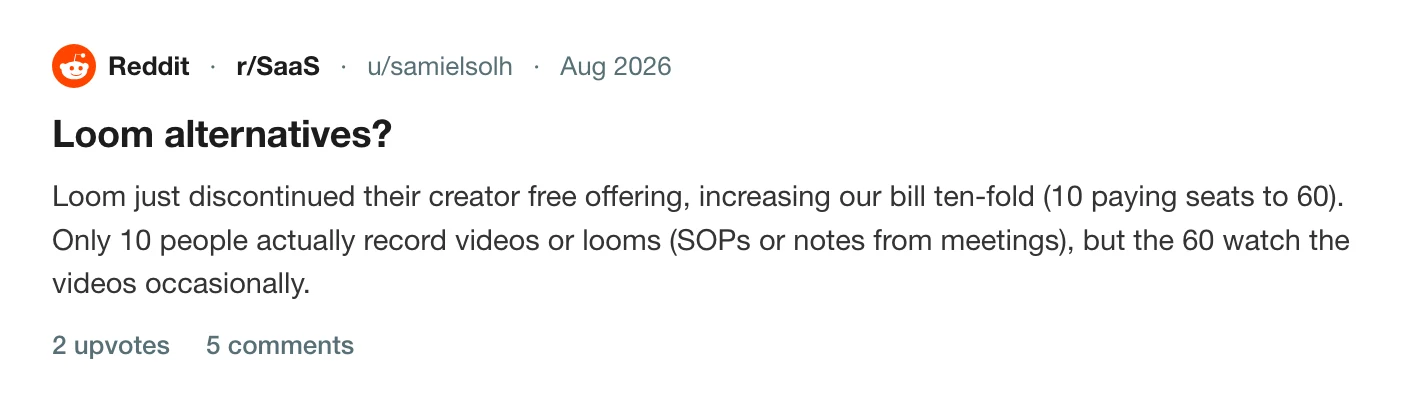
Ten paying seats to sixty, for a team where ten people record and the other fifty occasionally watch. The rate did not have to change for the bill to grow six times.
Loom's price increase: what a team actually pays →
The licence you bought can be withdrawn
A one-off licence is only durable while the vendor keeps selling one. Screen Studio retired its single-device lifetime licence in 2024 and is now a subscription, and Camtasia stopped selling perpetual licences and moved to annual billing.
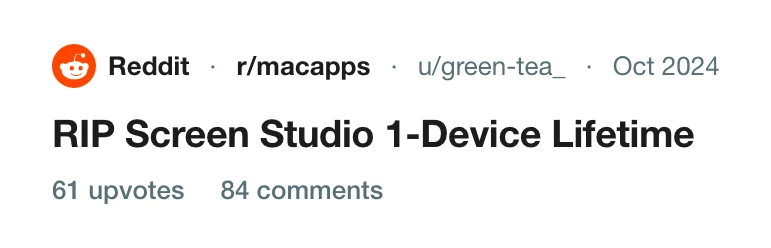
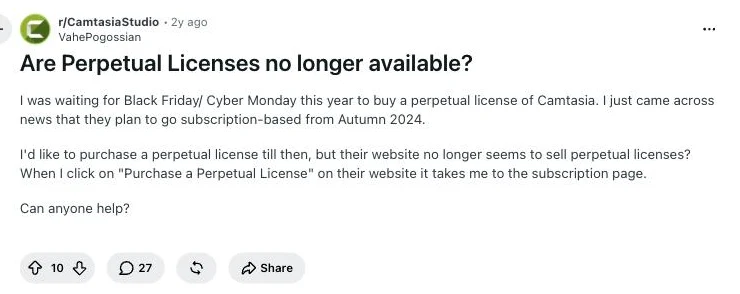
A licence already bought is not usually re-priced. What goes is the option to buy another one, which matters when you hire.
The bill scales with headcount and not with recording
Here is the arithmetic that sends people looking. Loom Business is $18 per user, per month.
| Your team | Loom Business, per year | Prequel, one payment |
|---|---|---|
| 5 people | $1,080 | $39 |
| 20 people | $4,320 | $39 |
| 100 people | $21,600 | $39 |
The right-hand column is flat because the licence is for the app and the people watching your videos do not hold one. That is the whole difference in the pricing model, and it is why the gap widens with every hire.
A price rise you find out about afterwards
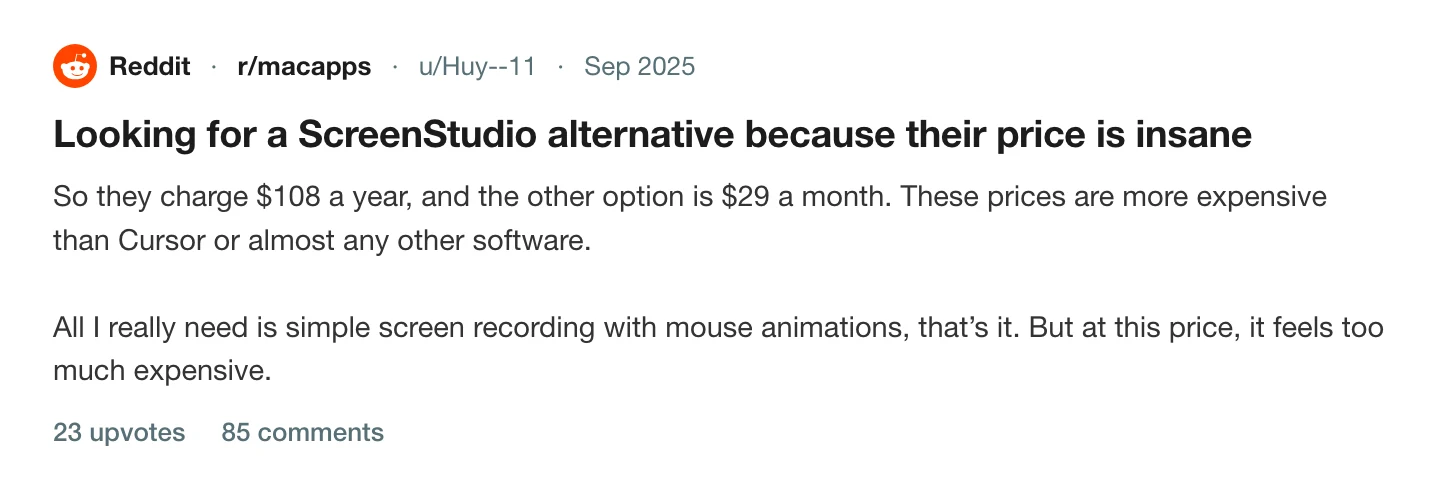
Per-seat subscriptions are re-priced by email. Screen Studio's increase drew the same complaint from solo users that Loom's drew from admins.
The best screen recorders without per-seat pricing
How we picked
- Installed on an Apple Silicon Mac, recorded the same take, exported, and compared the files. Every claim below about what a tool does is from the current build.
- Prices read off each vendor's own pricing page, on the date in each entry, with the billing period written out. A monthly figure quoted without the annual one is the most misleading number in this category.
- Excluded: anything billed per user with no other option. Loom, Tella, Descript, Vidyard and Screencastify are all per-seat subscriptions, so none of them belong on this list however good they are.
- Excluded: Windows-only tools, and anything with no release in the last year.
- Counted: whether the people who watch need an account. That is the cost the seat model actually hides.
1. Prequel
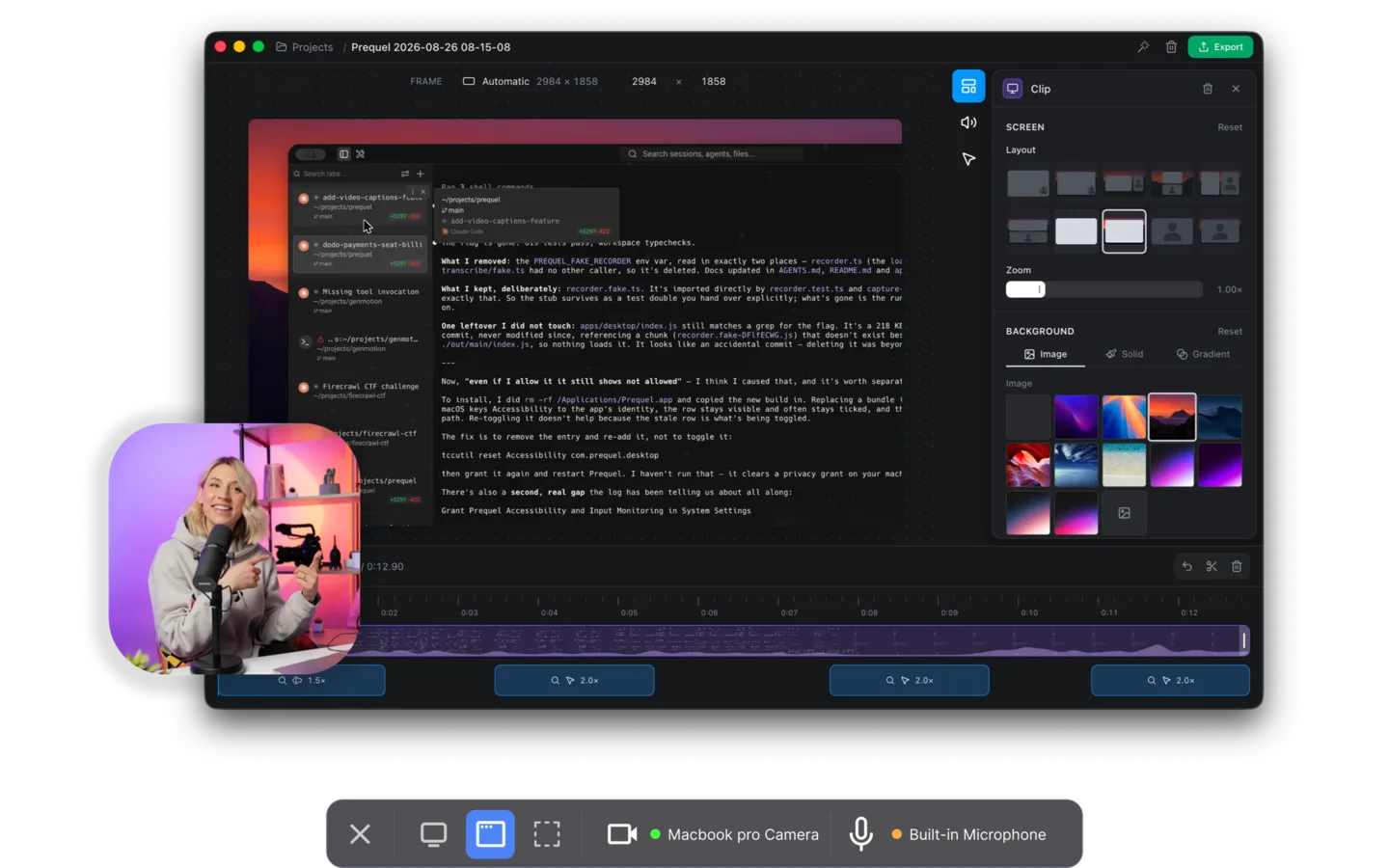
Prequel records your screen and camera on a Mac and hands back a video that is already directed. It is built on its own media engine, so the recording, the edit and the export all happen on your machine, and it is sold as a licence for the app with no per-person seat to count.
Pros
- One payment of $39, or $9 a month, with no per-seat multiplier and no seat for the people who watch.
- Exports 4K at up to 120 fps on every plan. Most of this category stops at 60.
- Zooms placed on your clicks and typing, a perspective tilt, focus falling away from the subject, and the camera framed over a background, all before you touch the timeline.
- The camera is a separate track, so you can reshape, move and re-frame it after the take.
- Captions transcribed on your Mac by Apple's own on-device speech recognition. Nothing is uploaded, and it works with the Wi-Fi off.
- No watermark on any plan, and none during the trial.
Requires
- Apple Silicon and macOS 14 or later.
- The Screen Recording permission on first launch.
Our take
If you are leaving a per-seat recorder because fifty colleagues became fifty seats, this is the shape of tool that fixes it: you buy the app, your audience costs nothing, and the output is an MP4 on your disk. It suits anyone sending video outward, to customers, to users, to a changelog, where the recording has to look finished. A team where the link and the comment thread are the actual point should read the Loom comparison before switching.
Price. $9 a month, or $39 once with nothing to renew. Seven-day free trial. Both plans are the whole app and differ only in how much you may keep on the shareable-link side.
2. Screen Charm
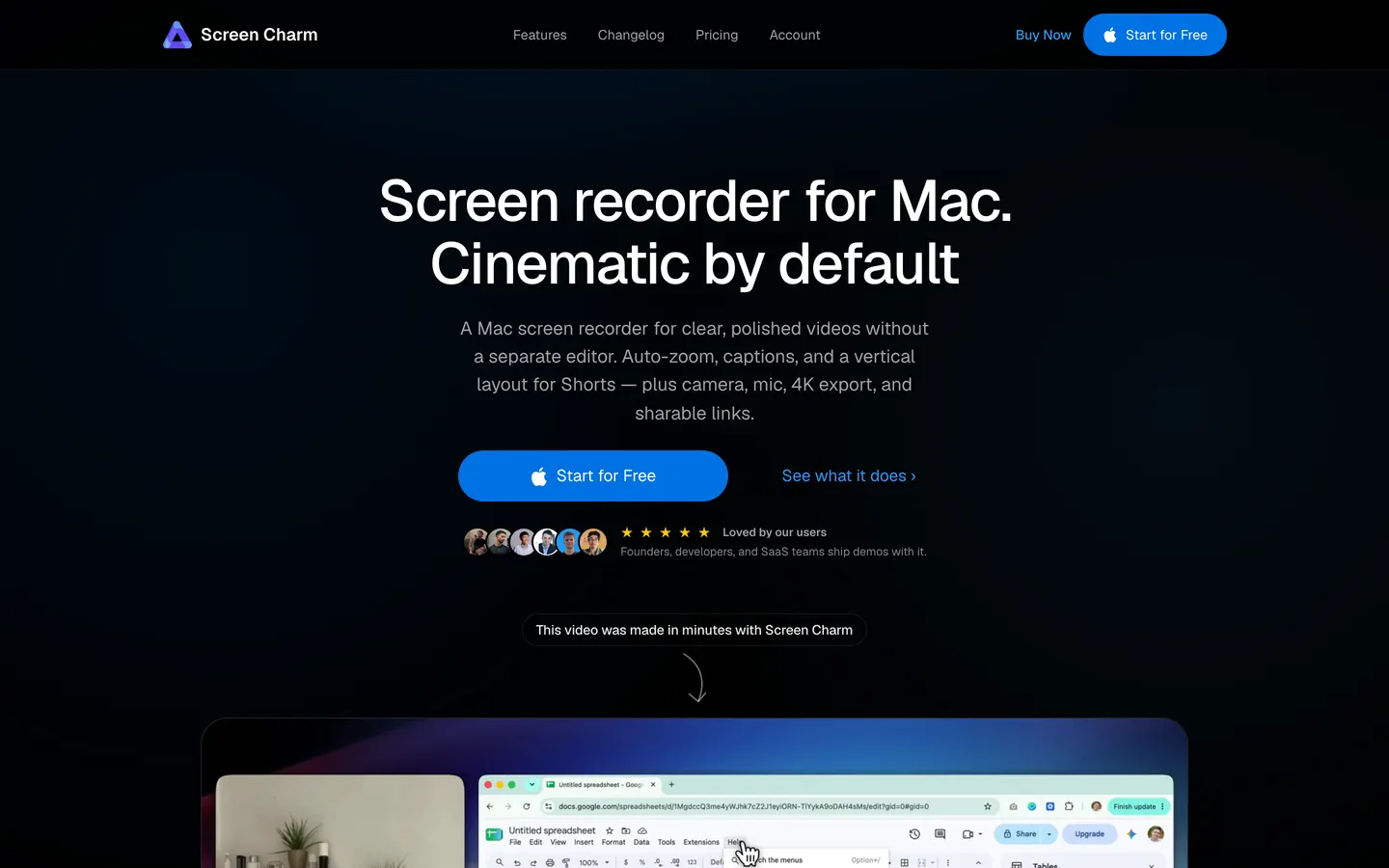
Screen Charm is a one-developer Mac recorder with automatic zooms, a MacBook frame round the recording and a built-in music library. One payment covers up to three of your own Macs, which is the closest thing in this list to a team licence that is not a seat.
Pros
- $99 once for three Macs, so a desk machine and a laptop are covered by one purchase.
- Automatic zoom on clicks, and a camera track.
- A release most fortnights since July 2025.
Cons
- Exports top out at 4K at 60 fps.
- Free to download and record with, but export needs the licence.
- No perspective tilt or focus falloff on zooms.
Our take
Good value if you want a one-off purchase and you work across two or three Macs. Prequel is cheaper at $39, exports at up to 120 fps and transcribes on your Mac, so compare the two on the output and not on the licence terms.
Price. $99 once, up to three Macs. Checked 8 October 2026.
3. CleanShot X
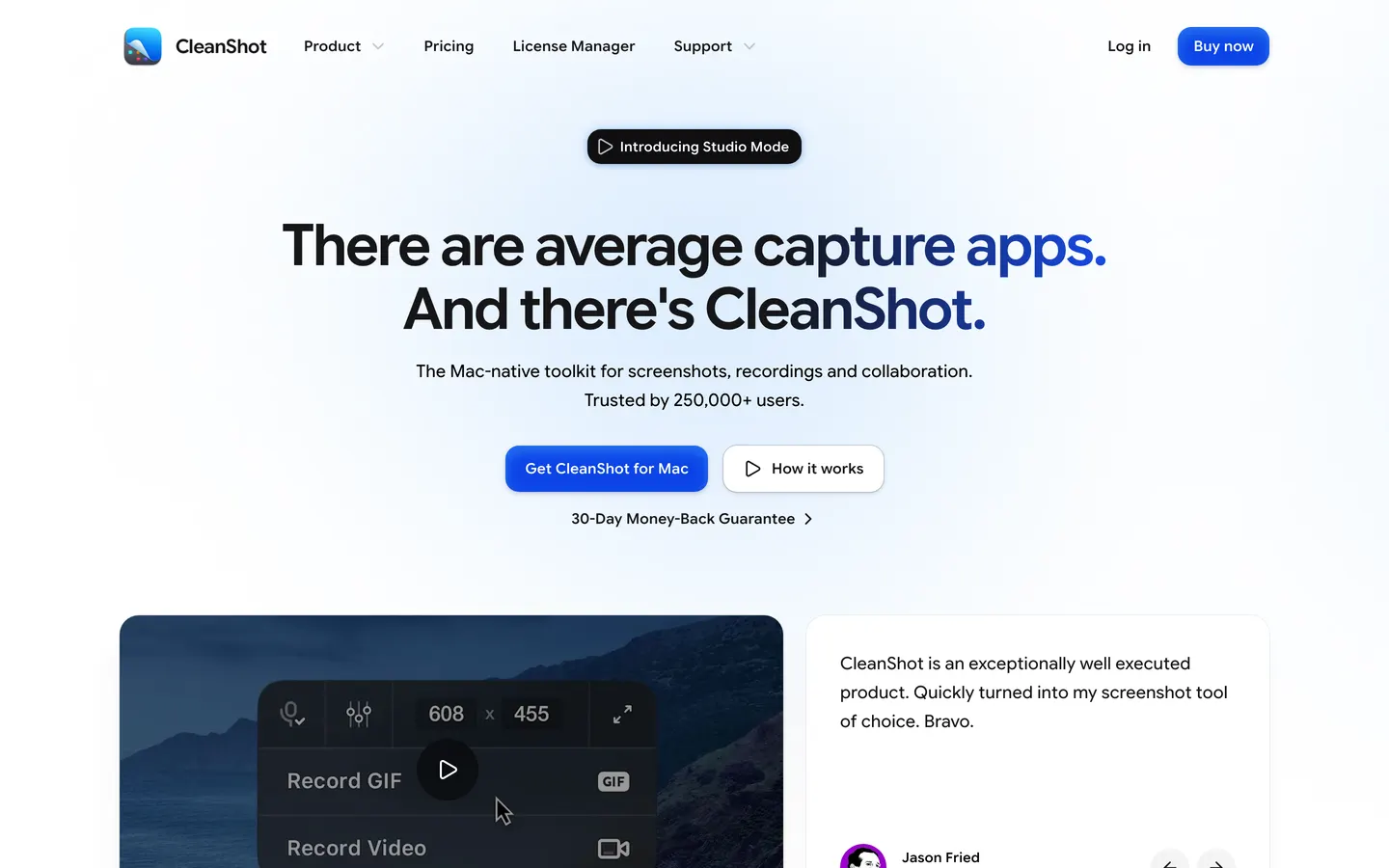
CleanShot X is the best screenshot tool on the Mac by a distance: scrolling capture, annotation, redaction, text recognition, pinned shots and a capture history, with screen recording beside it. The licence is one payment per person and a team plan exists, so check which you are buying.
Pros
- $35 once, including a year of updates.
- Scrolling capture, redaction and annotation that nothing else here matches.
- A capture history that makes finding last Tuesday's screenshot trivial.
Cons
- Maximum export resolution is not published.
- Transcripts are made in the cloud.
- Updates stop after the first year unless you pay $19 a year.
- The team option is $10 per user, per month, which is the model you came here to leave.
Our take
Buy it for screenshots and keep it forever. If the thing you need is a demo video with zooms and a framed camera, the recording half is not what this tool is for, and Prequel exports 4K at up to 120 fps with the edit already done.
Price. $35 once, with a year of updates, then $19 a year to keep receiving them. A $10 per user, per month team plan is also sold. Checked 22 October 2026.
4. ScreenFlow
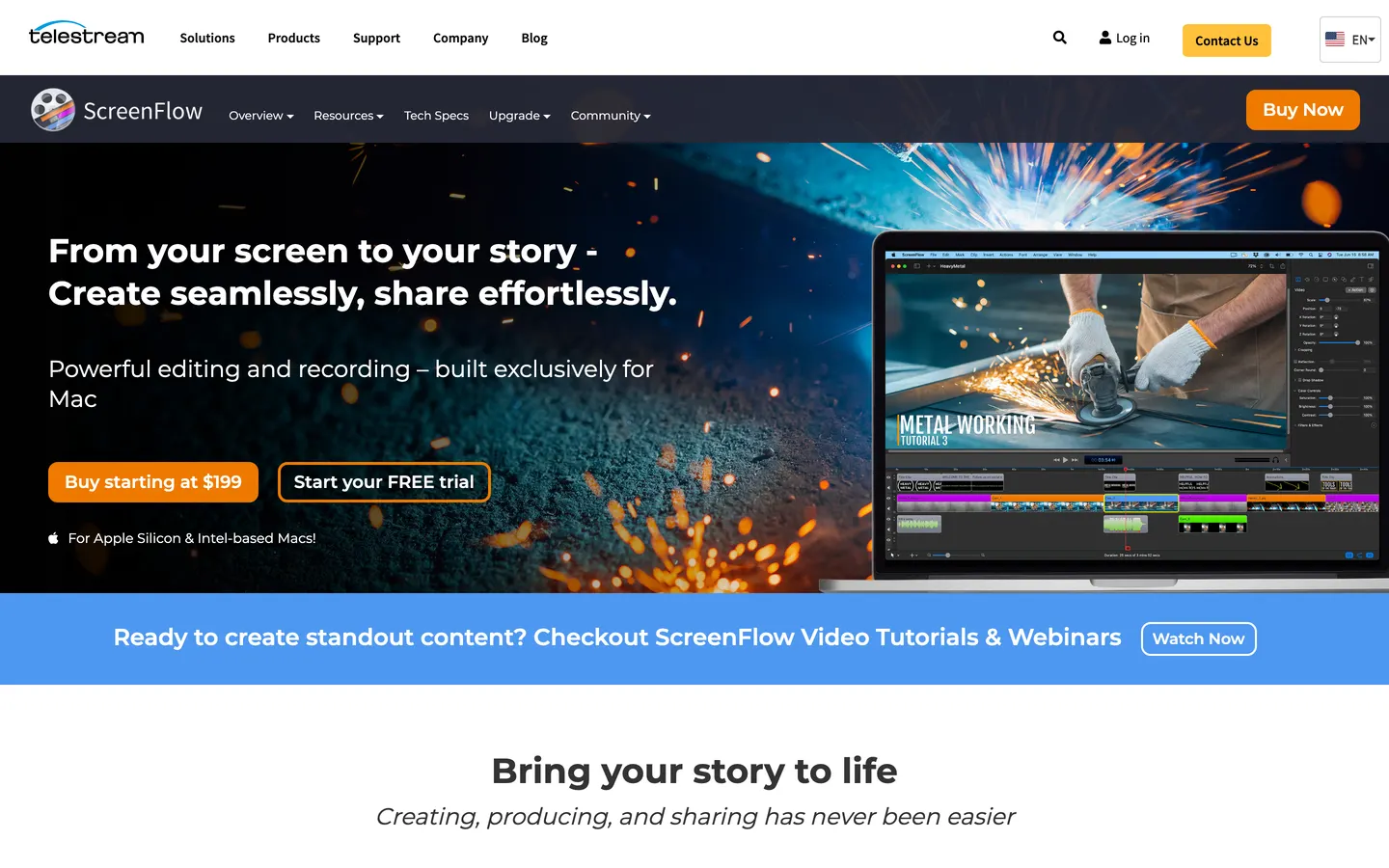
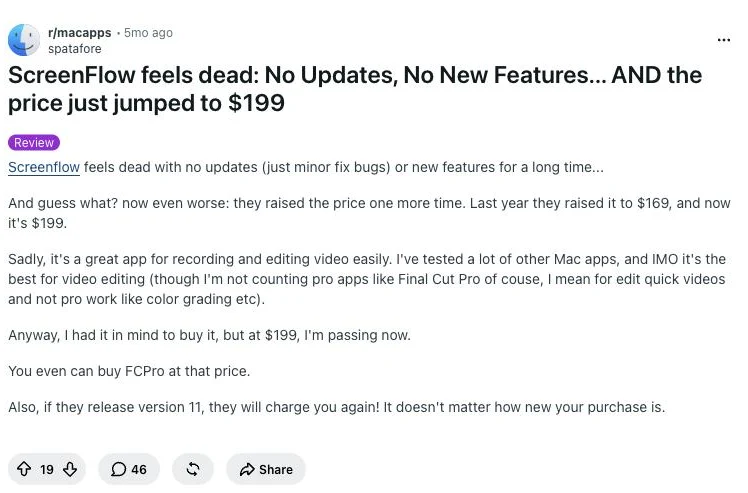
ScreenFlow is a one-off licence for a real video editor with a screen recorder attached. Twelve years of reviews agree it is the most pleasant screen recorder to actually edit in on a Mac, and that is still true of the editor itself.
Pros
- One payment, tied to a machine, with no monthly bill.
- A proper multi-track timeline for a long recording with many takes.
- Exports at 4K.
Cons
- $199.99, the dearest licence in this list by a factor of five.
- No automatic zoom on clicks, so every zoom is a keyframe you place.
- Captions are typed in a caption editor.
- Major upgrades are paid, and the price moved to $199.99 in 2026.
Our take
Pick it if you are editing hour-long course material and you want the timeline more than you want the recording. For a three-minute product demo you are doing by hand what Prequel does the moment you stop recording, for a fifth of the price.
Price. $199.99 once, single machine, with paid major upgrades. Checked 21 August 2026.
5. Cap
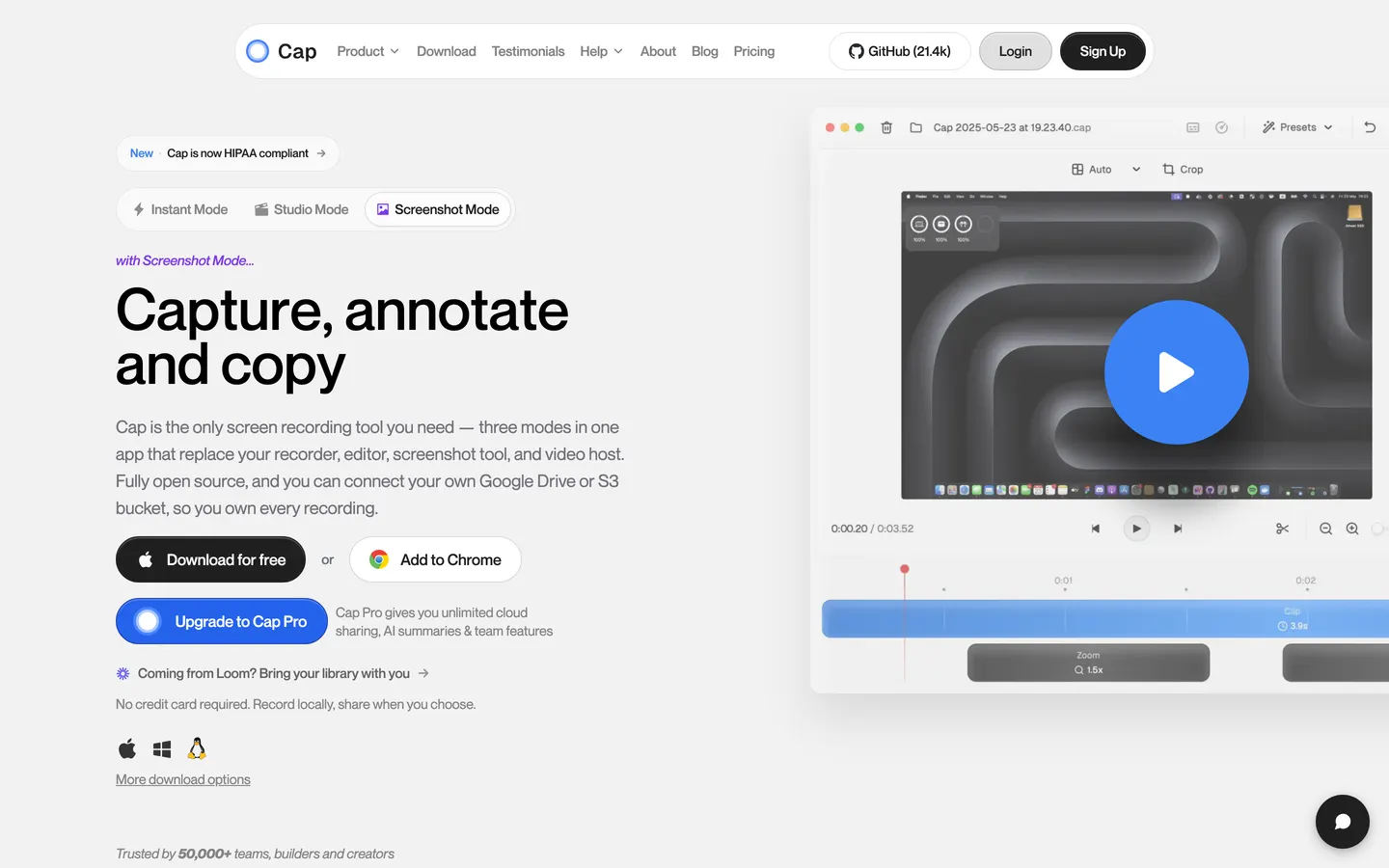
Cap is the open source Loom alternative: instant shareable links, a local Studio mode, and the only recorder here a team can run end to end on its own infrastructure with its own S3 bucket behind it. Free for personal use, with a one-off licence for commercial work.
Pros
- Free for personal use, with no watermark and no cap on a local recording.
- $58 once for commercial use, which is a licence and not a seat.
- Point it at your own S3 bucket or Google Drive, so the hosting is yours.
- Automatic zoom on clicks, and a camera track.
Cons
- Exports top out at 4K at 60 fps.
- Transcripts are made on Cap Pro, after upload.
- The commercial team option is $12 per user, per month.
- Its code is on GitHub under a custom licence and not an OSI one.
Our take
The one to pick if self-hosting is the requirement, and the only tool here that answers "I want the link but I want the storage to be mine". If what you need is the finished video, Prequel exports at up to 120 fps and transcribes on your Mac with nothing uploaded.
Price. Free for personal use. $58 once, or $12 per user, per month for commercial work. Checked 22 October 2026.
6. OBS Studio
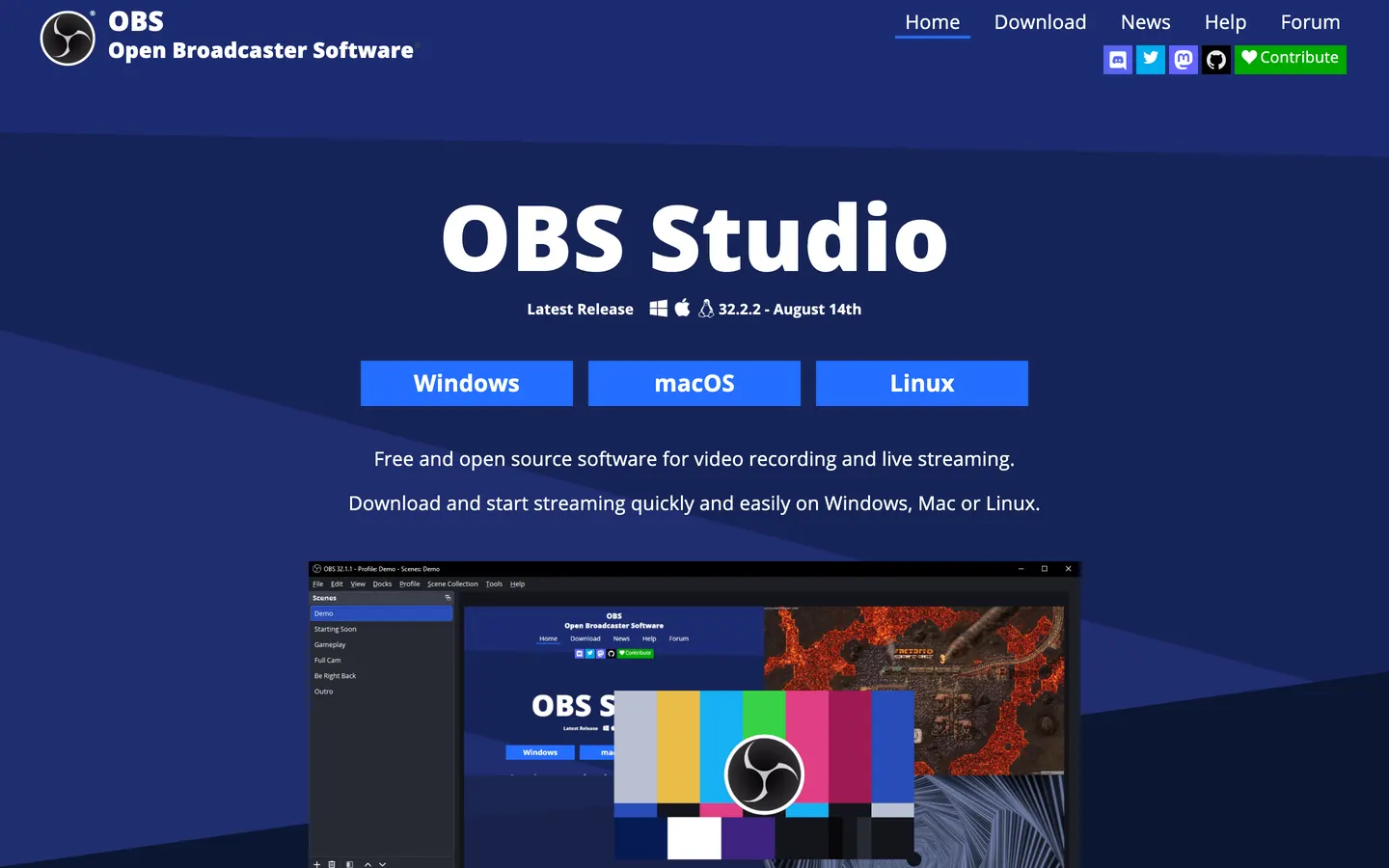
OBS Studio is the broadcast desk the streaming world runs on: scenes, sources, transitions, hotkeys, a real audio mixer and a plugin API, free and open source on every platform. There is no licence to count on any number of machines.
Pros
- Free under GPLv2, with no account, no seat and no limit.
- Records whatever you configure, at any resolution and frame rate your Mac manages.
- Scenes and hotkeys, so a complicated multi-source recording is repeatable.
Cons
- No editor at all, so the edit happens somewhere else.
- No automatic zoom, no captions, no camera framing.
- Setting up system audio on a Mac takes work before the first recording.
Our take
The right answer when the requirement is "free, no licence, no limits" and you already own an editor. If the edit is the part you were hoping to avoid, this is the tool that gives you the most of it to do.
Price. Free, GPLv2. Checked 22 October 2026.
7. QuickTime Player
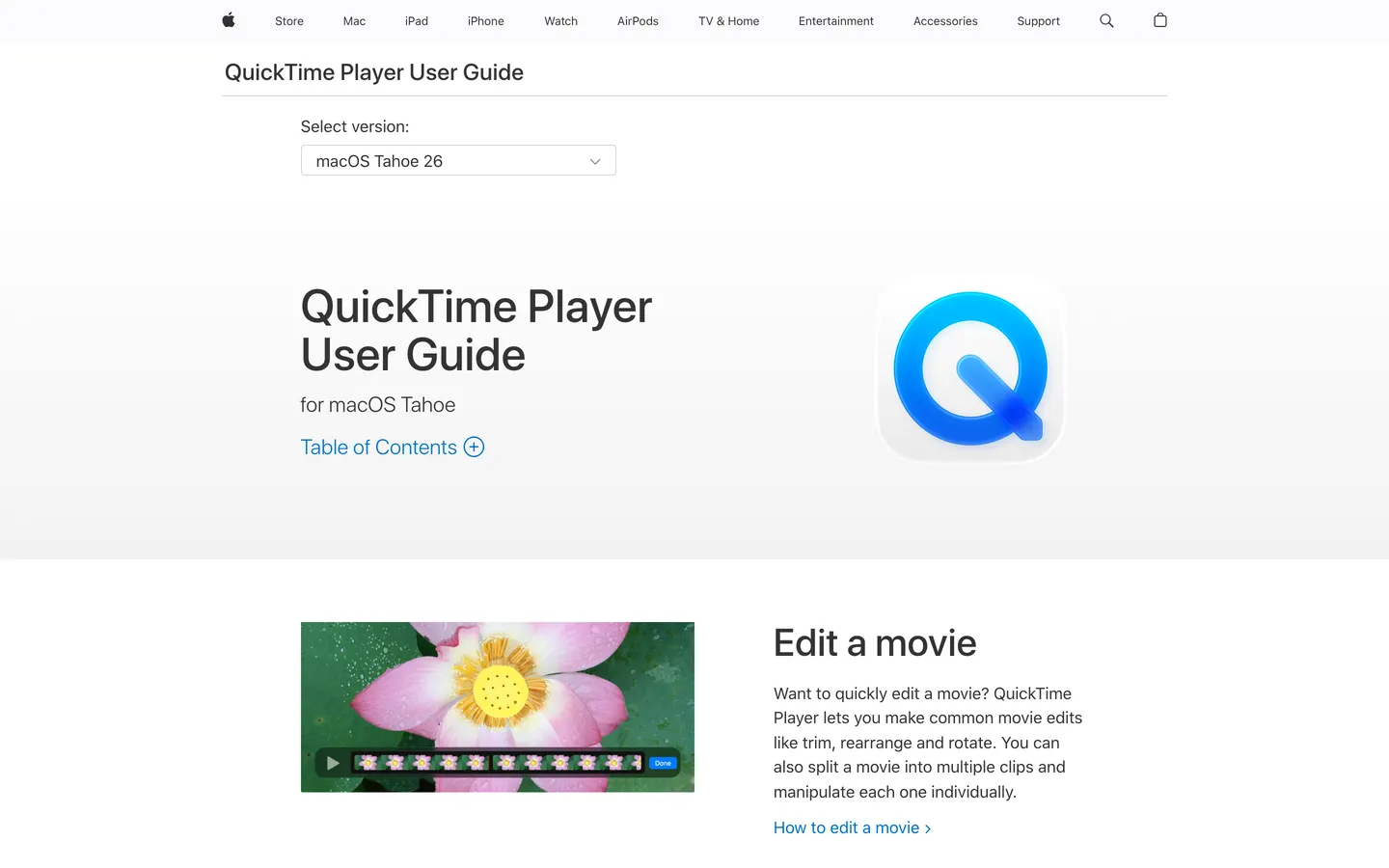
QuickTime Player is already on the Mac, costs nothing, and for a clip somebody else is going to edit it is the shortest path from idea to file. No purchase, no approval, no seat.
Pros
- Free with macOS, on every Mac.
- No account, no sign-in, no limit on length.
- Nobody has to approve a purchase, which is sometimes the deciding factor.
Cons
- No system audio without a third-party driver.
- No camera over the screen, no zooms, no captions.
- Records at screen size with no settings to change.
Our take
Use it for the recording you are going to hand to someone else, or for a one-minute bug report where the picture is the whole message. Anything a customer will watch needs the zooms and the framing, and that is a different tool.
Price. Free with macOS. Checked 22 October 2026.
Which one should you pick?
If you record demos for customers every week. Prequel. The edit is done when you stop, the file is yours, and the hundred people who watch it do not appear on an invoice.
If you want one payment across your own two or three Macs. Screen Charm, at $99 once for three.
If the storage has to be yours. Cap, pointed at your own S3 bucket.
If you want free with no licence to think about. OBS Studio, with an editor you already have. QuickTime if the clip is going straight to a colleague.
If you are editing long-form course material. ScreenFlow, for the timeline.
Then the part most of this list leaves you to do. Press stop in Prequel and the take is already a video: the zooms are placed on your clicks and typing, the camera is framed over a background you picked, the audio is balanced across the microphone and the system, and the cursor is smoothed and resized.
The timeline is where you cut. Nothing is cut for you, and on a three-minute take tightening it is about a minute of work: read the transcript, delete the false start, delete the sentence where you lost your thread.
The export is an MP4 at up to 4K and 120 fps, rendered on your Mac. No upload, no queue, no watermark on any plan or during the trial. Sending a shareable link is a thing you ask for, and the person who opens it does not need an account.
It is $9 a month, or $39 once with nothing to renew. Both plans are the whole app. It needs Apple Silicon and macOS 14 or later, and the Screen Recording permission on first launch, and the trial is seven days.
Where to go next
If what you want is specifically a licence you own:
The best Mac screen recorders with no subscription →
If you are leaving Loom in particular, the list of where people go:
The best Loom alternatives for Mac →
If free is the requirement and the licence is not the issue:
5 best open source screen recorders for Mac →
And the wider list, ranked on the video each tool makes:
The 12 best screen recorders for Mac →
Frequently asked questions
- What is per-seat pricing in screen recording software?
- Per-seat pricing charges a fixed amount for every person with access, so the bill is the seat price times your headcount. Loom, Tella, Descript, Vidyard and Screencastify are all sold this way. The alternatives are a one-off licence tied to you or your machine, a subscription for the app that does not multiply by your colleagues, and free software with no licence to count.
- Which Mac screen recorders do not charge per user?
- Prequel at $39 once or $9 a month, Screen Charm at $99 once for up to three Macs, CleanShot X at $35 once, ScreenFlow at $199.99 once, Cap at $58 once for commercial use and free for personal use, and OBS Studio and QuickTime Player for nothing at all. Prices checked between August and November 2026.
- What is the cheapest screen recorder with a one-time payment?
- Of the paid Mac recorders, CleanShot X at $35 once is the lowest price, though it includes only a year of updates and is built around screenshots. Prequel is $39 once with nothing to renew, records and exports 4K at up to 120 fps and hands back a video with the zooms, camera framing and audio balance already done. OBS Studio and QuickTime Player cost nothing.
- Do people who watch my screen recordings need a paid seat?
- That depends on the tool. On a per-seat recorder like Loom, everyone with workspace access counts as a billed seat since the free Creator Lite role was discontinued in 2026. With Prequel, Screen Charm, ScreenFlow, OBS Studio and QuickTime Player, what you hand over is a video file or a link, so the people who watch it need no account and cost nothing.
- How much does Loom cost for 100 users?
- A hundred paid seats on Loom Business at $18 per user, per month is $1,800 a month, or $21,600 a year at list price before any volume discount. On Business + AI at $24 a seat it is $28,800 a year. Monthly plans above 100 paid seats are eligible for volume discounts, and annual plans are priced in user tiers.
- Is there a free screen recorder for Mac with no licence limits?
- OBS Studio is free under GPLv2 with no account, no seat and no limit on any number of machines, though it has no editor and no automatic zooms. QuickTime Player is free with macOS and records at screen size with no settings, no system audio without a third-party driver and no camera over the screen. Cap is free for personal use, with a licence needed for commercial work.
- Is Loom still the right choice for some teams?
- Yes, if the video is for colleagues and the link is the point. The comments on the timeline, the view counts and the integrations into Slack and Jira are a real product and no recorder on this list replaces them. The teams that leave are the ones sending video to customers, where the recording has to look finished, and the ones paying creator prices for an audience.