The best Mac screen recorders with no subscription in 2026
Screen Studio and Camtasia both stopped selling a licence you can own. We found every Mac screen recorder that still charges once, checked the prices, and ranked them.

TL;DR
| # | Tool | Pay once | What you get for it |
|---|---|---|---|
| 1 | Prequel | $29 once, or $9/mo | A finished video, 4K at 120 fps, no watermark, ever |
| 2 | Cap | $58 once, or free for personal use | Open code, runs on Windows and Linux too |
| 3 | CleanShot X | $35 once, updates for a year | The best screenshot tool on a Mac, with video attached |
| 4 | CursorClip | $70 once | Zooms as you record, three Macs on one licence |
| 5 | Screen Charm | $99 once | Zooms, captions and a vertical layout, three Macs |
| 6 | ScreenFlow | $199 once | A full manual timeline editor |
| 7 | FocuSee | $199.99 once, for version 2 only | Auto-zoom on Mac and Windows |
| 8 | OBS Studio | Free | Records anything, no editor |
| 9 | QuickTime Player | Free with macOS | Already installed |
Prices checked on 8 October 2026.
Two of the best-known Mac recorders stopped selling a licence you can own. Screen Studio withdrew its lifetime deal in 2025 and Camtasia went annual at about the same time, so "no subscription" is now a real filter and not a default. This is every Mac screen recorder we could find that still sells one payment, ranked.
The short answer is Prequel: $29 once for the whole app, no watermark on any export, no cap on a take, and a seven-day trial that exports finished files before you pay. The rest of the list is for when you need something Prequel does not do. If price is not your filter, start with the wider ranking or the recorders that never watermark.
What is a one-time purchase screen recorder?
A one-time purchase screen recorder is an app you pay for once and keep. The licence does not renew, there is no monthly charge, and the app keeps working whether or not the company does. Most of them let you record and edit for free and charge for the export, so the price is the price of the finished file.
The detail to check is what "once" covers. Some licences include every future update, some include a year of updates and then ask for a renewal, and some cover the current major version only. Each tool below says which.
1. Prequel
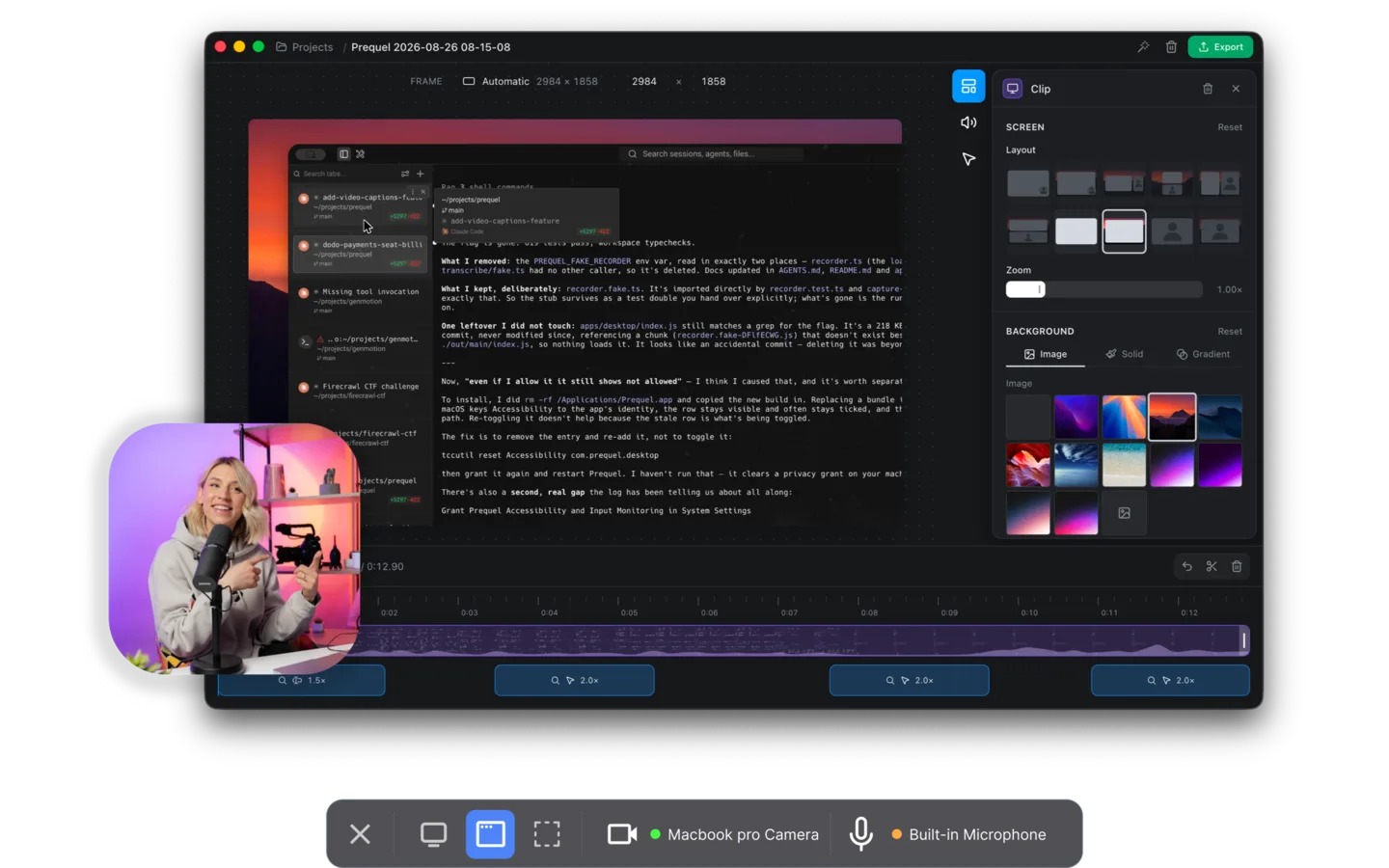
Prequel is $29, once. That buys the app with nothing held back: 4K export at up to 120 fps, no watermark on any plan or during the trial, no limit on how long a take can run, and rendering done on your own Mac with nothing uploaded. There is a $9 a month plan too, and the app in both is the same app.
What the $29 is really buying is a video that is already edited when the recording stops. Zooms are placed on every click and burst of typing, the camera is framed, the background is applied and the cursor is cleaned up before you see the timeline. Because the screen and camera are recorded as separate sources, you can re-frame the camera after the take.
The code is on GitHub under FSL-1.1-ALv2, which becomes Apache 2.0 two years after each release, so the app you paid for once is one you can also read.
Price. $29 once, or $9 a month. Seven-day trial, exports included. Requires. An Apple Silicon Mac on macOS 14 or later.
2. Cap
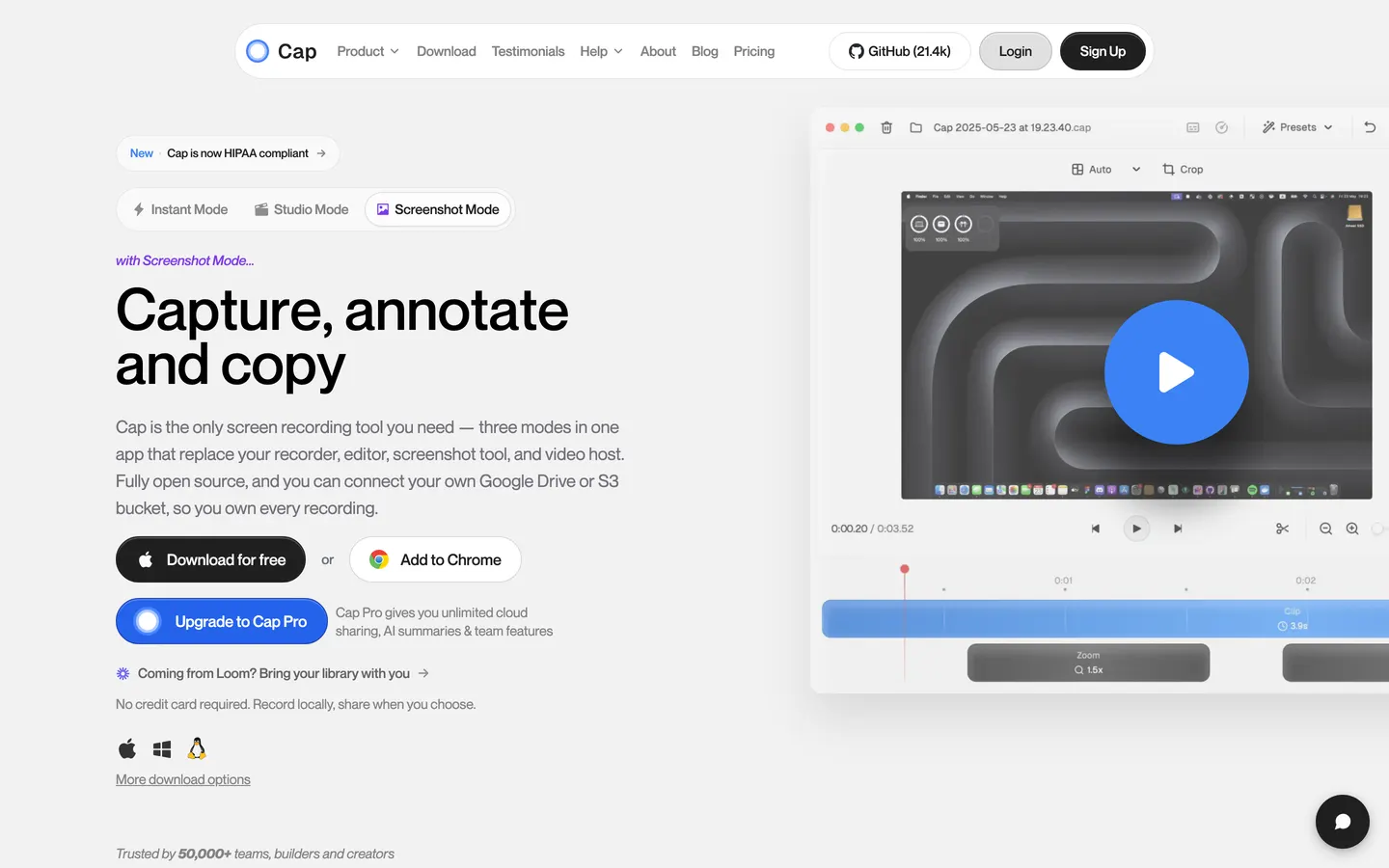
Cap is free for personal use with no time limit on local recordings, and a commercial desktop licence is $29 a year or $58 once. The code is on GitHub, it runs on Windows and Linux as well as macOS, and Studio Mode gives you a real editor with zooms and backgrounds.
Read the licence before you record for work. The free tier is personal use only, so a product demo or a client video needs the paid one, and the $58 lifetime licence is twice Prequel's. Cap exports 4K at 60 fps where Prequel runs to 120.
Price. Free for personal use, then $29/yr or $58 once.
3. CleanShot X
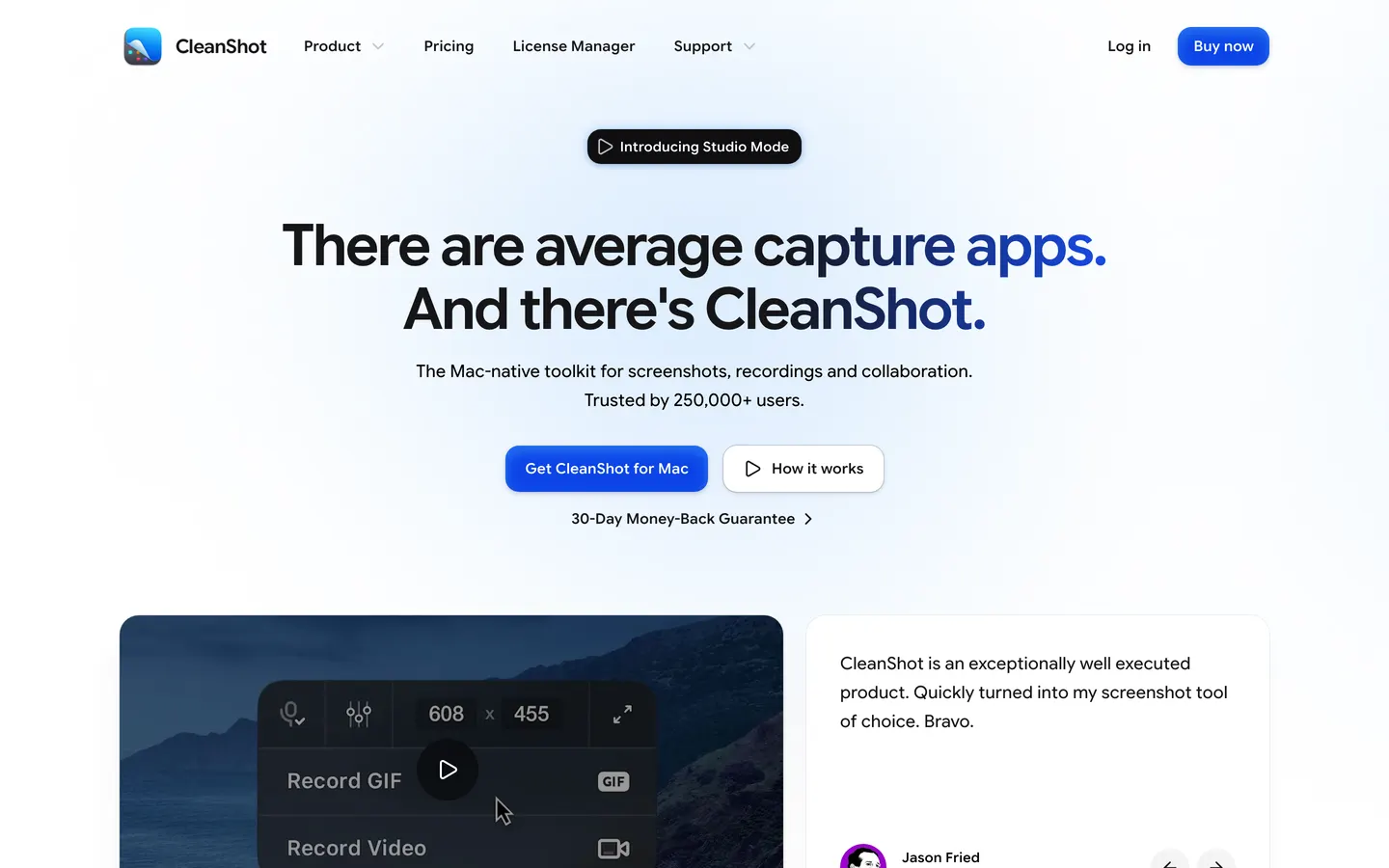
CleanShot X is the screenshot tool most Mac people already own, and it records video too, with a Studio Mode that adds zooms with motion blur. CleanShot Basic is $35 once with a year of updates, then an optional $19 a year to keep them coming. CleanShot Pro is a subscription for the cloud side.
If you want scrolling capture, annotations and a recorder in one menu bar icon, nothing else here does it. Its video is a feature of a screenshot app, though: the zooms are placed by hand after the take, where Prequel's are on the timeline before you open it.
Price. $35 once, updates for one year, then $19/yr if you want more.
4. CursorClip
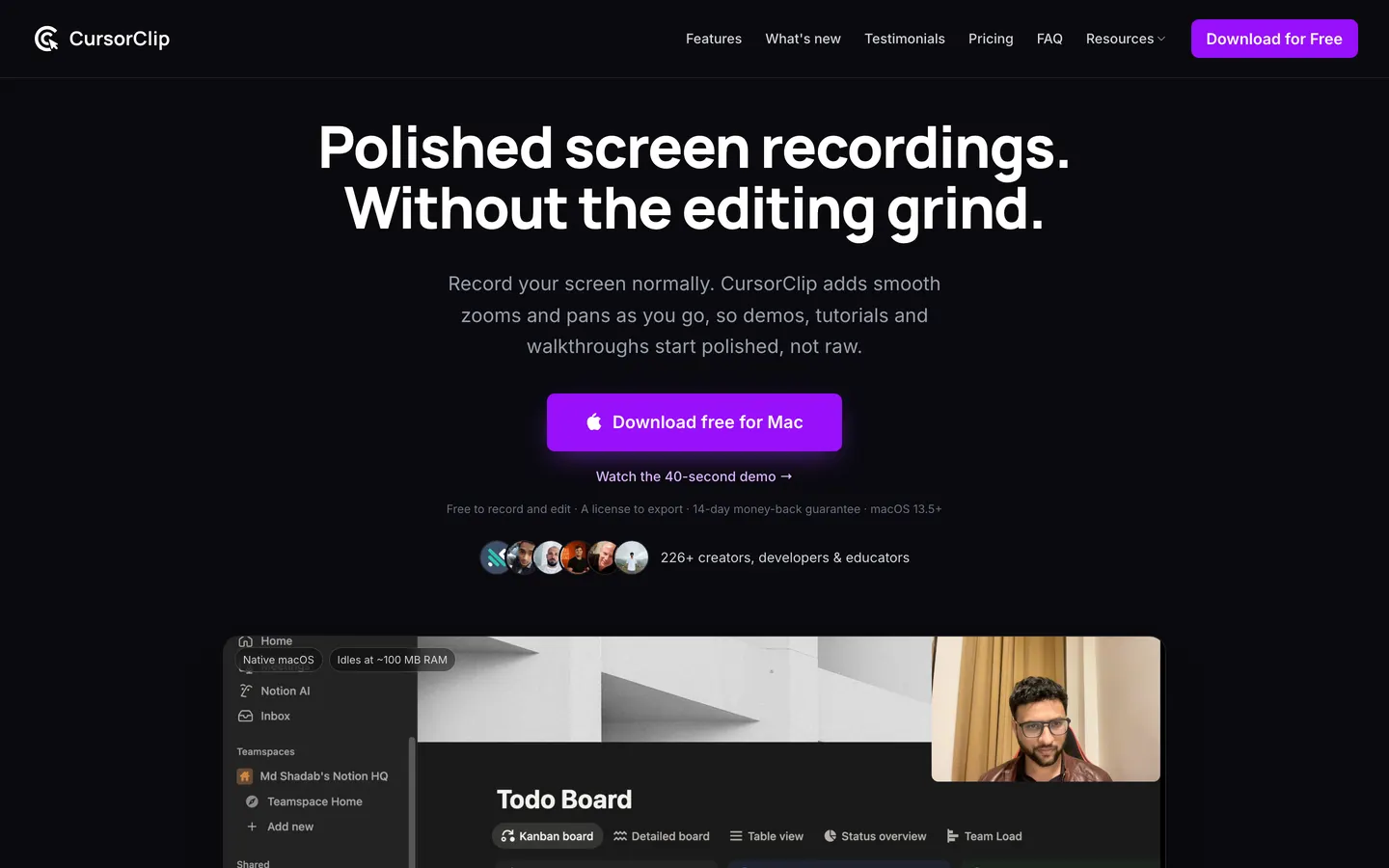
CursorClip is a native Mac app that adds zooms and pans as you record, with a teleprompter, layouts and saved looks in version 2. The lifetime licence is $70, covers three Macs, and works offline after activation. There are $9 a month and $29 a year plans as well.
Recording and editing are free; export is what the licence unlocks. That is the same shape as most of this list, and it is where Prequel's trial is different: seven days of the whole app, exports included, so the video you make while deciding is a file you can publish.
Price. $70 once, or $9/mo or $29/yr.
5. Screen Charm
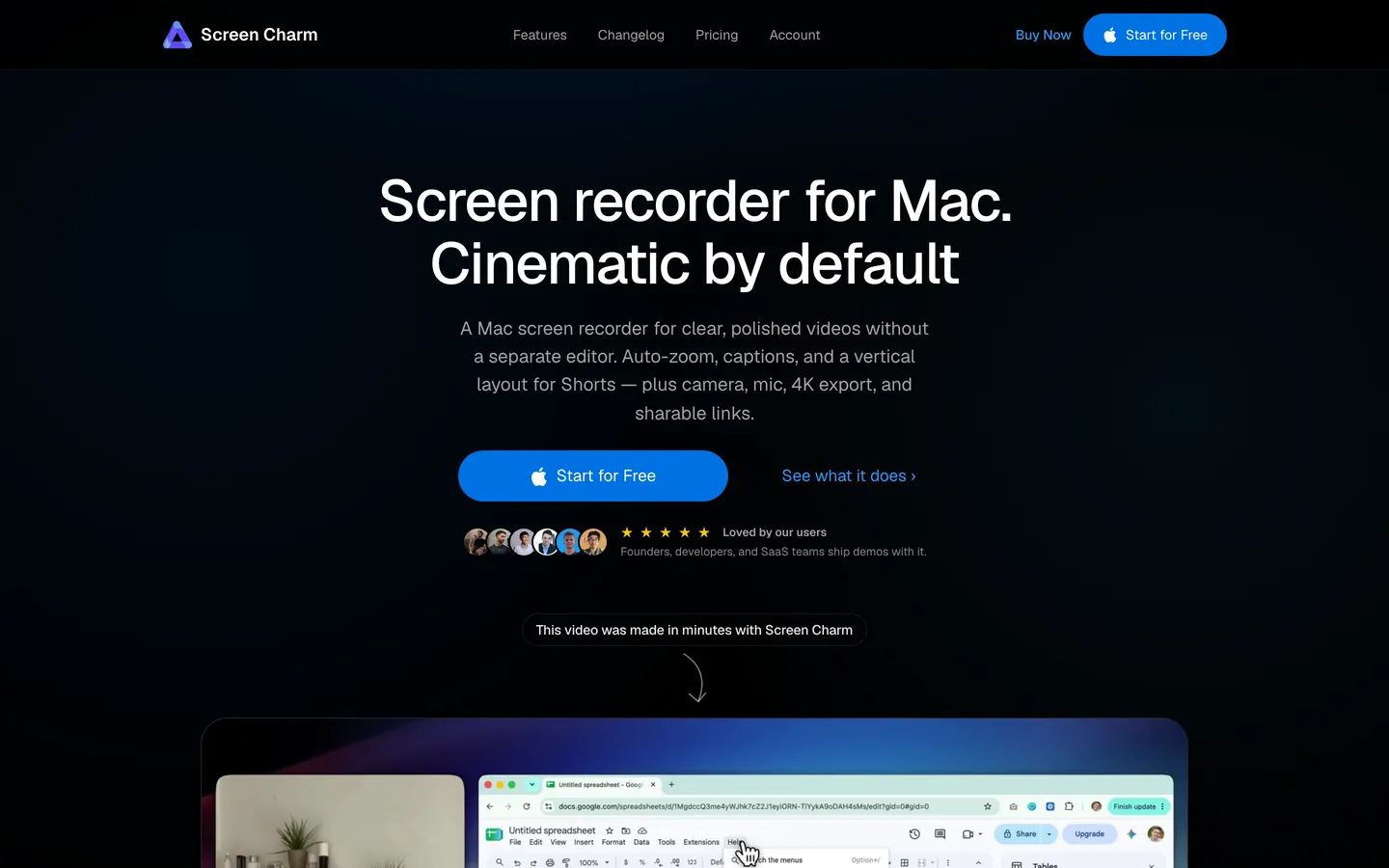
Screen Charm is a one-person Mac recorder with automatic zooms, captions, blur regions, a split vertical layout for Shorts and a MacBook device frame. It is $99 once for up to three Macs with lifetime updates and a 14-day money-back guarantee.
It is the dearest one-off on this page, three times Prequel's $29, and like CursorClip it locks the export until you pay. Screen Charm's export runs to 4K at 60 fps; Prequel's runs to 120.
Price. $99 once, three Macs. Requires. An Apple Silicon Mac on macOS 14 or later.
6. ScreenFlow
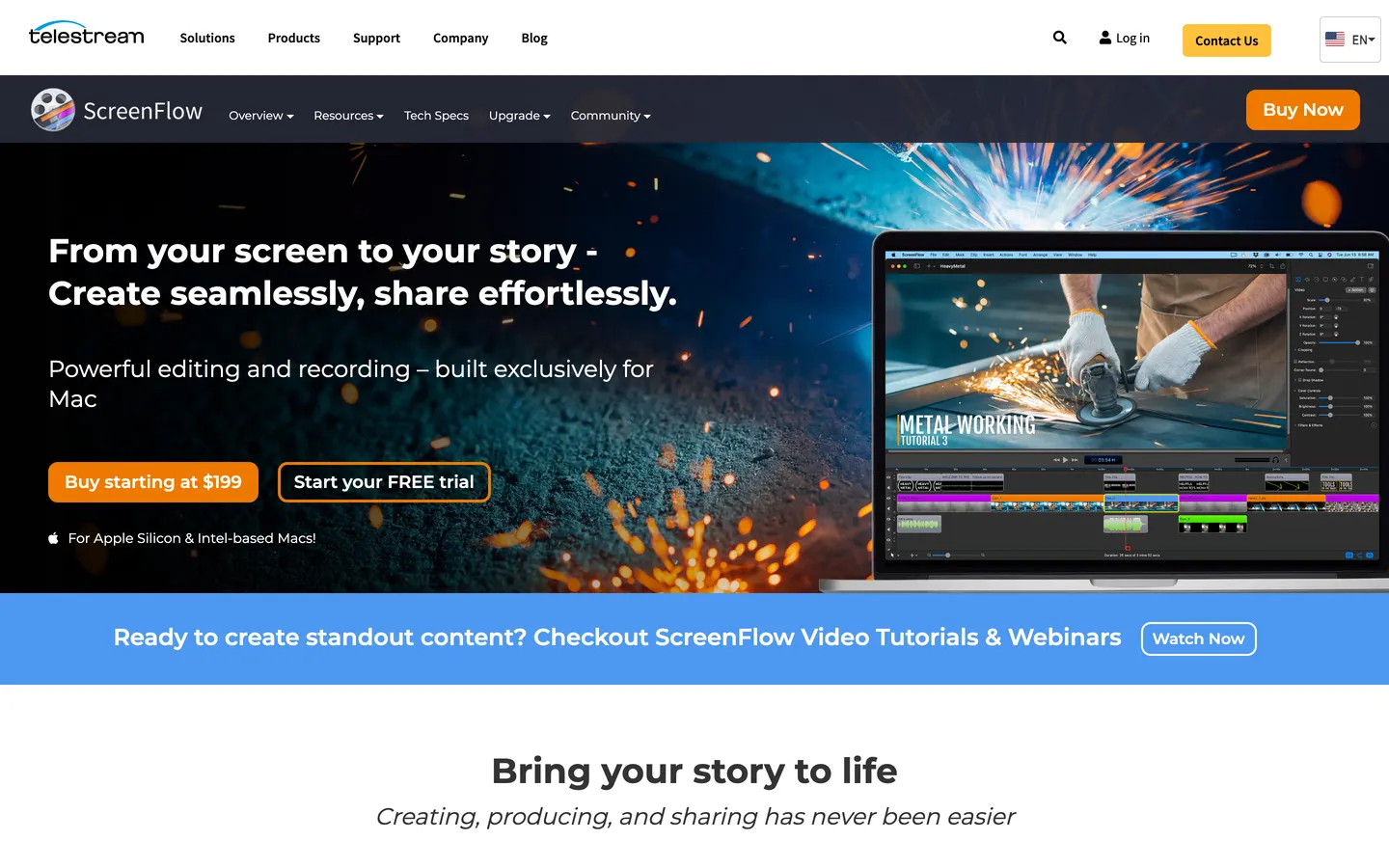
ScreenFlow is the old-school answer: a full timeline editor with a recorder attached, $199 once for a single machine, with a stock media library sold separately as a subscription. It runs on Intel and Apple Silicon Macs and has been around long enough that every tutorial channel has used it.
It is also a manual editor. Every zoom, every cut and every camera position is yours to place, which is the work Prequel has done before the editor opens, for about a seventh of the money.
Price. $199 once, single machine.
7. FocuSee
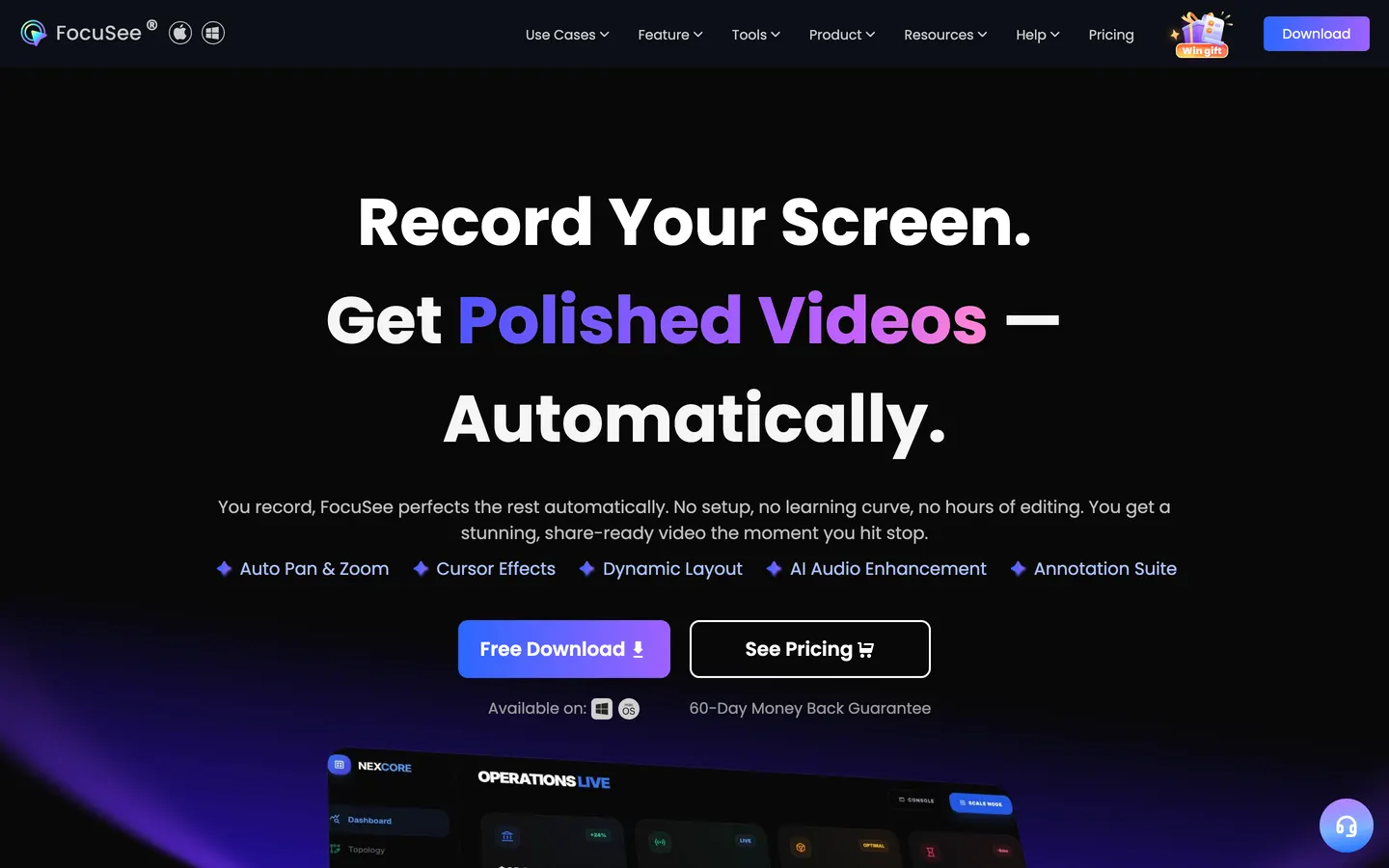
FocuSee adds zooms, cursor animation and backgrounds automatically and runs on Windows as well as macOS. The one-time licence is $199.99 for up to five computers, and the yearly plans start at $49.99.
Read the small print on "lifetime": it is lifetime access to version 2, and moving to version 3 is a paid upgrade. Export tops out at 4K 60 fps against Prequel's 4K 120, and Prequel's $29 is the price of the app, not of one version of it.
Price. $199.99 once for version 2, or $49.99/yr and up.
8. OBS Studio
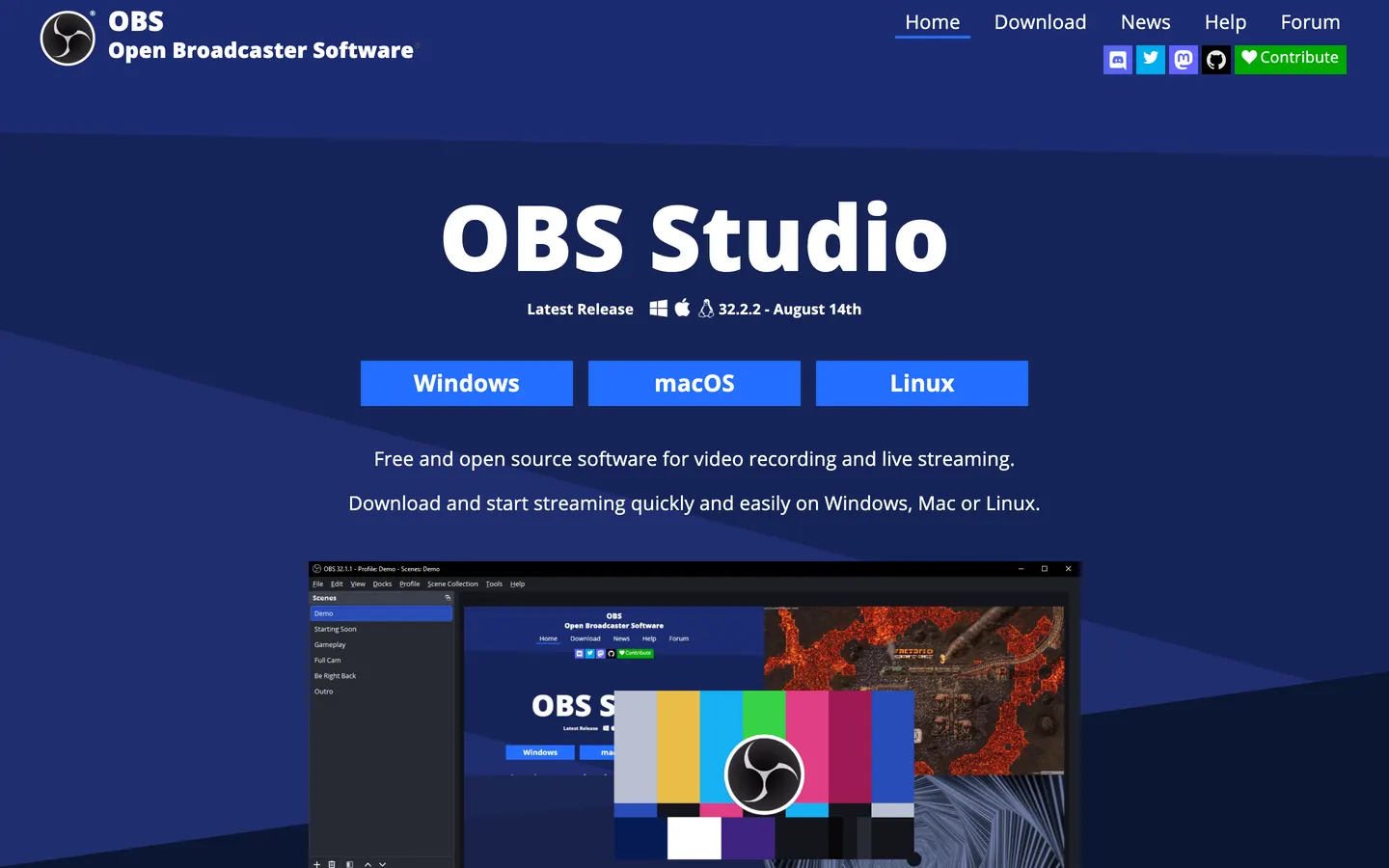
Free, open source, no watermark and no time limit. OBS records anything you can point it at, streams live, and runs on an Intel Mac. If no subscription and no money at all is the requirement, this is the answer.
What it does not do is edit. There is no timeline, so the zooms, the cuts and the framing happen in another app afterwards, and that is the part Prequel hands you finished.
Price. Free.
The open source Mac recorders, compared →
9. QuickTime Player
QuickTime is already on your Mac and makes a clean MP4 in four clicks. For a quick clip that only has to be legible, use it and stop reading.
It records the screen or the camera, not both together, and it cannot hear the Mac's own audio without a virtual driver. Prequel records screen, camera, microphone and system audio as separate tracks in one take.
Price. Free with macOS.
How to record your Mac screen with internal audio →
Two that left the list
Screen Studio sold a lifetime licence until 2025 and now sells $29 a month or $9 a month billed yearly. The automatic zoom is still the best known in the category, and it still records iPhones over USB, but there is no longer a price you can pay once. People asking for a cheaper or free Screen Studio alternative on r/macapps are mostly asking for this list.
Camtasia stopped selling perpetual licences in early 2025 and is subscription only, billed annually, with a watermark on the free version. It is still the deepest training-video editor on a Mac; it is just rented now.
So which one
If free is the whole requirement, OBS Studio, or QuickTime for something quick. If you edit by hand and want a timeline you own, ScreenFlow. If you need Windows as well, Cap or FocuSee.
If you want to pay once and get a video that is already directed, that is Prequel:
Product demos and tours. Zooms, a perspective tilt and focus falling away from the subject, applied before the editor opens, with a camera you frame after the take.
Tutorials and courses. No cap on the length of a take, no watermark, and 4K at up to 120 fps rendered on your own Mac.
Social clips. Every frame preset is included, so one landscape recording becomes a vertical one with nothing extra to buy.
Bug reports and async updates. Shareable links are included on both plans, so a take becomes a URL from the same window it was recorded in.
Seven days free, exporting the whole time, then $29 once.
In the changelog
Frequently asked questions
- Which Mac screen recorders have no subscription?
- Prequel ($29 once), Cap ($58 once, or free for personal use), CleanShot X ($35 once with a year of updates), CursorClip ($70 once), Screen Charm ($99 once), ScreenFlow ($199 once) and FocuSee ($199.99 once for version 2) all sell a one-time licence. OBS Studio and QuickTime Player are free. Prices checked on 8 October 2026.
- What is the cheapest one-time purchase screen recorder for Mac?
- Prequel, at $29 once. That is the whole app: 4K export at up to 120 fps, no watermark on any export, no limit on the length of a take, and a seven-day trial that exports finished files. The next cheapest one-off licences are CleanShot X at $35 and Cap at $58.
- Does Screen Studio still have a lifetime licence?
- No. Screen Studio withdrew its lifetime licence in 2025 and now sells a subscription only, at $29 a month or $9 a month billed yearly. If you want the same automatic zooms with a price you pay once, Prequel is $29 for a lifetime licence and also exports at 4K 120 fps against Screen Studio's 4K 60.
- Can I buy Camtasia once?
- Not any more. TechSmith stopped selling perpetual Camtasia licences in early 2025, so Camtasia is subscription only and billed annually. The free version exports with a watermark. ScreenFlow is the closest timeline editor still sold as a one-off, at $199, and Prequel is $29 once if you want the editing done automatically.
- Does a lifetime licence include updates?
- It depends on the tool, and it is the thing to check before paying. CleanShot X's $35 licence includes one year of updates and then charges $19 a year for more. FocuSee's $199.99 lifetime licence covers version 2 only, and version 3 is a paid upgrade. Screen Charm's $99 and CursorClip's $70 include future updates. Prequel's $29 lifetime licence is for the app, with no version in the name.
- Is there a free Mac screen recorder with no subscription and no watermark?
- Yes. OBS Studio is free and open source with no watermark and no time limit, and QuickTime Player is already on every Mac. Cap is free for personal use with no time limit on local recordings. None of the three edits the video for you; Prequel's seven-day trial does, and it exports without a watermark while you decide.