Where the cancel button is in every screen recorder
Loom cancels in Atlassian, Tella in Stripe, Screen Studio in Lemon Squeezy, and Cap does not say. Where each cancel control lives, when access ends, who refunds, and the one rule that applies to all of them: export first. Checked 5 October 2026.

Every screen recorder that charges monthly hides its cancel button somewhere different. This page puts them side by side, checked against each vendor's own documentation on 5 October 2026. Each tool has its own page with the full steps.
At a glance
| Tool | Where you cancel | When access ends | Refund | Your videos |
|---|---|---|---|---|
| Loom | Atlassian Administration, Billing, Subscriptions, for accounts that moved. Loom's own settings for older ones. | End of the billing cycle | None stated | Kept. Over 25, you cannot record new ones. Downloads need a paid tier. |
| Tella | Settings, Plans and Billing, Manage, which opens Stripe. Owners only. | End of the period you paid for | Full refund within 14 days of a first purchase | Kept and shareable. You cannot record, edit or export. |
| Screen Studio | The Lemon Squeezy orders page | End of the current term | None. Fees are non-refundable. | Your files stay on your Mac. The app licence ends. |
| Cap | Not documented. Dashboard organisation settings are the one billing address it names. | Not stated | No policy in the terms | Cap says recordings are yours forever and existing shares stay active. |
| Screen Charm | Nothing to cancel. It is $79 once. | Not applicable | 14 days, by email | Yours |
The one rule: export first
Three of these five keep your videos but take away the way to get a file out. Tella keeps them viewable and shareable and stops export. Loom allows downloads only on its top paid tiers, and a downgrade moves you off them. Screen Studio ends your right to use the app, which is the thing that exports.
So before you cancel anything, export every video you want as a file. How to download a Loom video as an MP4 covers the tool where this is hardest.
The traps
- Cancelling in the wrong place. Loom has two routes and Atlassian has two billing screens. How to cancel Loom says how to tell which you are on.
- Not being the owner. Loom wants an Atlassian billing or organisation admin. Tella wants the workspace owner.
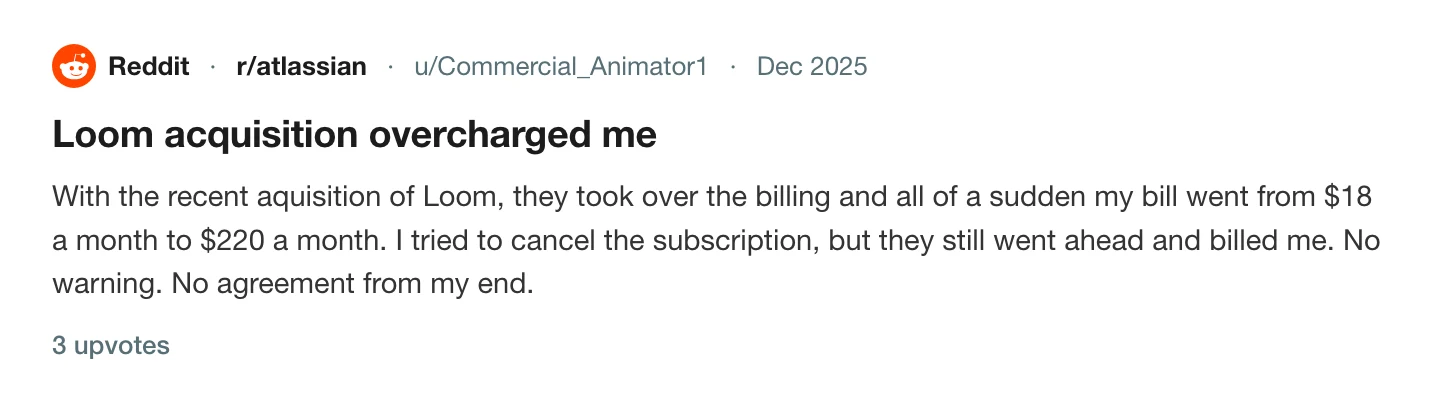
- Seats, not plans. On Loom the bill can rise because free seats were converted. Removing users stops that, and downgrading does not in time: see why your Loom bill went up.
- A second login. Tella says two logins cannot be merged and each workspace bills separately: can't find your Tella recording.
- A lookalike site. A different site on screenstudio.net advertises a refund Screen Studio does not offer.
- Waiting. With no refund, cancelling the day before renewal is the whole protection.
A checklist
- Export everything you need as files.
- Find which account and which workspace is billing you.
- Cancel before the renewal date.
- Keep the confirmation email and note the end date.
- Check the next statement.
What none of this applies to
If you buy once, there is no date to beat. Screen Studio without a subscription covers its pricing, and Tella has no free plan covers what the trial allows. For the full field, see the best Loom alternatives for Mac and the best Screen Studio alternatives for Mac.
Prequel
Prequel is $9 a month, or $29 once. The one-off licence has nothing to renew and nothing to cancel, and exports to your own Mac are never counted, never expire and have no limit. A recording is a folder of files under ~/Movies/Prequel, so there is nothing to export first. See pricing and where files live.
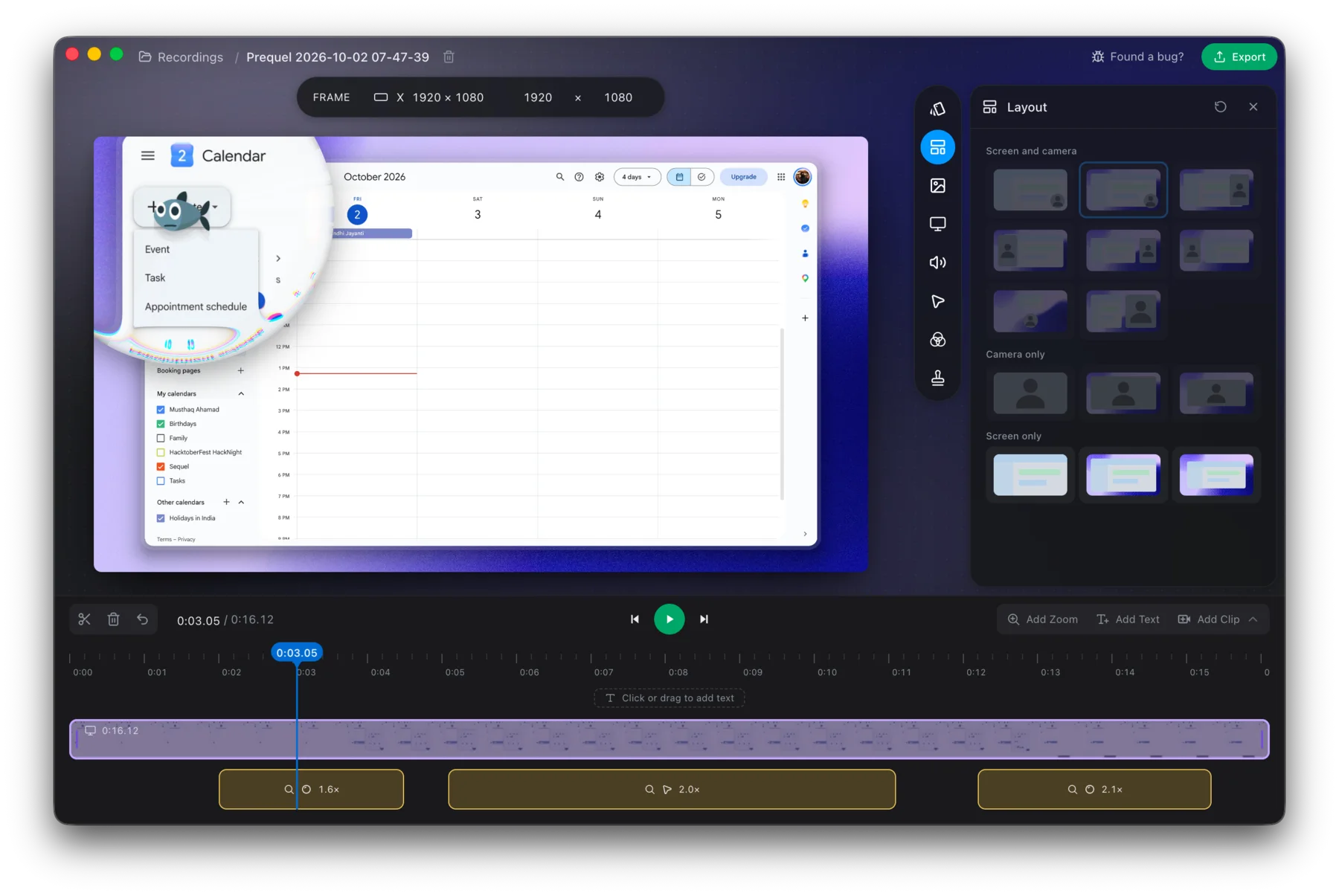
Start with the licence that has no cancel button.
Prequel needs an Apple Silicon Mac on macOS 14 or later. Download Prequel for Mac and try it free for 7 days, with no watermark on anything you export. After that it is $9 a month or $29 once. See what it costs.
Frequently asked questions
- Where do I cancel Loom, Tella and Screen Studio?
- Loom cancels in Atlassian Administration for accounts that moved, or in Loom's settings for older ones. Tella cancels in a Stripe portal opened from its Plans and Billing settings. Screen Studio cancels through Lemon Squeezy, on its orders page.
- Which screen recorders give refunds?
- Tella refunds a first purchase within 14 days, plus billing errors and accidental renewals reported within 7 days. Screen Charm refunds within 14 days by email. Loom and Screen Studio both state that fees are not refunded.
- What happens to my videos when I cancel a screen recorder?
- It varies. Loom and Tella keep them but stop new recording or export. Screen Studio's files are on your Mac and the app licence ends. Cap says shares stay active and you can always export everything.
- What should I do before cancelling any screen recorder?
- Export every video you want as a file, cancel before the renewal date because refunds are rare, check for a second account that bills separately, and keep the confirmation email.
- Is there a screen recorder with nothing to cancel?
- Prequel's lifetime licence is $29 once, with no renewal and nothing to cancel, and exports to your own Mac are never counted and never expire. It needs an Apple Silicon Mac on macOS 14 or later.
Keep reading
- Why your Loom bill went up, and how to leaveLoom's billing moved to Atlassian and free Creator Lite seats became paid ones. What changed, what people report paying, the step that stops the charge before the next invoice, and what to use if you are leaving.
- How to cancel Loom, including after the Atlassian moveLoom now has two cancellation routes: Atlassian Administration and Loom's own settings. How to tell which you are on, the clicks for each, what you lose, and why downgrading does not stop the charge. Checked 5 October 2026.
- How to cancel Screen StudioScreen Studio bills through Lemon Squeezy, not the app. Where to cancel, what the terms say about refunds and renewal, what happens to a one-time licence, and how to avoid a lookalike site. Checked 5 October 2026.
- How to cancel Cap Pro or the Cap Desktop LicenceCap has a free plan, a Desktop Licence and Cap Pro. What each costs, what its own site says about cancelling, what it does not document, and what happens to your recordings and shared links. Checked 5 October 2026.
- How to cancel TellaTella's cancel button is in Stripe, only workspace owners can reach it, and export stops working when the subscription does. Where to click, what the refund policy covers, and why the 30-day notice story is out of date. Checked 5 October 2026.
- Screen Charm refund and cancellation: it is $79 onceScreen Charm has no subscription to cancel. What its terms say about the $79 lifetime price, the 14-day refund and how to ask for one, the Apple Silicon requirement that caught one buyer, and how the one-off price compares.