Tella has no free plan: what to use instead
Tella is $13 or $19 per user a month billed annually, after a 7-day trial that exports at HD and 30 fps. What its help centre and pricing page say, why older reviews still mention a free tier, and what else costs nothing to try.

If a comparison post told you Tella has a free tier, it was written for an older Tella. There is none now.
What Tella says
Tella's help centre: "Tella has two paid plans, Pro and Premium, billed per user, and every new workspace starts with a 7-day free trial. There is no forever-free plan."
Its pricing page, checked on 5 October 2026, shows:
| Plan | Price | Billing | What it adds |
|---|---|---|---|
| Pro | $13 per user a month | Billed annually | Unlimited videos, export in 4K, analytics, team collaboration |
| Premium | $19 per user a month | Billed annually | Everything in Pro, plus 60 fps export, custom domain, domain restriction, removing Tella branding from video pages, advanced analytics |
| Enterprise | Custom | Custom | SSO and SCIM, a shared Slack channel, volume discounts |
The page has a monthly option, and the annual one is marked 50% off, so billing monthly costs more than the figures above. Read the toggle before you buy.
The trial
Tella's help centre says trial exports are HD at 30 fps, and trial clips are capped at 2 hours. It also says uploading your own footage is for paid plans, with a 5 GB cap per file.
After seven days from creating the account, you can still view and share your videos, but you cannot record, edit or export until you pay. That last point matters, and it is why how to cancel Tella says to export before you cancel.
Why older reviews mention a free tier
Third-party reviews from before the change describe a free plan with a five-minute limit and a library cap. That is gone. If a post you are reading mentions it, check its date. Tella's own page is the source of truth, and its comparison table, as of today, is where the current limits live.
Tella does not put a watermark on exports at any point, according to its help centre. The limits are on resolution, frame rate and clip length during the trial.
Other tools make different trades
Free tiers usually cost you a limit. Loom's free plan limits are five minutes and 25 videos. Screen Studio has no free plan either, and its export is behind the paywall. Screen Charm is a one-off $79. And how to cancel Tella covers leaving.
For the full field, see the best Loom alternatives for Mac and the Tella page. The limits on what a paid Tella plan exports are in Tella export limits.
Prequel's trial
Prequel also has no free tier. It has a 7-day trial with the whole app in it, the same app on both plans, with no watermark and no length cap. After that it is $9 a month or $29 once. The pricing page says what each includes: see pricing and what the trial includes.
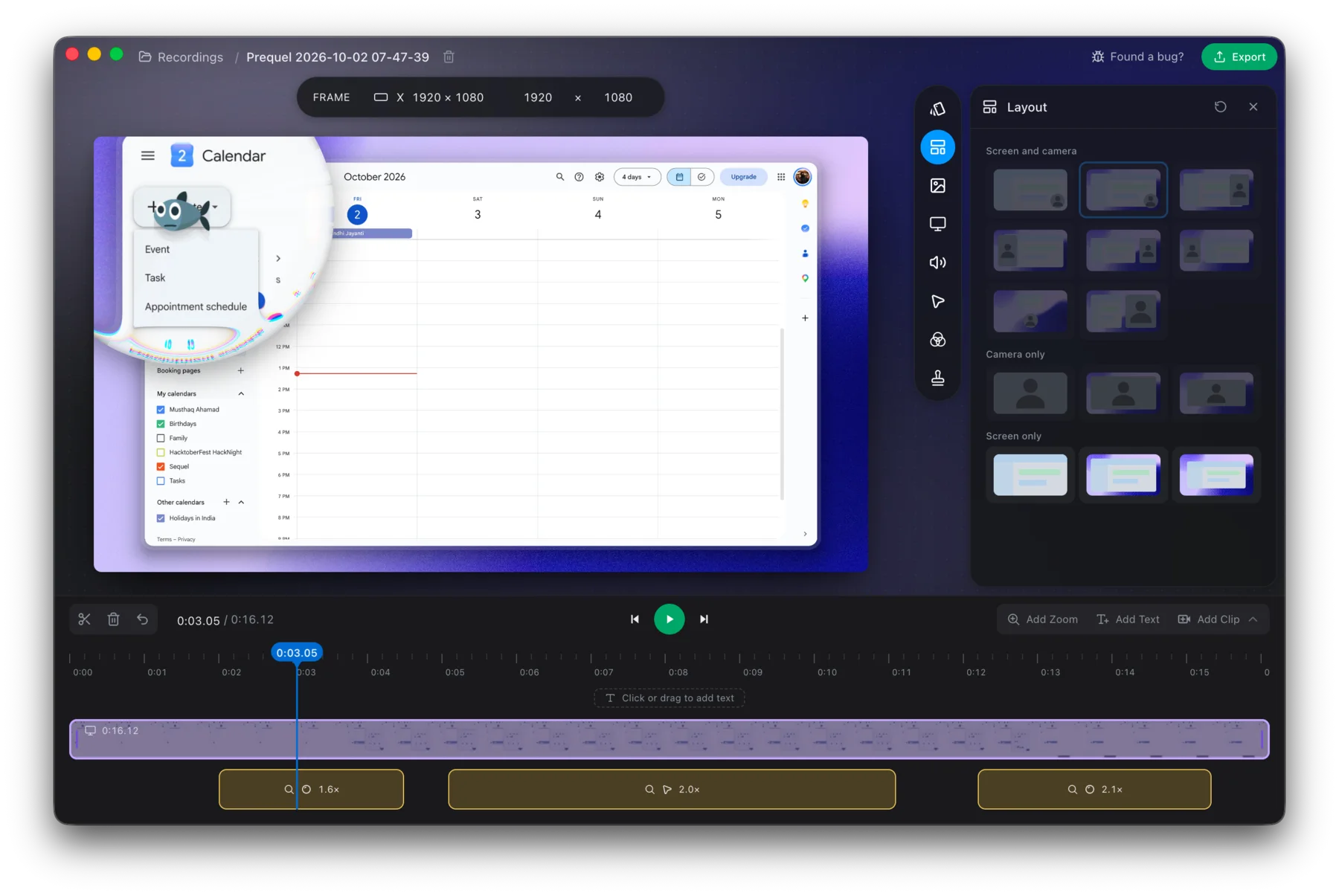
Use the whole app for 7 days, then decide.
Prequel needs an Apple Silicon Mac on macOS 14 or later. Download Prequel for Mac and try it free for 7 days, with no watermark on anything you export. After that it is $9 a month or $29 once. See what it costs.
Frequently asked questions
- Does Tella have a free plan?
- No. Tella's help centre says it has two paid plans, Pro and Premium, billed per user, and that every new workspace starts with a 7-day free trial. It states there is no forever-free plan.
- How much does Tella cost?
- Tella's pricing page shows Pro at $13 and Premium at $19 per user a month, billed annually. It has a monthly option marked with annual at 50% off, so billing monthly costs more. Checked on 5 October 2026.
- What are Tella's trial limits?
- Tella's help centre says trial exports are HD at 30 fps and trial clips are capped at 2 hours.
- Does Tella put a watermark on exports?
- No. Tella's help centre says it never puts its logo or a watermark on your videos and that exported files are always clean. Premium removes Tella's branding from video pages.
- What can I use instead of Tella for free?
- Prequel has a 7-day free trial with the whole app and no watermark, then $9 a month or $29 once. It needs an Apple Silicon Mac on macOS 14 or later.
Keep reading
- Loom's free plan limits: five minutes and 25 videosWhat Loom's free Starter plan allows, what counts toward the 25 videos, what happens when you hit the limit, and the ways around it. Plus what changes if you downgrade from a paid plan.
- Screen Studio without a subscription: what your options areScreen Studio is $29 a month, or $9 a month billed yearly, with no free tier and export behind the paywall. The four options if you do not want a subscription, including the one for a project already recorded.
- How to cancel TellaTella's cancel button is in Stripe, only workspace owners can reach it, and export stops working when the subscription does. Where to click, what the refund policy covers, and why the 30-day notice story is out of date. Checked 5 October 2026.
- Tella export limits: 4K, 60 fps and clip lengthWhat Tella's pricing page and help centre say about export: 4K in Pro, 60 fps in Premium, a 6 hour clip limit, a 5 GB upload cap, and a trial that exports at HD and 30 fps. Checked 5 October 2026.
- Screen Charm refund and cancellation: it is $79 onceScreen Charm has no subscription to cancel. What its terms say about the $79 lifetime price, the 14-day refund and how to ask for one, the Apple Silicon requirement that caught one buyer, and how the one-off price compares.