How to cancel Screen Studio
Screen Studio bills through Lemon Squeezy, not the app. Where to cancel, what the terms say about refunds and renewal, what happens to a one-time licence, and how to avoid a lookalike site. Checked 5 October 2026.

Screen Studio keeps its billing outside the app, which is why people spend ten minutes looking for a cancel button that is not there. This page was checked against Screen Studio's own site and terms on 5 October 2026.
Check you are on the right site
The product is at screen.studio. A separate site on screenstudio.net advertises a 30-day refund that Screen Studio does not offer. If you are asked to pay or sign in somewhere else, stop.
Where to cancel
Screen Studio's FAQ answers "Where can I manage my subscription?" by pointing to its orders page on Lemon Squeezy, the payment provider that handles the billing: app.lemonsqueezy.com/my-orders.
- Open that page and sign in with the email address you used to buy.
- Find the Screen Studio order.
- Use the cancel option on it.
I could not verify the exact labels inside Lemon Squeezy, so look for the cancel option on the order itself. If you are stuck, the support address is team@screen.studio.
The screen.studio/dashboard page is for devices only: it lets you disconnect a device and does not change billing.
What the terms say
Screen Studio's master subscription agreement, last updated 4 September 2025, says:
- You can cancel at any time, and the cancellation takes effect at the end of the current subscription term.
- The subscription renews automatically unless you cancel before the start of the renewal.
- When the term ends, the right to access and use the product ends with it.
- Fees are non-refundable.
So there is no refund for the rest of a month or a year you have paid for. The decision that matters is cancelling before the renewal date, not after.
What you keep
Your recordings and exported videos are ordinary files on your Mac. Screen Studio says recordings are stored and processed locally. What ends is your right to use the app, which means export is the thing to finish before the term does. Screen Studio without a subscription covers the options if you need one more export.
If you bought a one-time licence
You have nothing to cancel. Screen Studio says a licence bought in the past is still valid, and that access to the latest updates and features can expire. What a renewal costs is not on its site: Screen Studio's lifetime licence is one year of updates has what holders report.
The same job elsewhere
Loom cancels in Atlassian, not in Loom, for many accounts: how to cancel Loom. Tella's cancel button is in Stripe: how to cancel Tella. The cancel button in every screen recorder puts them side by side.
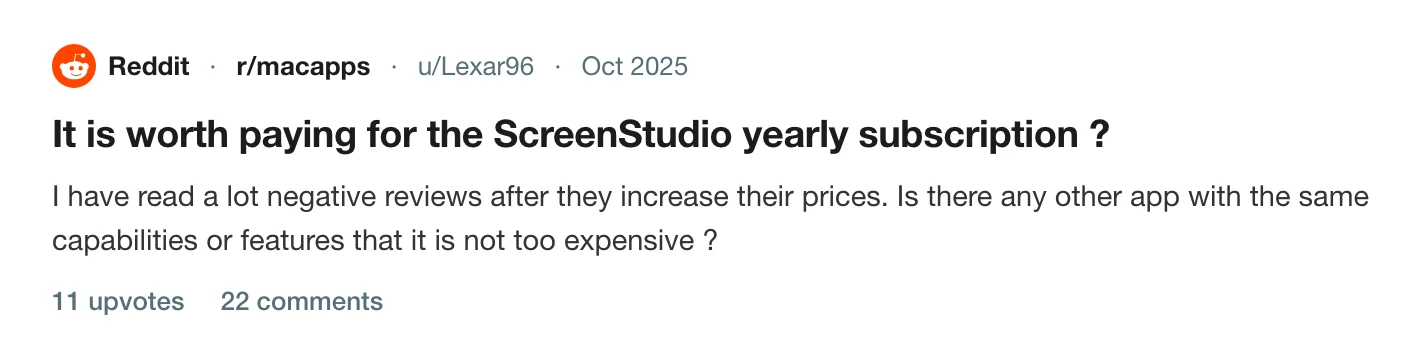
Prequel's pricing
Prequel is $9 a month, or $29 once. The one-off licence has nothing to renew and nothing to cancel, and exports to your own Mac are never counted and never expire. See pricing and the Screen Studio page.
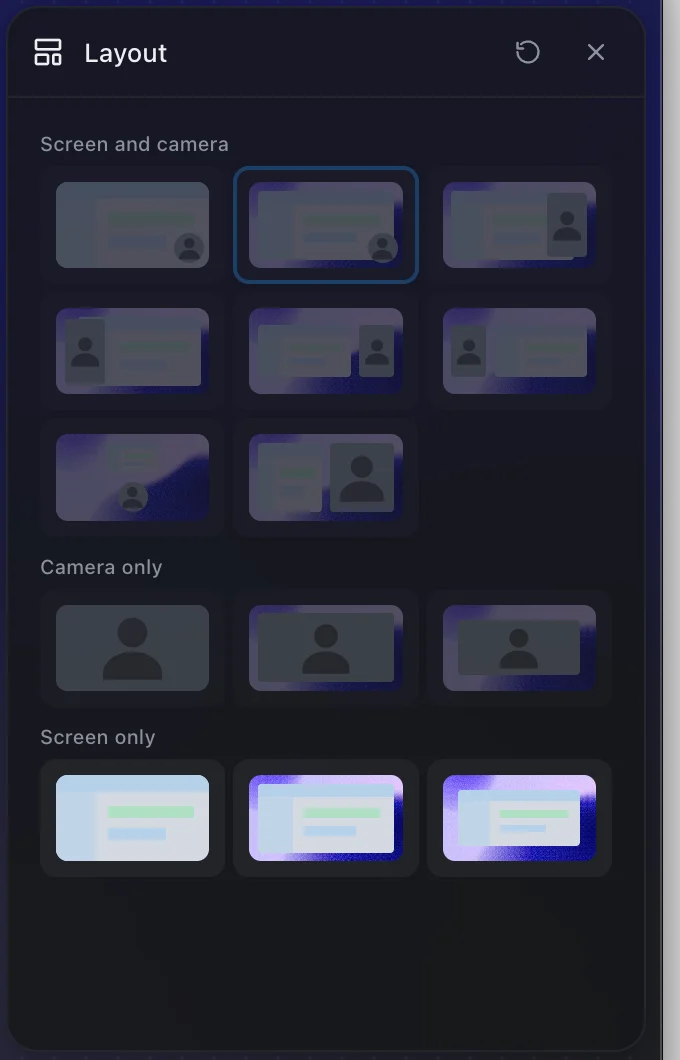
Try it for 7 days before you pay for anything.
Prequel needs an Apple Silicon Mac on macOS 14 or later. Download Prequel for Mac and try it free for 7 days, with no watermark on anything you export. After that it is $9 a month or $29 once. See what it costs.
Frequently asked questions
- How do I cancel my Screen Studio subscription?
- Screen Studio says to manage your subscription on its Lemon Squeezy orders page, at app.lemonsqueezy.com/my-orders. Sign in with the email you bought with, find the Screen Studio order and use the cancel option. If you cannot, email team@screen.studio.
- Does Screen Studio give refunds?
- No. Its terms say fees are non-refundable and that it has no liability to refund fees charged or paid. Cancelling before the renewal date is the way to avoid another charge.
- When does my Screen Studio access end after I cancel?
- At the end of the current subscription term. Screen Studio's terms say a cancellation takes effect at the end of the term you have paid for, and that the right to use the product then ends.
- Do I need to cancel a Screen Studio lifetime licence?
- No. A one-time licence has no subscription to cancel. Screen Studio says it stays valid, and what can expire is access to updates.
- Is screenstudio.net the real Screen Studio?
- No. The real product is at screen.studio. A different site on screenstudio.net advertises a 30-day refund that Screen Studio does not offer, so check the address before you pay or try to cancel.
Keep reading
- Screen Studio without a subscription: what your options areScreen Studio is $29 a month, or $9 a month billed yearly, with no free tier and export behind the paywall. The four options if you do not want a subscription, including the one for a project already recorded.
- Screen Studio's lifetime licence is one year of updatesScreen Studio's one-time licence stays valid, but access to updates ends. What Screen Studio says, what holders report on r/macapps and Hacker News, what is not documented, and what a buy-once licence means elsewhere.
- Where the cancel button is in every screen recorderLoom cancels in Atlassian, Tella in Stripe, Screen Studio in Lemon Squeezy, and Cap does not say. Where each cancel control lives, when access ends, who refunds, and the one rule that applies to all of them: export first. Checked 5 October 2026.