Can't find your Tella recording: accounts and workspaces
Tella says a recording that will not open for editing usually means the Mac app and browser are signed in to different accounts, and a missing one usually landed in another workspace. What it says about moving videos and merging accounts.

You recorded something, and now you cannot open it, or cannot see it at all. Tella's help centre has two separate pages for these, and both come from how the product is organised.
It will not open for editing
Tella: "If a video you just recorded on the Tella Mac app won't open for editing, the Mac app and your browser are usually signed in to different Tella accounts. Compare the two email addresses and, if they differ, sign in to the browser with the one the Mac app uses."
This follows from the design. The app records and the website edits, and they sign in separately. Why Tella makes you wait before you can edit explains the order of events.
It is not in your library
A second page is titled "Where is the video I just recorded?". The answer is that videos belong to a workspace, and a recording goes into whichever workspace was active when you pressed record. If you have a personal workspace and a work one, your library can look empty because you are in the wrong one.
Moving a video
Tella says: "No. There's no button to move a single video to another workspace." The route is to download the video and upload it again. Tella warns: "The upload is a fresh video: edits, layouts, and analytics don't carry over." For more than a few videos, you ask support to migrate them.
Merging accounts
"Can I merge two Tella accounts? No. Two Tella logins (e.g. a Google login and an email login for the same person) can't be merged automatically, and each workspace bills separately."
That last clause means a second login can mean a second subscription. If you are looking at your bill, how to cancel Tella covers the route and Tella has no free plan lists what each plan costs.
What to check, in order
- Are the Mac app and the browser signed in with the same email?
- Which workspace is active in each?
- Is the upload finished? Do not delete the app's local folder while it uploads: see Tella stopped recording.
- Can the editor load at all? Tella editor won't load lists the four errors.
- If the editor loads but is limited, what Tella's editor can't do after you record is the page.
For a wider comparison, see the Tella page.
Every take is a folder
In Prequel, a recording is a folder in ~/Movies/Prequel. There is no account to mismatch and no workspace to pick, because recording, editing and export do not need one. Show Recordings in Finder in the menu bar opens the folder, and every take is also listed in the library inside the app.
A folder is self-contained, so you can copy it to another Mac with Prequel and it opens the same. Signing in exists for sharing and for the licence. See where files live and share links.
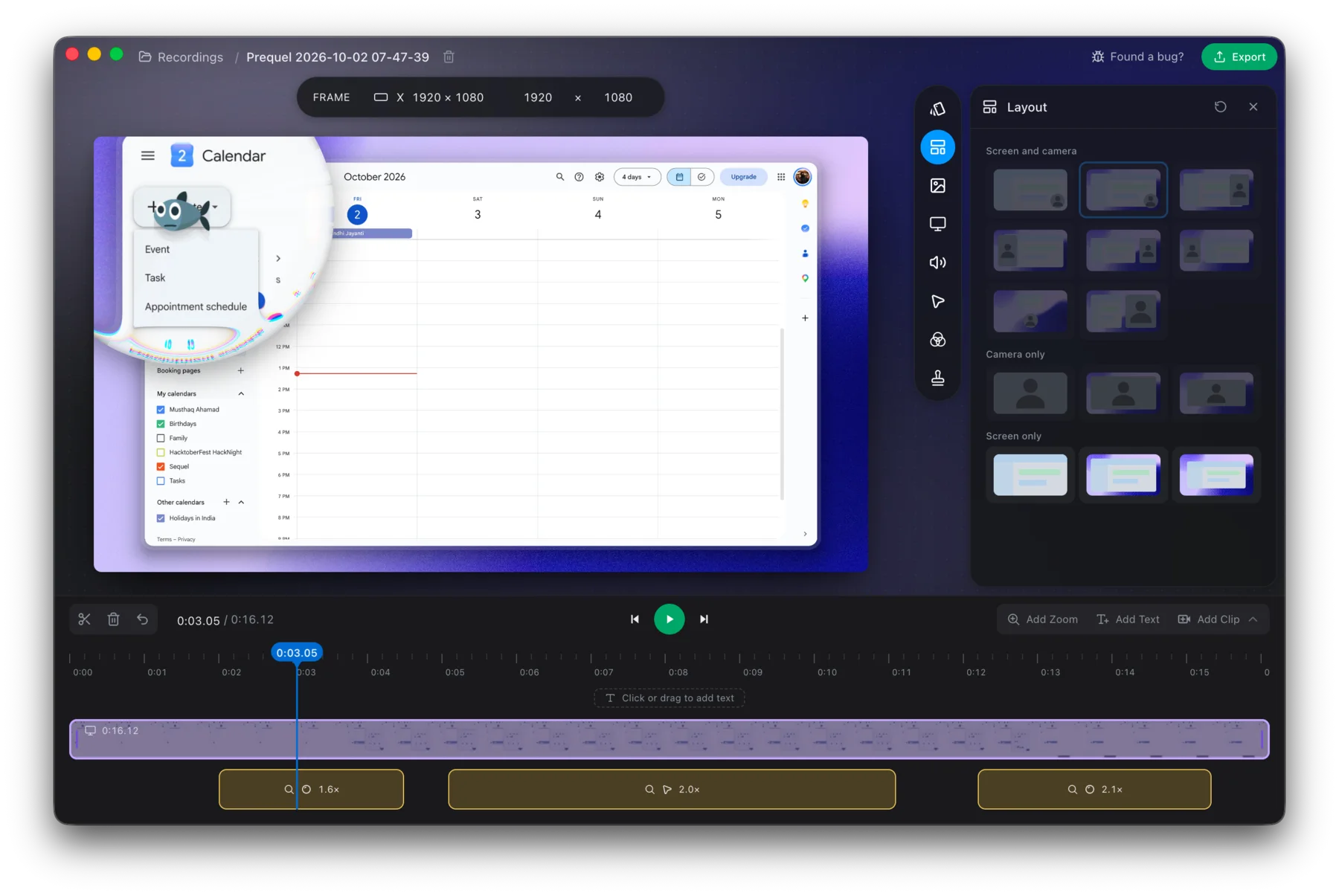
Record in Prequel and find the take in Finder.
Prequel needs an Apple Silicon Mac on macOS 14 or later. Download Prequel for Mac and try it free for 7 days, with no watermark on anything you export. After that it is $9 a month or $29 once. See what it costs.
Frequently asked questions
- Why won't my Tella Mac app recording open for editing?
- Tella's help centre says the Mac app and your browser are usually signed in to different Tella accounts. Compare the two email addresses and, if they differ, sign in to the browser with the one the Mac app uses.
- Where did my Tella recording go?
- Tella says videos belong to the workspace they were recorded in, so a recording lands in whichever workspace was active when you pressed record. Switch workspaces and look there.
- Can I move a Tella video to another workspace?
- Tella says no: there is no button to move a single video. You download it and upload it again, and the upload is a new video, so edits, layouts and analytics do not carry over. For more than a few, Tella says to ask support.
- Can I merge two Tella accounts?
- Tella says no. Two logins for the same person, such as a Google login and an email login, cannot be merged automatically, and each workspace bills separately.
- Where does Prequel keep my recordings?
- In folders under ~/Movies/Prequel on your Mac, which Show Recordings in Finder opens from the menu bar. They are listed in the library inside the app. It needs an Apple Silicon Mac on macOS 14 or later.
Keep reading
- Why Tella makes you wait before you can editTella records on your Mac, uploads, and edits in a browser tab. What its own help centre says about the order, the upload speed it asks for, the two sign-ins, and what editing on your Mac looks like instead.
- Tella editor won't load: the four errors and what they meanTella's editor shows four named errors when it cannot start. What each means, why Safari needs a newer version for editing than for recording, what a virtual machine does, and what to change.
- Tella stopped recording: browser storage and disk space limitsTella needs 2 GB of free browser storage to start recording and the desktop apps refuse to start below 512 MB of disk. What each limit is, what happens to the part already recorded, and how to recover a take.
- What Tella's editor can't do after you recordTella's help centre says you cannot add your screen or camera to a clip afterwards, record a voice-over onto it, or blur the camera background in the editor. Plus a G2 reviewer's note on the exported background, and what Prequel's editor does with tracks.