Tella editor won't load: the four errors and what they mean
Tella's editor shows four named errors when it cannot start. What each means, why Safari needs a newer version for editing than for recording, what a virtual machine does, and what to change.

Tella's editor refuses to start in four specific ways, and each one is named in its help centre. They all trace to one requirement.
The requirement
Tella says the editor "draws your video with your computer's graphics processor through WebGPU, so it needs a newer browser than recording and watching do." Everything below follows from that sentence.
The four messages
| Message | What Tella's help centre says |
|---|---|
| Hardware acceleration isn't available | Graphics acceleration must be on in your browser, and the editor does not run in virtual machines or remote desktop sessions. |
| Update your browser to use the editor | The browser is too old. Safari needs version 26 or later for the editor, against 16.4 for recording. |
| Your video preview stopped working | Tella has a page titled Fix Your video preview stopped working in the editor. |
| We couldn't load your video preview | Tella has a page for this too. |
Tella has a dedicated help page for each. For the last two, the same checks below are the place to start.
What to change
- Turn hardware acceleration on in your browser's settings and restart it.
- Update the browser. For Safari, check you are on version 26 or later.
- Leave the virtual machine. Tella says the editor does not run in them or in remote desktop sessions.
- Try Chrome if you are on another browser, to rule the browser out.
- Check for extensions. Tella names a client-side exception that is usually caused by one.
Other named errors
- Something went wrong. Covers a recording that cannot start, stop or finish.
- Failed to start camera: Access is denied. Usually a Windows privacy setting.
Linux is a different case. Tella's help centre says people have used Tella on Linux and Ubuntu in the past, but there were issues with accessing the screen, camera and microphone.
Why this is a Tella-shaped problem
An editor in a browser tab inherits everything about the browser. Why Tella's editor feels slow covers the same dependency from the speed side, and why Tella makes you wait before you can edit covers the order of events. If your recording is missing as well as the editor, can't find your Tella recording is next, and Tella stopped recording covers the disk side.
For a wider comparison, see the Tella page and the best Loom alternatives for Mac.
An editor with no browser settings
Prequel's editor is part of the Mac app, so there is no browser to update and no graphics setting to turn on. It opens by itself when you stop recording. It needs an Apple Silicon Mac on macOS 14 or later, and the Screen Recording permission: see install and permissions.
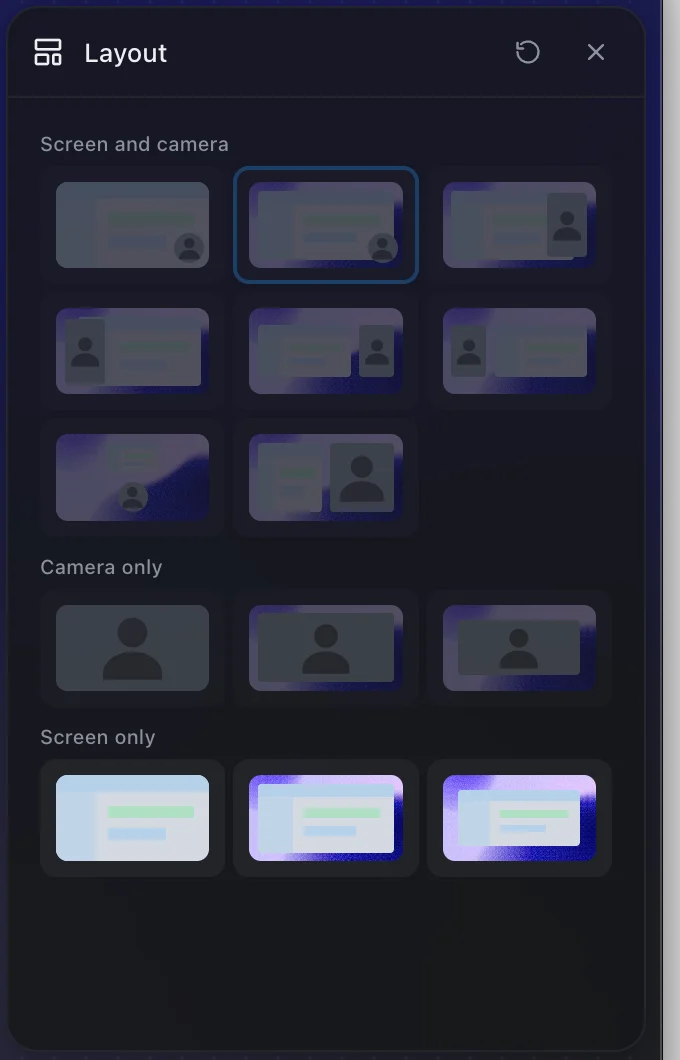
Open the editor without touching a browser setting.
Prequel needs an Apple Silicon Mac on macOS 14 or later. Download Prequel for Mac and try it free for 7 days, with no watermark on anything you export. After that it is $9 a month or $29 once. See what it costs.
Frequently asked questions
- Why does Tella say Hardware acceleration isn't available?
- Tella's editor draws video with your computer's graphics processor through WebGPU. Tella says hardware (graphics) acceleration must be turned on in your browser, and that the editor does not run in virtual machines or remote desktop sessions.
- Why does Tella say Update your browser to use the editor?
- The editor needs a newer browser than recording and watching do. Tella says Safari needs version 26 or later for the editor, far newer than the Safari 16.4 that recording needs.
- Does Tella work on Linux?
- Tella's help centre says people have used it on Linux and Ubuntu in the past, but there were issues with accessing the screen, camera and microphone.
- What does Tella's Something went wrong error mean?
- It covers a recording that cannot start, stop or finish. Tella's help centre also names a client-side exception, usually caused by a browser extension, and Failed to start camera: Access is denied, usually a Windows privacy setting.
Keep reading
- Why Tella makes you wait before you can editTella records on your Mac, uploads, and edits in a browser tab. What its own help centre says about the order, the upload speed it asks for, the two sign-ins, and what editing on your Mac looks like instead.
- Why Tella's editor feels slowTella's editor runs in a browser on your graphics hardware and ships a Low-res mode that is on by default. What its help centre says, what users report on Reddit, and how to find out whether it is your Mac or your browser.
- Can't find your Tella recording: accounts and workspacesTella says a recording that will not open for editing usually means the Mac app and browser are signed in to different accounts, and a missing one usually landed in another workspace. What it says about moving videos and merging accounts.
- Tella stopped recording: browser storage and disk space limitsTella needs 2 GB of free browser storage to start recording and the desktop apps refuse to start below 512 MB of disk. What each limit is, what happens to the part already recorded, and how to recover a take.