The best Screen Studio alternatives for Mac
Screen Studio went subscription-only in October 2025 and the threads asking for a way out have not stopped. We tried the six tools people move to, with the prices checked and the complaints linked, and here is where each one fits.

TL;DR
| # | Tool | Price | Why you would switch |
|---|---|---|---|
| 1 | Prequel $39 once, or $9/mo | $39 once, or $9/mo | The same automatic zooms, a lifetime licence, 4K at 120 fps |
| 2 | CleanShot X | $35 once, or $10/mo yearly | Screenshots and a new video editor in one app |
| 3 | FocuSee | $49.99/yr, or $199.99 once | Auto-zoom on Windows as well as Mac |
| 4 | Cap | Free, then $29/yr | Open source, and you own the storage |
| 5 | Tella | $13–$19/user/mo | Records in the browser, hosts the result |
| 6 | OBS Studio | Free | No limits, no account, no cost |
Prices checked on 16 September 2026.
Screen Studio launched in November 2022 and is the app that made automatic zooms a thing people expect from a screen recorder. It sits at 4.9 on Product Hunt from 185 reviews, with 4,300 followers there, and its founder ships updates at a pace most one-person Mac apps do not manage.
Then in October 2025 it withdrew the one-off licence and moved to subscription only: $29 a month, or $108 a year. That is the moment most of the threads below start, and it is the reason this post exists.
If you are here because the video was never the problem and the bill was, the short answer is Prequel: the same zoom-and-pan, a camera you frame after the take, and $39 buys it outright. The rest of this is the longer answer, with the evidence.
What is Screen Studio?
Screen Studio is a macOS screen recorder that edits the recording for you. It watches your cursor while you record, then zooms in on what you clicked, smooths the mouse path, adds motion blur and a background, and exports a video that looks directed without anybody directing it.
It is Mac-only, records the camera as a separate layer, and exports at up to 4K 60. Every plan has the same features; what you pay decides how long you keep them.
Why do people look for a Screen Studio alternative?
The subscription replaced a one-off licence
Screen Studio used to sell a lifetime licence. In October 2025 it stopped, and the only ways to buy are now $29 billed monthly or $108 billed yearly. People who bought it once and expected to buy the next one once did not take that well, and r/macapps is where they said so.
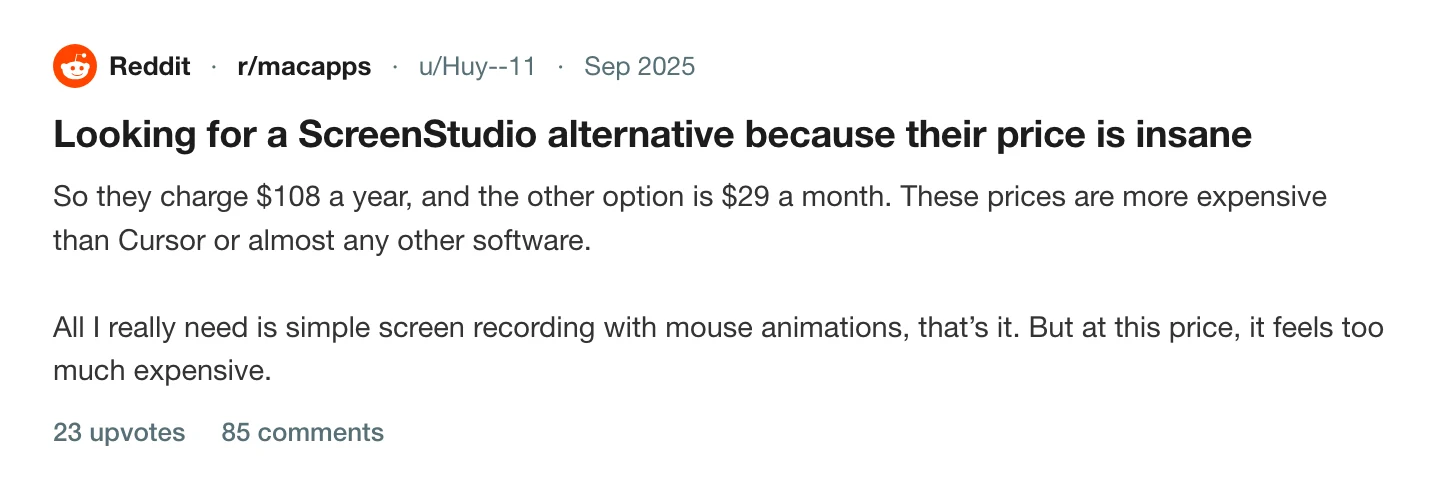
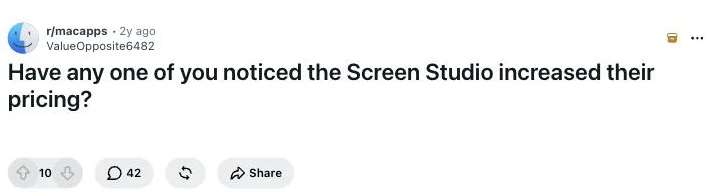
The thread above has 85 comments, most of them naming what they moved to. An earlier one, from October 2024 when the one-Mac plan went and the first subscription arrived, has 42.
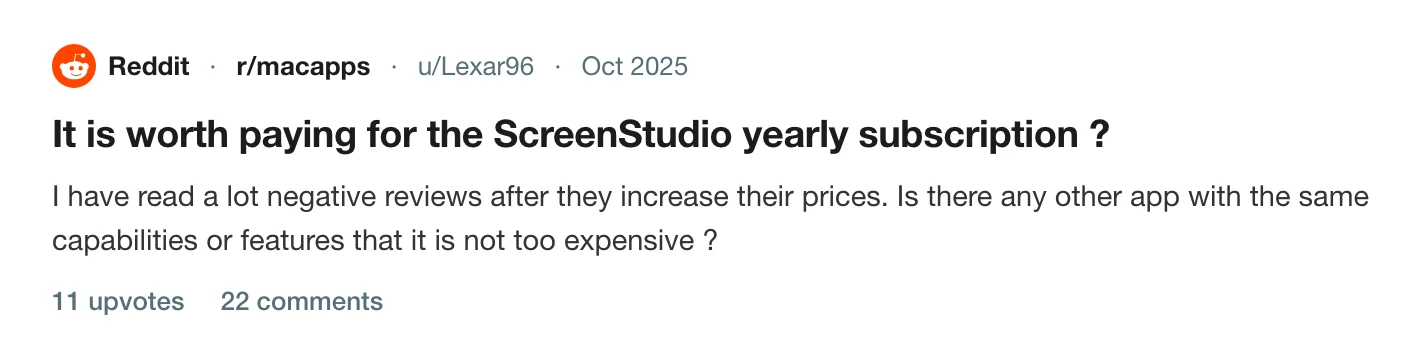
$108 a year for something you use twice a month
The second complaint is about fit, not fairness. Plenty of people record a demo when they ship something and a bug report when they find one. For them the yearly plan buys eleven months of nothing.
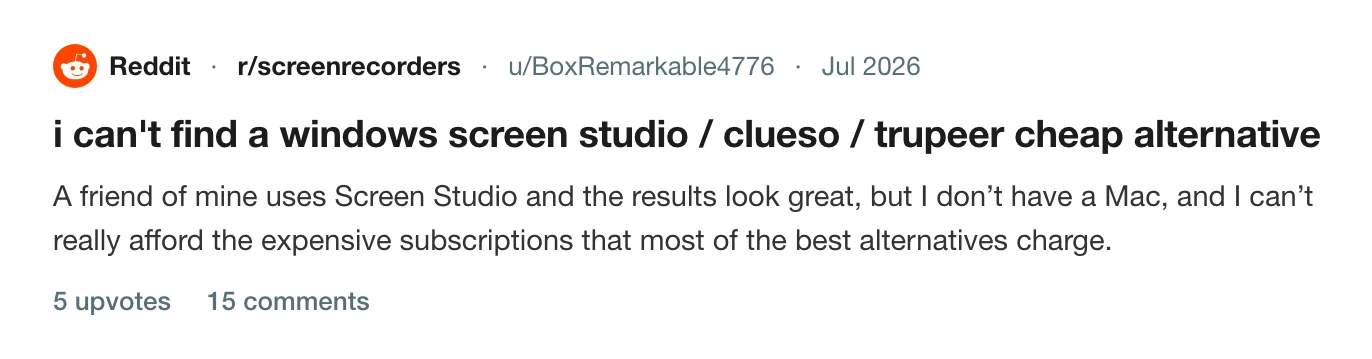
There is no Windows version
Screen Studio is a Mac app and will stay one. If your team is split, half of it is watching the other half's videos and making its own in something worse.
Enough people wanted out that they built the exit
The clearest signal is what Hacker News did with an open-source clone. A free alternative to a $108-a-year app reaching the front page with 434 points is a lot of people saying the same thing at once.
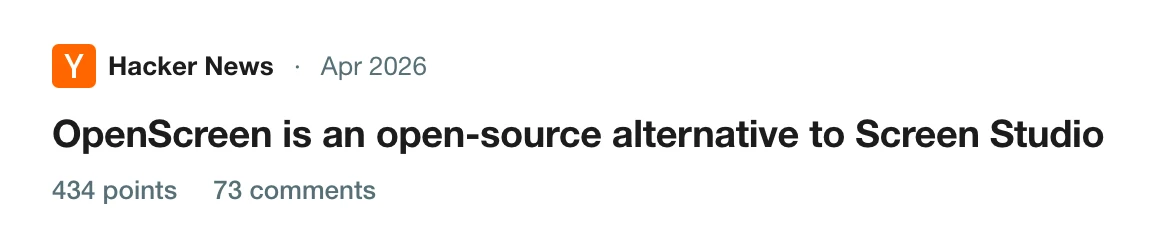
Read the thread on Hacker News
The best Screen Studio alternatives
How we picked
- We installed each one on an M-series Mac, recorded the same two-minute take, and exported it. The take has clicks, typing, a camera and system audio, because those are the four things that separate a recorder from a screen capture.
- Prices are from each vendor's own pricing page, read on the date under the table, with both billing periods where there are two.
- We left out tools with no camera track, tools that watermark paid exports, and anything not updated in the last year.
- We ranked on the complaints above. A tool that costs as much as Screen Studio, or does less with the video, did not make the top of the list however good it is at something else.
1. Prequel
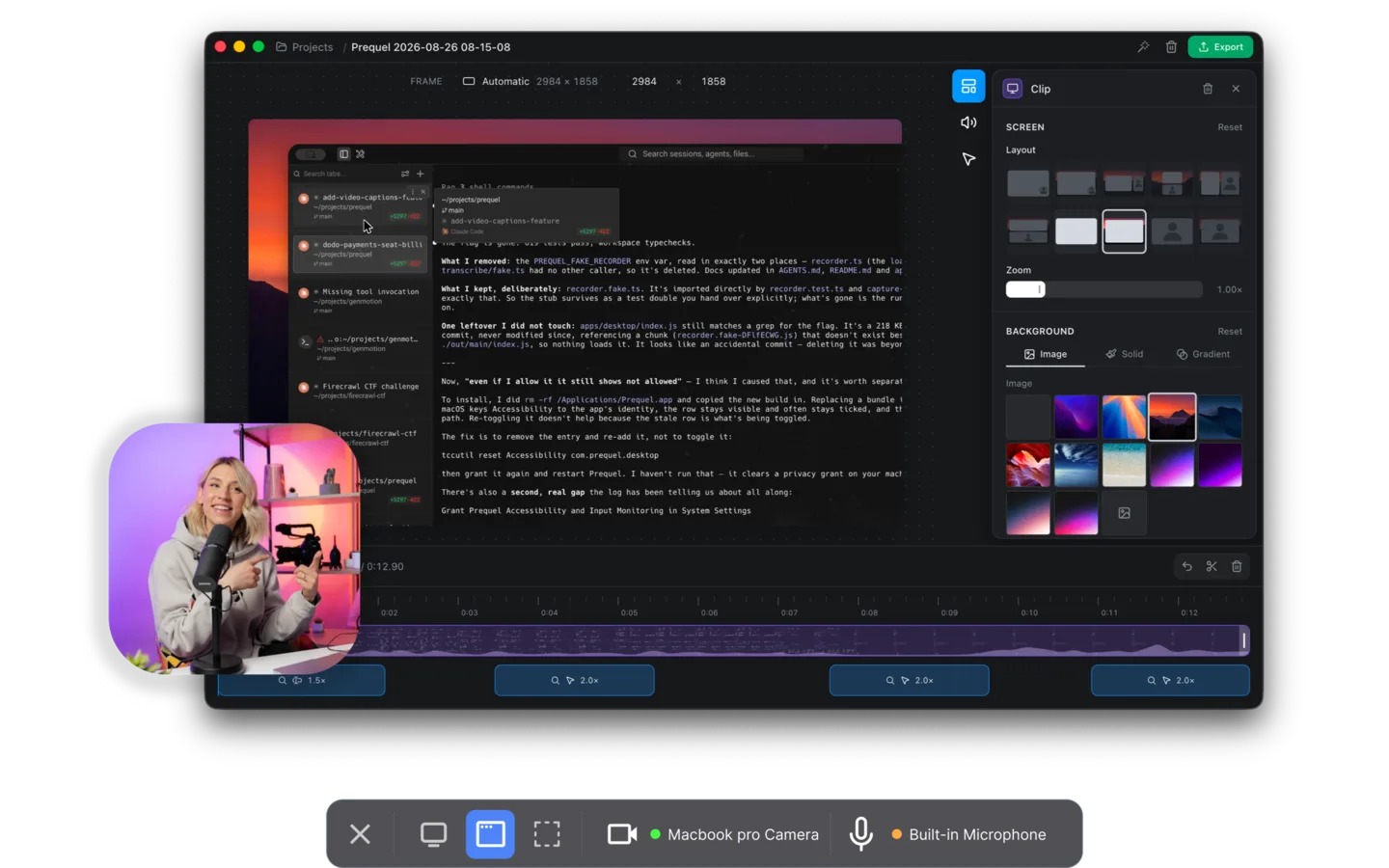
Prequel is a Mac screen recorder that does the same job Screen Studio does, and then some. Stop recording and the editor opens with the zooms already on your clicks and typing, the camera framed, a background behind it, the audio balanced and the cursor cleaned up. It adds a perspective tilt and focus falling away from whatever the zoom is aimed at, which Screen Studio does not have.
The camera and the screen are recorded as separate files, so you can reshape and move the camera after the take. Captions are transcribed on your Mac, with no upload. Export is up to 4K at 120 fps, rendered on your own machine.
Pros
- The same automatic zoom-and-pan, plus tilt and focus falloff on top
- $39 once. A lifetime licence, which is the thing Screen Studio withdrew
- 4K at 120 fps on every plan, against Screen Studio's 4K 60
- No watermark, no cap on the length of a take, no upload step
- The code is on GitHub, under the Functional Source License
Requires
- An Apple Silicon Mac on macOS 14 or later
- The Screen Recording permission, granted once
Our take. If what pushed you here was the bill, this is the switch. The video is the same category, the licence is the one you wanted, and you can try the whole app for seven days before paying anything.
Price. $39 once, or $9 a month. Seven days free with the whole app in it.
2. CleanShot X
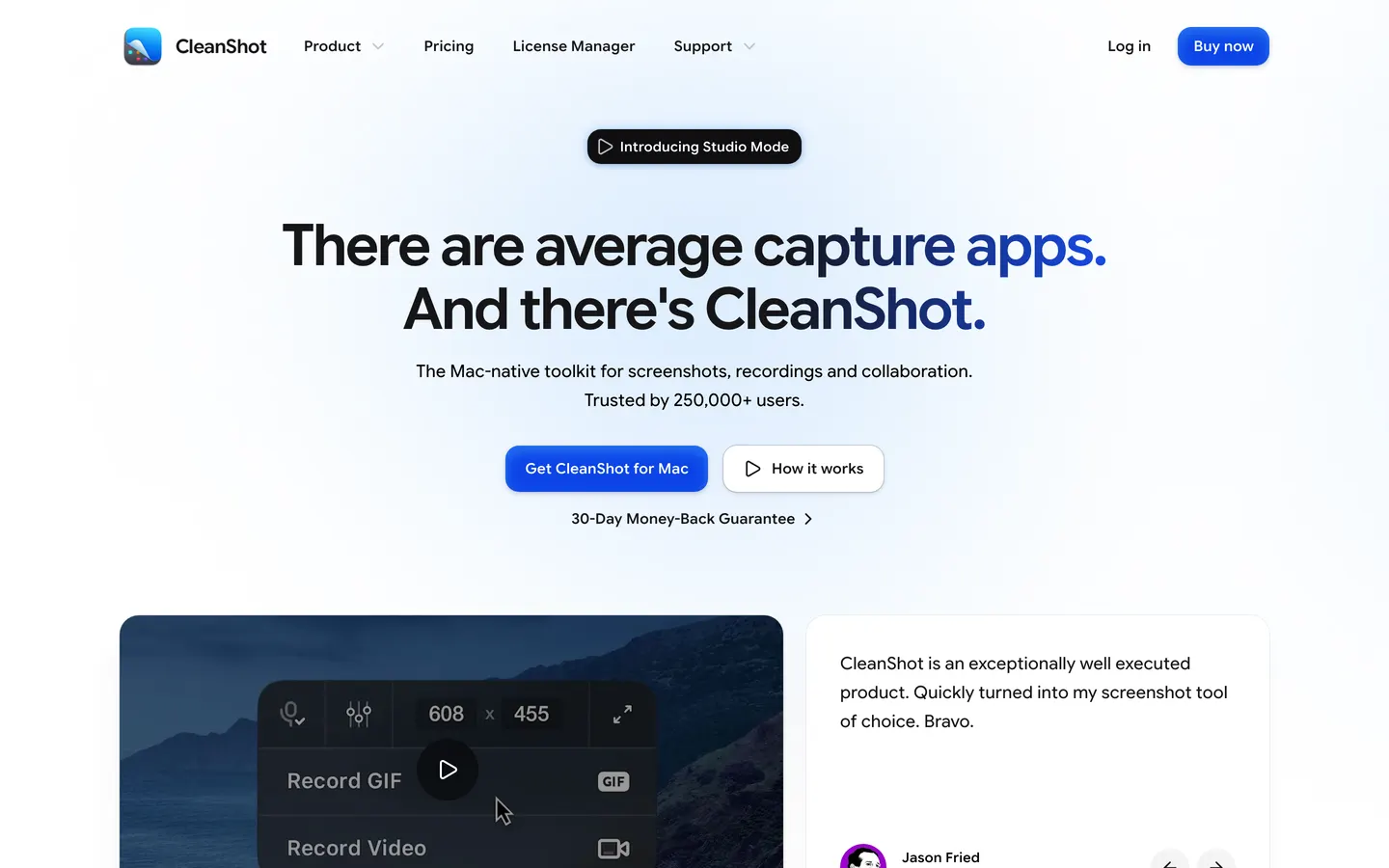
CleanShot X has been the best screenshot tool on the Mac for years, and on 1 September 2026 version 5 added a Studio Mode: a video editor with smart zooms that follow the cursor, cursor smoothing, motion blur and backgrounds. It went to 473 upvotes on r/macapps the day it shipped, and it is the first time a Screen Studio alternative has arrived inside an app most Mac people already own.
Pros
- Screenshots, scrolling capture, annotation and recording in one app
- Smart zooms and a real editor as of version 5
- $35 buys the app outright, with a year of updates
- On Setapp, which is how many people already have it
Cons
- The video editor is three weeks old at the time of writing
- Updates stop after a year on Basic unless you renew at $19 a year
- Cloud sharing beyond 1 GB needs Pro, at $10 a month
Our take. If you send more screenshots than videos, own this and use the new editor for the occasional clip. The zooms are automatic but there is no perspective tilt, no focus falloff and no camera cutout, and the editor is a first release. Prequel's has been the whole product since day one, and it exports 4K at 120 fps where CleanShot's cloud tops out at 4K.
Price. $35 once for Basic, which includes a year of updates and 1 GB of cloud, then $19 a year to keep updating. Pro is $10 per user per month billed yearly, or $12 billed monthly. Requires macOS 13 or later.
3. FocuSee
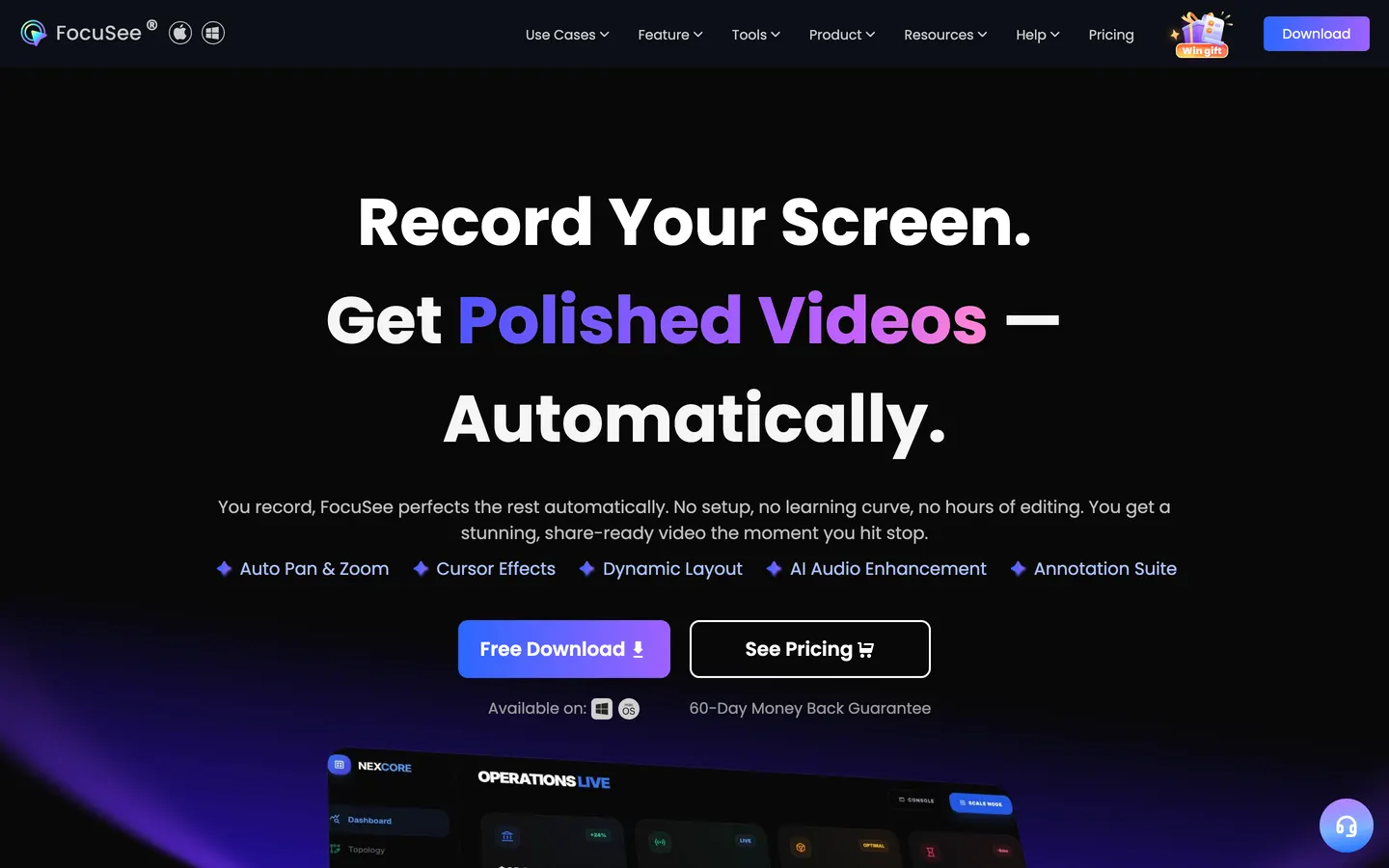
FocuSee does the automatic zoom-and-follow on Windows as well as macOS, which makes it the answer to the third complaint above. The result looks a lot like Screen Studio's, and it is the shortest path to that look on a PC.
Pros
- Runs on Windows and macOS, so a split team can use one tool
- Automatic zoom on clicks, cursor effects, backgrounds
- A lifetime licence exists
Cons
- The free trial watermarks what it exports
- Standard is one machine; three machines is the $79.99 Advanced tier
- The lifetime licence is $199.99, for a category Prequel sells at $39
Our take. Buy this if you need the auto-zoom look on Windows, and only then. On a Mac the comparison is straightforward: Prequel's lifetime licence is $39, its trial exports clean files, and it renders at 120 fps.
Price. Standard at $49.99 a year or $24.99 a month for one machine, Advanced at $79.99 a year for three, and an Advanced lifetime licence at $199.99 for five.
4. Cap
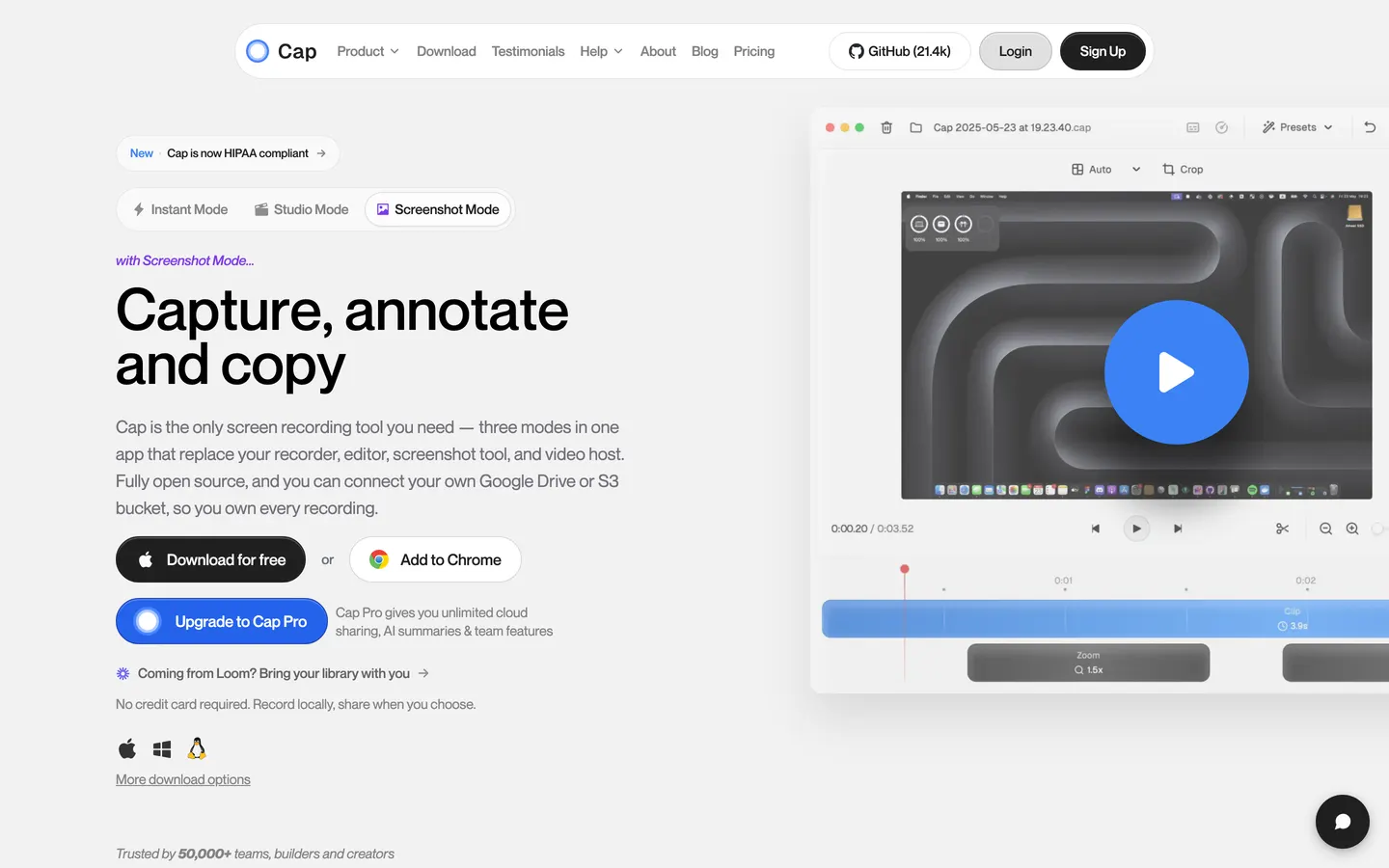
Cap is open source and moves fast. Instant mode gives you a shareable link in seconds; Studio mode records locally with an editor attached. You can point it at your own S3 bucket or Google Drive, so the files never sit on a server you do not control. macOS and Windows, Apple Silicon and Intel.
Pros
- Open source, with the code on GitHub
- Self-hostable storage
- A free personal tier
Cons
- The free tier stops at five minutes a recording
- $29 is per year for the desktop licence, not once
- The automatic zooms are lighter than Screen Studio's
Our take. If you want to read the code before you trust an app with your screen, Cap's is on GitHub and so is Prequel's. If the requirement is the video, look at the zooms side by side first: Cap's editor is a general one, and the finished take needs more of your hands than Prequel's, which arrives with the zooms placed and no cap on how long you recorded.
Price. Free for personal use with a five-minute cap. A desktop licence is $29 billed yearly for commercial use, and Cap Pro is $12 per user per month.
5. Tella
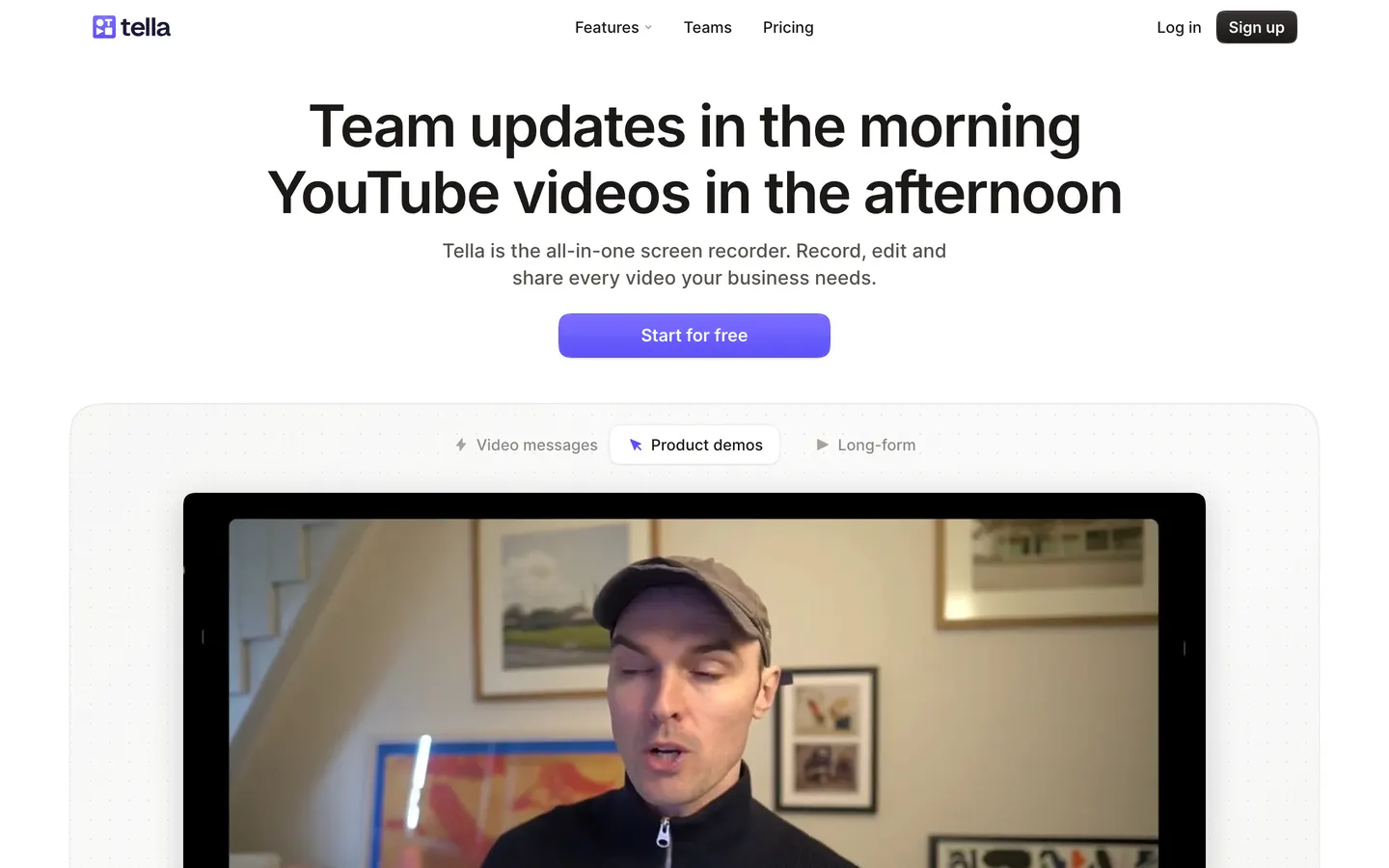
Tella records in the browser and hosts the result on a page you can brand. Backgrounds, layouts, a light editor, and nothing to install. It is built for demos and course videos that live on a link.
Pros
- No install; works from a browser tab
- Branded hosting pages with a clean player
- Layouts and backgrounds in the editor
Cons
- 60 fps export is Premium only, at $19 a month
- No forever-free plan
- The video lives on their page, and the file is an afterthought
Our take. Use Tella if the deliverable is a link and you want a page around it. If the deliverable is a file, Prequel exports one at up to 120 fps on the $29 licence, where Tella charges $19 a month for 60.
Price. Pro at $13 per user per month and Premium at $19, with a seven-day trial.
6. OBS Studio
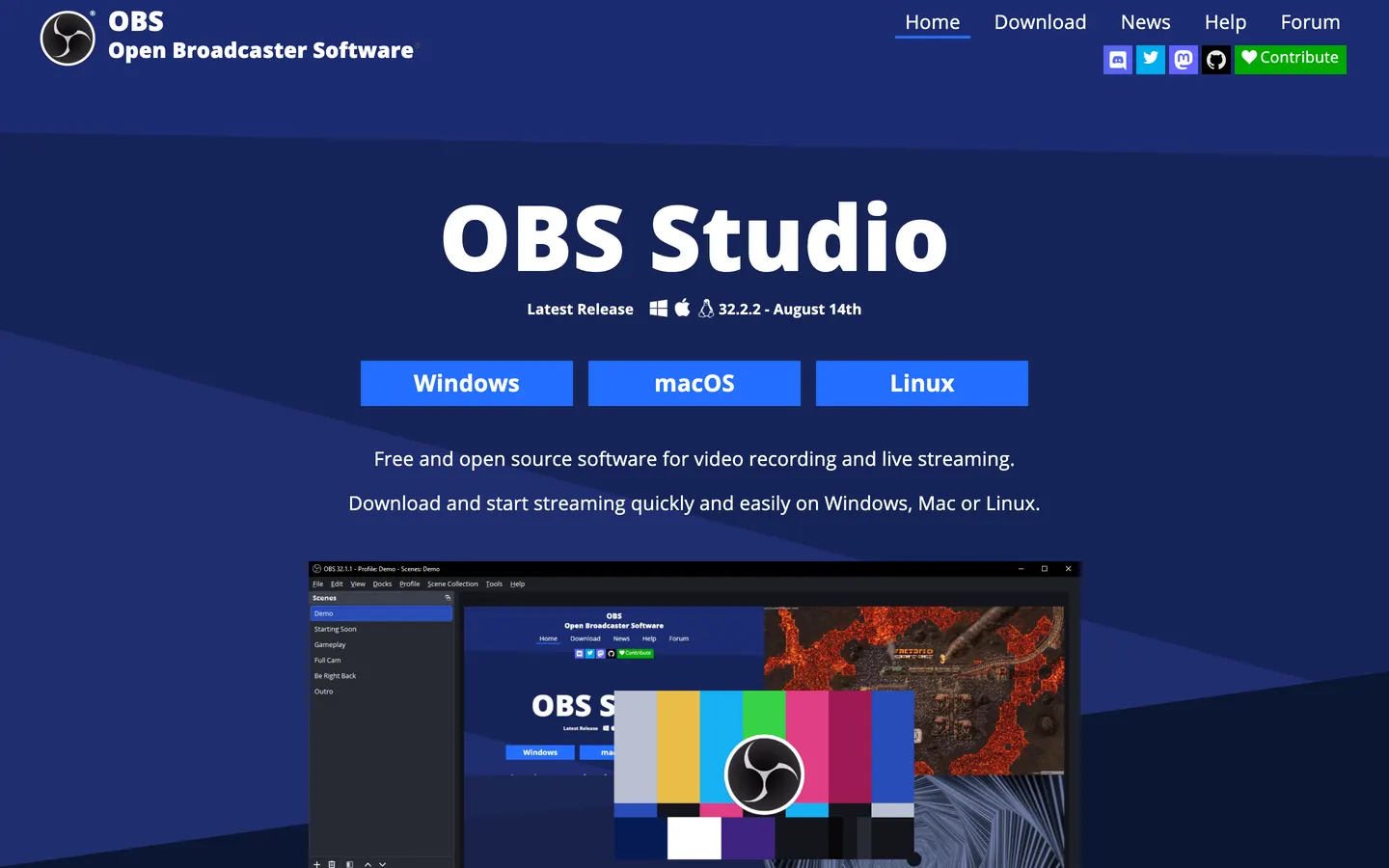
OBS is the free, open-source recorder that streamers run, and it will record anything on your Mac at any resolution for nothing. It is also a scene compositor, a switcher and a streaming encoder, and all of that is in the way when you just want a demo.
Pros
- Free, open source, no account
- Records anything: multiple displays, windows, cameras, capture cards
- No cap on anything
Cons
- No editing at all; the file you get is the file you export
- No automatic zooms, cursor smoothing or camera framing
- The setup takes longer than the recording
Our take. Record with OBS if you are streaming or need a capture card. For a demo, the time OBS saves you at the checkout is spent twice in an editor afterwards, which is the work Prequel has already done when the editor opens.
Price. Free.
Which one should you switch to?
If the bill was the problem and the video was not, Prequel. Same category of result, $39 once.
If you are on Windows, FocuSee, and price the lifetime licence honestly against a subscription before you choose a plan.
If you want the code on GitHub, Prequel's is there, and so is Cap's. If you need a screenshot tool as well, CleanShot X, and give its new editor a month to settle.
If the deliverable is a link with a branded page, Tella.
If you are streaming, OBS, and nothing else on this list.
Here is what Prequel actually does, since it is the recommendation. You press record, and it captures the screen, the camera, the microphone and system audio as separate sources. You stop, and the editor opens with the first pass done: zooms placed on every click and stretch of typing, the camera framed and shaped, a background applied, the audio balanced and the cursor cleaned up.
The timeline is where you cut. Nothing is cut for you; the waveform is there so you can see where to. Captions are transcribed on your Mac when you stop, in your Mac's language, and you fix a word by typing over it.
Export is one MP4 at up to 4K and 120 fps, rendered on your own Mac's media engine. There is no upload, no queue and no watermark on any plan, including the trial.
It is $39 once, or $9 a month, with seven days free. The source is on GitHub, under the Functional Source License, which turns into Apache 2.0 two years after each release. It needs an Apple Silicon Mac on macOS 14 or later.
For the wider field, including the free ones:
The 12 best screen recorders for Mac → · Screen recorders with automatic mouse zoom → · Screen recorders for Mac with no watermark → · The complete guide to screen recording on Mac → · How to record a product demo video →
Frequently asked questions
- What is the best Screen Studio alternative?
- Prequel, if the price was the problem and the video was not. It does the same automatic zoom-and-pan on clicks and typing, adds a perspective tilt and focus falloff that Screen Studio does not have, frames the camera after the take, and exports 4K at up to 120 fps against Screen Studio's 4K 60. It is $39 once or $9 a month, where Screen Studio is $29 a month or $108 a year with no one-off licence.
- How much does Screen Studio cost?
- $29 a month billed monthly, or $108 a year, which works out at $9 a month. There is no free plan and, since October 2025, no lifetime licence for new customers. Checked on 16 September 2026.
- Is there a free alternative to Screen Studio?
- OBS Studio is free and records anything on a Mac with no limits, but it has no editor and no automatic zoom, so the look Screen Studio is known for is work you do afterwards. Cap has a free tier capped at five minutes a recording. Prequel is not free but its seven-day trial is the whole app with clean exports, after that it is $39 once, and its source is on GitHub under the Functional Source License.
- Is there a Screen Studio alternative for Windows?
- FocuSee does automatic zoom on Windows and macOS, from $49.99 a year or $199.99 for a lifetime licence. Cap runs on both and is open source. Screen Studio itself is Mac only, as is Prequel, which needs an Apple Silicon Mac on macOS 14 or later.
- Can I still buy Screen Studio once?
- No. Screen Studio withdrew its one-off licence in October 2025 and sells subscriptions only. People who bought a lifetime licence before then keep it. If a one-off purchase is what you want, Prequel's $39 lifetime licence is the closest thing in the category, and CleanShot X sells a $35 licence that includes a year of updates.
- Is Screen Studio still worth it?
- If you record every week, want the most polished automatic zoom in the category, and the subscription does not bother you, yes. It is a mature app with a founder who ships quickly. The people who leave are the ones who record a few times a month and would rather buy once, which is what Prequel is priced for.
- What happens to my Screen Studio projects if I switch?
- Your exported videos are ordinary MP4 files and stay yours. The project files are Screen Studio's own format and no other app opens them, so anything you have not exported yet should be exported before the subscription lapses. Prequel's projects are likewise its own, with every export an MP4 you keep.