Does Loom need an internet connection to record?
Loom's documented minimum is 5 Mbps upload to record successfully, a dropout during a take is documented as causing the recording to fail, and offline recording is an open request on Atlassian's own tracker. What the desktop app keeps on disk and what the extension does not.

You pressed record, talked for twenty minutes, pressed stop, and Loom said the upload failed. Nothing warned you while it was happening.
Loom publishes no page on recording offline. Everything below is assembled from the pages it does publish, read in November 2026.
What Loom ties to your connection
Loom's stated minimum is "at least 5mbps upload speed to record successfully with Loom". Read the wording. A recording succeeding, not an upload finishing.
Its page on a video stuck in processing goes further: "If you experienced an interruption while recording (wifi or internet dropout) or during processing, your video may not upload with success."
The Mac page for a failed upload says which half broke. "There was likely an interruption to your internet connection which caused the recording to fail."
The desktop app and the extension are not the same
- Desktop app. "Loom temporarily saves your recording files to your computer's disk space while you record." Those parts land in
~/Movies/Loom/Temporary/, and they are what Support asks for when an upload fails. - Chrome extension. No local copy at all. Loom: "recovery is not possible as parts are not stored on your local machine."
A dropout on the extension takes the whole take with it. On the desktop app there may be parts to hand over, and Loom crashed and lost your recording covers how to find them. If the video is stuck at processing and not lost, Loom stuck in processing has Loom's own order of steps. Getting your takes off Loom altogether is a separate job: how to download a Loom video as an MP4.
Recording offline is a request, not a feature
Recording with no connection is an open suggestion on Atlassian's own issue tracker, filed against the desktop recorder, unassigned and unresolved. The ask is for "the ability to use Loom while not having an internet connection to record, only needing to be connected to a Internet connection to Upload the videos".
An accountant in a thread on r/taxpros described how the failure arrives. Loom "needs to be connected to the internet during the video so when my internet glitches, the video doesn't work. It also doesn't tell me that it doesn't work, so I find out when I try to stop the recording."

Record to your disk, upload if you want to
Prequel writes every take to your disk as it records. A session is a folder under ~/Movies/Prequel holding ordinary files: screen.mp4, camera.mp4, mic.m4a and system.m4a, with a session.json that says when each one started. Where files live lists every one.
Nothing in recording or exporting touches the network. A share link is something you ask for afterwards, from a finished export, and share links covers that half. Hotel wifi, a train, a customer site on a locked-down network: the recording does not know and does not care.
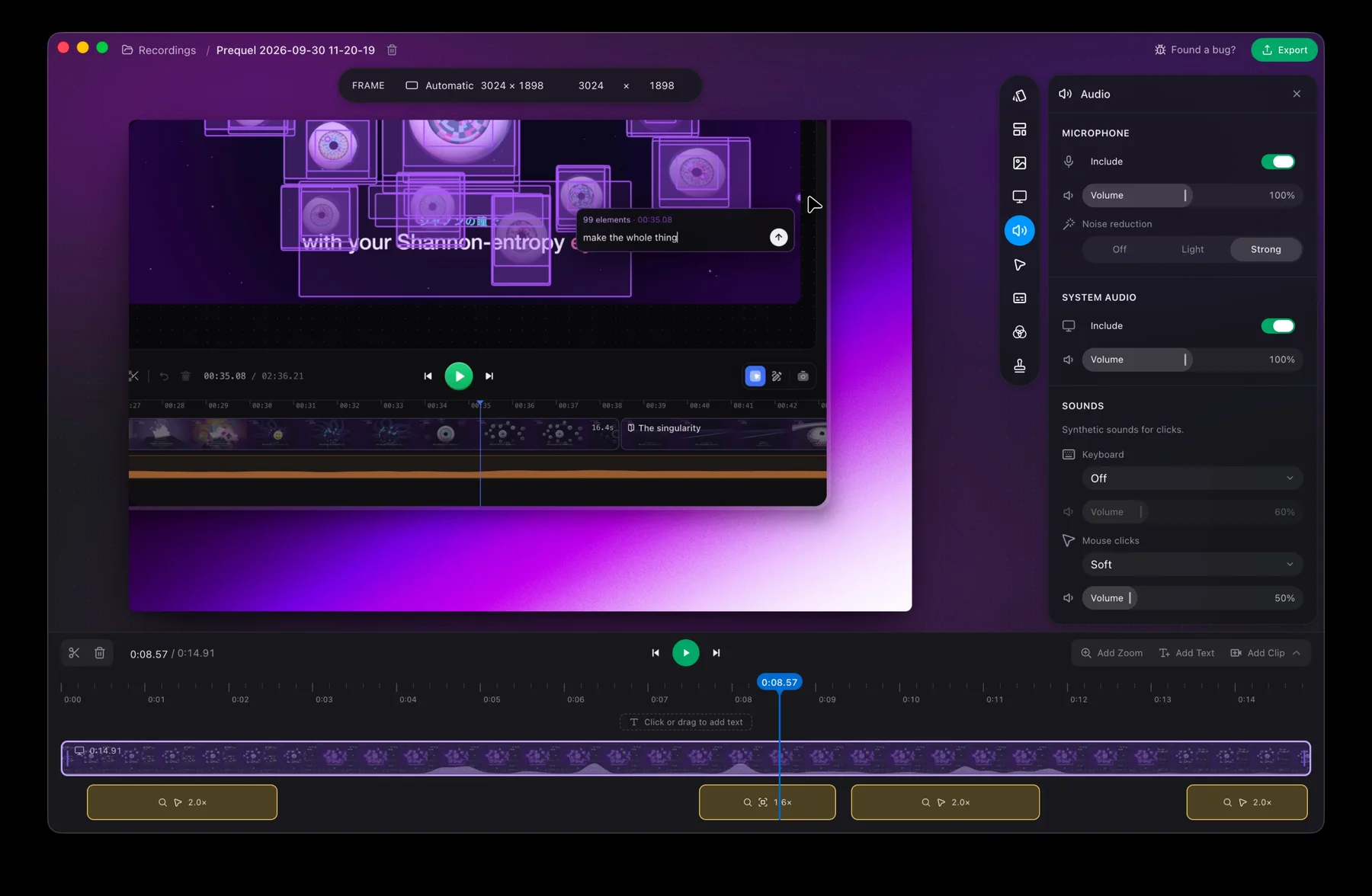
Record the next long one where there is no signal at all.
Prequel needs an Apple Silicon Mac on macOS 14 or later. Download Prequel for Mac and try it free for 7 days, with no watermark on anything you export. After that it is $9 a month or $39 once. See what it costs.
Frequently asked questions
- Does Loom work offline?
- Loom publishes no offline recording mode, and recording without a connection is an open, unassigned suggestion on Atlassian's own issue tracker, filed against the desktop recorder. Loom's documented minimum is at least 5 Mbps of upload speed to record successfully.
- What happens to a Loom recording if my internet drops?
- Loom says an interruption while recording or during processing may mean the video does not upload, and its Mac page attributes a failed upload to an interruption that caused the recording to fail. The desktop app keeps recording parts on your disk; the Chrome extension keeps no local copy, so a dropout there takes the take with it.
- Where does the Loom desktop app store a recording on a Mac?
- In ~/Movies/Loom/Temporary/, in a folder named after the video ID. Loom temporarily saves recording files to your disk while you record, and those parts are what Support asks for when an upload fails.
- Can I record my screen on a Mac with no internet connection?
- Yes, with a recorder that works locally. Prequel writes every take to a folder under ~/Movies/Prequel as it records, and nothing in recording or exporting touches the network. A share link is optional and comes afterwards.
Keep reading
- Loom stuck in processing: how to recover your videoHow long Loom takes to process a video, when to stop waiting, and Loom's own steps for the desktop app, the Chrome extension and mobile. What the failed upload message means and where the files are.
- Loom crashed and lost your recording: what you can get backLoom's own help pages say what can be recovered. Desktop recordings sometimes, Chrome extension and mobile recordings never. The page to try first, the folder to check on a Mac, and how to lower the risk.
- Why your camera is missing from a Loom recordingLoom grants the camera through Chrome for the extension and through macOS for the desktop app, and the Mac needs three ticks and not one. Where the camera bubble cannot follow you, and the 720p cap Loom documents on camera-only recordings.
- When macOS stops letting an app record your screenThe pane was renamed in Sequoia, the consent prompt now returns monthly and Apple documents neither. The fix sequence for a permission that is ticked and still captures nothing, and what Cmd+Shift+5 can actually record on each macOS.