Why your camera is missing from a Loom recording
Loom grants the camera through Chrome for the extension and through macOS for the desktop app, and the Mac needs three ticks and not one. Where the camera bubble cannot follow you, and the 720p cap Loom documents on camera-only recordings.

Your face was in the preview and it is not in the video. Loom documents three separate reasons for that, and which one applies depends on the recorder you used.
Loom's own pages, read in November 2026, are the source for everything below.
The camera is granted twice, in two places
Loom's two recorders ask two different systems for permission, and a grant to one means nothing to the other.
- Chrome extension. "The extension is granted permissions via Chrome." Loom sends you to the extension's own entry in Chrome's site settings, asks you to set the camera and microphone to Allow, and then to restart Chrome.
- Desktop app. "The desktop app requires permissions granted via your operating system."
On a Mac the desktop app wants three ticks, not one. Loom's instruction is to open Privacy and confirm Loom is checked under "Camera", "Accessibility" and the "Screen recording module". A camera that works in a browser and fails in the app is usually missing the second or the third.
Loom also runs a test page at loom.com/webcam-mic-test to separate a Loom fault from a Mac fault. If the camera fails there too, the problem sits below Loom, and the permission macOS asks for explains what the system is gating.
The bubble cannot follow you everywhere
This part is designed, not broken. On the extension the camera bubble "can't follow you if you switch to a different desktop application or a completely separate Chrome window", and it "can't appear on top of PDFs opened in Chrome". Some sites block it outright: Loom names Facebook and Instagram. Loom's advice in those cases is to use the desktop app.
Adding the bubble part way through a take is possible, with a condition. "You can only switch between screen only and screen and camera while recording", and only if that setting was switched on before you started.
The camera is capped lower than the screen
Camera-only recordings on the Chrome extension are "Limited to 720p", and the Windows desktop app cannot record camera-only above 1080p. A camera that looks soft next to a crisp screen may be doing what Loom documents. Why a Loom recording is not the quality you set covers the screen half of the same question, and if the microphone is what went missing, recording a Loom with the mic off has that. A take that never arrived at all is Loom stuck in processing.
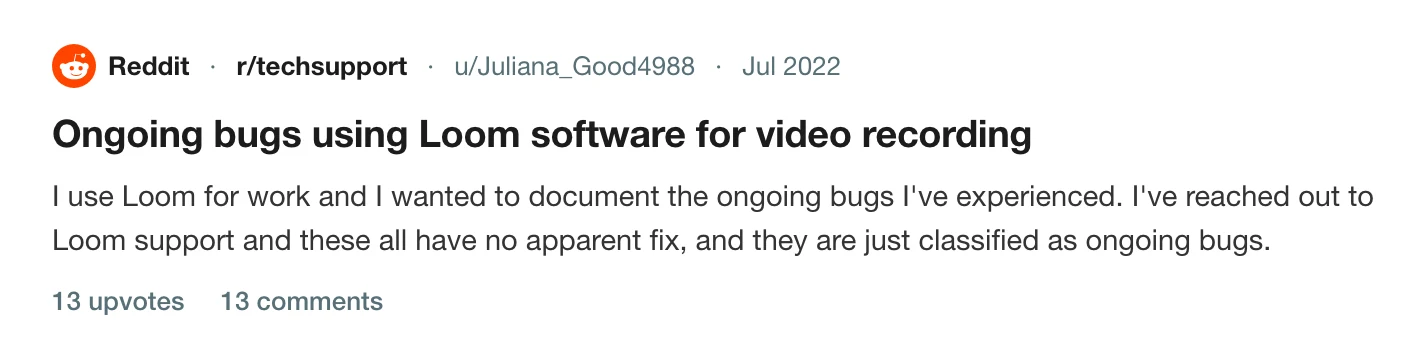
A thread on r/techsupport gathered the desktop app's camera behaviour alongside its other faults, including having to add the camera by hand after the recording had already started.
One take, two files
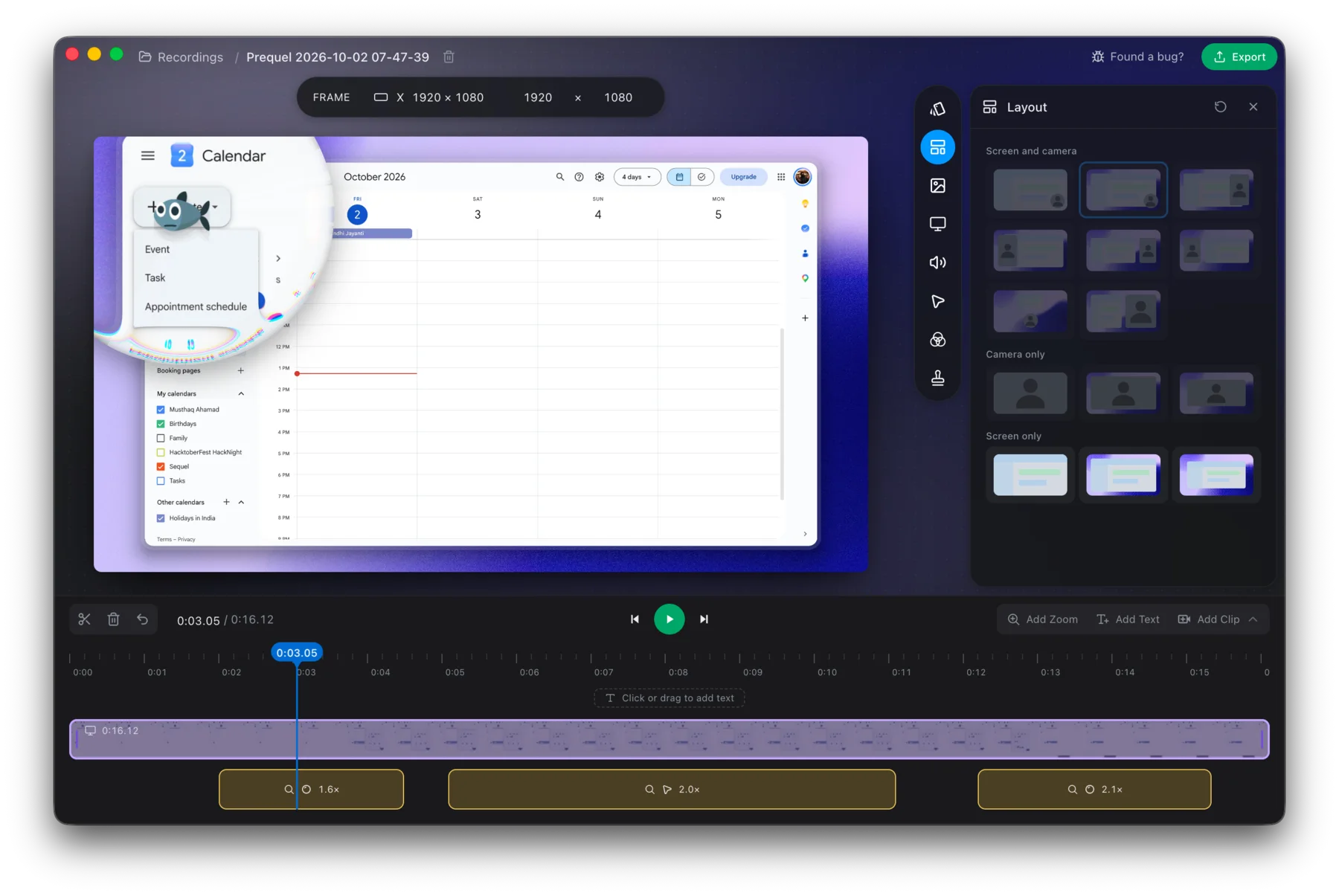
Prequel records the camera to its own file. camera.mp4 sits beside screen.mp4 in the session folder, so the camera is never burned into the picture: you move it, resize it, reshape it and reframe it after the take, and the first pass has already framed it for you. The camera covers the controls, and camera and microphone covers picking the devices.
macOS asks for permission once, and permissions says which ones Prequel needs and why.
Put your face back in the next one.
Prequel needs an Apple Silicon Mac on macOS 14 or later. Download Prequel for Mac and try it free for 7 days, with no watermark on anything you export. After that it is $9 a month or $39 once. See what it costs.
Frequently asked questions
- Why is my camera not showing in a Loom recording?
- Loom asks for the camera in two different places. The Chrome extension is granted permission through Chrome's own site settings; the desktop app is granted it by macOS. On a Mac the desktop app needs Loom checked under Camera, Accessibility and the screen recording module, so a camera that works in the browser can still fail in the app.
- Can I turn the Loom camera on part way through a recording?
- Loom says you can only switch between screen only and screen and camera while recording, and only if that setting was enabled before you started. On the Mac desktop app you can turn the camera off during a take to hide it.
- Why does the Loom camera bubble disappear when I change app?
- Loom documents this as a limit of the Chrome extension: the bubble cannot follow you to a different desktop application or a separate Chrome window, and cannot appear over PDFs opened in Chrome. Loom's advice is to use the desktop app instead.
- Why is my Loom camera blurry when the screen looks sharp?
- Loom limits camera-only recordings on the Chrome extension to 720p, and the Windows desktop app cannot record camera-only above 1080p. Loom also says webcam recordings may be lower quality than screen recordings.
Keep reading
- Why your Loom recording isn't the quality you setUsers report Loom recordings that go fuzzy after pausing, a 1080p setting that does not hold, and a webcam that lags only on an external camera. What they saw, and how to record at the full size of your screen instead.
- Recording a Loom with the microphone offTurning the mic off beforehand is a setting. Loom documents no mute button while recording, no mute shortcut, and an editor that can replace or delete a segment but not silence one. What Atlassian's own tracker says about it.
- Loom stuck in processing: how to recover your videoHow long Loom takes to process a video, when to stop waiting, and Loom's own steps for the desktop app, the Chrome extension and mobile. What the failed upload message means and where the files are.
- Does Loom need an internet connection to record?Loom's documented minimum is 5 Mbps upload to record successfully, a dropout during a take is documented as causing the recording to fail, and offline recording is an open request on Atlassian's own tracker. What the desktop app keeps on disk and what the extension does not.
- When macOS stops letting an app record your screenThe pane was renamed in Sequoia, the consent prompt now returns monthly and Apple documents neither. The fix sequence for a permission that is ticked and still captures nothing, and what Cmd+Shift+5 can actually record on each macOS.