When macOS stops letting an app record your screen
The pane was renamed in Sequoia, the consent prompt now returns monthly and Apple documents neither. The fix sequence for a permission that is ticked and still captures nothing, and what Cmd+Shift+5 can actually record on each macOS.

Every third-party recorder on your Mac has stopped capturing, and the permission looks granted. Apple's own screenshot tool still works, which makes it feel like the apps broke. The permission is the part that broke.
What follows is Apple's documentation where Apple has any, and clearly marked as reported where it does not.
The setting changed its name
- macOS 14 Sonoma:
Privacy & SecuritythenScreen Recording. - macOS 15 Sequoia and later:
Privacy & SecuritythenScreen & System Audio Recording, with Apple's own split of "both your screen and audio, or just your audio".
The rename landed with Sequoia, not with Tahoe, and Apple rewrote its older page to match. So a guide that tells you to look for Screen Recording on macOS 15 or later is describing Sonoma. The screen recording permission covers what it gates.
macOS asks again on a schedule
Sequoia introduced a recurring consent prompt for screen recording. In the early betas it appeared weekly and on every reboot. Before 15.0 shipped, Apple moved it to monthly and dropped the reboot trigger, and the prompt carries an Allow For One Month button.
Apple has never documented any of this: not the prompt, not the cadence, not the change. That is worth knowing, because a dialog nobody can find a support page for reads as malware the first time it appears.
When it is ticked and the capture is still blank
Apple documents the toggle and the Add button for putting an app in the list. It documents no troubleshooting for an app that holds the permission and captures nothing. There is no Apple page for this symptom, so everything below is community practice:
- Quit the app first. The grant is read when it starts.
- Turn it off and on again in the list, then relaunch.
- Remove it with the minus button and let it ask again.
- Reset the decision.
tccutil reset ScreenCapture <bundle-id>. Apple'sman tccutildocumentsresetand the bundle argument, and does not list the service names, so theScreenCapturepart is community knowledge. - Restart the Mac, which is the step people skip and the one that most often works.
Apple does document that the grant is matched against a designated code requirement as well as a bundle id or path, which is why a re-signed or relocated build can arrive as a stranger.
Somebody on r/MacOS had Kap, Screen Studio and Snipaste all stop at once while QuickTime kept working, and reported that removing and re-adding them did not help and that it came back some time after each restart. Read the thread on r/MacOS.
What the built-in tools can and cannot do
Worth knowing before you decide the third-party app was the problem. On macOS 14, 15 and Tahoe 26, Cmd+Shift+5 records the microphone and not the Mac's own sound: Apple's Include System Audio option arrives in macOS 27. QuickTime Player's documented options list a microphone only, at every version. Record Selected Window is new in Tahoe 26, so before that the built-in tool could not record a single window.
If internal sound is what you are missing, system audio explains the term and why Tella does not record system audio covers the same wall in another app. What to check before you press record is the five-minute version of all of this, and why your camera is missing from a Loom recording is the camera's version of the same permission story.
Asked once, explained once
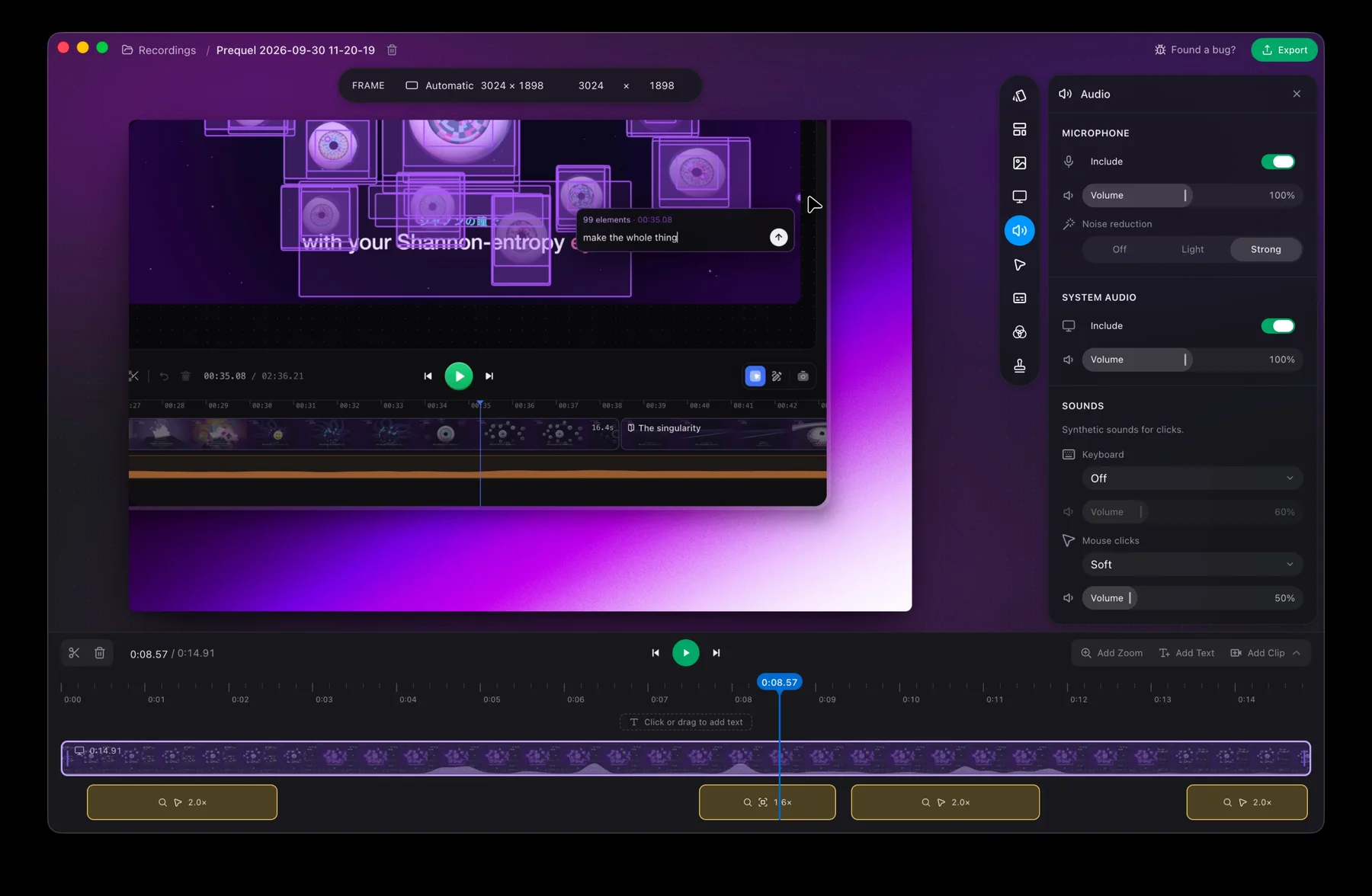
Prequel needs the same grant, because every recorder does. It asks on the first recording, says which permission and why, and permissions writes down what each one is for. Troubleshooting covers a capture that comes back empty.
System audio is recorded on macOS 14 onwards, as its own file beside the screen, so internal sound is not something you wait for an OS release to get.
Grant it once and record.
Prequel needs an Apple Silicon Mac on macOS 14 or later. Download Prequel for Mac and try it free for 7 days, with no watermark on anything you export. After that it is $9 a month or $39 once. See what it costs.
Frequently asked questions
- Where is the screen recording permission on a Mac?
- In System Settings, under Privacy & Security. On macOS 14 Sonoma it is called Screen Recording. From macOS 15 Sequoia onwards it is called Screen & System Audio Recording, and it can allow an app to record the screen and audio or just the audio.
- Why does macOS keep asking me to allow screen recording?
- Sequoia introduced a recurring consent prompt for screen recording. It appeared weekly and on every reboot in the early betas, and Apple moved it to monthly and dropped the reboot trigger before 15.0 shipped. Apple has never documented the prompt or its cadence.
- Screen recording permission is enabled but the capture is black. What now?
- Apple documents no fix for this symptom. Community practice is to quit the app first, toggle the permission off and on, remove the app with the minus button so it asks again, reset the decision with tccutil reset ScreenCapture and the app's bundle id, and restart the Mac.
- Can Cmd+Shift+5 record system audio on a Mac?
- Not before macOS 27. Apple's Include System Audio option for the built-in screenshot tool arrives in macOS 27, so on macOS 14, 15 and Tahoe 26 it records the microphone only. QuickTime Player's documented options list a microphone at every version.
Keep reading
- Why your camera is missing from a Loom recordingLoom grants the camera through Chrome for the extension and through macOS for the desktop app, and the Mac needs three ticks and not one. Where the camera bubble cannot follow you, and the 720p cap Loom documents on camera-only recordings.
- Before you press record: a screen recording checklistNine things to check in the minute before a screen recording, so the take you get is the one you send. Notifications, the desktop, the window, the audio, the camera and the grants.
- Tella is not recording computer audio: why, and what to useIn Tella's browser recorder and Chrome extension, desktop sound is only captured when you share a browser tab. What Tella's help centre says about each app, and how Prequel records the Mac's own sound without a driver.