Why Cap records what's on top of your window
Cap's window capture can record the screen region a window occupies, so another window dragged over it appears in the video. Issue 1754, a user who lost an hour-long workshop, and what Prequel's Window mode records.

You choose a single window to record, so that nothing else on screen gets in. With Cap, there is an open report that says it can record the space the window occupies instead.
The report
Issue 1754 was opened on 22 April 2026, on Cap 0.4.84 and macOS Tahoe 26.4.1. It says that when you select a specific window to record, Cap captures the screen region the window occupies and not the window's own content. Switching tabs, moving other windows over the top, or any other activity in that area is then included in the recording. The reporter writes that recording a window should bind to that window's content only.
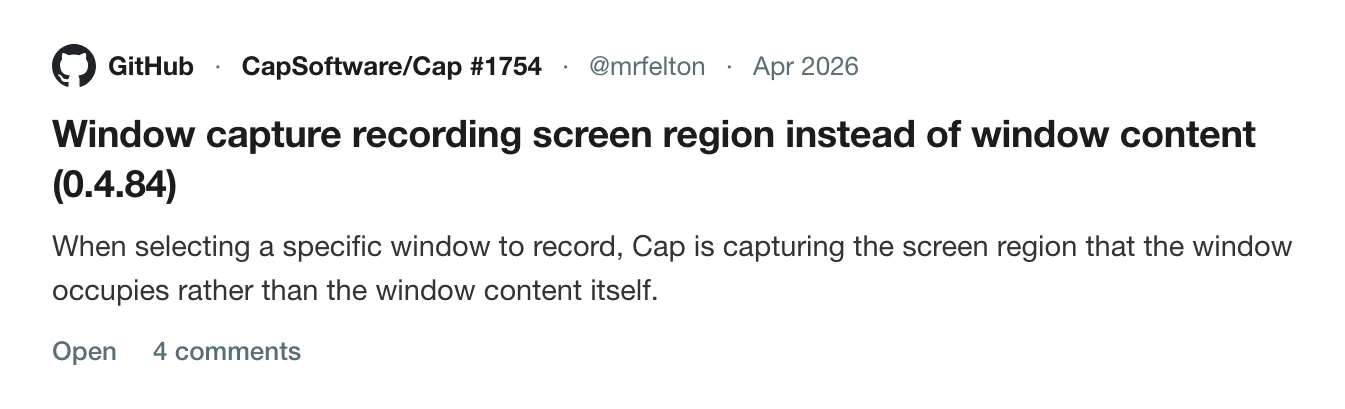
An automated comment on the issue describes the cause as Cap using display capture with crop bounds. Later users added to it:
- On 23 August 2026 a user wrote that it still reproduced with the newly bundled command-line tool: recording a target window recorded the display rectangle the window occupies.
- On 3 September a user wrote that they had moved the target window about 120 pixels to the left at the start of a workshop, and that the whole session was trashed and had to be completely re-recorded, after a nearly hour-long take.
The issue is open.
Why it matters
A window recording is chosen to keep a clean frame. If it records a rectangle of the display, three things go wrong:
- Anything that overlaps that rectangle, such as a notification or another window, ends up in the video.
- If you move or resize the window, the recording keeps the old region.
Two Windows 11 reports sit beside it. Issue 2151, open since 27 August 2026, says pulling another window on top appears in the video, and so does switching between virtual desktops. Issue 2026, open since 23 July, describes a thin line visible just outside the recorded window in the editor and the export, even with shadow at 0 and border set to none. All of these are visible only after the take.
Check before you record
Record 15 seconds and, while it runs, drag another window across the target and move the target a little. Play it back. It takes less than a minute and it is the only way to be sure on your own setup.
Problems with the other parts of a Cap recording are in Cap crashed mid-recording, Cap's memory use, Cap recorded no microphone audio and Cap export problems. For the wider choice, see the best Cap alternatives for Mac and the complete guide to screen recording on Mac.
Window mode in Prequel
The first group of buttons on the dock chooses what to record: Entire screen, Window or Area. Window records one window, wherever it moves. Choosing it dims the screen and highlights the window under your pointer with its app icon and name. Click to choose it, or press Start recording on the highlighted one. Press Esc to cancel. See sources.
The pointer is recorded as its own layer, so you can restyle, resize, smooth or hide it afterwards in the editor.
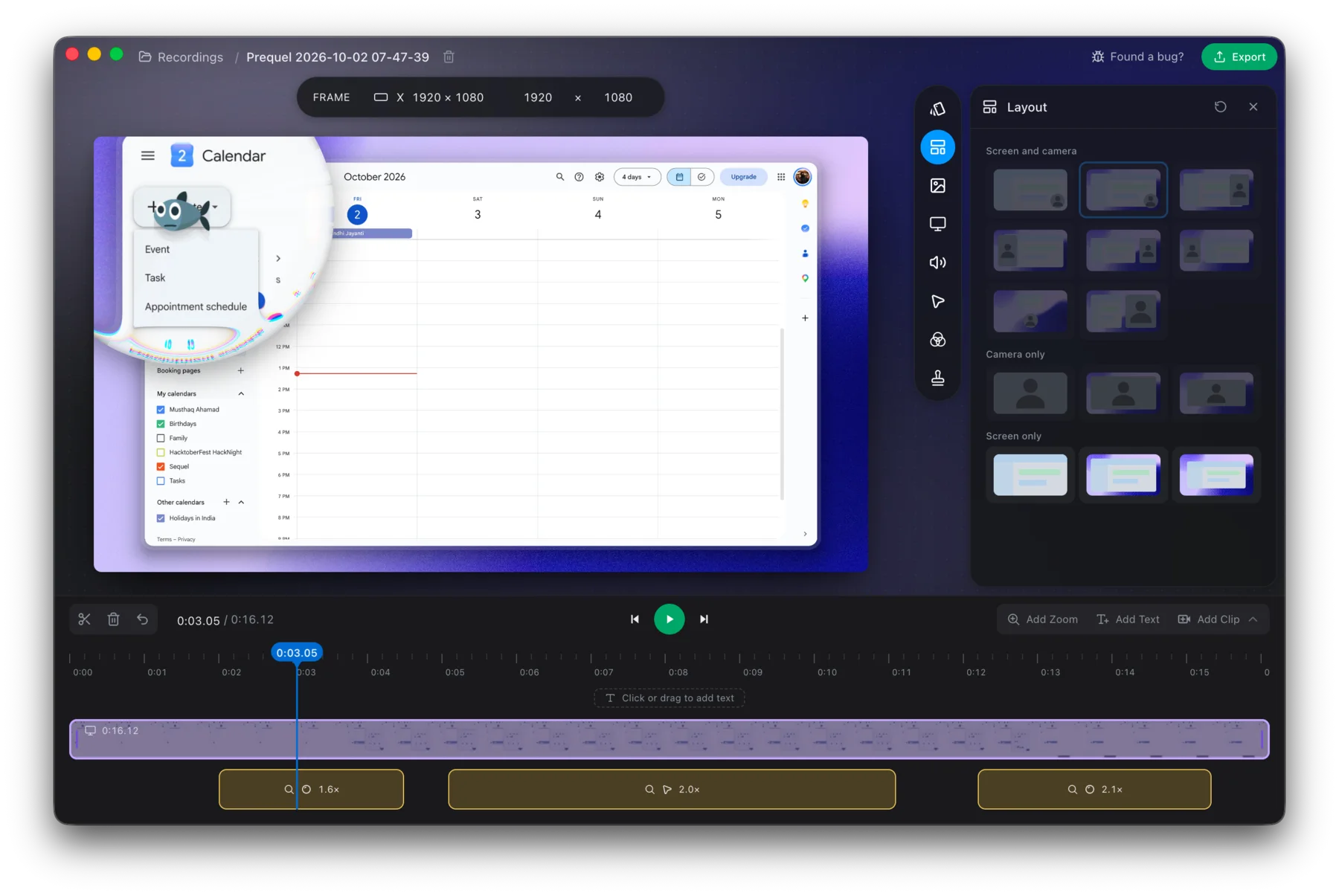
Try Window mode and move the window while you record.
Prequel needs an Apple Silicon Mac on macOS 14 or later. Download Prequel for Mac and try it free for 7 days, with no watermark on anything you export. After that it is $9 a month or $29 once. See what it costs.
Frequently asked questions
- Why does Cap record other windows when I choose one window?
- Issue 1754 reports that Cap captures the screen region the chosen window occupies, not the window's own content. Switching tabs or moving another window over the top is then recorded. A comment on the issue describes Cap as using display capture with crop bounds.
- Is the Cap window capture bug fixed?
- No. Issue 1754 was opened on 22 April 2026 and was still open on 5 October 2026. A user reported on 23 August that it still reproduced with Cap's bundled command-line tool, and another on 3 September.
- What happens if I move the window while Cap records it?
- A user reported moving the target window about 120 pixels at the start of a workshop and finding after an hour that the whole session was ruined and had to be recorded again, because Cap kept recording the original region.
- What does Prequel's Window mode record?
- One window, wherever it moves. Choose Window on the dock, click a window and press Start recording. It needs an Apple Silicon Mac on macOS 14 or later.
Keep reading
- Why Cap uses so much CPU and memory while recordingCap's issue about memory climbing past 5 GB has been open since October 2024 with a $350 bounty. What the maintainers reproduced, three related CPU and heat reports that were closed as reworked, and how to check your own recording.
- Cap crashed mid-recording: what you can recoverCap's WriterFailed crash was reported for months and the maintainer says it was fixed in August 2026. What caused it for different users, what to keep and where the logs are, and how to avoid losing a take.
- Why Cap recorded no microphone audioThe microphone meter moved, and the file had no audio. The pattern 19 comments on Cap's issue 1740 found, which modes were affected, the toggle workaround, the maintainer's fix, and how to check before a long take.
- Cap's export flickers, or never finishesThree open Cap issues about export: flickering and lag in the exported file, an export stuck at the last frame, and a panic before rendering starts. Which macOS and Cap versions, what users tried, and what is still open.