Why Cap uses so much CPU and memory while recording
Cap's issue about memory climbing past 5 GB has been open since October 2024 with a $350 bounty. What the maintainers reproduced, three related CPU and heat reports that were closed as reworked, and how to check your own recording.

Cap is an open-source recorder, which means its problems are public and numbered. The one about memory has been open for two years.
The oldest open issue
In October 2024 Cap's own maintainer filed issue 109, "Reduce CPU / memory usage whilst recording", and attached a $350 bounty to it. Its text says some users are reporting memory creeping to 5 GB or more in longer recordings, from about two minutes.
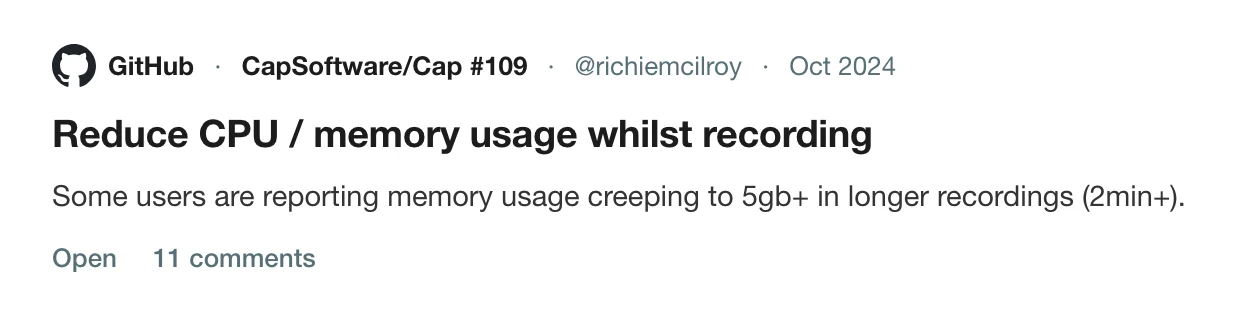
In the thread he said he had reproduced it on an iMac with 8 GB of memory: recording with a webcam and microphone, about two minutes in, memory started to rise until it passed 8 GB and the app crashed. Others had reported it on M1 and M2 Macs across macOS 14 and 15. A user on a MacBook Pro M4 with 16 GB wrote in May 2025 that Cap could take all of their RAM and then crash. A contributor submitted a pull request for the bounty in May 2026.
As of 5 October 2026 the issue is open.
The related reports that were closed
Three other issues describe the same family of problem. All three were closed in August 2026 by the maintainer, who said each was believed resolved and asked for a re-test on the latest version.
- Issue 586, "Laggy system while recording". A user recording a 4K screen with a 1080p webcam saw the CPU at 100% with the GPU unused. A developer replied in 2025 that Cap encodes display video through VTEncoder in AVFoundation because it should be hardware accelerated, and that 4K might need different configuration. The maintainer closed it saying hardware encoder usage had been substantially reworked.
- Issue 988, "Using all available CPU" on an M4 Max. Closed with the same note about recording performance on macOS being reworked.
- Issue 1673, "Cap heats up a lot". The reporter said a laptop with camera and microphone on was noticeably warm within a few minutes, even in recordings of three to ten minutes. It was closed because there was no version or log to work from, with an invitation to re-file.
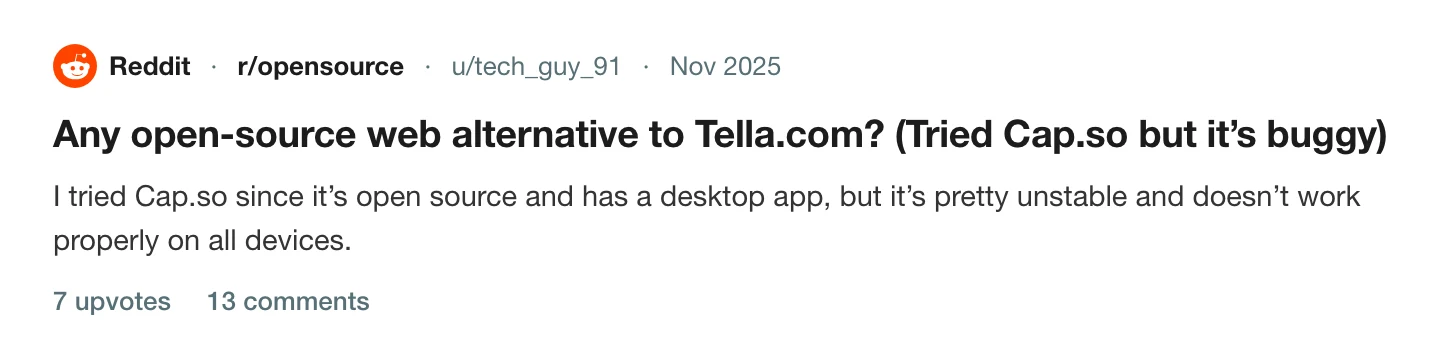
So the honest summary is that the CPU and heat reports were handled by a rework, and the memory one has not been closed. A thread on r/opensource shows how it reads from outside: someone looking for a Tella-style recorder says they tried Cap and found it pretty unstable.
Check your own recording
Do not rely on a thread, which may be a year old. Take two minutes.
- Open Activity Monitor and the Memory tab.
- Start a recording with the camera and microphone on, as you would normally.
- Watch the recorder and any helper processes for five minutes.
- If memory climbs steadily and never levels off, stop and update the app. If it still climbs, file an issue with your version, macOS version and logs. The maintainers ask for those every time.
If a long recording crashed and you lost it, Cap crashed mid-recording is the next page. For heat on the editing side, Screen Studio's overheating is the same problem in a different app. And if you are weighing the paid tiers, how to cancel Cap lists what each costs.
Other Cap problems that people report are in Cap export problems, Cap recorded no microphone audio and Cap records the screen region, not the window. For the wider field, see the best Cap alternatives for Mac and open-source screen recorders for Mac.
What Prequel does while it records
Prequel captures with ScreenCaptureKit and encodes with VideoToolbox, the Mac's hardware video encoder. The microphone's icon in the dock fills with the live input level while it is on, so you can see it working before you start. See camera and microphone.
I will not say it uses less memory than Cap, because I have not measured your recording. The test above works on any recorder, so run it on Prequel during the trial.
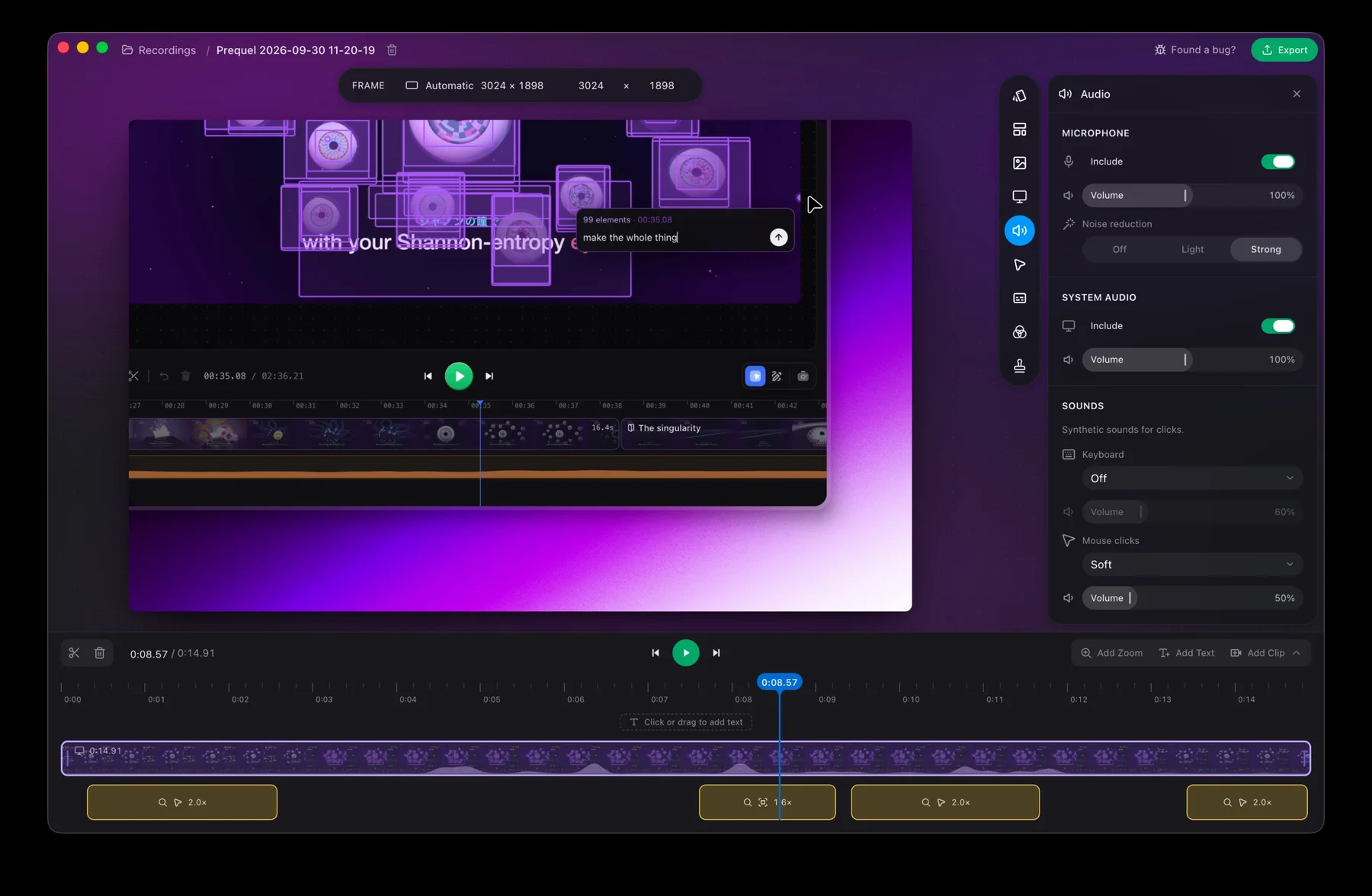
Run the same five-minute test on Prequel.
Prequel needs an Apple Silicon Mac on macOS 14 or later. Download Prequel for Mac and try it free for 7 days, with no watermark on anything you export. After that it is $9 a month or $29 once. See what it costs.
Frequently asked questions
- Why does Cap use so much memory while recording?
- Cap's maintainer filed an issue in October 2024 saying some users saw memory creep to 5 GB or more in recordings longer than about two minutes. He reproduced it himself on an iMac with 8 GB, where memory passed 8 GB and the app crashed. That issue is still open.
- Is the Cap high CPU problem fixed?
- Partly, according to the maintainers. Three related issues about CPU use and heat were closed in August 2026 with a note that recording performance on macOS had been substantially reworked and should be re-tested on the latest version. The memory issue, number 109, remains open.
- Does Cap use the GPU to encode video?
- A Cap developer said in 2025 that it encodes display video through VTEncoder in AVFoundation because that is meant to be hardware accelerated, and that 4K might need different configuration. In August 2026 the maintainer said hardware encoder usage had been substantially reworked.
- How do I check how much memory my screen recorder uses?
- Open Activity Monitor, choose the Memory tab and sort by memory while you record for several minutes. Watch the recorder and its helper processes, because the total is what your Mac is paying.
- Which Mac screen recorder encodes with the hardware encoder?
- Prequel encodes with VideoToolbox, the Mac's hardware video encoder, and composes frames with Metal. It needs an Apple Silicon Mac on macOS 14 or later.
Keep reading
- Why Screen Studio makes your MacBook run hotA r/mac thread with 376 upvotes shows a MacBook Air M3 reaching 101°C while Screen Studio rendered a 3-minute 1080p export. What the poster measured, why exports are heavy, and what to change.
- Cap crashed mid-recording: what you can recoverCap's WriterFailed crash was reported for months and the maintainer says it was fixed in August 2026. What caused it for different users, what to keep and where the logs are, and how to avoid losing a take.
- Cap's export flickers, or never finishesThree open Cap issues about export: flickering and lag in the exported file, an export stuck at the last frame, and a panic before rendering starts. Which macOS and Cap versions, what users tried, and what is still open.
- How to cancel Cap Pro or the Cap Desktop LicenceCap has a free plan, a Desktop Licence and Cap Pro. What each costs, what its own site says about cancelling, what it does not document, and what happens to your recordings and shared links. Checked 5 October 2026.
- Why Cap recorded no microphone audioThe microphone meter moved, and the file had no audio. The pattern 19 comments on Cap's issue 1740 found, which modes were affected, the toggle workaround, the maintainer's fix, and how to check before a long take.
- Why Cap records what's on top of your windowCap's window capture can record the screen region a window occupies, so another window dragged over it appears in the video. Issue 1754, a user who lost an hour-long workshop, and what Prequel's Window mode records.