Cap's export flickers, or never finishes
Three open Cap issues about export: flickering and lag in the exported file, an export stuck at the last frame, and a panic before rendering starts. Which macOS and Cap versions, what users tried, and what is still open.

Three open issues on Cap's tracker describe exports that go wrong in three different ways. Each is public, numbered and dated, so you can check whether it is still open.
Flickering in the exported file
Issue 1557, opened in January 2026, reports that the exported video "flashes or flickers constantly, making it impossible to watch", and that both the preview in the app and the exported file are laggy.
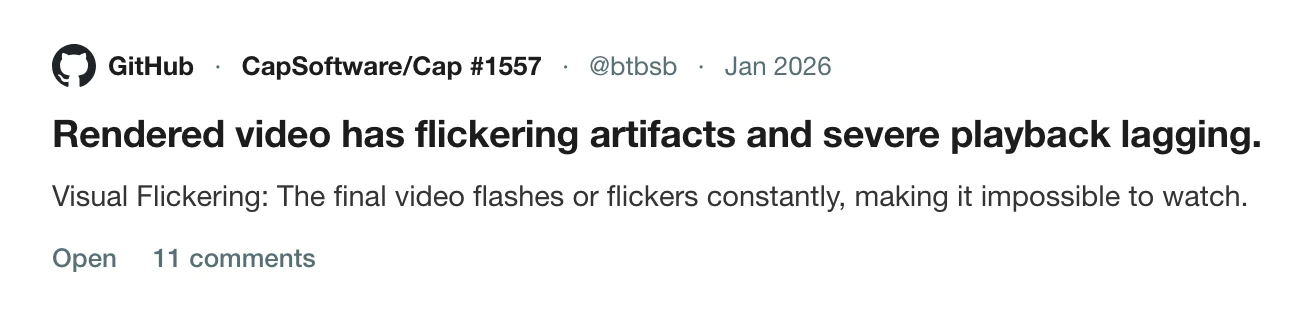
Other users joined it. One, on a MacBook Air M4 with macOS Tahoe 26.2, wrote that everything looks fine while editing but the problem appears in the exported file. Another wrote: "Flickering. Not sure why or how this started happening all of a sudden. Completely unusable, wasted a whole recording." One suggested a workaround: downgrade to version 0.4.0 and re-export.
Stuck at the last frame
Issue 1940, opened in June 2026, is from a user on a Mac mini M4 Pro with 24 GB and macOS 26.2. They reported that Cap 0.5.1 could not export any video, recording one and exporting at 720p, and that it got stuck when finishing, at the last frame. They attached logs. The maintainer replied that he would look into them. It is open.
A panic before it starts
Issue 2163, opened on 29 August 2026, is titled "[macOS 26.3] Export panics on NULL +[NSSavePanel savePanel] before rendering". The report says that on version 0.5.9 the editor freezes, so exporting from the interface is impossible. Open.
At a glance
| Issue | What happens | Opened | State on 5 October 2026 |
|---|---|---|---|
| 1557 | Exported video flickers and lags | 27 January 2026 | Open |
| 1940 | Export stuck at the last frame, 0.5.1, macOS 26.2 | 20 June 2026 | Open |
| 2163 | Panic before rendering, 0.5.9, macOS 26.3 | 29 August 2026 | Open |
These are different failures on different versions, not one bug. They do share one lesson, which is that an export problem is the one you meet last, after all of the work is done.
What to do
- Export a 10-second section first on any new version or macOS release.
- Keep the project. Do not delete the recording until you have a file you have watched.
- Try the older version if a flicker started after an update, as one user suggested.
- Report with logs. Give the version, the macOS version and the log from the desktop app.
The same wait comes up in Screen Studio export slowness and Tella export stuck. Other Cap problems are in Cap crashed mid-recording, Cap's memory use, Cap recorded no microphone audio and Cap records the screen region, not the window.
See the best Cap alternatives for Mac and Screen Studio vs Cap for the comparison, and how to cancel Cap for its paid tiers.
How Prequel exports
Export in the editor opens a dialog with the video format (MP4 with H.264, HEVC or GIF), the frame rate and the video quality, with the resulting size shown beside it. Rendering runs on the Mac's video hardware, the button fills as it goes, you can keep editing while it runs, and closing the dialog does not stop it. When it is done the video plays in the dialog, ready to drag into Slack or Mail. See export.
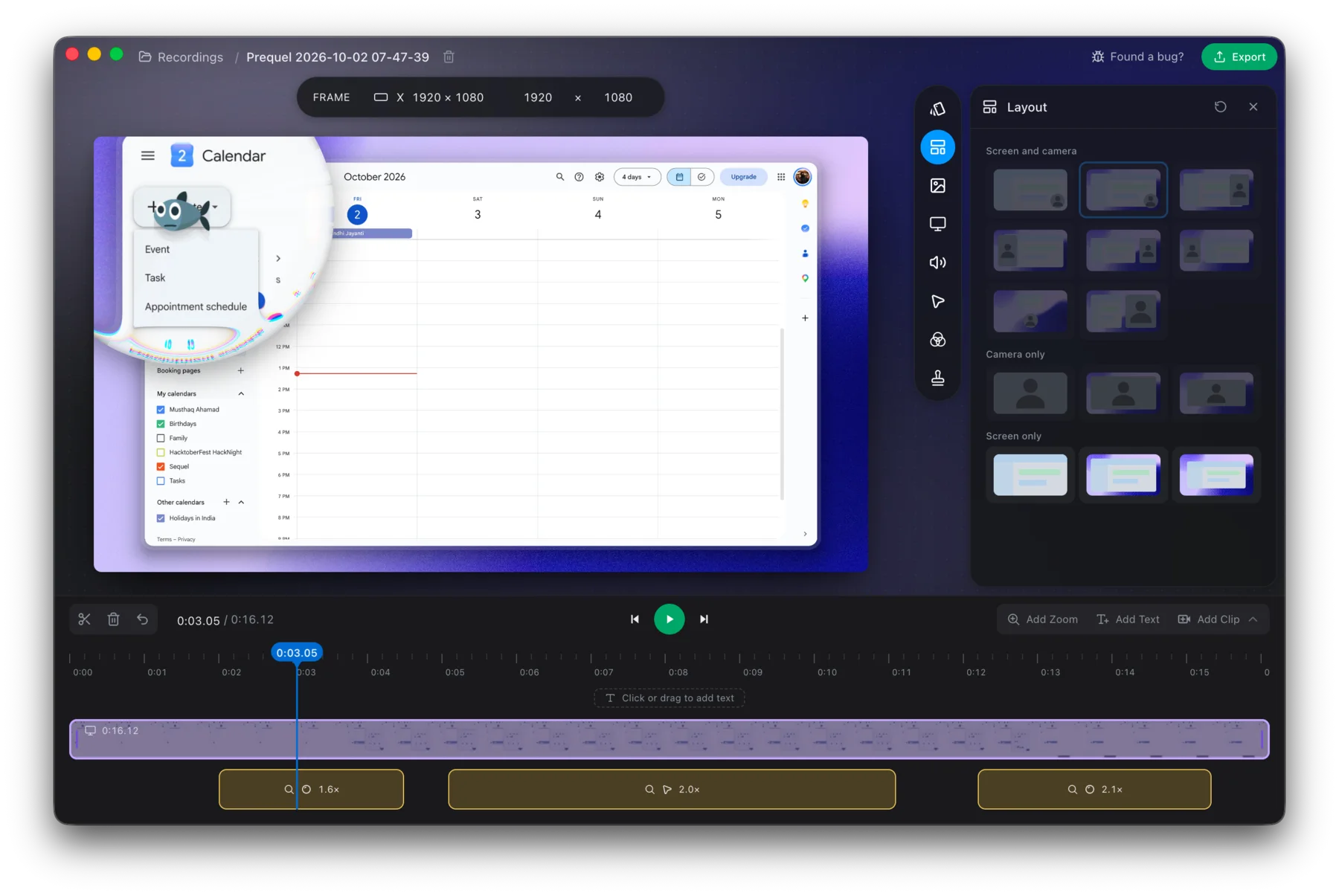
Export a short recording in Prequel and watch the file before you commit to it.
Prequel needs an Apple Silicon Mac on macOS 14 or later. Download Prequel for Mac and try it free for 7 days, with no watermark on anything you export. After that it is $9 a month or $29 once. See what it costs.
Frequently asked questions
- Why does my Cap export flicker?
- Issue 1557, open since January 2026, reports exported video that flashes constantly and plays back at a low frame rate. Users say the editor looks fine and the problem appears only in the exported file. One suggested workaround is downgrading to version 0.4.0 and re-exporting.
- Why is my Cap export stuck at the last frame?
- A user on a Mac mini M4 Pro running macOS 26.2 reported that Cap 0.5.1 could not export any video and stuck at the last frame when finishing. The issue, number 1940, is open.
- Does Cap export fail on macOS 26?
- Issue 2163 reports that on macOS 26.3, version 0.5.9 panics before rendering starts because the save panel returns null, freezing the editor so a GUI export is impossible. It was opened on 29 August 2026 and is open.
- What is a screen recorder that exports on the Mac's video hardware?
- Prequel renders each export with Metal and encodes with VideoToolbox, shows progress on the Export button and lets you keep editing while it runs. It needs an Apple Silicon Mac on macOS 14 or later.
Keep reading
- Why Screen Studio exports take so longUsers report a 10-minute recording taking about half an hour to export. What they say, what drives export time in any Mac recorder, what you can change, and how Prequel renders on the Mac's video hardware.
- Why Cap uses so much CPU and memory while recordingCap's issue about memory climbing past 5 GB has been open since October 2024 with a $350 bounty. What the maintainers reproduced, three related CPU and heat reports that were closed as reworked, and how to check your own recording.
- Cap crashed mid-recording: what you can recoverCap's WriterFailed crash was reported for months and the maintainer says it was fixed in August 2026. What caused it for different users, what to keep and where the logs are, and how to avoid losing a take.
- Why Cap recorded no microphone audioThe microphone meter moved, and the file had no audio. The pattern 19 comments on Cap's issue 1740 found, which modes were affected, the toggle workaround, the maintainer's fix, and how to check before a long take.
- Why Cap records what's on top of your windowCap's window capture can record the screen region a window occupies, so another window dragged over it appears in the video. Issue 1754, a user who lost an hour-long workshop, and what Prequel's Window mode records.
- How to cancel Cap Pro or the Cap Desktop LicenceCap has a free plan, a Desktop Licence and Cap Pro. What each costs, what its own site says about cancelling, what it does not document, and what happens to your recordings and shared links. Checked 5 October 2026.