Why Screen Studio exports take so long
Users report a 10-minute recording taking about half an hour to export. What they say, what drives export time in any Mac recorder, what you can change, and how Prequel renders on the Mac's video hardware.

If a Screen Studio export is taking longer than the recording itself, you are describing something other users describe too. This page is what they say, what decides export time in any Mac recorder, and what you can change today.
What users report
A user on r/screenrecorders, making tutorial videos about accounting and AI, wrote in February 2026 that Screen Studio was so slow that for every 10 minutes of recording they spent about half an hour exporting, and that they could not stand the slowness or the occasional bugs.
Read the thread on r/screenrecorders
That is one commenter and a thread about something else, so it is a report and not a benchmark. Export time matters because it is the part of a recorder you only meet at the end, after the work is done. The same pattern shows up for heat: Why Screen Studio makes your MacBook run hot.
What decides export time
Four things set how much work an export is, and a fifth decides how fast the Mac does it.
- Length. Twice the minutes, roughly twice the frames to render.
- Size. A 4K frame has four times the pixels of a 1080p one.
- Frame rate. 60 frames a second is twice the work of 30.
- Effects. Zoom, blur, motion and a framed background are drawn on every frame. A heavily edited clip costs more than a plain one.
The fifth is where the encoding happens. A Mac has a dedicated hardware video encoder, and an export that uses it finishes faster and leaves the processor cores free, which software encoding does not.
What to change
- Export a review copy first. A 1080p, 30 fps draft shows you what the final will look like in a fraction of the time. Do the full-size export once, at the end.
- Keep the Mac plugged in and the lid open, so it does not throttle.
- Close other apps. A browser with many tabs competes for the same memory.
- Split a long recording into sections if the recorder lets you export a range.
If the slow export is also hot, that is a separate problem and the page on heat covers it. If the slowness is the reason you are looking at other tools, the best Screen Studio alternatives for Mac compares them, and Screen Studio 4: what's new, and what it still costs covers what changed in the app itself.
The same wall exists elsewhere. Cap's export problems are about exports that fail, and Tella's export stuck is about ones that never finish.
How Prequel exports
Prequel composes each frame with Metal and encodes with VideoToolbox, the Mac's hardware video encoder. The button fills as the export runs, you can keep editing while it renders, and closing the dialog does not stop it. See export.
I am not going to put a number on it. Export time depends on the clip, the size and your Mac, and a figure from one machine is a figure nobody else gets. The honest test is to export one of your own recordings during the trial and time it.
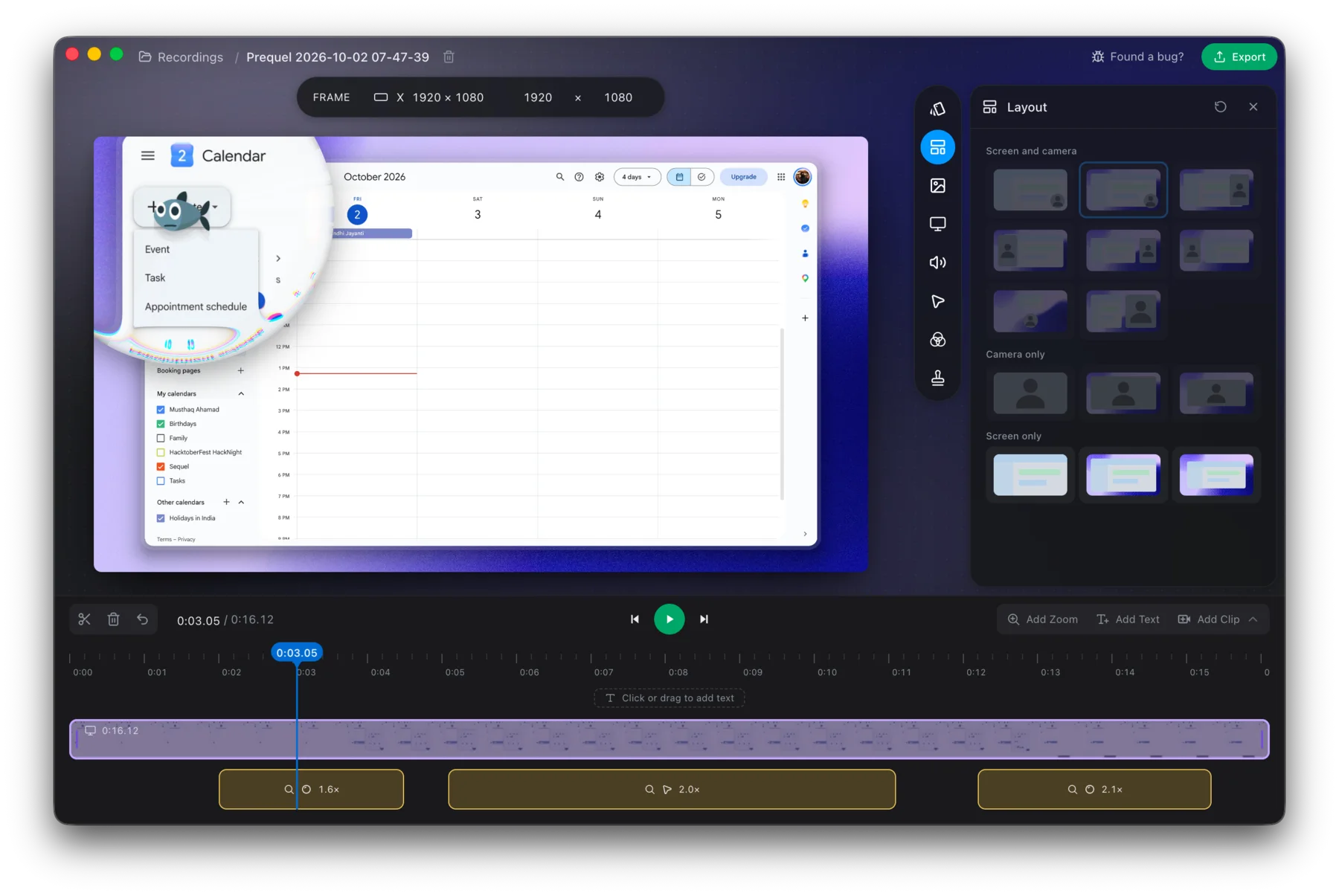
Export a recording you already made and see how long it takes on your Mac.
Prequel needs an Apple Silicon Mac on macOS 14 or later. Download Prequel for Mac and try it free for 7 days, with no watermark on anything you export. After that it is $9 a month or $29 once. See what it costs.
Frequently asked questions
- Why is Screen Studio export so slow?
- One user on r/screenrecorders said that for every 10 minutes of recording they spend about half an hour exporting. Export time depends on the length, the resolution, the frame rate, how many effects are drawn on each frame, and whether encoding runs on the Mac's video hardware.
- How can I make a screen recording export faster?
- Export a review copy at a lower resolution and frame rate, keep the Mac plugged in and close other apps. Final exports at full size take longest, so do them last.
- Does Screen Studio export 4K?
- Yes. Screen Studio exports up to 4K at 60 fps. A 4K export has more pixels to compose and encode than a 1080p one, so it takes longer on the same Mac.
- Does Prequel export on the GPU?
- Prequel composes each frame with Metal and encodes with VideoToolbox, the Mac's hardware video encoder. The export runs while you keep editing and closing the dialog does not stop it. It needs an Apple Silicon Mac on macOS 14 or later.
Keep reading
- Why Screen Studio makes your MacBook run hotA r/mac thread with 376 upvotes shows a MacBook Air M3 reaching 101°C while Screen Studio rendered a 3-minute 1080p export. What the poster measured, why exports are heavy, and what to change.
- Cap's export flickers, or never finishesThree open Cap issues about export: flickering and lag in the exported file, an export stuck at the last frame, and a panic before rendering starts. Which macOS and Cap versions, what users tried, and what is still open.
- Tella export stuck: why it happens and what to tryTella has a help page for an export that gets stuck at a percentage or a download window that never finishes. What it says to try, why re-rendering is the first fix, and how exporting on your own Mac avoids the problem.
- Screen Studio zooms too much: how to calm it downUsers on Hacker News and Reddit describe constant zooming as distracting and dizzying. What they said, and how to lower the level, slow the move, delete the zooms you do not want or swap them for a loupe in Prequel.