Tella export stuck: why it happens and what to try
Tella has a help page for an export that gets stuck at a percentage or a download window that never finishes. What it says to try, why re-rendering is the first fix, and how exporting on your own Mac avoids the problem.

An export that stops at 97% is a bad end to an edit. Tella's help centre has a page for it, which says how common it is.
What Tella describes
The page is titled "Export or download fails, errors out, or gets stuck", and it names the symptom: "It never finishes: the progress bar gets stuck at a percentage, or the Preparing download window stays open and nothing happens."
What Tella suggests
Tella's first-line fix is to re-render the video. It has a page called "Re-render a video in Tella", and its page on pops and crackles in audio says a fresh render usually fixes them. You trigger a re-render by making a small edit, so Tella builds a new version.
Beyond that, the usual checks apply:
- Check your connection and keep the tab open until the download starts.
- Look in Downloads and your browser's download list before you run it again.
- Try a different browser if the download window never closes.
- Contact support with the video link if a re-render does not help.
Why this happens in cloud-first tools
Tella's pages describe a Preparing download step, and its first fix is to re-render the video, which suggests the export is prepared by Tella before it reaches you and not on your Mac. That is a reason exports can fail in ways that have nothing to do with your computer: a stale render, a dropped connection, a download that never arrives. Why Tella makes you wait before you can edit explains the order of events, and Loom stuck in processing is the same failure in a different tool.
Local recorders have their own export problems, of a different kind. Cap's export problems are about exports that fail on specific versions, and why Screen Studio exports take so long is about time.
What you can export depends on the plan too: Tella export limits has the details, and Tella's editor is the page for the wait before it.
Exporting on your own Mac
In Prequel, Export opens a dialog with the video format, frame rate and quality, and the resulting size. The render runs on the Mac's video hardware, the button fills as it goes, you can keep editing meanwhile, and closing the dialog does not stop it.
When it is done the video plays in the dialog. You can drag it into Slack, Mail or a folder, reveal it in Finder, or copy it to the clipboard. The file is on your disk before anything is shared. See export.
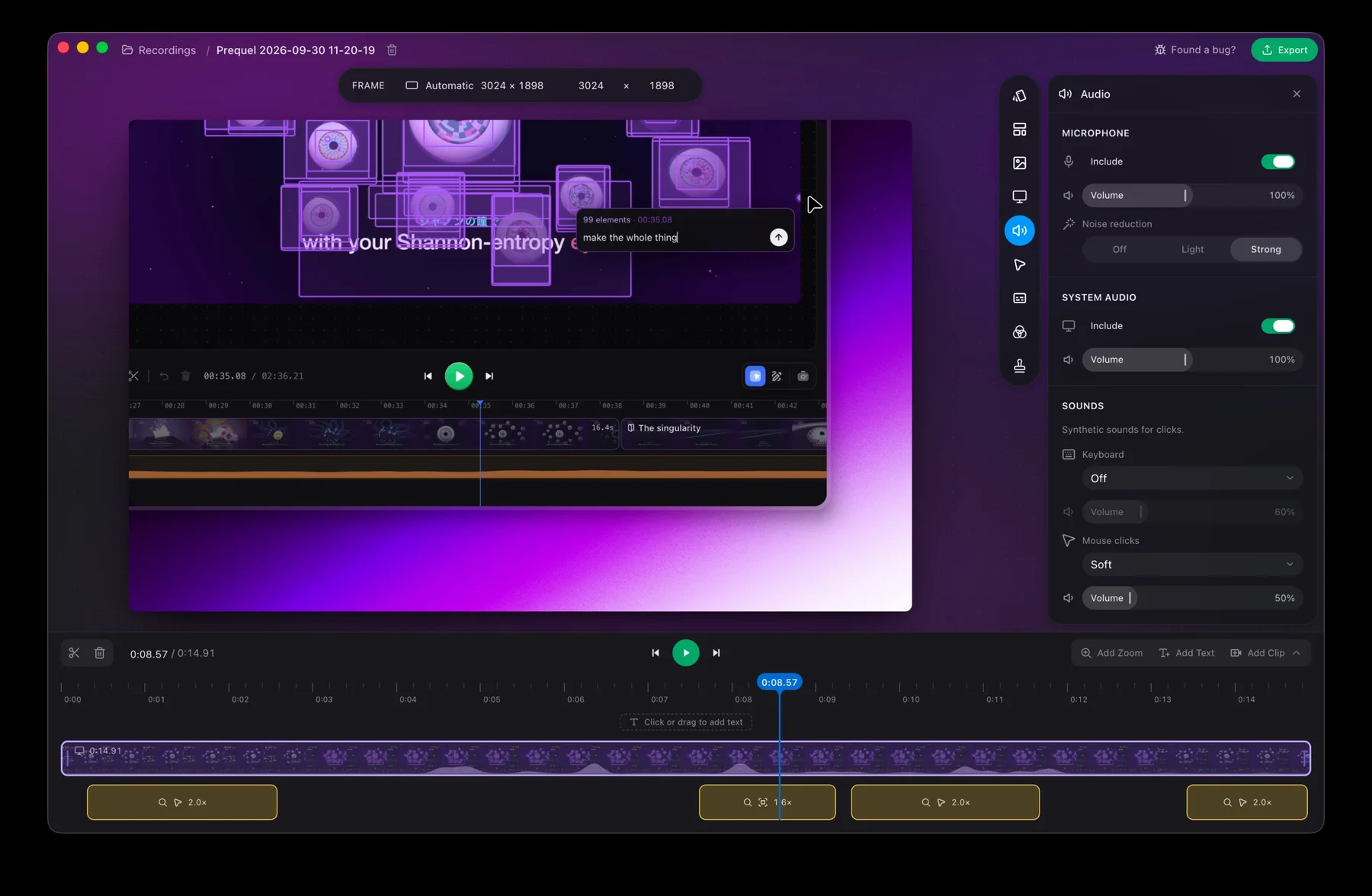
Export a recording on your own Mac.
Prequel needs an Apple Silicon Mac on macOS 14 or later. Download Prequel for Mac and try it free for 7 days, with no watermark on anything you export. After that it is $9 a month or $29 once. See what it costs.
Frequently asked questions
- Why is my Tella export stuck?
- Tella's help centre describes it: the progress bar gets stuck at a percentage, or the Preparing download window stays open and nothing happens. It has a page titled Export or download fails, errors out, or gets stuck.
- How do I fix a Tella export that will not finish?
- Tella's help pages point to re-rendering the video. A re-render is triggered by making a small edit so Tella builds a fresh version, and its page on audio pops says a fresh render usually fixes those too.
- What is the Preparing download window in Tella?
- It is the window Tella shows while it gets an export ready to download. Tella's help centre says that if it stays open and nothing happens, the export has got stuck, and a re-render is the first fix.
- Where does Prequel export?
- On your Mac. The export runs on the Mac's video hardware, fills the Export button as it goes, and saves to a place you choose. It needs an Apple Silicon Mac on macOS 14 or later.
Keep reading
- Loom stuck in processing: how to recover your videoHow long Loom takes to process a video, when to stop waiting, and Loom's own steps for the desktop app, the Chrome extension and mobile. What the failed upload message means and where the files are.
- Why Screen Studio exports take so longUsers report a 10-minute recording taking about half an hour to export. What they say, what drives export time in any Mac recorder, what you can change, and how Prequel renders on the Mac's video hardware.
- Why Tella makes you wait before you can editTella records on your Mac, uploads, and edits in a browser tab. What its own help centre says about the order, the upload speed it asks for, the two sign-ins, and what editing on your Mac looks like instead.
- Why Tella's editor feels slowTella's editor runs in a browser on your graphics hardware and ships a Low-res mode that is on by default. What its help centre says, what users report on Reddit, and how to find out whether it is your Mac or your browser.
- Tella export limits: 4K, 60 fps and clip lengthWhat Tella's pricing page and help centre say about export: 4K in Pro, 60 fps in Premium, a 6 hour clip limit, a 5 GB upload cap, and a trial that exports at HD and 30 fps. Checked 5 October 2026.