Screen Studio vs Cap: which screen recorder should you use?
Screen Studio makes the recording look finished and Cap makes it free to start and yours to host. We put the two head to head on what each does, what people say about each, and a feature table with Prequel in the third column.

TL;DR
| Tool | Price | Best for |
|---|---|---|
| Prequel | $29 once, or $9/mo | A Mac recording that comes out edited, and a licence that stays |
| Screen Studio | $29/mo, or $9/mo billed yearly ($108/yr) | Polished demos on a Mac, if you are happy to rent the app |
| Cap | Free for personal use; $29/yr or $58 once; Pro $12 per user/mo | A team on mixed machines that wants the source and its own storage |
Prices read off each vendor's own page on 28 September 2026.
Screen Studio and Cap are the two names in every thread about recording a product demo, and people usually arrive at Cap from Screen Studio and not the other way round. Screen Studio makes the recording look finished. Cap makes it free to start, open to read, and yours to host.
This is a head to head on what each one does, what each one costs, what people say about both, and a feature table with all three side by side.
What is the difference between Screen Studio and Cap?
Screen Studio is a macOS app that edits a screen recording as it is made: zooms on the clicks and the typing, a smoothed cursor, a background behind the window, a camera as a separate layer. The output is a finished MP4 at up to 4K 60. It is subscription only, there is no free tier, and it runs on macOS alone.
Cap is an open-source recorder for macOS, Windows and Linux, under AGPLv3. Instant mode uploads while you record and hands you a link. Studio mode records locally and opens a timeline editor with zooms, backgrounds, masks and 3D scenes. The desktop app is free for personal use, commercial use needs a paid licence, and a shared link stops at five minutes until you are on Cap Pro.
Screen Studio
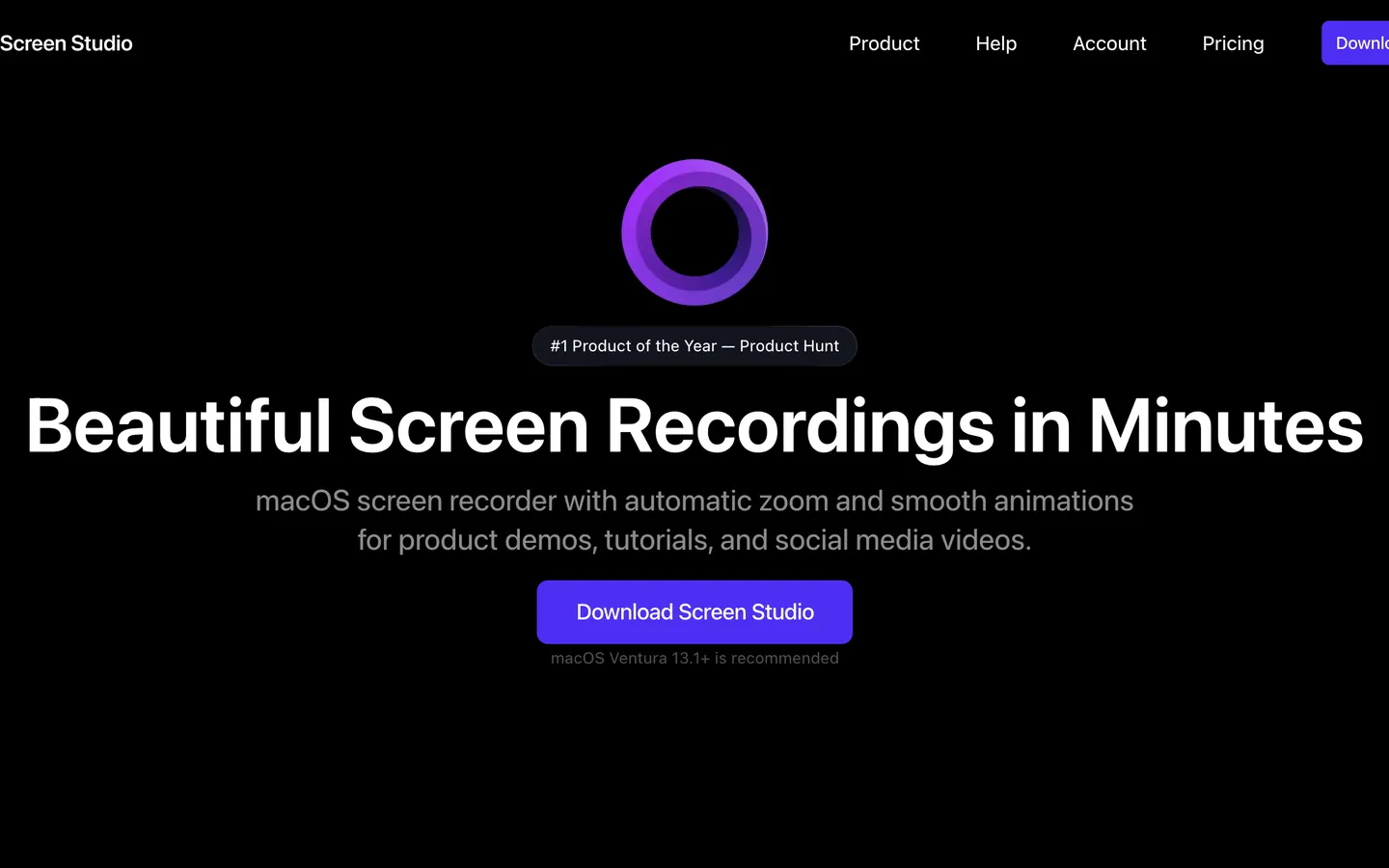
Screen Studio made this category. It launched in November 2022 and every automatic-zoom recorder since, Prequel included, is measured against it. Record a window and the zooms land on your clicks and your typing, the cursor is smoothed and enlarged, and the window sits on a background with a shadow. The camera can sit over the screen or take the frame on its own, captions are transcribed on the Mac, the microphone and the Mac's audio are separate tracks, and a 16:9 take reframes to vertical without cropping. It records an iPhone or iPad over USB and draws the matching device frame, which nothing else here does.
Export tops out at 4K at 60 frames a second, or a GIF. A share link is offered with a 30-minute cap and Screen Studio's branding on the page.
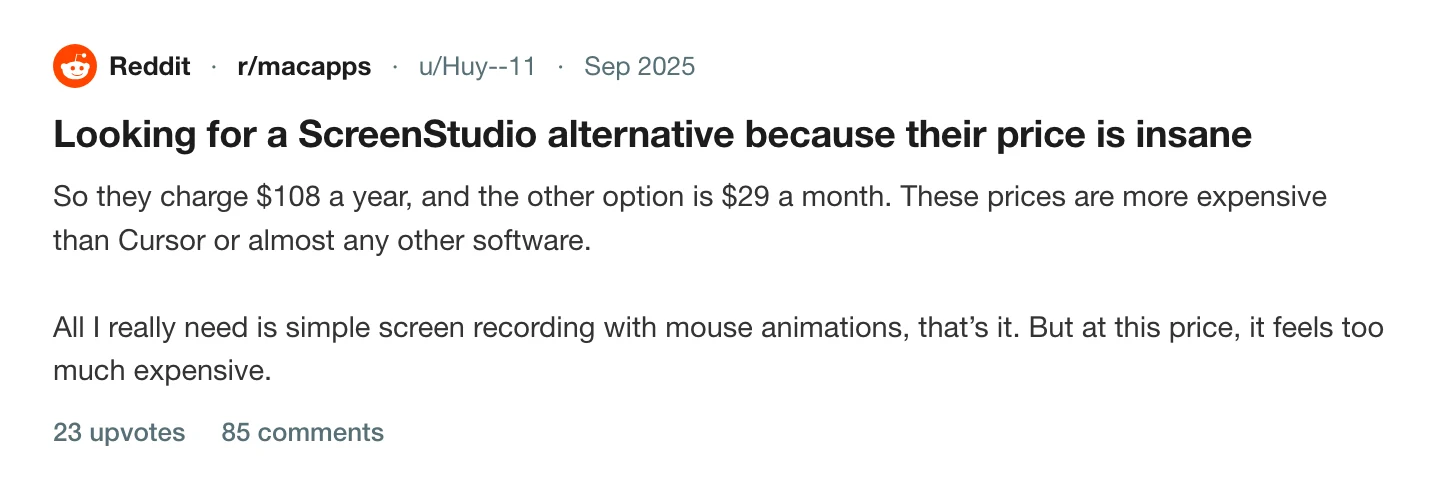
What people talk about is the price, and specifically what happened to it. Screen Studio sold a one-time licence until October 2025 and then stopped. It is now $29 a month, or $9 a month if you pay $108 for a year up front, and there is no free tier. The threads asking for a way out have not slowed.
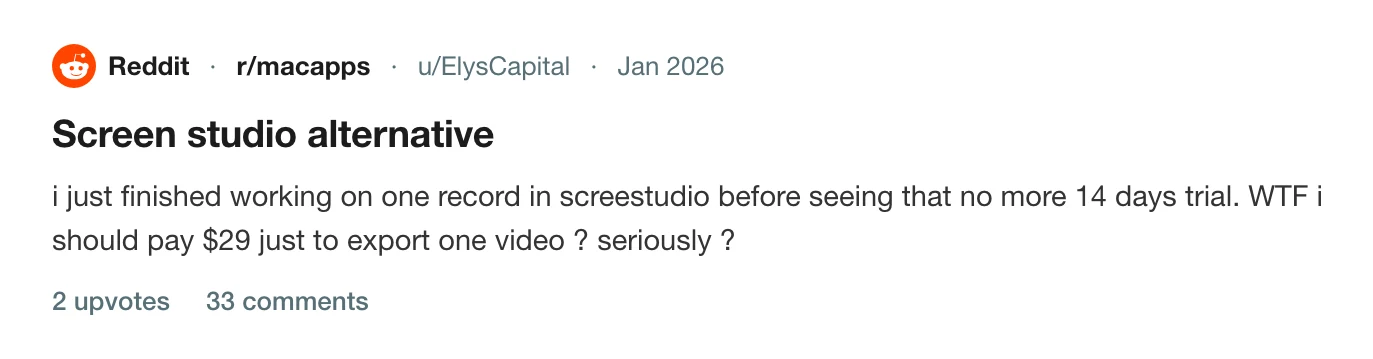
The second thing is what the subscription gates. A recording can be made and edited and then sits there until the month is paid, which is how a thread with 33 comments came to be titled "Screen studio alternative" by somebody who finished one video and found the export behind the paywall.
Pros
- Automatic zoom on clicks and on typing, cursor smoothing and a framed camera on every recording, with no tiers: both plans have every feature.
- Exports at up to 4K at 60 fps, and to GIF.
- Captions transcribed on the Mac. The microphone and the Mac's audio are separate tracks, so either can be levelled or dropped afterwards.
- Records an iPhone or iPad over a USB cable, detects the model and colour, and draws the matching device frame.
- Reframes a 16:9 take to 9:16 without cropping it.
- Recordings and exports stay on the Mac; only a share link uploads.
Cons
- Subscription only: $29 a month, or $108 a year up front. The one-time licence was withdrawn in October 2025.
- No free tier. A finished recording cannot be exported until the month is paid.
- Export tops out at 60 fps; there is no 120 fps option.
- Share links are capped at 30 minutes and the page carries Screen Studio's branding.
- macOS only. There is no Windows version, and the FAQ on their own page still answers "Is the Windows version ready?"
- A 366 MB download.
- No perspective tilt or focus falloff on the zooms, and no team workspace.
Price. $29 a month billed monthly, or $9 a month billed yearly, $108 a year. No free tier. Read off their pricing page on 28 September 2026.
Cap
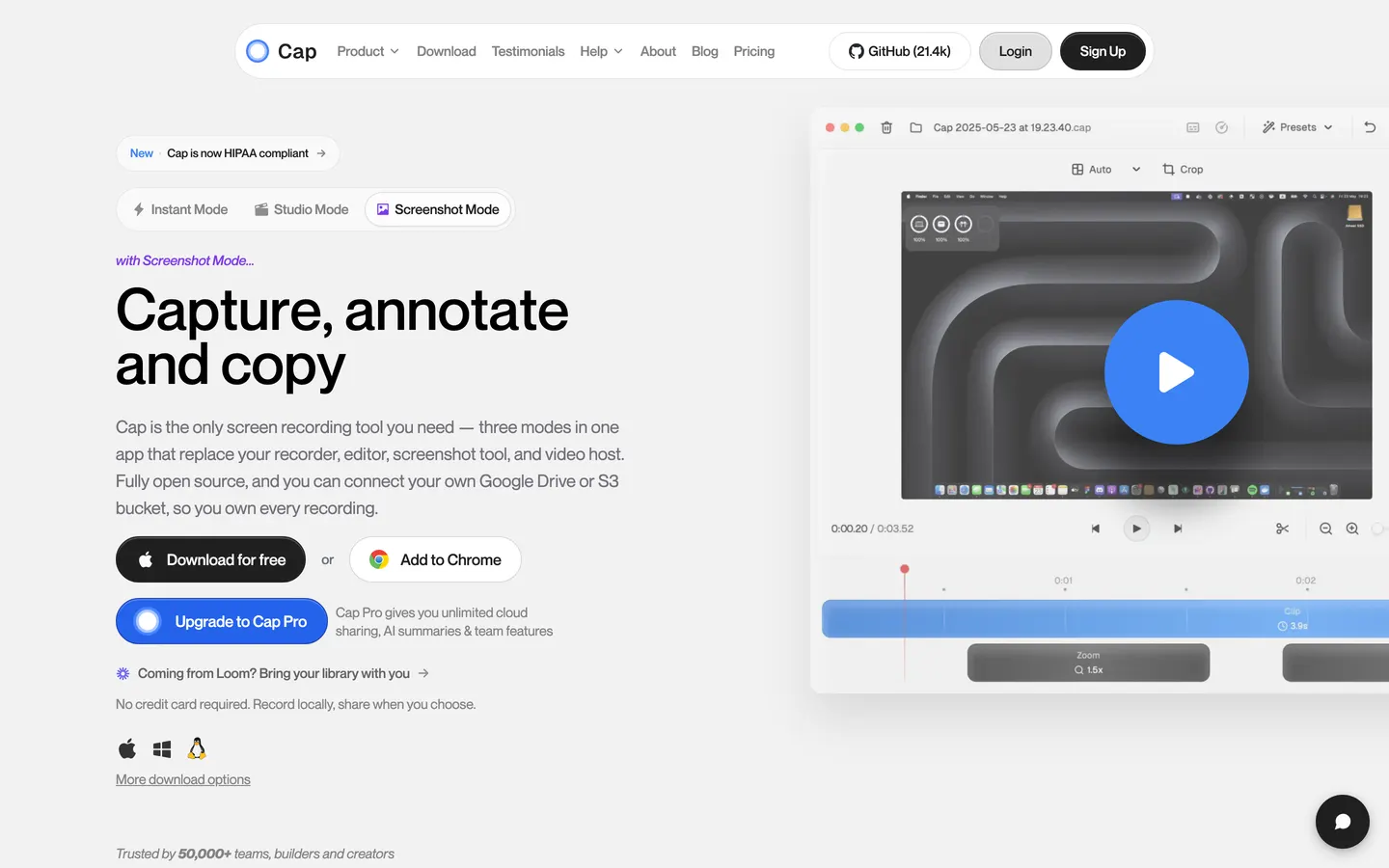
Cap is what people found when Screen Studio's price went up. Richie McIlroy started it in November 2023, the Show HN took 351 points, and it has since passed 22,000 stars on GitHub under AGPLv3, with the camera and capture crates under MIT. That licence is the product as much as the app is: you can read the code, self-host the whole service with Docker Compose, and point a share at your own S3 bucket or Google Drive.
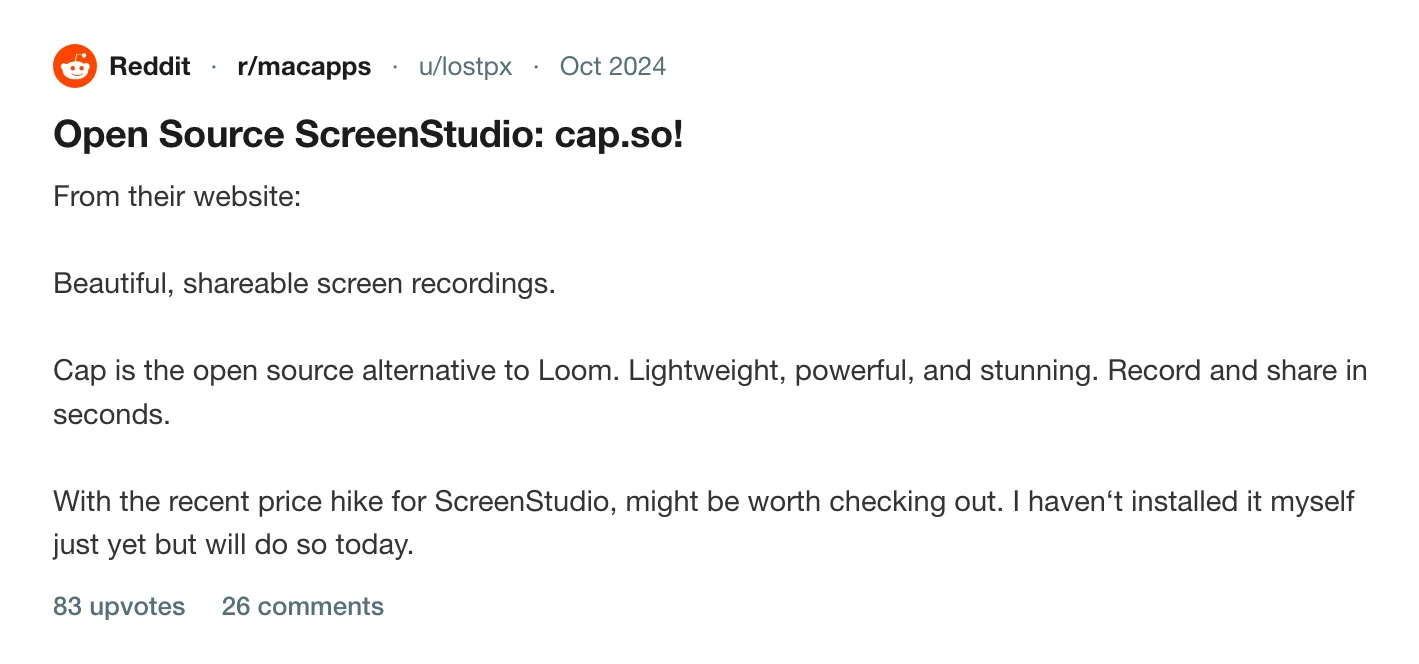
The r/macapps thread that introduced it to a lot of people says the quiet part out loud in its first line.
Version 0.6 landed on 15 September 2026 and closed a lot of the gap: zooms generated from click data, cursor motion smoothing, camera cutouts on macOS, 3D scenes with perspective and focus blur, colour correction and animated text. Export is MP4 at up to 4K and 60 fps, or a GIF, or a cursor-only MOV with a transparent background.
Two things catch people. The free desktop app covers personal use only, so a recording made for a client or a launch needs the $29-a-year Desktop Licence or Cap Pro at $12 a user a month. And a shareable link plays five minutes and stops, on the free tier and on the $29 licence alike; only Pro lifts it. The pricing question was put to the founder in the Show HN thread the week Cap launched, and it is still the first thing people ask.
Read the thread on Hacker News
Pros
- Open source under AGPLv3, with the camera and capture crates under MIT, and the whole service self-hostable with Docker Compose.
- Runs on macOS 13.1 and later on Apple Silicon and Intel, plus Windows and Linux, so a mixed team can all use it.
- Free for personal use, with no time limit on a local recording and 4K 60 export on the free tier.
- Instant mode uploads as you record and gives you a link the moment you stop; Studio mode records locally and never uploads.
- Cap Pro points shares at your own S3 bucket or Google Drive, with a custom domain, password-protected links and viewer analytics.
- Version 0.6 added automatic zooms from click data, camera cutouts, 3D scenes and colour correction.
Cons
- The free version covers personal use only; using it at work needs a paid plan.
- Shareable links stop at five minutes on the free tier and on the $29-a-year Desktop Licence, and that licence allows 20 links a month.
- $29 is per year, and the one-off licence is $58.
- Export tops out at 4K 60.
- No zoom on what you type, and no iPhone or iPad capture.
- Transcriptions, auto titles, summaries and chapters are Cap Pro only.
- 387 open issues on the tracker, which is the other side of shipping this fast.
Price. Free for personal use. Desktop Licence $29 per year, or $58 once. Cap Pro $12 per user a month, or $8.16 a month billed annually. Read off their pricing page on 28 September 2026.
What people who tried both say
The thread worth reading is the one about OpenScreen, another open-source answer to Screen Studio, because it filled up with people arguing about what this kind of app should cost. One commenter calls $29 a month "unusually and extremely expensive for a video recorder app". Another says they bought Screen Studio on a flat fee, would happily pay again, and will not pay a subscription.
Read the thread on Hacker News
The most useful post in it is from somebody who did the swap and swapped back. canxerian used Screen Studio for a year, tried Cap and one other when the renewal came round, hit "many bugs and UX oddities with both of those", and returned, saying Screen Studio "is reliable and produces the best results for my use case". That is one person's account, and it carries further than the feature table does: it is the only first-hand comparison of the two in the thread.
Screen Studio vs Cap vs Prequel, feature by feature
| Feature | Prequel | Screen Studio | Cap |
|---|---|---|---|
| Automatic zoom on clicks | Yes | Yes | Yes, since v0.6 |
| Zoom on what you type | Yes | Yes | No |
| Cursor smoothing and resizing | Yes | Yes | Yes |
| Camera, shaped and placed after the take | Yes | Yes | Yes |
| Camera cut out of its background | Yes | No | Yes, macOS only |
| Backgrounds, padding and shadow | Yes | Yes | Yes |
| Perspective tilt and focus falloff | Yes | No | Yes, in 3D scenes |
| Captions transcribed on your Mac | Yes | Yes | Yes in Studio; cloud ones are Pro |
| Separate microphone and system audio | Yes | Yes | Yes |
| Reframe to vertical without cropping | Yes | Yes | Yes |
| Records and exports without uploading | Yes | Yes; share links upload | Yes in Studio; Instant uploads |
| Shareable links | Yes | Yes, 30-minute cap, branded page | 5 minutes, unless you are on Pro |
| Team workspace | Yes | No | Yes |
| Records an iPhone or iPad | No | Yes | No |
| Free for commercial use | No, it is paid | No, it is paid | No, the free tier is personal only |
| Maximum export | 4K, 120 fps | 4K, 60 fps | 4K, 60 fps |
| Download size | 102 MB | 366 MB | 190 MB |
| Platforms | macOS 14+, Apple Silicon | macOS | macOS 13.1+, Windows, Linux |
| Licence | $29 once, or $9/mo | Subscription only | AGPLv3; paid for commercial use |
Checked against each vendor's own pages and GitHub on 28 September 2026.
Prequel
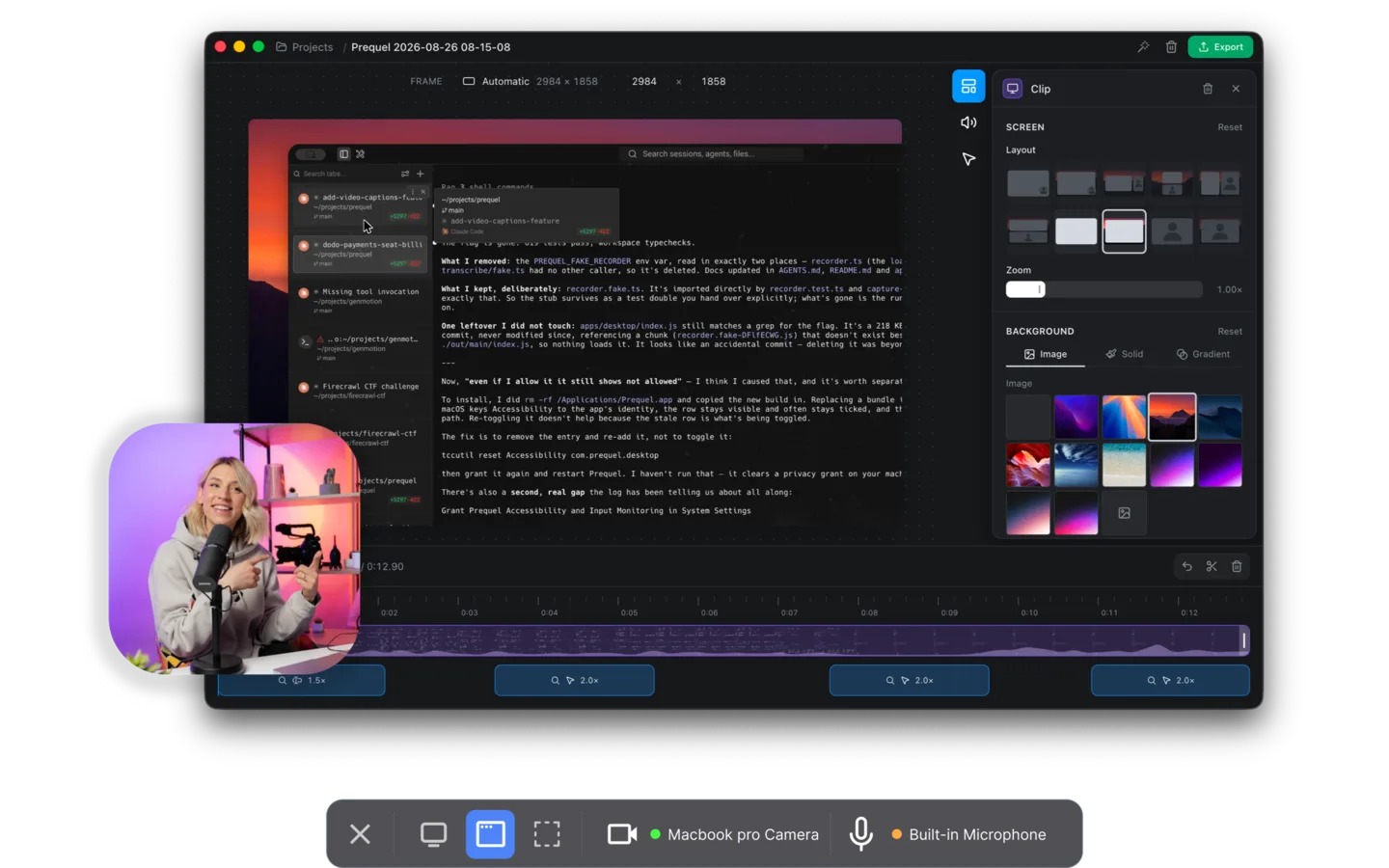
Prequel is the Screen Studio half and the ownership half in one app, on a Mac. Record a display, a window or an area, with the camera, the microphone and system audio each on their own track, and the editor opens with the first pass done: zooms placed on every click and every burst of typing, the camera framed and shaped in a corner, a background applied with padding and a shadow, the two audio tracks balanced, and the cursor smoothed, resized and hidden when it idles. The push-in carries a perspective tilt, and focus falls away from whatever it is aimed at.
Captions are transcribed on the Mac with nothing uploaded, and you correct a word by typing over it. Export is an MP4 at up to 4K and 120 frames a second, in H.264 or HEVC, with no watermark on any plan or during the trial and no cap on how long a take can be. Share Link uploads a finished export when you ask it to and gives you a URL that plays in a browser with the transcript as subtitles and chapters.
Both plans are the same app. The only difference is how much may be kept on the sharing side: unlimited on Pro, 5 GB on the lifetime licence. Nothing about recording, editing or exporting is held back on either, and there is no separate licence for using it at work.
The code is on GitHub under FSL-1.1-ALv2, which becomes Apache 2.0 two years after each release.
Price. $29 once, or $9 a month. Seven days free with the whole app in it. Requires. An Apple Silicon Mac on macOS 14 or later and the Screen Recording permission.
So which one
If your team is on Windows and Linux as well as Macs, or you want to read the source and host the sharing side yourself, Cap is the answer and nothing else on this page competes with it. Budget for the commercial licence, and check the five-minute link cap against how long your videos actually are.
If the recording will be judged on how it looks and you are on a Mac, Screen Studio and Prequel are doing the same job. The differences are the export ceiling, 4K 120 against 4K 60, the perspective tilt and focus falloff on the zooms, and what you pay: $29 buys one month of Screen Studio or a lifetime of Prequel.
If you want the produced recording without renting it, that is Prequel. It records locally, makes the edit as it opens, exports a file you own, and gives you a link when you ask for one.
The cost argument is short. A year of Screen Studio is $108 paid up front or $348 month by month. A year of Cap for one person working commercially is $29 for the desktop licence, or $144 on Cap Pro. A year of Prequel is $29, once, or $108 on the monthly plan with unlimited storage for shared links. The trial is seven days with nothing held back, so the way to settle this is to record the same take in all three and look at the three files.
Related reading: the best Cap alternatives, the best Screen Studio alternatives, Screen Studio vs Loom, open source screen recorders for Mac, and the best screen recorders for Mac.
Frequently asked questions
- Is Cap a good Screen Studio alternative?
- It is the closest free one. Since version 0.6 in September 2026 Cap generates zooms from click data, smooths the cursor, cuts the camera out of its background on macOS and has 3D scenes with perspective and focus blur. What it does not do is zoom on what you type, record an iPhone, or export above 4K 60, and its free tier is licensed for personal use only.
- How much does Cap cost compared to Screen Studio?
- Cap is free for personal use, $29 a year or $58 once for the Desktop Licence that adds commercial rights, and $12 per user a month for Cap Pro. Screen Studio is $29 a month billed monthly or $9 a month billed yearly, which is $108 a year, with no free tier. Prequel is $29 once or $9 a month. Read off each vendor's own page on 28 September 2026.
- Does Screen Studio have a free version?
- No. Screen Studio has no free tier, and a finished recording cannot be exported until the month is paid. It withdrew its one-time licence in October 2025 and sells subscriptions only. Cap is free for personal use, and Prequel has a seven-day trial with the whole app in it, export included and no watermark.
- Which one runs on Windows?
- Cap. It runs on macOS 13.1 and later on Apple Silicon and Intel, on Windows, and on Linux as a .deb, AppImage, RPM or Pacman package. Screen Studio is macOS only and its own FAQ still carries an entry titled 'Is the Windows version ready?'. Prequel is Mac only, on Apple Silicon with macOS 14 or later.
- Can I self-host Cap?
- Yes. Cap can be fully self-hosted on your own infrastructure using Docker Compose, and on Cap Pro a share can point at your own S3-compatible bucket or Google Drive with a custom domain. Screen Studio has no self-hosted option; its share links sit on Screen Studio's own pages with their branding and a 30-minute cap.
- Which one gives the better-looking video?
- Screen Studio, of the two, and by less than it used to be. Its zooms follow clicks and typing where Cap's follow clicks only, and it has four years of polish on the cursor work. Both stop at 4K 60. Prequel does the same first pass, adds a perspective tilt and focus falling away from the subject, and exports at up to 4K 120.
- Is there a lifetime licence for either?
- Cap sells one: $58 for a Desktop Licence that never renews, covering commercial use and unlimited local recording, with shares still capped at five minutes. Screen Studio withdrew its one-time licence in October 2025 and there is no way to buy one now. Prequel sells a $29 lifetime licence alongside the $9 monthly plan.