Why your screen recording's audio drifts out of sync
A fixed delay and a drift have different causes. What Tella, Cap and Screen Charm document about microphone, camera and cursor sync, a clap test that tells the two apart, and what to change.

Voice that runs behind the mouth, or a cursor that wanders off the click it was meant to follow, is one of the commonest screen recording faults. It has two different causes and one test that tells them apart.
Two problems that look the same
- A fixed delay. The sound is the same distance from the picture throughout. Something in the signal path is slow: a Bluetooth headset, a USB interface, a camera with its own processing.
- Drift. The gap starts at nothing and grows. Two devices are running at slightly different speeds, and the longer the recording, the further they separate.
The second is the one that gets worse in long takes, and the one that cannot be fixed by offsetting a track.
Clap test
- Record 20 seconds with the camera and the microphone you will really use.
- Clap once at the start and once at the end.
- Look at both claps, the sound against the picture.
If the gap is the same at both, you have a delay. If it is wider at the end, you have drift. Do it once with the headset you actually wear, because Bluetooth is a common culprit.
What the tools document
Tella. Its help centre says: "Can I resync audio in the Tella editor? No. Tella does not have a way to nudge or realign audio against video inside the editor. If a recording came out of sync, the reliable fix is to correct it at the source and re-record." It explains that the microphone and camera deliver to the computer at slightly different rates, and offers a per-microphone delay in the Mac app. See Tella audio out of sync.
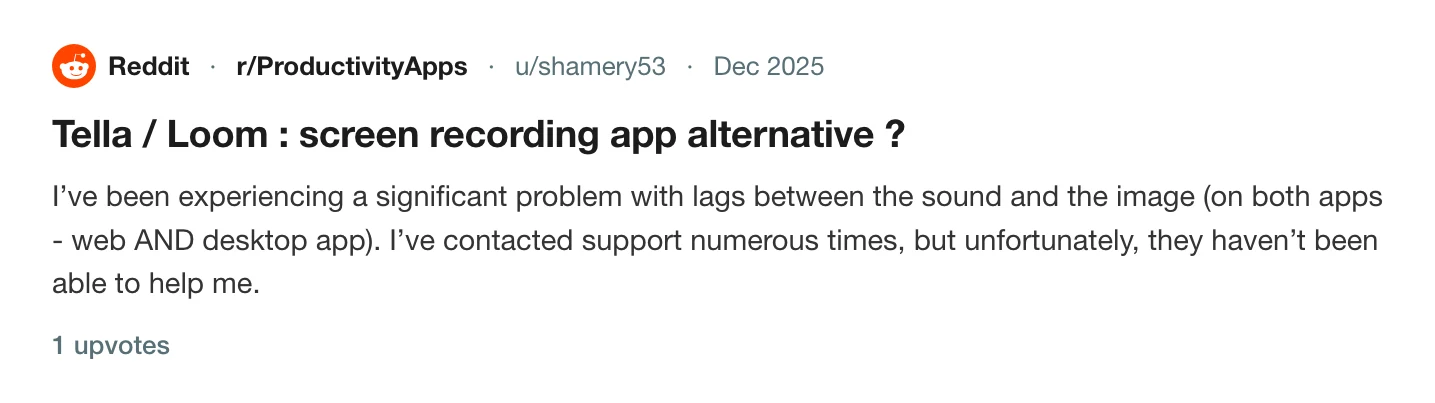
A user wrote on r/ProductivityApps that they had lag between sound and image in both Tella's web and desktop apps.
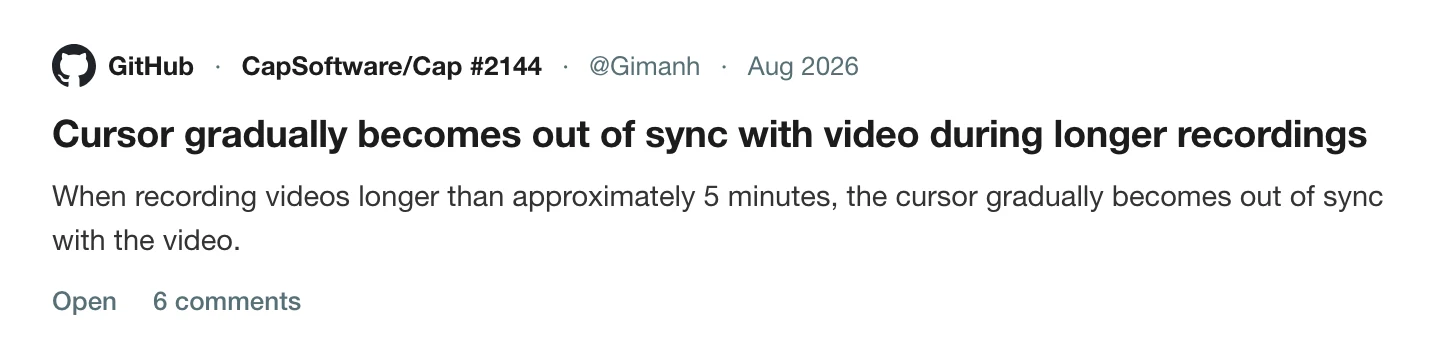
Cap. An open issue, 2144, reports that when recording more than about five minutes, the cursor gradually becomes out of sync with the video. A contributor wrote that cursor events and screen frames are stamped on the same clock at capture, and that the frame's own timestamp is then thrown away.
Screen Charm. Its public changelog lists, in January 2026, "Improved webcam and microphone sync while recording" and "Fixed system audio sync", and in June 2026, "Fixed a lip-sync issue between the webcam overlay and the microphone audio."
Sync is a hard problem that every recorder has worked on, and these are the public records of that work.
What to change
- Use a wired microphone or the Mac's own for a first test.
- Record the camera and the microphone on the same device where you can. An external webcam and a separate microphone are two clocks.
- Keep recordings short if you can split the topic, because drift grows with length.
- Test the mode you will use. Sync can differ between screen, window and camera-only recording.
- Re-record a bad take if the tool cannot offset it, which is often quicker than repairing it.
The same hardware also causes a related problem in Cap recorded no microphone audio, and a related limit in Tella is not recording computer audio. For Mac audio routing, see how to record your Mac screen with internal audio, and for a checklist, before you press record.
How Prequel keeps tracks apart
Prequel records the camera, the microphone and the Mac's system audio as separate files in the take folder: camera.mp4, mic.m4a and system.m4a. A session.json records when each started, and the editor places them in time from that. The timeline shows the waveform, so a clap is easy to find.
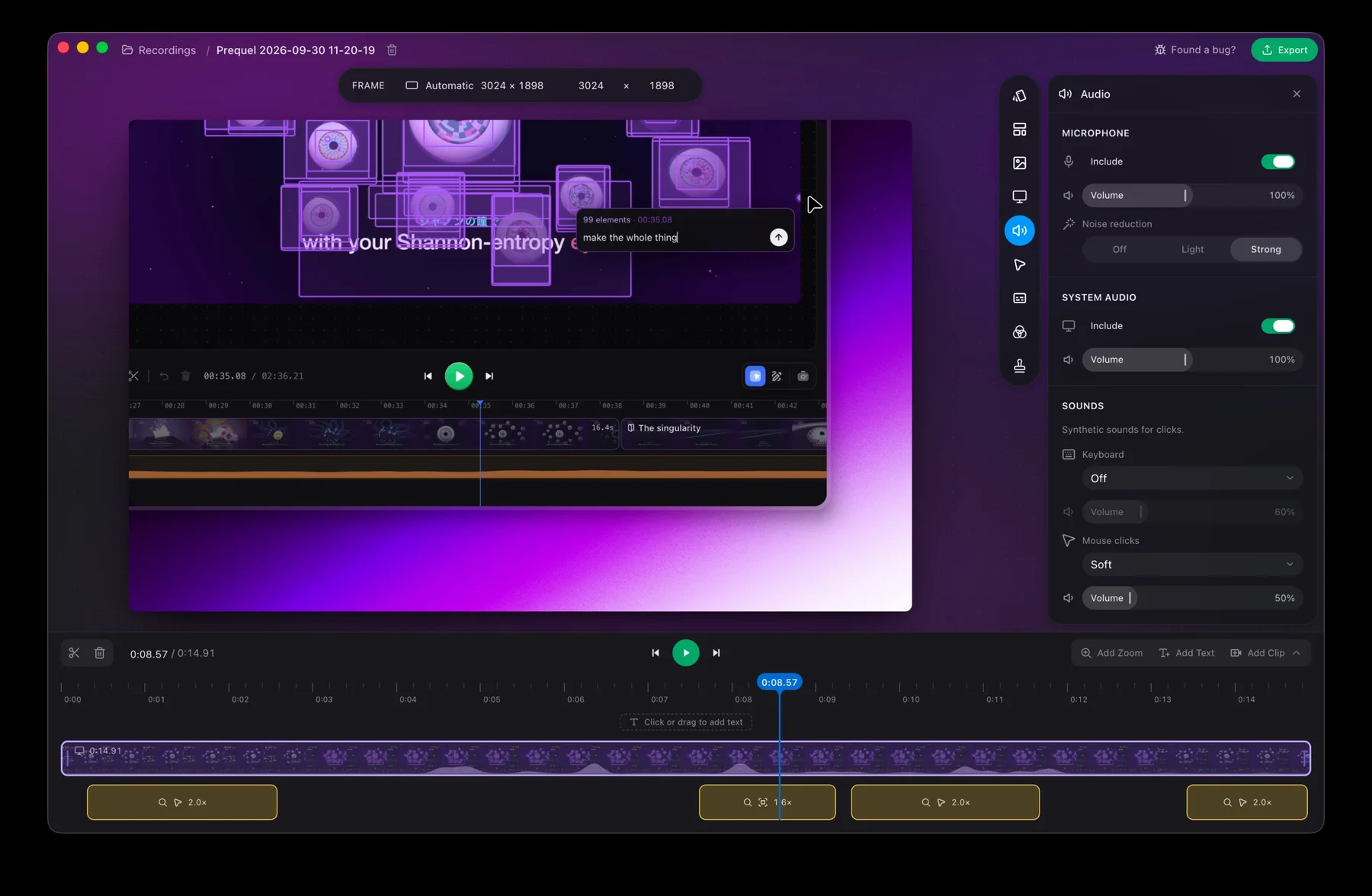
The Audio panel gives each source an Include switch and a Volume, with noise reduction on the microphone. See audio, where files live and the frame rate entry, which explains why video timing matters.
Run the clap test in Prequel with your real headset.
Prequel needs an Apple Silicon Mac on macOS 14 or later. Download Prequel for Mac and try it free for 7 days, with no watermark on anything you export. After that it is $9 a month or $29 once. See what it costs.
Frequently asked questions
- Why is my screen recording's audio out of sync?
- Usually because two devices record on separate clocks. Tella's help centre says a microphone and camera deliver to the computer at slightly different rates. A Bluetooth headset or a USB interface adds delay of its own, and a long recording can let a small difference grow.
- How do I tell sync drift from a fixed delay?
- Record 20 seconds, clap at the start and again at the end, and compare both claps against the picture. The same gap both times is a fixed delay. A gap that grows is drift.
- Does audio sync get worse in longer recordings?
- It can. A Cap user reported that the cursor was synchronised at the start of a recording and drifted out of sync once it ran past about five minutes, and a Cap contributor who diagnosed it wrote that the frame's own timestamp is thrown away after capture.
- Can I fix out of sync audio after recording?
- Tella's help centre says it cannot be fixed in its editor and the fix is to re-record. In tools that let you offset a track, a fixed delay can be corrected. Drift needs the cause removed.
- Does Prequel record audio as separate tracks?
- Yes. The microphone, the Mac's system audio and the camera are separate files, and a manifest records when each started. It needs an Apple Silicon Mac on macOS 14 or later.
Keep reading
- Why Cap recorded no microphone audioThe microphone meter moved, and the file had no audio. The pattern 19 comments on Cap's issue 1740 found, which modes were affected, the toggle workaround, the maintainer's fix, and how to check before a long take.
- Tella audio out of sync: what its own help centre saysTella's help centre says it cannot resync audio in the editor and the fix is to re-record. What it documents about microphone delay, a user's report of lag on both apps, and a clap test that tells drift from fixed delay.
- Tella is not recording computer audio: why, and what to useIn Tella's browser recorder and Chrome extension, desktop sound is only captured when you share a browser tab. What Tella's help centre says about each app, and how Prequel records the Mac's own sound without a driver.