Editing
Audio
Which sound goes into the export, how loud, and the typing and click sounds Prequel makes for you.
Two sources
A recording can carry two audio tracks: your Microphone, and the Mac's own System audio. Each is recorded separately so they can be mixed afterwards.
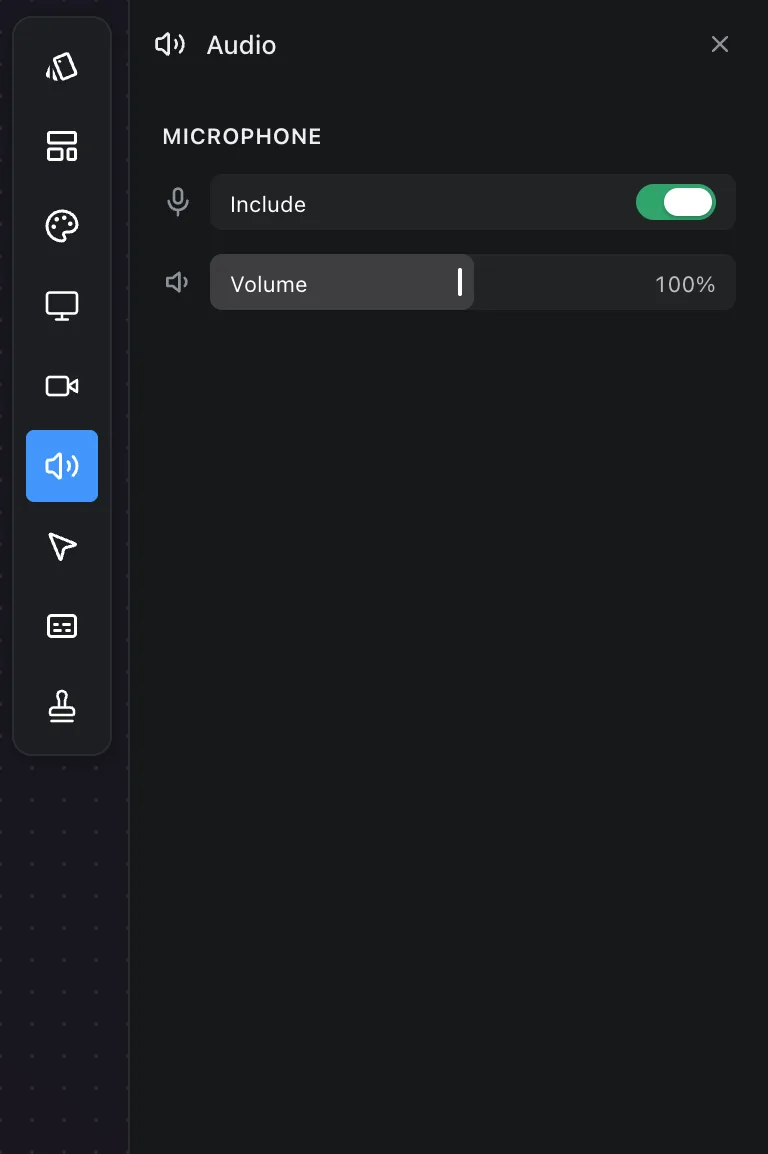
For each source:
- Include puts it in the export or leaves it out.
- Volume sets its level.
The panel is offered for recordings that have an audio track or something to make sound from, and it says so when there is neither.
Typing and click sounds
A screen recording of typing is usually silent, or has a room microphone making the keyboard sound worse than it does. Prequel can make the sounds instead, from the moments you typed and clicked, so they land on the keystrokes you see.
Under Sounds in the Audio panel:
- Keyboard picks the switch you hear — Tactile, Linear, Clicky or Thock — or iPhone, the soft tock of a phone keyboard, or Off. Choosing one plays it.
- Mouse clicks picks Soft or Mechanical, or Off.
- Volume sets each, like the tracks above.
New projects start with Soft clicks on and the keyboard off. Like every setting in the panel, a choice applies to the whole edit or to one clip, so a clip can have a different keyboard or none.
The sounds are synthesised, not recorded: there is no sample library, and the preview and the export make the same sounds from the same plan. The space bar, Return and Delete sound bigger than a letter, as they do on a real board, and no two presses sound quite the same.
What the recording keeps to make this possible is the moment of each press and one of five classes — letter, space, Return, Delete, modifier — and never which letter. The switch for it is Note when keys are pressed in Settings, on by default. Passwords are never noted: macOS keeps them from every app while you type one. A take made with the switch off, or before it existed, offers click sounds alone.
Recording system audio
Whether the Mac's sound is captured at all is a recording-time setting: Record system audio in Settings, on by default. A take made with it off has no system track to include later.
GIF
A GIF export is silent whatever is set here. The export dialog says so beside Video quality.
Frequently asked questions
- Can I mute the system audio but keep my voice?
- Yes. In the Audio panel, turn off Include under System audio and leave the microphone included.
- Why is the Audio panel missing?
- The recording has nothing to mix: the microphone and Record system audio were both off when it was made, and it noted no key presses or clicks.
- Are the typing sounds recorded from my keyboard?
- No. They are made by Prequel from the moments you pressed keys, in the keyboard you pick. Nothing about them came through a microphone, and the recording never stores which keys they were.
- Does a GIF have sound?
- No. A GIF export is silent whatever is set in the Audio panel, and the export dialog says so beside Video quality.