Reference
Settings
Every preference, in the order the pane lists them.
Opening Settings
Right-click the menu bar icon and choose Settings…, or click Settings in the sidebar of the app window.
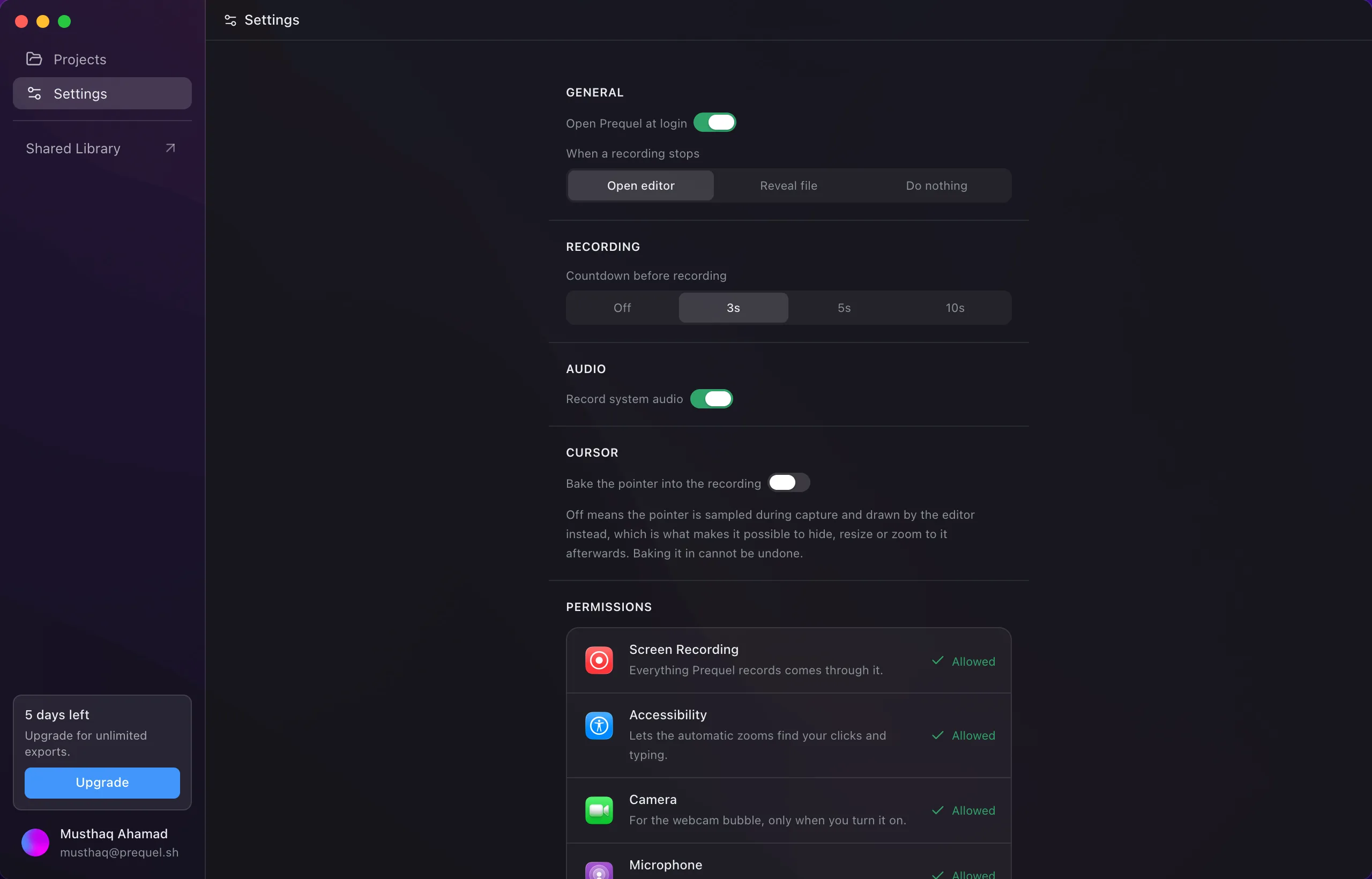
General
- Open Prequel at login adds the app to your login items so the menu bar icon is there after a restart. Only an installed copy, one in Applications, can be opened at login.
Recording
- Countdown before recording: Off, 3s, 5s or 10s. See Shortcuts and countdown.
Audio
- Record system audio captures the Mac's own sound as a separate track. On by default.
Keyboard
- Note when keys are pressed keeps the moment of each press and whether it was a letter, the space bar, Return, Delete or a modifier — never which letter. It is what the editor's typing sounds are made from. On by default. Off keeps only the rough stretches of typing the pointer hides behind. Passwords are never noted either way. See Audio.
Permissions
The same four rows as the welcome window, each with its state and an Allow button. See Permissions.
Shortcuts
- Start and stop recording: click the field and press a new chord. It has to include Command, Control or Option. See Shortcuts and countdown.
Version
The foot of the pane shows the version you are on and a Check for Updates button, which reads Downloading… and then Restart to update as an update comes in.
Frequently asked questions
- Can Prequel open when I log in?
- Yes. Turn on Open Prequel at login under General. Only an installed copy, one in Applications, can be opened at login.
- Where do I check for updates?
- The foot of the Settings pane has a Check for Updates button and shows the version you are on. The menu bar has the same item.