Screen Charm vs Screen Studio: which Mac screen recorder should you buy?
Screen Charm sells the automatic-zoom recording once for $99 and Screen Studio rents it by the month. We put the two head to head on what each does, what people say about each, and a feature table with Prequel in the third column.

TL;DR
| Tool | Price | Best for |
|---|---|---|
| Prequel | $29 once, or $9/mo | A Mac recording that comes out directed, and an export in the trial |
| Screen Charm | $99 once, up to three Macs | One payment, a MacBook frame and a music library |
| Screen Studio | $29/mo, or $9/mo billed yearly ($108/yr) | The original automatic zoom, and recording an iPhone |
Prices read off each vendor's own page: Screen Studio's on 3 October and Screen Charm's on 8 October 2026.
Screen Charm and Screen Studio make the same kind of video. You record a window, and the zooms, the smoothed cursor and the background are applied for you. The difference is how you pay for it and how long each has been at it. Screen Studio started the category in 2022 and rents the app by the month. Screen Charm arrived in 2025 and sells it once, for $99.
This is a head to head on what each does, what each costs, what people say about both, and a feature table with all three side by side.
What is the difference between Screen Charm and Screen Studio?
Screen Charm is a one-person macOS app sold as a single $99 licence. It zooms on every click with motion blur, smooths the cursor, wraps the window in a gradient or a MacBook frame, and adds captions, blur regions, a teleprompter and background music in its editor. Recording is free; the export is what you buy. It is an Electron app and the download is 237 MB.
Screen Studio is the app every automatic-zoom recorder is measured against. It zooms on clicks and on typing, cuts the camera out of its background, reframes a 16:9 take to vertical without cropping, records an iPhone over USB, and exports at 4K 60. It is subscription only, $29 a month or $108 a year, with no free tier and no lifetime licence since October 2025.
Screen Charm
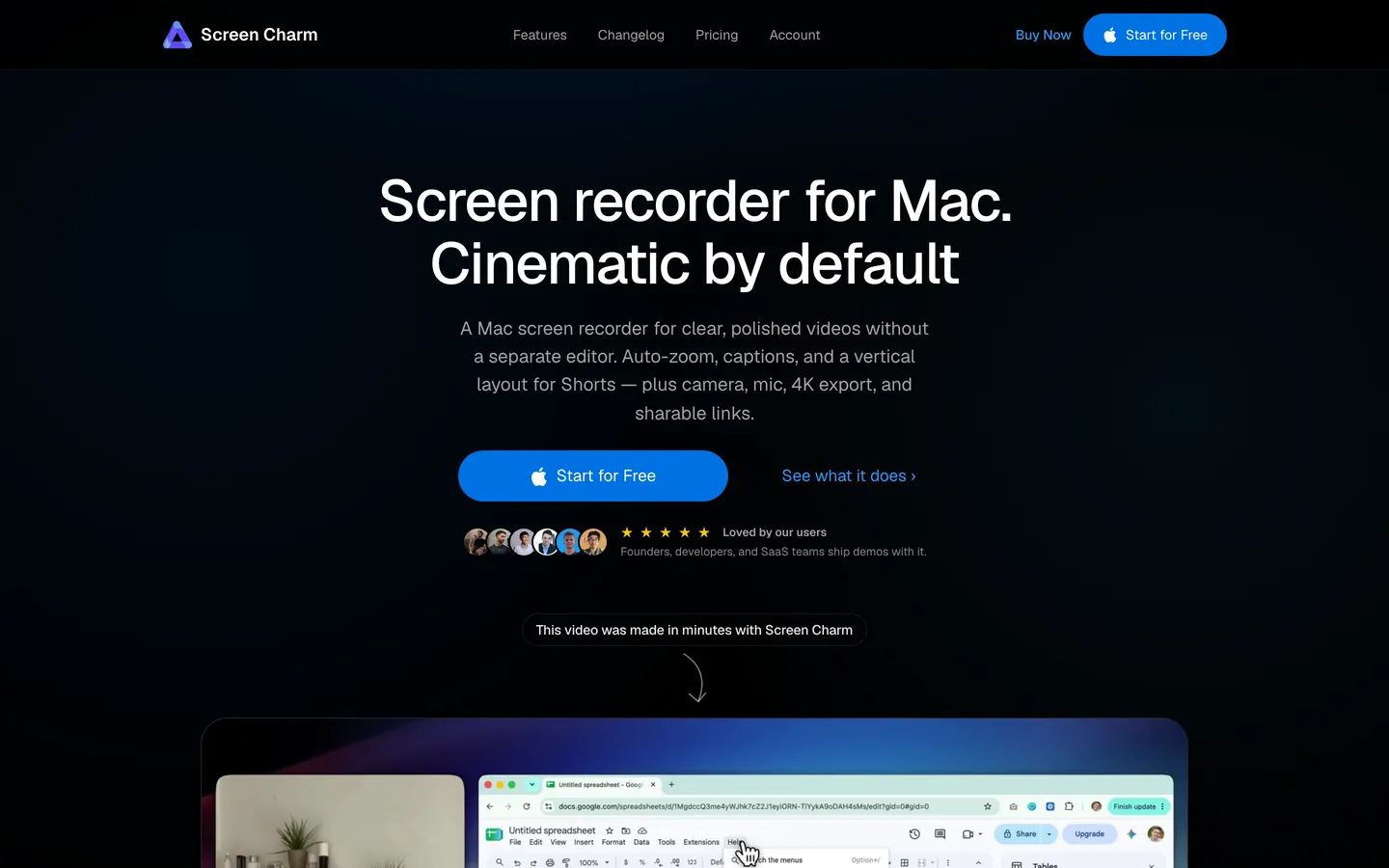
Sergey Nazarov has shipped Screen Charm since July 2025, usually a release every couple of weeks, and it reached #4 Product of the Day on Product Hunt in June 2026 with 323 upvotes. It records a display, a window or an area with the camera, the microphone and the Mac's own sound, and when you stop, every click has a zoom on it, the cursor is smoothed, and the window sits on a background with a shadow.
The editor is where the last year of releases went. Blur regions and per-clip speed from 0.5x to 16x in the spring, a split vertical layout for Shorts in August, and captions on 8 September 2026. A teleprompter reads you a script while you record. Background music comes from a built-in library, and you cannot add your own track.
The licence is the reason people buy it. $99, once, for up to three Macs, with updates included and a 14-day refund. It was $79 until the autumn of 2026.
What the price buys is the export. The app is free to download and free to record and edit with, for as long as you like, and the finished video stays inside it until you have paid. There is no trial in the usual sense: the first time you see your own export is after the purchase, and the refund window is how you take it back.
The other thing to know is what it is made of. Screen Charm began as a Chrome extension and was rewritten for Electron at the start of 2025. The maker says so himself in the Show HN below, along with how the zooms are built: a Swift script tracks the cursor, and clicks become timed zoom segments with easing.
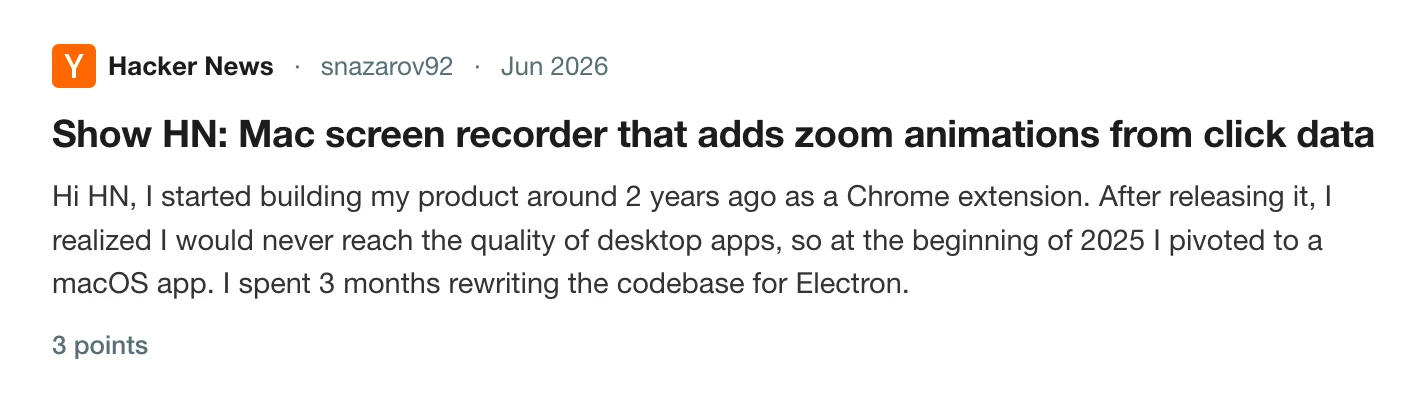
Read the thread on Hacker News
Pros
- One payment, for three Macs, with updates included and no renewal.
- Automatic zoom on clicks with motion blur, cursor smoothing, and a background or a MacBook frame on every recording.
- Blur regions, a teleprompter, per-clip speed up to 16x, and a built-in music library.
- A split vertical layout for Shorts and Reels, with the screen following the cursor.
- Microphone and system audio with no virtual driver, and a mic clean-up toggle.
- Shareable links that need no account to watch, up to 2 GB a video.
Cons
- The export is locked until you pay. There is a refund, and no trial.
- $99 is the dearest one-off licence in this category: Cap is $58, CleanShot X is $35, Prequel is $29.
- Zooms follow clicks only. Nothing happens when you type.
- Export stops at 4K 60, and there is no 120 fps option.
- No zoom on a region, no loupe, no colour looks, and no way to bring in a video you already have.
- An Electron app with a 237 MB download, and captions that are a month old.
- macOS 14 or later on Apple Silicon only, with no Windows or Intel build.
Price. $99 once, covering up to three Macs. No subscription and no free export. Read off their pricing section on 8 October 2026.
Screen Studio
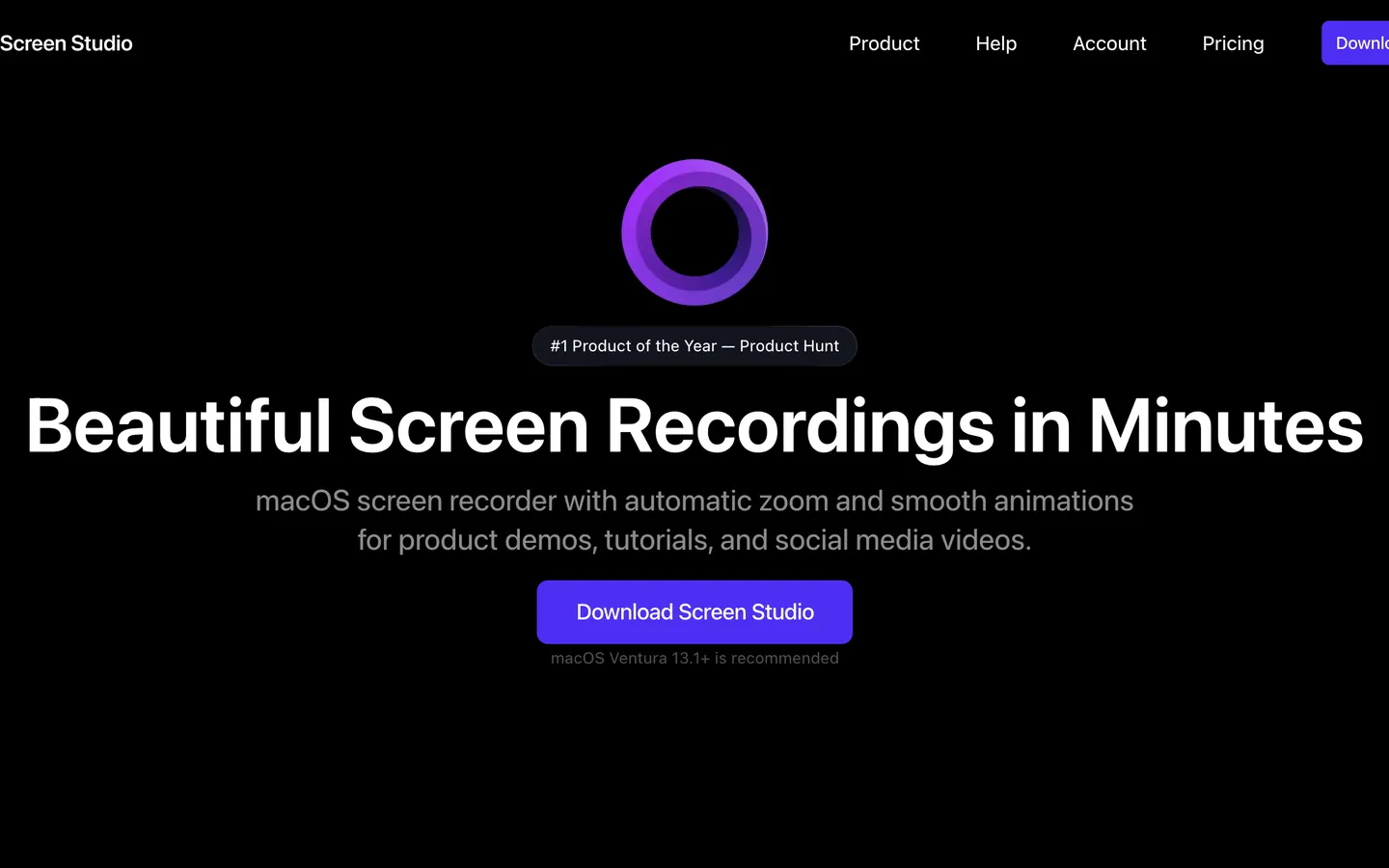
Screen Studio made this category in November 2022, and Screen Charm's own comparison page names it as the app it is measured against. Record a window and the zooms land on your clicks and your typing, the cursor is smoothed and enlarged, and the window sits on a background with a shadow. Version 4 added a loupe and a camera cutout, the camera can take the frame on its own, captions are transcribed on the Mac, the microphone and the Mac's audio are separate tracks, and a 16:9 take reframes to vertical without cropping. It records an iPhone or iPad over USB and draws the matching device frame, which nothing else on this page does.
Export tops out at 4K at 60 frames a second, or a GIF. A share link is offered with a 30-minute cap and Screen Studio's branding on the page.
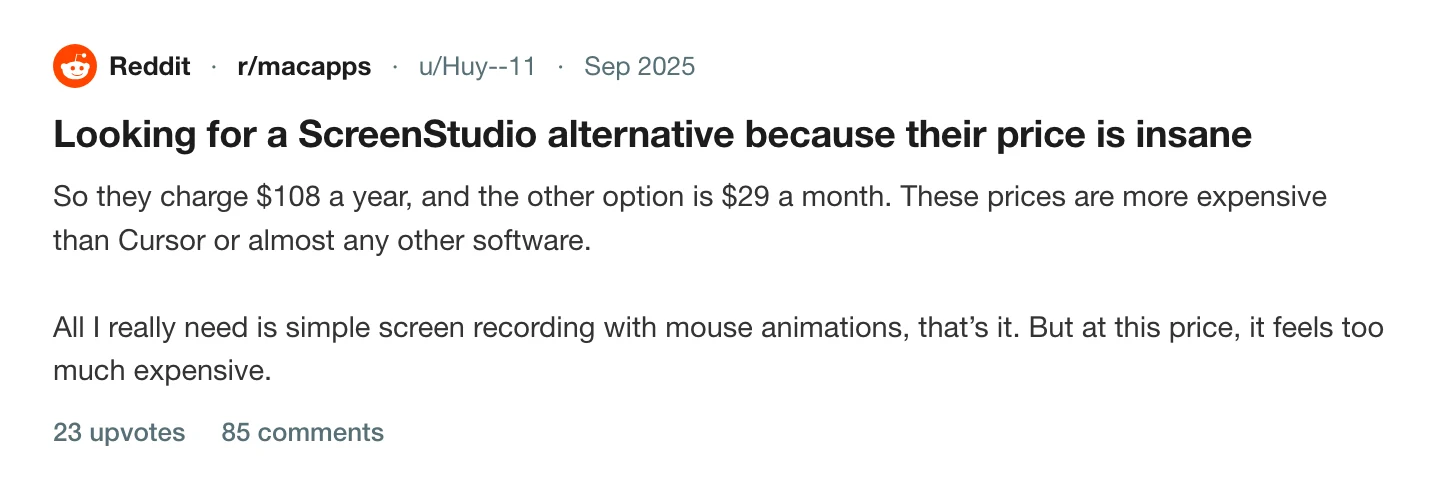
What people talk about is the price, and specifically what happened to it. Screen Studio sold a one-time licence until October 2025 and then stopped. It is now $29 a month, or $9 a month if you pay $108 for a year up front, and there is no free tier.
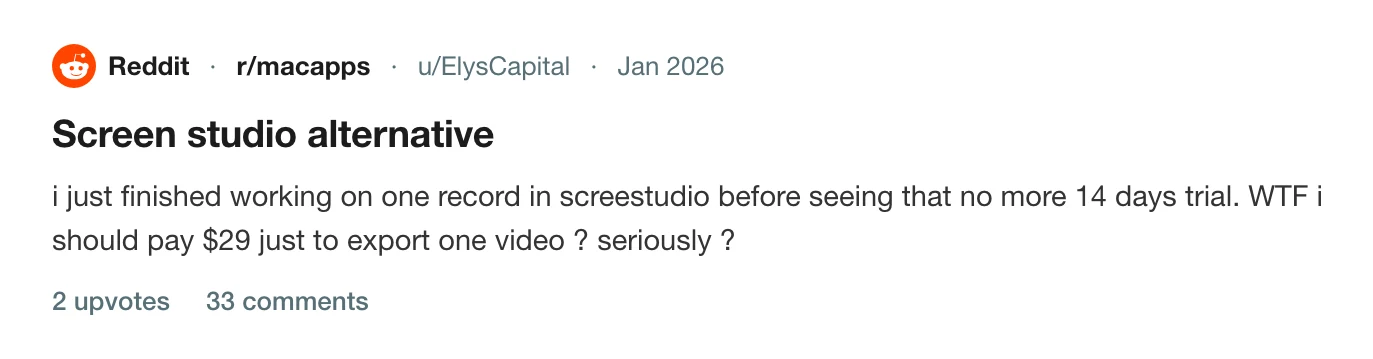
The second thing is what the subscription gates, and it is the same thing Screen Charm's licence gates. A recording can be made and edited and then sits there until the month is paid, which is how a thread with 33 comments came to be titled "Screen studio alternative" by somebody who finished one video and found the export behind the paywall.
Pros
- Automatic zoom on clicks and on typing, cursor smoothing and a framed camera, with three years of polish on it.
- Captions transcribed on the Mac. The microphone and the Mac's audio are separate tracks.
- Records an iPhone or iPad over a USB cable, detects the model and colour, and draws the matching frame.
- Reframes a 16:9 take to 9:16 without cropping it.
- A loupe and a camera cutout since version 4, and LUTs for the colour.
- Recordings and exports stay on the Mac; only a share link uploads.
Cons
- Subscription only: $29 a month, or $108 a year up front. The one-time licence was withdrawn in October 2025.
- No free tier. A finished recording cannot be exported until the month is paid.
- Export tops out at 60 fps; there is no 120 fps option.
- Share links are capped at 30 minutes and the page carries Screen Studio's branding.
- macOS only, and a 366 MB download.
- No perspective tilt or focus falloff on the zooms, and no team workspace.
Price. $29 a month billed monthly, or $9 a month billed yearly, $108 a year. No free tier. Read off their pricing page on 3 October 2026.
What people who tried both say
The useful accounts are from people who have paid for one and used the other.
On Product Hunt, Ayush Chaturvedi wrote that he had used Loom, Tella and Screen Studio, cancelled his Tella subscription for Screen Charm, and found it "the best option out there right now, especially if you're on a Mac and you just want a straightforward screen recording solution that just works flawlessly". That is one of four reviews, all five stars, and the thing they agree on is the one-time price.
Read the reviews on Product Hunt
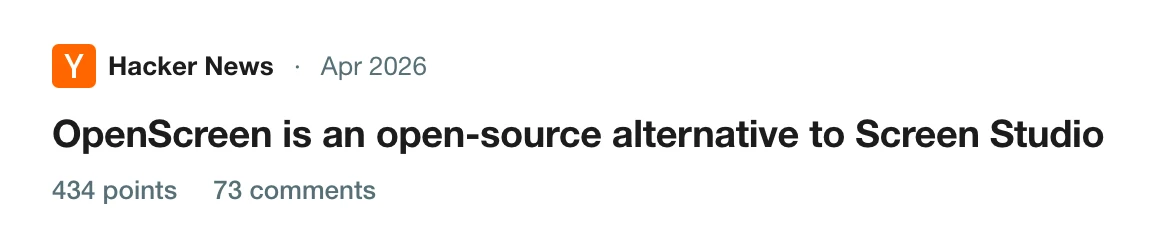
The other side is in the Hacker News thread about OpenScreen, an open-source answer to Screen Studio, which filled up with people arguing about what this kind of app should cost. The post that carries furthest is from canxerian, who used Screen Studio for a year, tried two alternatives when the renewal came round, hit "many bugs and UX oddities with both of those", and went back, because Screen Studio "is reliable and produces the best results for my use case".
Read the thread on Hacker News
Put the two together and you have the trade. Screen Charm is bought for its licence and forgiven for being new. Screen Studio is rented for its polish and resented for the rent.
Screen Charm vs Screen Studio vs Prequel, feature by feature
| Feature | Prequel | Screen Charm | Screen Studio |
|---|---|---|---|
| Automatic zoom on clicks | Yes | Yes | Yes |
| Zoom on what you type | Yes | No | Yes |
| Cursor smoothing and motion blur | Yes | Yes | Yes |
| Camera, shaped and placed after the take | Yes | Yes | Yes |
| Camera cut out of its background | Yes | Background swap inside the overlay | Yes, in beta since version 4 |
| Backgrounds, padding and shadow | Yes | Yes, plus a MacBook frame | Yes |
| Perspective tilt and focus falloff | Yes | No | No |
| Magnifying-glass loupe | Yes | No | Yes, new in version 4 |
| Captions transcribed on your Mac | Yes | Generated in the app; where unstated | Yes |
| Separate microphone and system audio | Yes | Not stated | Yes |
| Reframe to vertical without cropping | Yes | Split layout, cropped to the cursor | Yes |
| Import a video you already have | Yes | No | Yes, without cursor animation |
| Records and exports without uploading | Yes | Yes; share links upload | Yes; share links upload |
| Shareable links | Yes | Yes, 2 GB a video | Yes, 30-minute cap, branded page |
| Team workspace | Yes | No | No |
| Records an iPhone or iPad | No | No | Yes |
| Export during the trial | Yes, no watermark | No, export needs the licence | No, there is no trial |
| Maximum export | 4K, 120 fps | 4K, 60 fps | 4K, 60 fps |
| Download size | 104 MB | 237 MB | 366 MB |
| Platforms | macOS 14+, Apple Silicon | macOS 14+, Apple Silicon | macOS |
| Licence | $29 once, or $9/mo | $99 once, three Macs | Subscription only |
Checked against each vendor's own pages on 3 and 8 October 2026.
Prequel
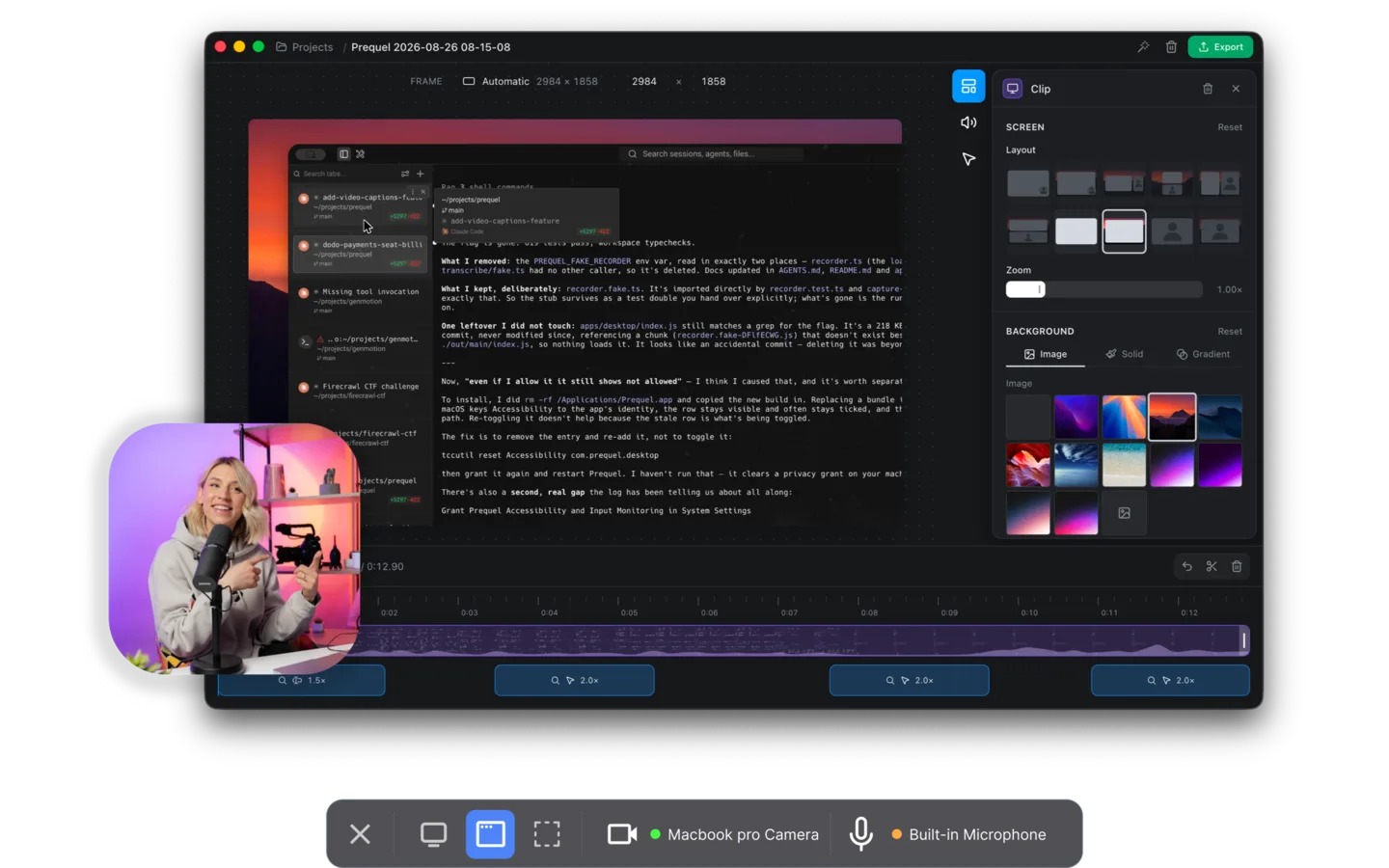
Prequel is the Screen Studio video with the Screen Charm licence, at a third of the money. Record a display, a window or an area, with the camera, the microphone and system audio each on their own track, and the editor opens with the first pass done: zooms placed on every click and every burst of typing, the camera framed and shaped in a corner, a background applied with padding and a shadow, the two audio tracks balanced, and the cursor smoothed, blurred as it moves and hidden when it idles. The push-in carries a perspective tilt, and focus falls away from whatever it is aimed at.
Captions are transcribed on the Mac with nothing uploaded, and you correct a word by typing over it. Export is an MP4 or HEVC file at up to 4K and 120 frames a second, with no watermark on any plan or during the trial and no cap on how long a take can be. Share Link uploads a finished export when you ask it to and gives you a URL that plays in a browser with the transcript as subtitles.
The trial is the part that answers both of the complaints above. Seven days with the whole app in it, export included, so a video you make in that week is a file on your disk whether or not you pay afterwards. Then it is $29 once, the licence Screen Studio withdrew and Screen Charm charges $99 for, or $9 a month with unlimited storage for shared links.
The code is on GitHub under FSL-1.1-ALv2, which becomes Apache 2.0 two years after each release.
Price. $29 once, or $9 a month. Seven days free with the whole app in it. Requires. An Apple Silicon Mac on macOS 14 or later and the Screen Recording permission.
So which one
If you record iPhone or iPad apps, Screen Studio. It is the only one of the three that captures a device over USB and draws the right frame round it, and nothing else on this page replaces that.
If the MacBook frame or the built-in music library is the look you are after and you have already decided to pay once, Screen Charm does what it says, and the refund window is there if the export is not what you hoped.
If you want the directed recording and a licence that stays, that is Prequel. It zooms on typing as well as clicks, which Screen Charm does not, adds the tilt and the focus falloff that neither has, exports at 4K 120 where both stop at 60, and lets you see your own export before you pay.
The cost argument is short. A year of Screen Studio is $108 up front or $348 month by month. Screen Charm is $99 once. Prequel is $29 once, or $108 on the monthly plan with unlimited storage for shared links. The trial is seven days with nothing held back, so the way to settle this is to record the same take in all three and look at the three files. Two of them you will have to pay to see.
Related reading: the best Screen Charm alternatives, the best Screen Studio alternatives, Screen Studio vs Cap, Screen Studio 4: what's new, screen recorders with automatic mouse zoom, and the best screen recorders for Mac.
Frequently asked questions
- Is Screen Charm a good Screen Studio alternative?
- For a Mac demo, yes, if one payment matters more than the extras. Screen Charm zooms on every click with motion blur, smooths the cursor, puts the window on a background or in a MacBook frame, and costs $99 once for three Macs. What it does not do is zoom on what you type, record an iPhone, reframe to vertical without cropping, or export above 4K 60. Prequel does the same automatic pass with a perspective tilt and focus falloff, exports at 4K 120, and is $29 once or $9 a month.
- How much does Screen Charm cost compared to Screen Studio?
- Screen Charm is $99 once, covering up to three Macs, with updates included and a 14-day refund. Screen Studio is $29 a month billed monthly or $9 a month billed yearly, which is $108 a year, with no free tier and no lifetime licence since October 2025. Prequel is $29 once or $9 a month. Read off each vendor's own page on 3 and 8 October 2026.
- Can you try Screen Charm or Screen Studio before paying?
- Not the export. Screen Charm is free to download, record and edit with, and the finished video stays in the app until the $99 licence is bought; there is a 14-day refund after purchase. Screen Studio has no free tier, so a recording cannot be exported until a month is paid. Prequel's seven-day trial includes export, with no watermark.
- Does Screen Charm zoom on typing like Screen Studio?
- No. Screen Charm places its zooms from clicks only, which its maker describes as clicks converted into timed zoom segments. Screen Studio and Prequel both zoom on the field you are typing into as well as on clicks, and Prequel adds a perspective tilt on the push-in with focus falling away from the subject.
- Does Screen Charm record an iPhone?
- No. Screen Charm captures a display, a window or an area of a Mac. Screen Studio records an iPhone or iPad over a USB cable and draws the matching device frame round it, and it is the only one of the three that does. Prequel does not record a device either.
- Is Screen Charm a native Mac app?
- It is an Electron app. Screen Charm started as a Chrome extension and was rewritten for Electron at the start of 2025, which its maker describes in his Show HN post; the download is 237 MB. It needs an Apple Silicon Mac on macOS 14 or later. Prequel runs on the same Macs, with a 104 MB download and recording, rendering and export on the Mac's own media engine.